
Estilo
Efectos
Generador de efectos de texto 3D
Escribe una palabra y mírala en sólidas letras 3D de oro, cromo, metal pesado, madera, chocolate, caramelo, pompas de jabón o piel de animal. Mueve y cambia el tamaño del texto y guarda un PNG:. Escribe tu texto y elige un material. Arrastra el texto para moverlo, tira de una esquina para cambiar el tamaño o gira el control para rotarlo.
Cómo funciona
- Type your text. Each line becomes a row of 3D letters.
- Pick a material, a font, and a background. Set the 3D depth, the bevel, and the color shift.
- Drag the text to move it, pull a corner to resize, or turn the knob to rotate. Then save a PNG, with a transparent background if you like.
Letters that look made, not printed
Each letter is modeled from its outline: a rounded or chiseled bevel, surface relief such as diamond plate, wood grain, or elephant wrinkles, and light that reflects off metal and shines on chocolate and candy. A darker 3D side and a soft shadow make the letters stand up from the background.
Almost forty materials to choose from
Food: chocolate, dripping melted chocolate and caramel, honeycomb, coffee beans, powdered sugar, candy, and gummy. Metal: gold, silver, chrome, liquid metal, copper, heavy metal, rusty iron, and carbon fiber. Nature: wood, marble, granite, concrete, ice, glowing lava, moss, clouds, and soap bubbles. Fabric: stitched denim and leather, velvet, knitted wool, and sequins. Fantasy: holographic, galaxy, and dragon scales. Animals: elephant, giraffe, leopard, tiger, cow, and zebra. Use the color shift to turn gold into rose gold, or a red gummy into a green one.
Preguntas frecuentes
¿Qué puedo crear con el Generador de efectos de texto 3D?
Títulos, nombres y palabras en letras 3D de oro, metal, madera, chocolate, caramelo, burbujas o estampado animal, para pósteres, miniaturas, invitaciones y publicaciones en redes sociales.
¿Puedo mover y cambiar el tamaño del texto?
Sí. Arrastra el texto para moverlo, tira de una esquina del marco azul para agrandarlo o reducirlo y gira el control que hay sobre el marco para rotarlo.
¿Puedo guardar el texto sin fondo?
Sí. Elige Transparente como fondo y guarda un PNG. Las letras conservan su lado 3D y sus bordes suaves.
¿Mis diseños salen de mi dispositivo?
No. Todo se dibuja en tu navegador.
¿Cómo hago texto 3D dorado?
Escribe tu texto, elige Oro u Oro rosa en Metal y una Fuente gruesa como Titan One. Profundidad 3D, Bisel y Ángulo 3D definen el grosor y la inclinación de las letras; añade Destello o Resplandor en Efecto de texto 3D y guarda un PNG de hasta 4096 píxeles de ancho.
Herramientas relacionadas
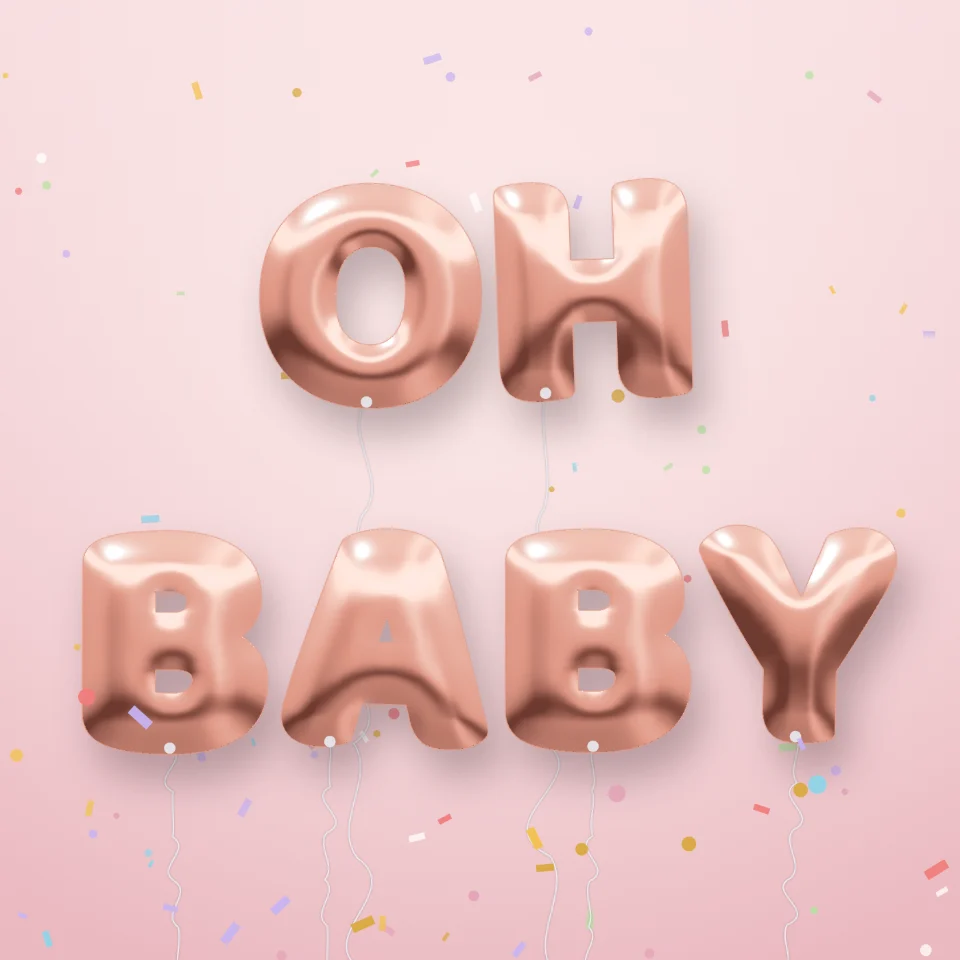
Generador de letras de globo
Convierte nombres y palabras en brillantes letras de globo doradas, plateadas, oro rosa u holográficas, con cintas y confeti. Guarda un PNG, incluso transparente.
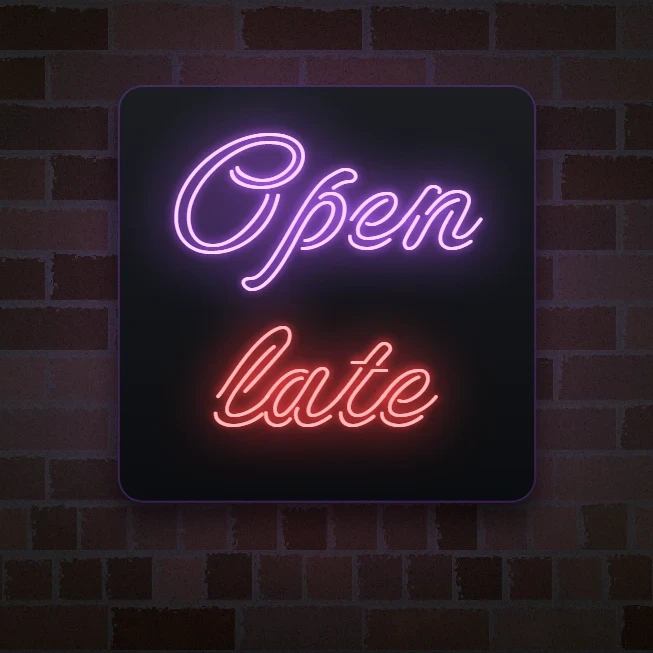
Creador de letreros de neón
Escribe una palabra y conviértela en un letrero de neón sobre ladrillo, azulejos, madera u hormigón. Color, fuente, brillo y placa, y guarda PNG.
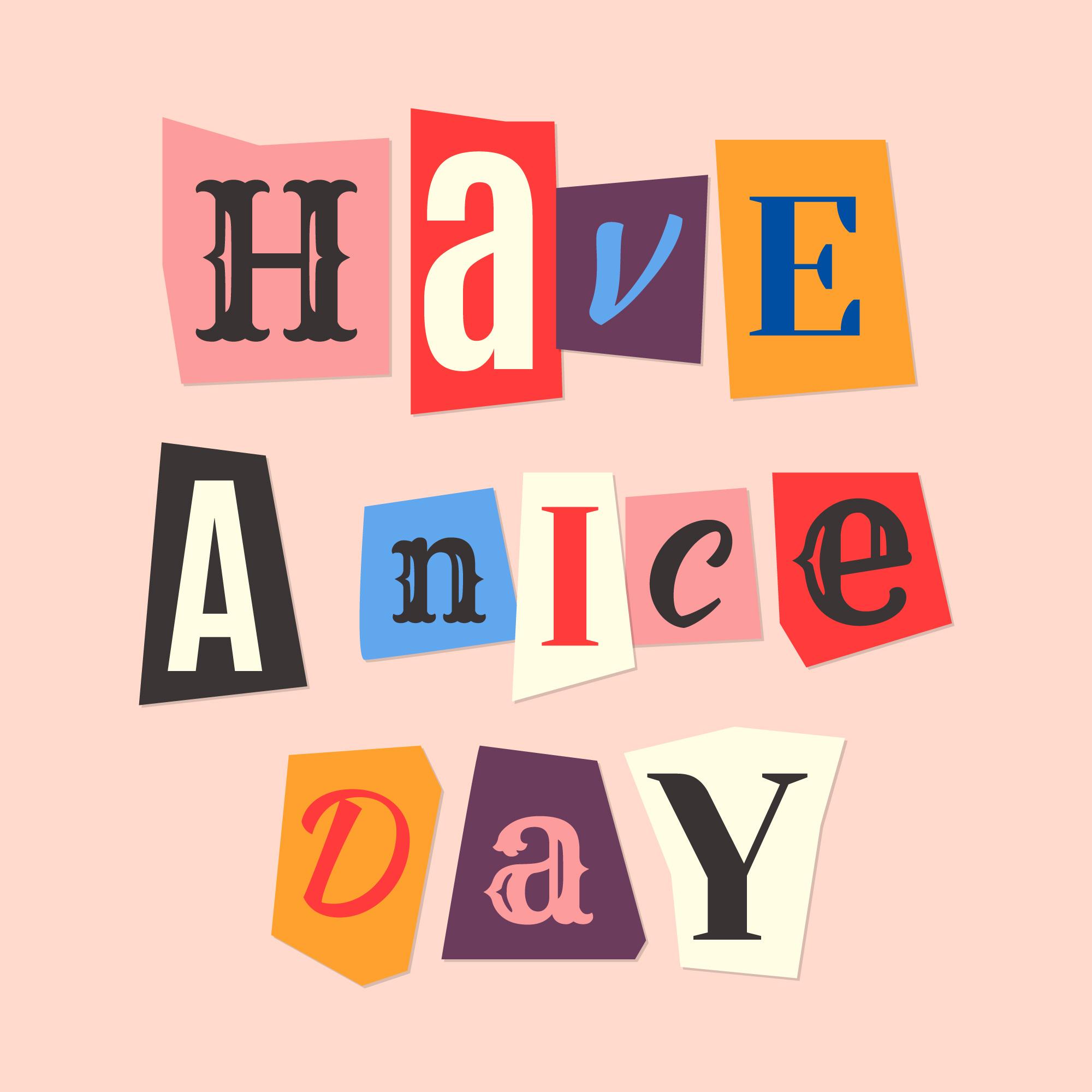
Generador de letras recortadas de revista
Convierte texto en letras recortadas de revista. Mezcla fuentes o elige una y descarga un PNG.
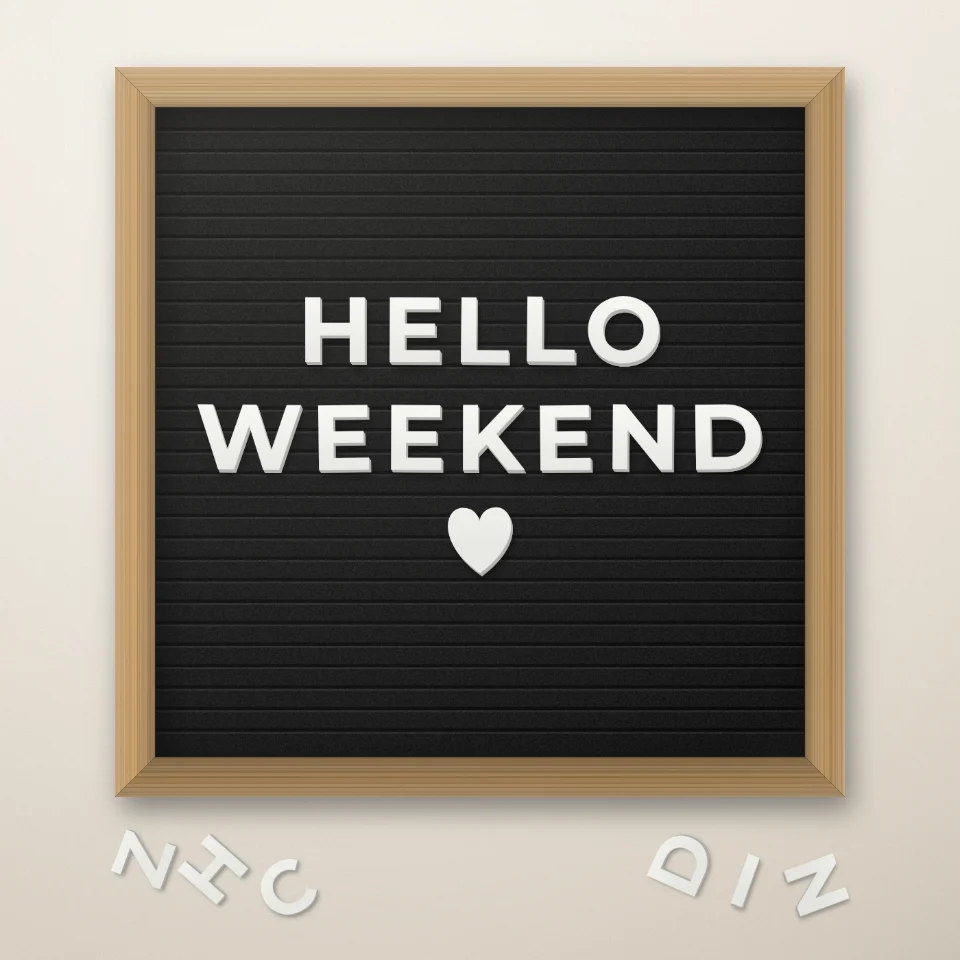
Creador de frases en letrero
Escribe una frase en un letrero de fieltro con letras blancas o doradas, marco de madera y corazones o estrellas. Guarda un PNG.
¿Listo para probarlo?
Abre PictorX en tu navegador: sin instalación ni tarjeta de crédito para empezar.
Ir al editor