
Aspect
Efecte
Generator de efecte text 3D
Scrie un cuvânt și vezi-l în litere 3D pline din aur, crom, metal greu, lemn, ciocolată, bomboane, baloane de săpun sau piele de animal. Mută și redimensionează textul, apoi salvează un PNG. Scrie textul și alege un material. Trage textul pentru a-l muta, trage de un colț pentru a-l redimensiona sau rotește butonul.
Cum funcționează
- Type your text. Each line becomes a row of 3D letters.
- Pick a material, a font, and a background. Set the 3D depth, the bevel, and the color shift.
- Drag the text to move it, pull a corner to resize, or turn the knob to rotate. Then save a PNG, with a transparent background if you like.
Letters that look made, not printed
Each letter is modeled from its outline: a rounded or chiseled bevel, surface relief such as diamond plate, wood grain, or elephant wrinkles, and light that reflects off metal and shines on chocolate and candy. A darker 3D side and a soft shadow make the letters stand up from the background.
Almost forty materials to choose from
Food: chocolate, dripping melted chocolate and caramel, honeycomb, coffee beans, powdered sugar, candy, and gummy. Metal: gold, silver, chrome, liquid metal, copper, heavy metal, rusty iron, and carbon fiber. Nature: wood, marble, granite, concrete, ice, glowing lava, moss, clouds, and soap bubbles. Fabric: stitched denim and leather, velvet, knitted wool, and sequins. Fantasy: holographic, galaxy, and dragon scales. Animals: elephant, giraffe, leopard, tiger, cow, and zebra. Use the color shift to turn gold into rose gold, or a red gummy into a green one.
Întrebări frecvente
Ce pot crea cu Generatorul de efecte text 3D?
Titluri, nume și cuvinte din litere 3D de aur, metal, lemn, ciocolată, bomboane, bule sau cu imprimeu animal, pentru postere, miniaturi, invitații și postări pe rețelele sociale.
Pot muta și redimensiona textul?
Da. Trage textul ca să-l muți, trage de un colț al cadrului albastru ca să-l mărești sau să-l micșorezi și rotește butonul de deasupra cadrului ca să-l rotești.
Pot salva textul fără fundal?
Da. Alege „Transparent” ca fundal și salvează un PNG. Literele își păstrează latura 3D și marginile fine.
Design-urile mele părăsesc dispozitivul?
Nu. Totul este desenat în browser.
Cum fac un text 3D auriu?
Scrie textul, alege „Aur” sau „Aur roz” la „Metal” și alege un „Font” îngroșat, cum ar fi Titan One. „Adâncime 3D”, „Teșitură” și „Unghi 3D” stabilesc cât de groase și de înclinate arată literele; adaugă „Sclipici” sau „Strălucire” la „Efect text 3D”, apoi salvează un PNG cu lățimea de până la 4096 de pixeli.
Unelte conexe
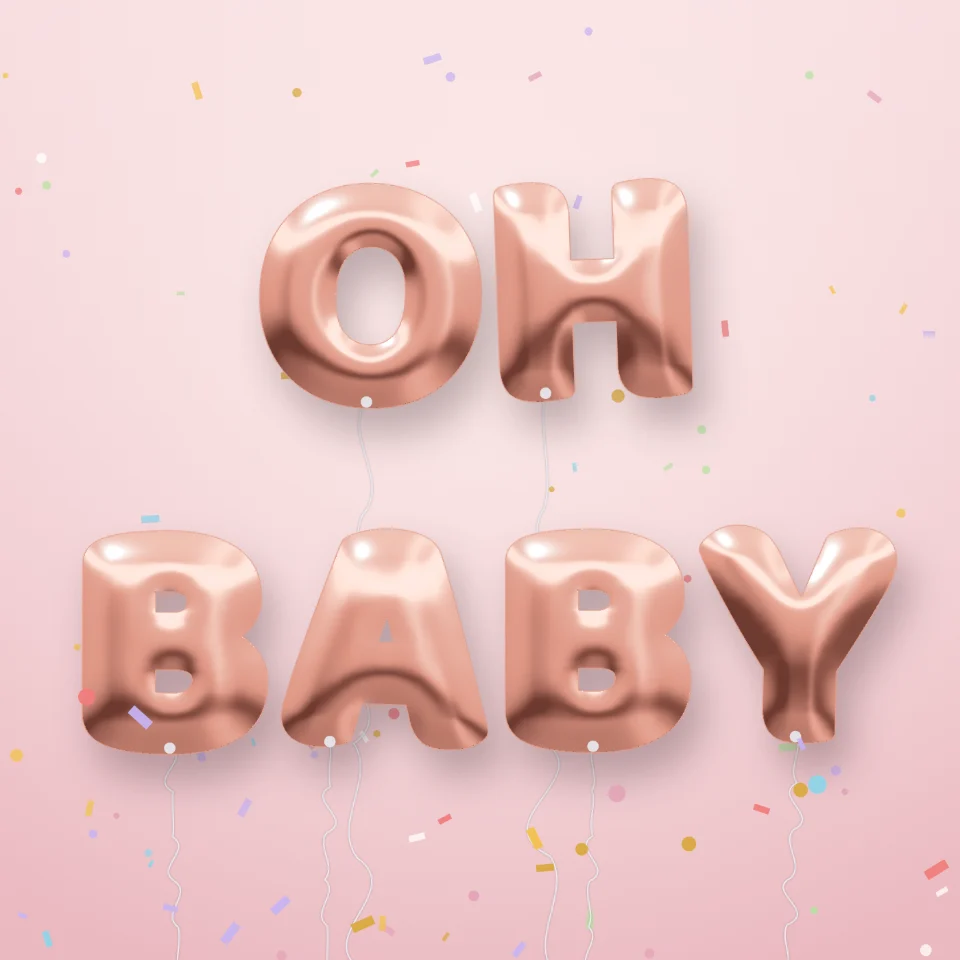
Generator de litere balon
Transformă nume și cuvinte în litere balon strălucitoare aurii, argintii, aur roz sau holografice, cu panglici și confetti. Salvează un PNG, chiar transparent.
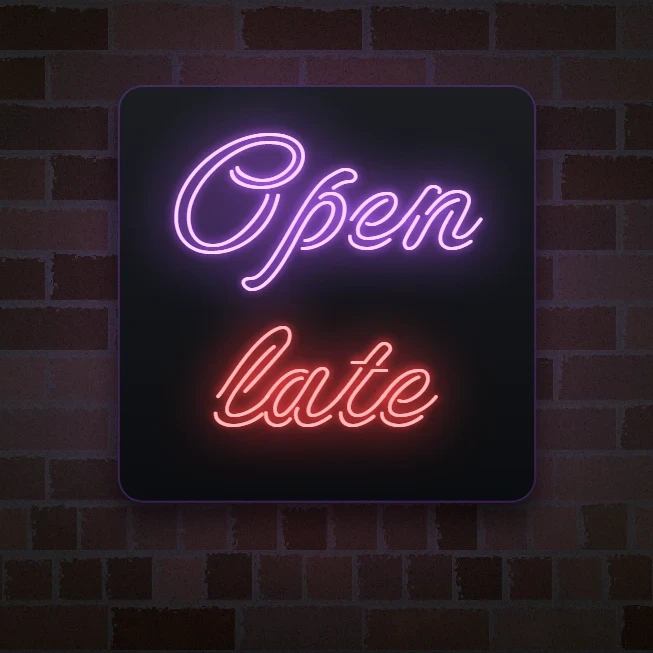
Creator de firme neon
Scrie un cuvânt și transformă-l într-o firmă neon pe cărămidă, faianță, lemn sau beton. Culoare, font, strălucire și placă, apoi PNG.
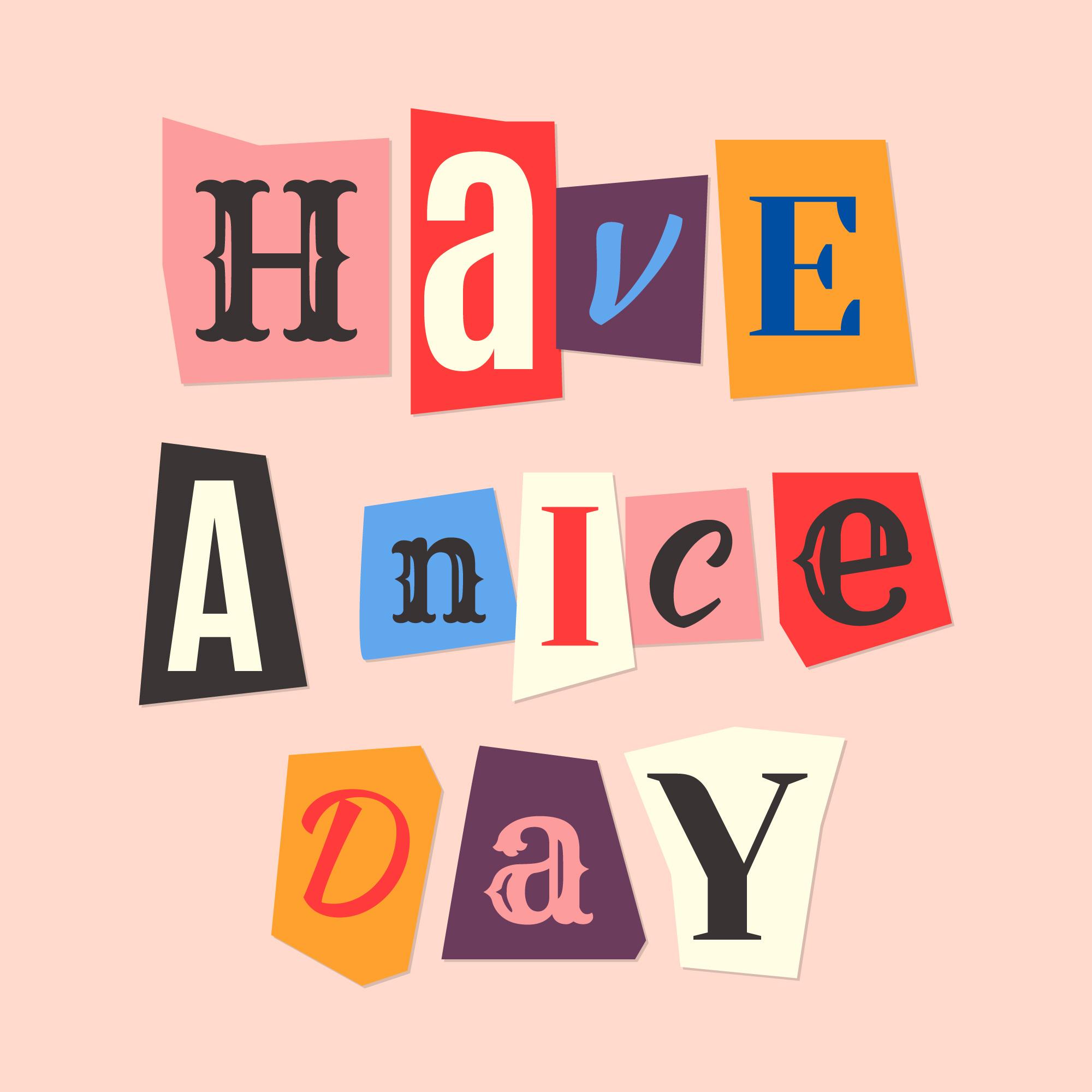
Generator de scrisori de întrerupere a revistei
Transformă cuvintele scrise în litere decupate în stilul revistei. Amestecă fonturile sau încuie unul, aleatorizează culorile și dimensiunile, și descarcă un PNG.
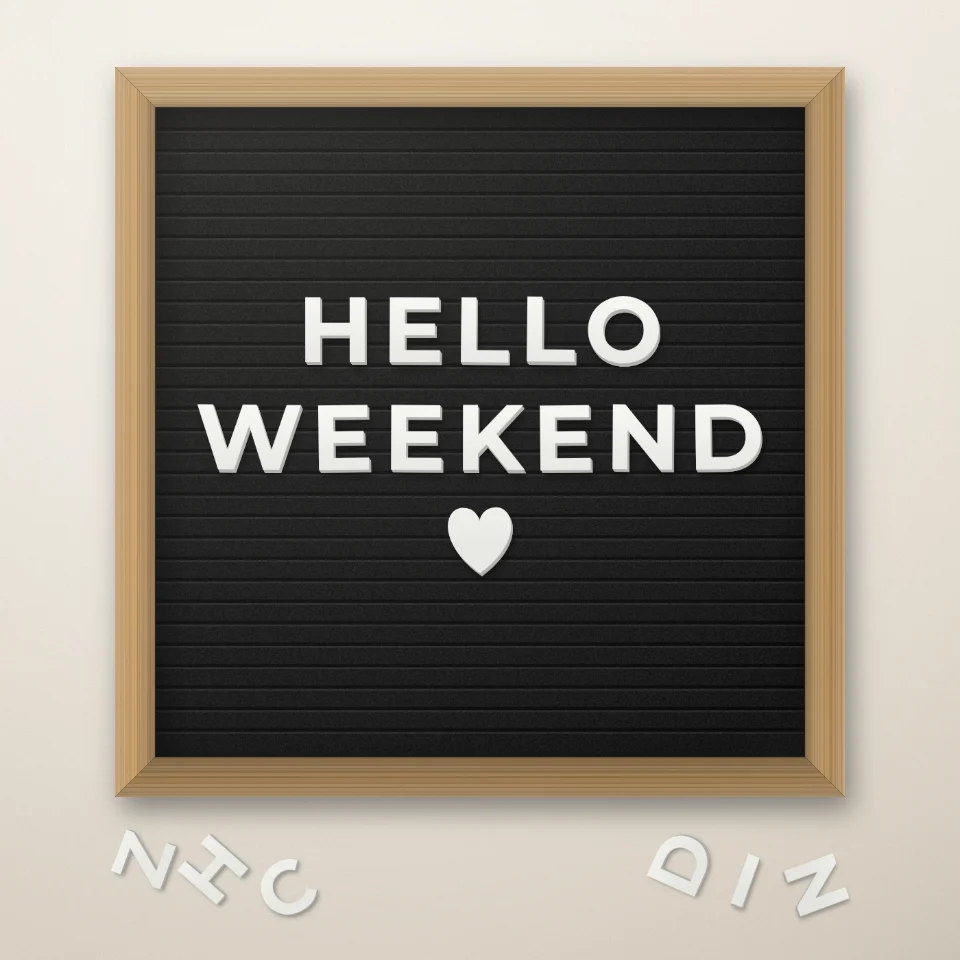
Creator de citate pe panou cu litere
Scrie un citat pe un panou din fetru cu litere albe sau aurii, ramă de lemn și inimi sau stele. Salvează un PNG.
Ești gata să încerci?
Deschide PictorX în browser – fără instalare și fără card de credit.
Mergi la editor