
룩
효과
3D 텍스트 효과 만들기
단어를 입력하면 금, 크롬, 헤비메탈, 나무, 초콜릿, 사탕, 비눗방울, 동물 가죽으로 된 입체 3D 글자로 보여 줘요. 텍스트를 옮기고 크기를 바꾼 뒤 PNG로 저장하세요. 아무것도. 텍스트를 입력하고 재질을 고르세요. 텍스트를 끌어 옮기고, 모서리를 당겨 크기를 바꾸거나, 손잡이를 돌려 회전하세요.
작동 원리
- Type your text. Each line becomes a row of 3D letters.
- Pick a material, a font, and a background. Set the 3D depth, the bevel, and the color shift.
- Drag the text to move it, pull a corner to resize, or turn the knob to rotate. Then save a PNG, with a transparent background if you like.
Letters that look made, not printed
Each letter is modeled from its outline: a rounded or chiseled bevel, surface relief such as diamond plate, wood grain, or elephant wrinkles, and light that reflects off metal and shines on chocolate and candy. A darker 3D side and a soft shadow make the letters stand up from the background.
Almost forty materials to choose from
Food: chocolate, dripping melted chocolate and caramel, honeycomb, coffee beans, powdered sugar, candy, and gummy. Metal: gold, silver, chrome, liquid metal, copper, heavy metal, rusty iron, and carbon fiber. Nature: wood, marble, granite, concrete, ice, glowing lava, moss, clouds, and soap bubbles. Fabric: stitched denim and leather, velvet, knitted wool, and sequins. Fantasy: holographic, galaxy, and dragon scales. Animals: elephant, giraffe, leopard, tiger, cow, and zebra. Use the color shift to turn gold into rose gold, or a red gummy into a green one.
자주 묻는 질문
3D 텍스트 효과 만들기로 무엇을 만들 수 있나요?
제목, 이름, 단어를 금, 금속, 나무, 초콜릿, 사탕, 버블, 애니멀 프린트 소재의 3D 글자로 만들어 포스터, 썸네일, 초대장, SNS 게시물에 쓸 수 있어요.
텍스트를 옮기거나 크기를 바꿀 수 있나요?
네. 텍스트를 드래그하면 옮길 수 있고, 파란색 틀의 모서리를 당기면 크기를 키우거나 줄일 수 있으며, 틀 위의 손잡이를 돌리면 회전할 수 있어요.
배경 없이 텍스트를 저장할 수 있나요?
네. 배경을 ‘투명’으로 고르고 PNG로 저장하세요. 글자의 3D 옆면과 부드러운 가장자리는 그대로 유지돼요.
제 디자인이 기기 밖으로 전송되나요?
아니요. 모든 것이 브라우저에서 그려져요.
금색 3D 글자는 어떻게 만드나요?
텍스트를 입력하고 금속에서 금 또는 로즈 골드를 고른 다음, Titan One 같은 굵은 글꼴을 선택하세요. 3D 깊이, 베벨, 3D 각도로 글자의 두께와 기울기를 정해요. 3D 텍스트 효과에서 반짝이나 글로우를 추가한 다음, 최대 4096픽셀 너비의 PNG로 저장하세요.
관련 도구
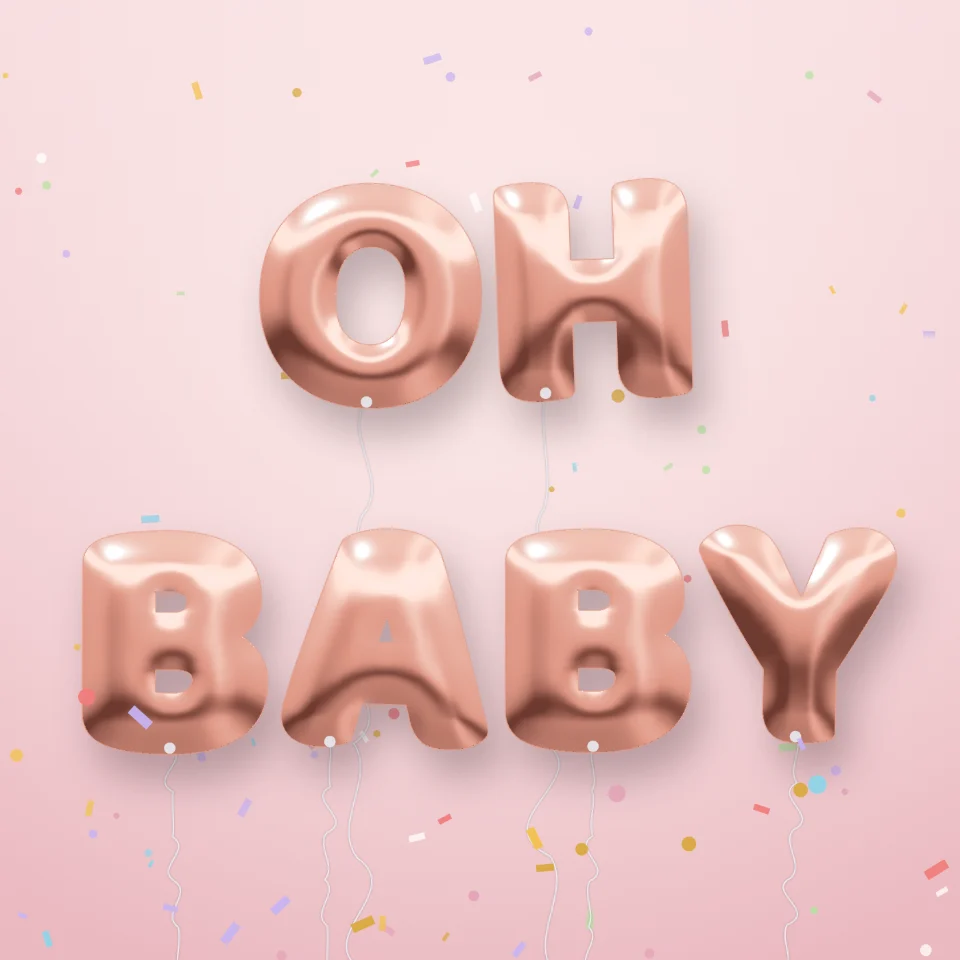
풍선 글자 만들기
이름이나 단어를 골드, 실버, 로즈 골드, 홀로그램 호일 풍선 글자로 만들어 보세요. 리본과 색종이 포함, 투명 배경 PNG도 저장할 수 있어요.
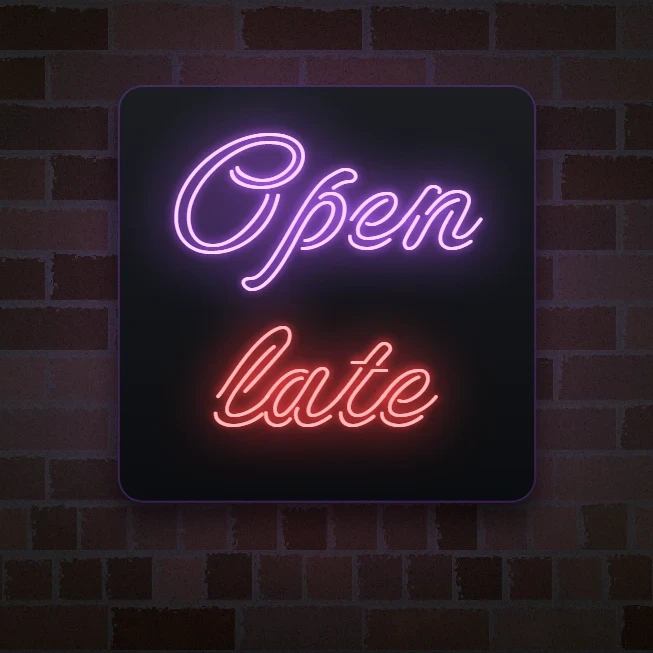
네온사인 메이커
단어를 입력해 벽돌·타일·나무·콘크리트 벽 위의 빛나는 네온사인으로. 색상, 글꼴, 빛, 뒷판을 고르고 PNG 저장.
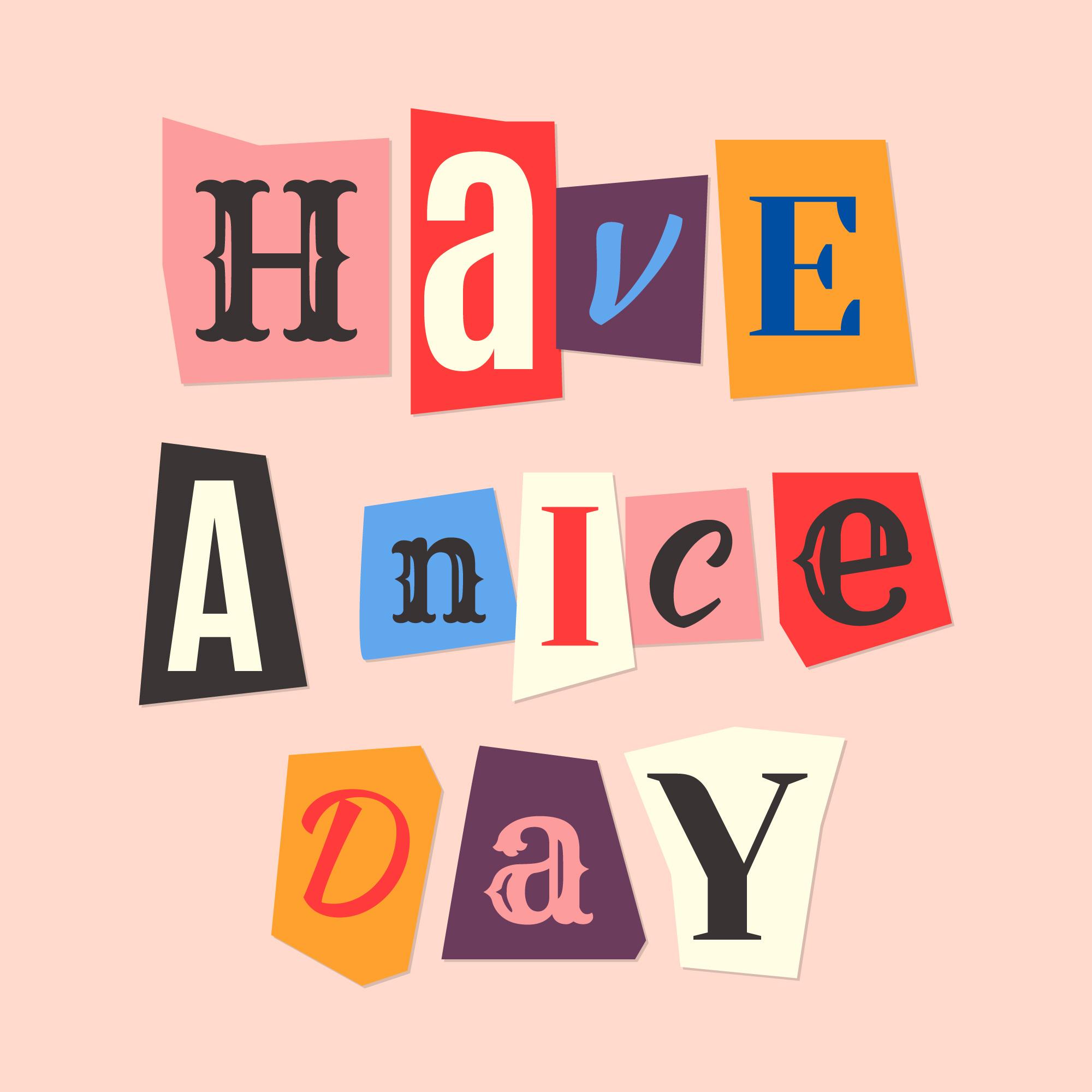
잡지 컷아웃 문자 생성기
입력한 단어를 잡지 스타일의 컷아웃 글자로 바꿔보세요. 글꼴을 혼합하거나 하나를 잠그고 색상과 크기를 무작위로 지정하고 PNG를 다운로드하세요.
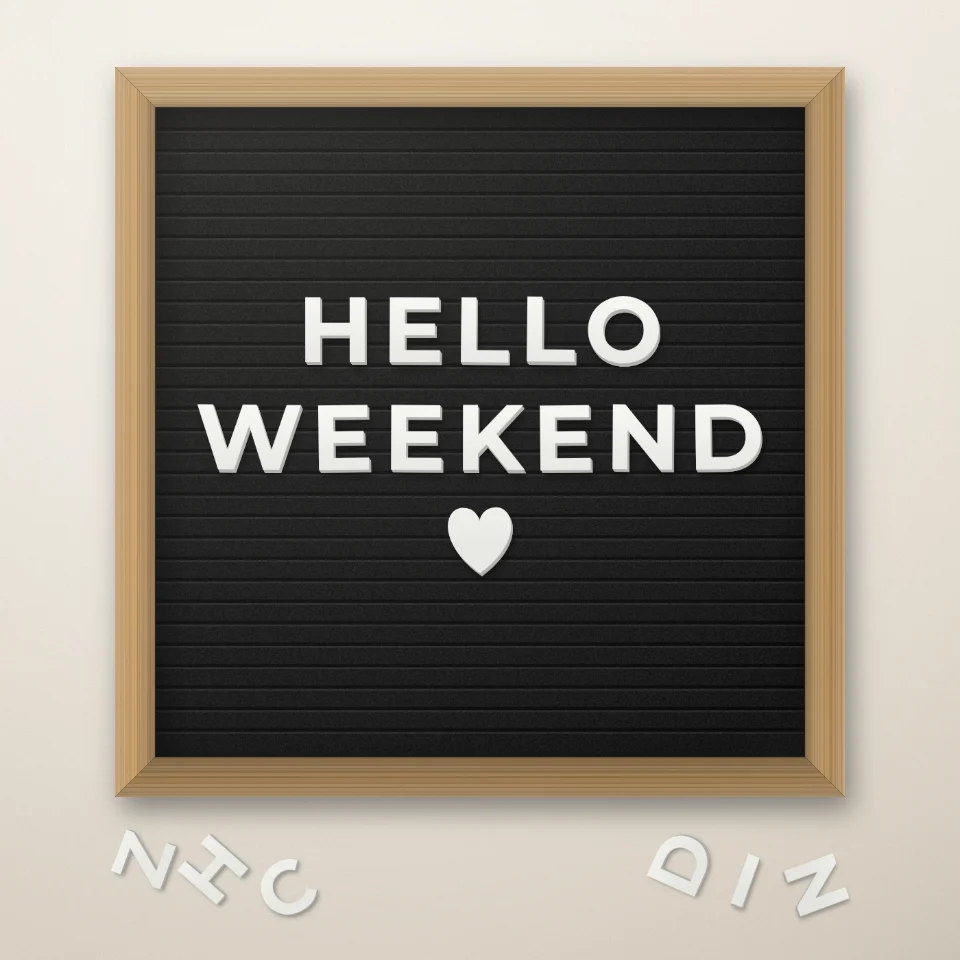
레터보드 문구 만들기
흰색 또는 금색 글자, 나무 프레임, 하트와 별로 펠트 레터보드에 문구를 만들고 PNG로 저장하세요.
시도해 볼 준비가 되셨나요?
브라우저에서 PictorX를 열어요. 설치가 필요 없고 시작하는 데 신용 카드가 필요하지 않아요.
편집기로 이동