
Words
Style
Layout
Colors
Picture
Word Cloud Maker
Turn a text or your own list of words into a word cloud in any shape. The words that matter most are drawn biggest, the shape fills up, and you can save the result as a picture for presentations, posters, classrooms, newsletters and social posts. Paste a text to count its words, or type one word per line with a weight (design: 8). Pick a shape, colors, a font and the angles of the words, then save a PNG or insert the cloud into a design in the editor.
How it works
- Paste a text to count its words, or type one word or phrase per line with a weight, like design: 8.
- Pick a shape: a cloud, a heart, a light bulb, a Christmas tree, a butterfly, letters you type, or a picture of your own.
- Choose a palette, a font and the angles of the words, then save a PNG or open the cloud in the PictorX editor.
Words that fill the shape
Each word is placed letter by letter at its own angle, the biggest in the middle and the smaller ones in the gaps around them. Fill repeats the words smaller and smaller until the whole shape is covered, so a heart, a light bulb or the letters of a name come out crisp and full.
From a text or from your own list
Paste a speech, a story, a survey or song lyrics and the words are counted for you, without common words such as the, and or of, in English and many other languages. Or write your own list with weights and decide exactly which word is the biggest. Edit as list turns a counted text into such a list.
Colors, fonts and pictures
Pick one of eighteen palettes, let the colors run from left to right or from the middle out, or take them from a photo. Use the Picture shape to fill the outline of a logo or a subject on a plain background, and choose a font from bold poster letters to handwriting.
Frequently asked questions
Do I need Premium for the Word Cloud Maker?
You can try every shape, color and example without it. The Word Cloud Maker is a Premium app: without a subscription the picture you save carries the PictorX watermark, and with Premium it is saved clean. Everything happens in your browser, so your text stays on your device.
How do I make one word bigger than the others?
Write a list with one word per line and a number after it, like design: 10 and color: 4. The higher the number, the bigger the word. In a pasted text, the words you use most often are drawn biggest.
Can I use my own shape?
Yes. Pick the Picture shape and choose a logo, an icon or a photo of a subject on a plain or transparent background: the words fill its outline. Around the subject puts them in the space around it instead, and From the picture colors each word like the photo below it.
Can I add the word cloud to a design?
Yes. Set the background to Transparent and save a PNG for a slide, a card or a poster. Or open it in the PictorX editor, where Apps ▸ Text ▸ Word Cloud Maker adds the cloud to your design as a picture or as editable text layers.
Which languages work?
Any language. Words are split with your browser's word splitter, so Chinese and Japanese work too, and common words are left out in English, Dutch, German, French, Spanish, Italian and Portuguese.
Related tools

Typographic effects
Turn photos into letter-built art from Effects → Text.
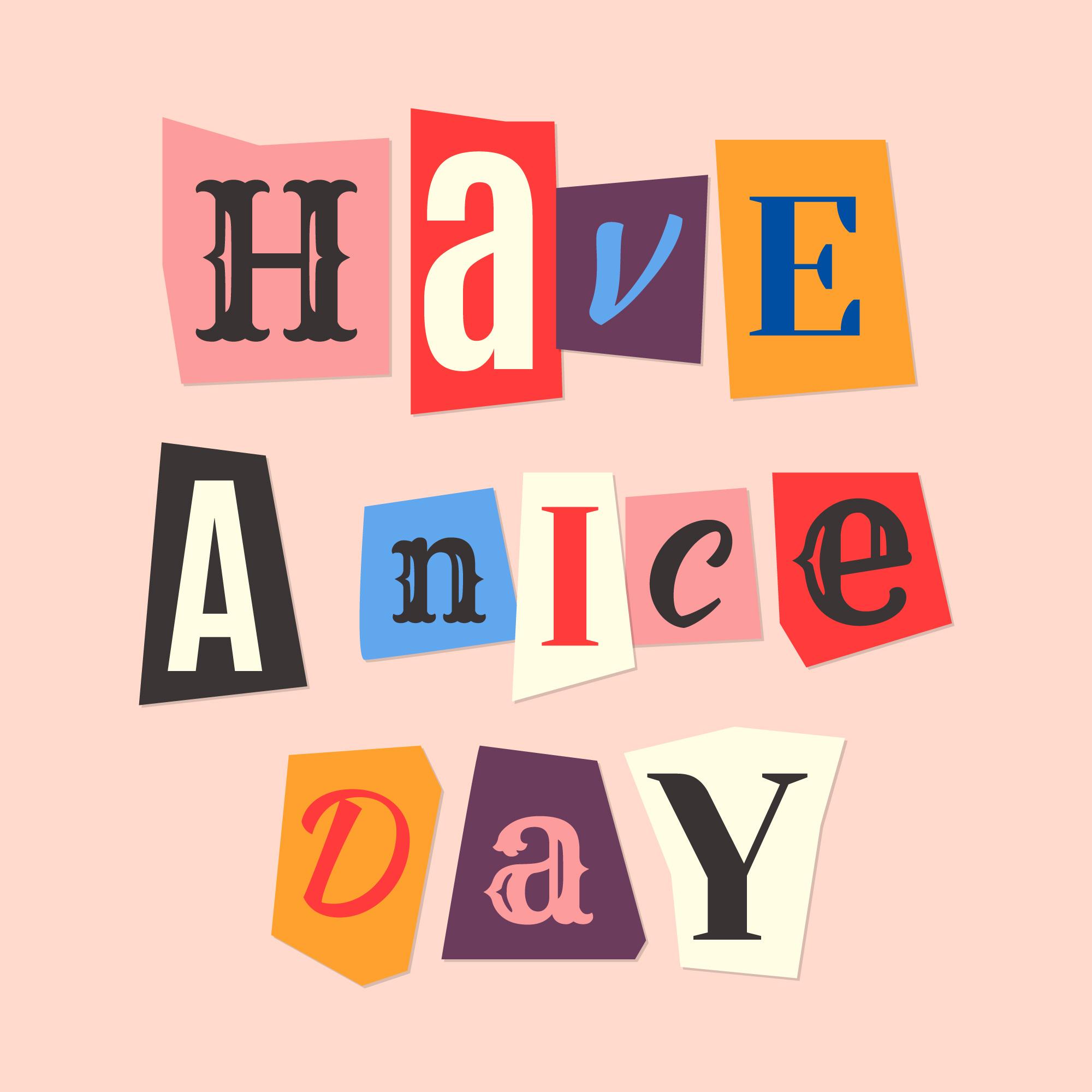
Magazine Cutout Letters Generator
Turn typed words into magazine-style cutout letters. 26 looks, wave, arc and scatter layouts, glitter, watercolor and comic-burst styles — download a hi-res PNG, copy it, or share a link to your design.
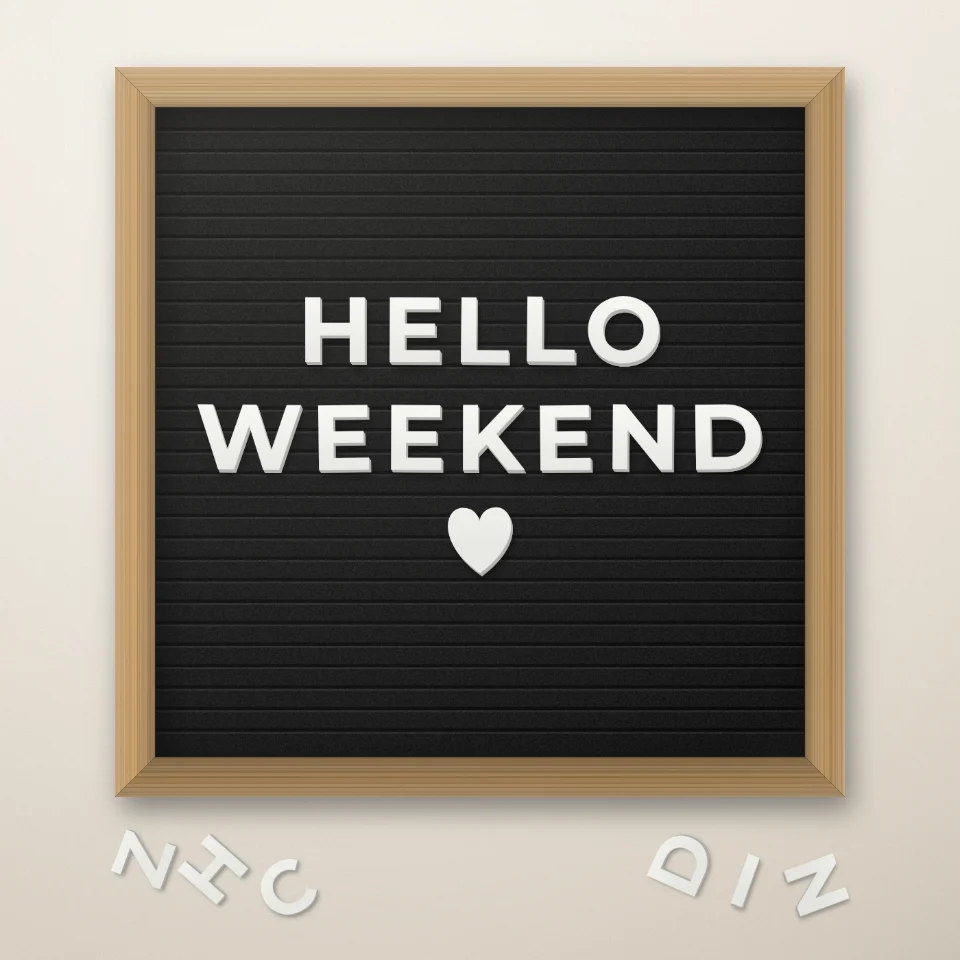
Letter Board Quote Maker
Type a quote on a felt letter board with white or gold plastic letters, a wooden frame, and hearts or stars. Save a PNG for Instagram.
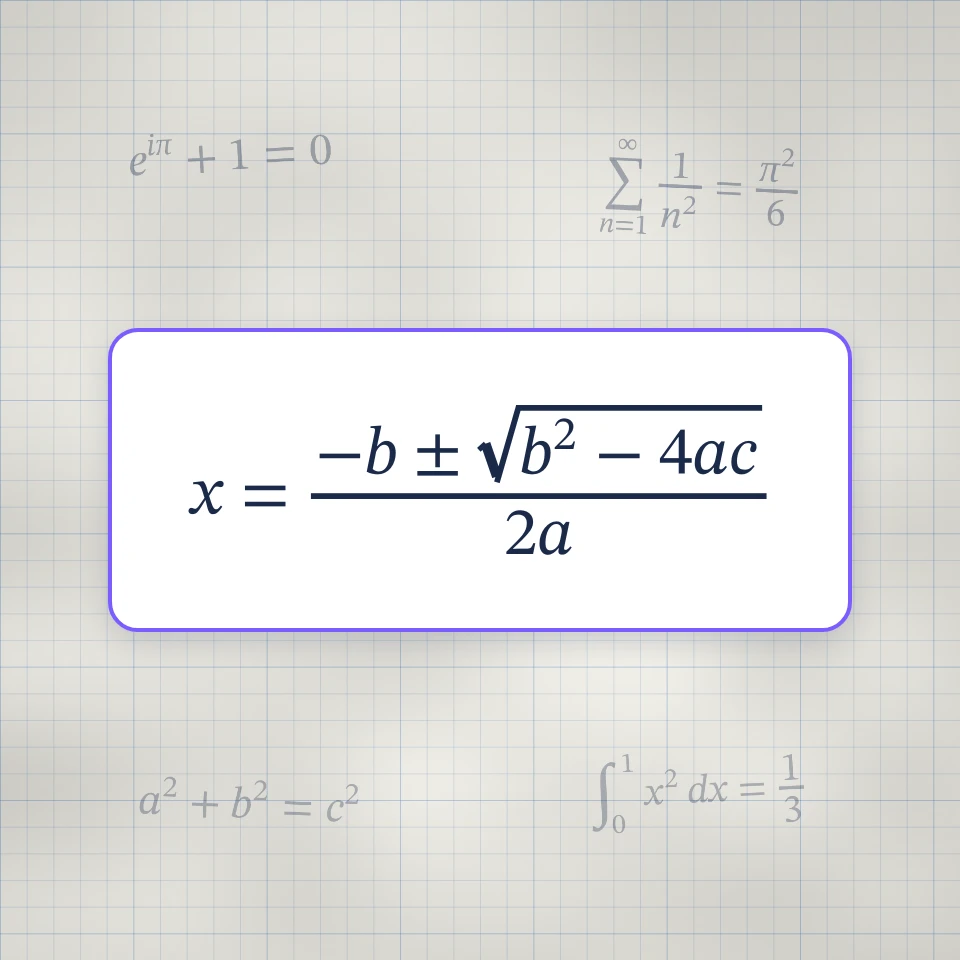
Equation Maker
Build math equations easily: fractions, roots, powers, sums, integrals, matrices and Greek letters. Type LaTeX or click the buttons, then save a transparent PNG or add it to a design.
Ready to try it?
Open PictorX in your browser — no install, no credit card required to start.
Go to Editor