
Nothing needs encoding in this mode.
Not encoded
URL encoder and decoder
Paste text to percent-encode it, or an encoded string to decode it: both boxes follow each other as you type. Encode a single query value or path segment, a whole URL that keeps its slashes and question mark, or form data with spaces as plus signs. Every encoded character is highlighted and listed with its UTF-8 bytes, so you see why é becomes %C3%A9, and a broken % sequence is named with its position instead of failing silently. Parse URL takes an address apart into protocol, user info, host, port, path, query parameters and fragment, and rebuilds it as you edit the parameters. Type or paste text in Text to percent-encode it, or encoded text in Encoded to decode it; the other box follows as you type. Component encodes one query value or path segment (encodeURIComponent), Whole URL keeps the structure of an address (encodeURI), and Form data is the encoding of HTML forms, where a space becomes +. Encoded characters are highlighted and listed with their UTF-8 bytes. In Parse URL, paste an address to see its parts and edit its query parameters as a table.
How it works
- Type or paste text in Text to encode it, or encoded text in Encoded to decode it; the other box updates as you type.
- Choose Component for one value, Whole URL for a complete address or Form data for an HTML form body, and read the highlighted characters and their bytes.
- Open Parse URL, paste an address and edit its query parameters in the table; the address is rebuilt and copies with one click.
Three sets of rules
Component mode follows JavaScript's encodeURIComponent: only letters, digits and - _ . ! ~ * ' ( ) stay as they are, so &, =, / and ? inside a value cannot break the address. Whole URL follows encodeURI and also keeps the characters that give a URL its structure, such as : / ? # & and =, so a complete address stays usable. Form data is the application/x-www-form-urlencoded format of HTML forms, which writes a space as + and encodes almost everything else.
Bytes you can see, errors you can find
A URL can only carry a limited set of ASCII characters, so everything else is written as the bytes of its UTF-8 form, each as % and two hexadecimal digits: é is two bytes, %C3%A9, the euro sign three and an emoji four. The app highlights each encoded character in both boxes and lists it with its bytes. When decoding meets a % without two hex digits after it, or bytes that do not form valid UTF-8, it keeps them as they are, marks them in red and names their position.
Frequently asked questions
How are domain names with accents or non-Latin letters written?
Not with percent-encoding. A host name uses punycode: each label with non-ASCII letters becomes xn-- followed by ASCII characters, so münchen.de is xn--mnchen-3ya.de. Parse URL shows such a host in Unicode under Host and in its xn-- form under Host (punycode).
What is the difference between encodeURI and encodeURIComponent?
encodeURIComponent encodes everything that has a meaning in a URL, including / ? : & = and #, so use it for a single piece such as one query value or one path segment. encodeURI leaves those characters alone and is meant for a complete address. Encoding a value with encodeURI is a common bug: an & inside it then starts a new parameter.
Should a space be %20 or +?
Both mean a space, in different places. %20 works everywhere in a URL. The + sign means a space only in a query string or a form body encoded as application/x-www-form-urlencoded; in a path it is a literal plus. Form data mode writes + and reads + as a space, the other modes write %20.
Why does %20 become %2520?
Because the text was encoded twice. The % sign itself is encoded as %25, so encoding an already encoded string turns %20 into %2520. The app warns when the text you encode already contains escapes; decode it instead, or encode the original text.
What does Malformed % sequence mean?
A % in an encoded string must be followed by two hexadecimal digits, as in %2F. A lone % or one followed by other characters, such as 100% or %G1, cannot be decoded; JavaScript's decodeURIComponent throws an error on it. The app keeps it as it is, marks it in red and tells you its position, so you can fix it or encode the % as %25.
Related tools
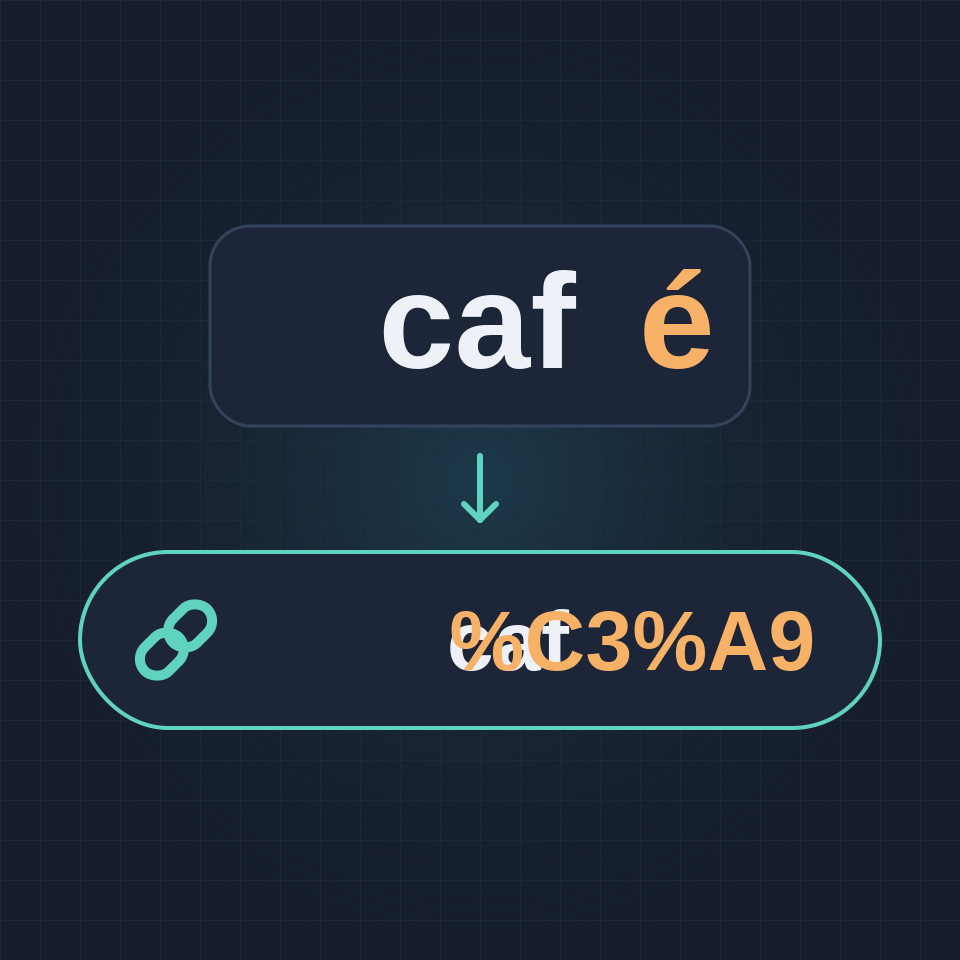
How URL encoding works
How URL encoding works: which characters a URL may contain, why others become % and two hex digits, how UTF-8 turns é into %C3%A9, encodeURI versus encodeURIComponent, the + in forms, and the parts of a URL.
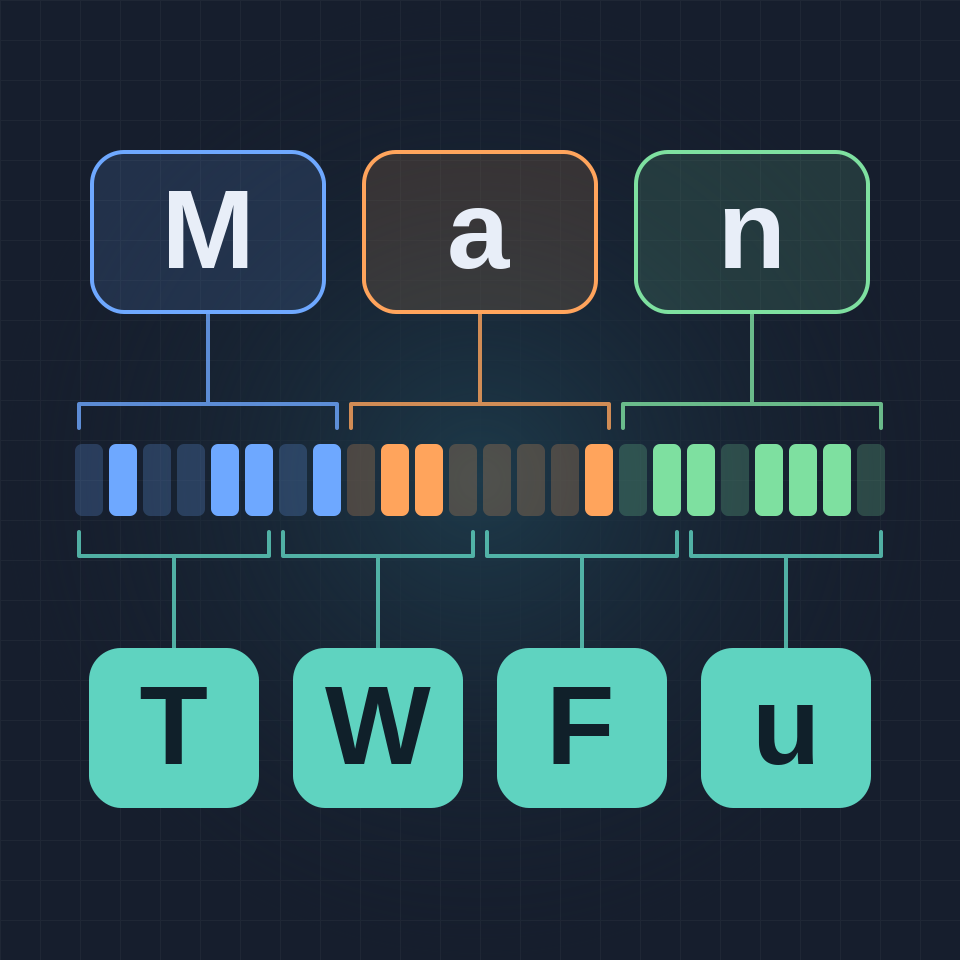
Base64 Encoder
A free online Base64 encoder and decoder: convert text to Base64 and back as you type, with UTF-8, URL-safe Base64, padding, MIME line breaks, files to data URIs and a preview of decoded images.
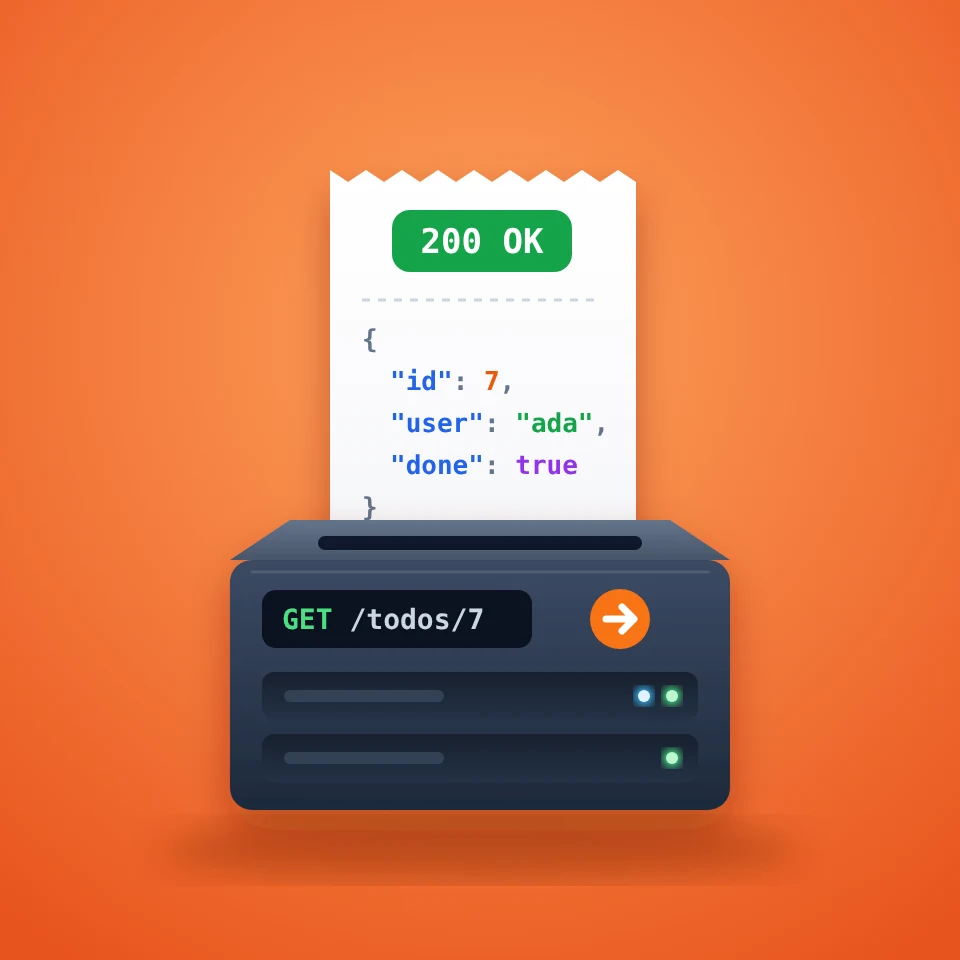
API Tester
A free online API tester: send GET, POST, PUT, PATCH and DELETE requests from your browser with query parameters, headers, a JSON body and auth, then read the status, time, headers and formatted response.

JSON formatter
A free JSON formatter and validator: beautify or minify JSON, find the exact line and column of an error, sort keys, browse a collapsible tree, copy paths and convert arrays to CSV, all in your browser.

Regex tester
A free online regex tester: see every match and capture group as you type, try a replacement with $1 or $<name>, split text, and read your pattern explained piece by piece, with JavaScript flags and examples.
Ready to try it?
Open PictorX in your browser — no install, no credit card required to start.
Go to Editor