
How URL encoding works
A URL may only contain a small set of ASCII characters, and some of those have a job: the slash separates the path, the question mark starts the query, the ampersand separates its parameters. Everything else, from a space to an accented letter or an emoji, has to be written as a percent sign and two hexadecimal digits. Here is which characters are safe, how the bytes of UTF-8 come in, when to encode a whole address or only one piece of it, and what the parts of a URL are called.
Why URLs need encoding
The rules for URLs (RFC 3986) allow only ASCII letters, digits, a few punctuation marks and the characters that separate the parts of an address. A space, a quotation mark, a letter such as ü or a Chinese character cannot appear as they are, and neither can a separator that is meant as data, such as an & inside a search term. Such characters are percent-encoded: each byte is written as % followed by its value in hexadecimal. A space is byte 32, hexadecimal 20, so it becomes %20, and & becomes %26. Whoever reads the URL turns every %XX back into its byte, so the data arrives exactly as it was sent.
Unreserved and reserved characters
The unreserved characters, A to Z, a to z, 0 to 9 and - . _ ~, never need encoding and mean the same whether encoded or not. The reserved characters are delimiters: : / ? # [ ] @ split a URL into its main parts, and ! $ & ' ( ) * + , ; = separate pieces within a part, such as the parameters of a query. A reserved character is left as it is where it does its job and encoded where it is data. That is why the same / is kept in /docs/guide but must be written %2F inside a single path segment or a query value, or the server would read it as a new level.
Percent-encoding and UTF-8
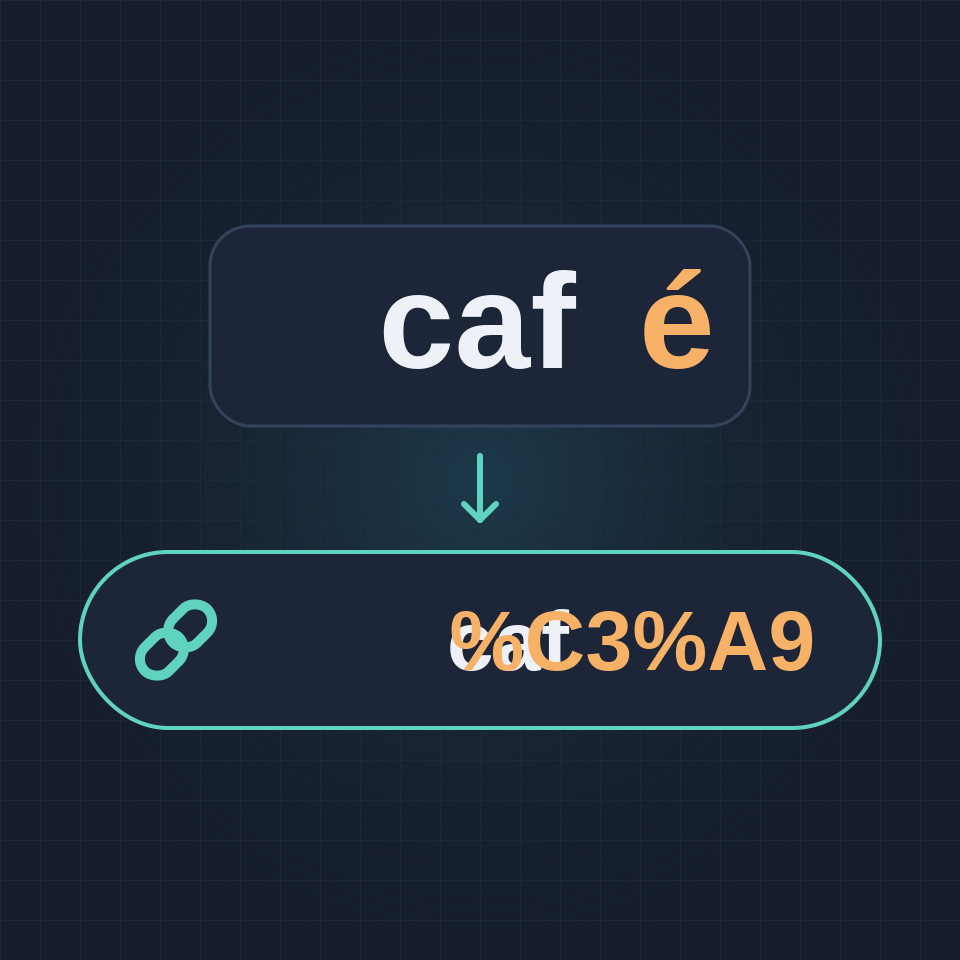
Percent-encoding works on bytes, not letters, so a character outside ASCII is first turned into bytes, today always with UTF-8. UTF-8 uses one byte for ASCII, two for most accented Latin, Greek and Cyrillic letters, three for most other scripts and symbols such as €, and four for emoji. The letter é (U+00E9) becomes the two bytes C3 A9 and so %C3%A9, the euro sign becomes %E2%82%AC and 🍰 becomes %F0%9F%8D%B0. Decoding reverses this, and fails when the bytes do not form valid UTF-8, for example when only %C3 is left of a cut-off é.
A whole URL or one component
JavaScript has two encoders for the two situations. encodeURIComponent is for one piece that you insert into a URL, such as a search term or a file name: it encodes every reserved character, so the piece cannot change the structure around it. encodeURI is for a complete address that only needs its spaces and non-ASCII characters fixed: it keeps : / ? # & = and the other delimiters. The matching decoders mirror them, and decodeURI deliberately leaves an escape such as %2F alone, because encodeURI would never have produced it. In a query string, building the parameters with URLSearchParams avoids encoding by hand.
Form data and the plus sign
When an HTML form is sent with the GET method, or with POST and the default content type application/x-www-form-urlencoded, the browser encodes each field name and value with slightly different rules: letters, digits and * - . _ stay, a space becomes +, and everything else is percent-encoded. That is why search addresses often show q=red+shoes. A + therefore means a space in a query string or form body, but a literal plus everywhere else in a URL, and a real plus in a value has to be sent as %2B. Mixing the two conventions is a classic cause of phone numbers losing their + sign.
The parts of a URL
In https://ada:secret@shop.example:8080/docs/caf%C3%A9?q=tea&page=2#reviews the scheme is https, the user info ada:secret, the host shop.example and the port 8080; without a port, the scheme's default is used, 443 for https and 80 for http. The path /docs/caf%C3%A9 has two segments, docs and café. The query q=tea&page=2 holds two parameters, and the fragment #reviews points to a place in the page. The fragment never leaves the browser: it is not sent to the server. Browsers discourage user info in web addresses, because a URL such as https://bank.example@evil.example leads to evil.example.
International domain names and punycode
A domain name may be written in any script, such as münchen.de or 日本語.jp, but the Domain Name System only handles ASCII. Each label with other characters is therefore converted with punycode and given the prefix xn--: münchen becomes xn--mnchen-3ya. Browsers show the Unicode form when it is safe and the xn-- form when a name mixes scripts in a misleading way, since аррӏе.com written with Cyrillic letters looks like apple.com but is xn--80ak6aa92e.com. Percent-encoding is not used for host names; punycode takes its place there.
Frequently asked questions
Is %c3%a9 the same as %C3%A9?
Yes. The hexadecimal digits of a percent escape are case-insensitive, so both decode to é. RFC 3986 recommends upper case, and that is what encodeURIComponent and the URL Encoder write. Two URLs that differ only in the case of their escapes point to the same resource, but a careless string comparison may treat them as different.
Is URL encoding a kind of encryption?
No. It only rewrites characters so that they fit into a URL, and anyone can decode it. Passwords, tokens and personal data in a URL stay readable, end up in browser history and server logs, and are passed on in the Referer header, so sensitive data belongs in the body of a request over https, not in the address.
Which characters never need encoding?
The unreserved characters: the letters A to Z and a to z, the digits 0 to 9, and the hyphen, period, underscore and tilde. They mean the same anywhere in a URL. encodeURIComponent also leaves ! * ' ( ) unencoded for historical reasons, which is usually harmless but matters for strict signatures such as OAuth 1.0, which encode them.
What is double encoding?
Encoding text that is already encoded. The % of an escape is encoded as %25, so a space that was %20 becomes %2520, and the server then sees the three characters %20 instead of a space. It usually happens when two layers of code each encode a value. Encode raw text exactly once, at the point where it goes into the URL, and decode exactly once when reading it.
How long can a URL be?
The standards set no limit, but browsers, servers and proxies do. Current browsers accept addresses of tens of thousands of characters or more, while many servers reject request lines over about 8,000 bytes, and some older software stopped at 2,048 characters. Since each non-ASCII character takes up to twelve characters once encoded, large amounts of data should be sent in a POST body instead.
Related tools
URL encoder and decoder
A free URL encoder and decoder: percent-encode text for a query value, a whole URL or form data, decode it back with errors pointed out, see each character's UTF-8 bytes, and take a URL apart.
Base64 Encoder
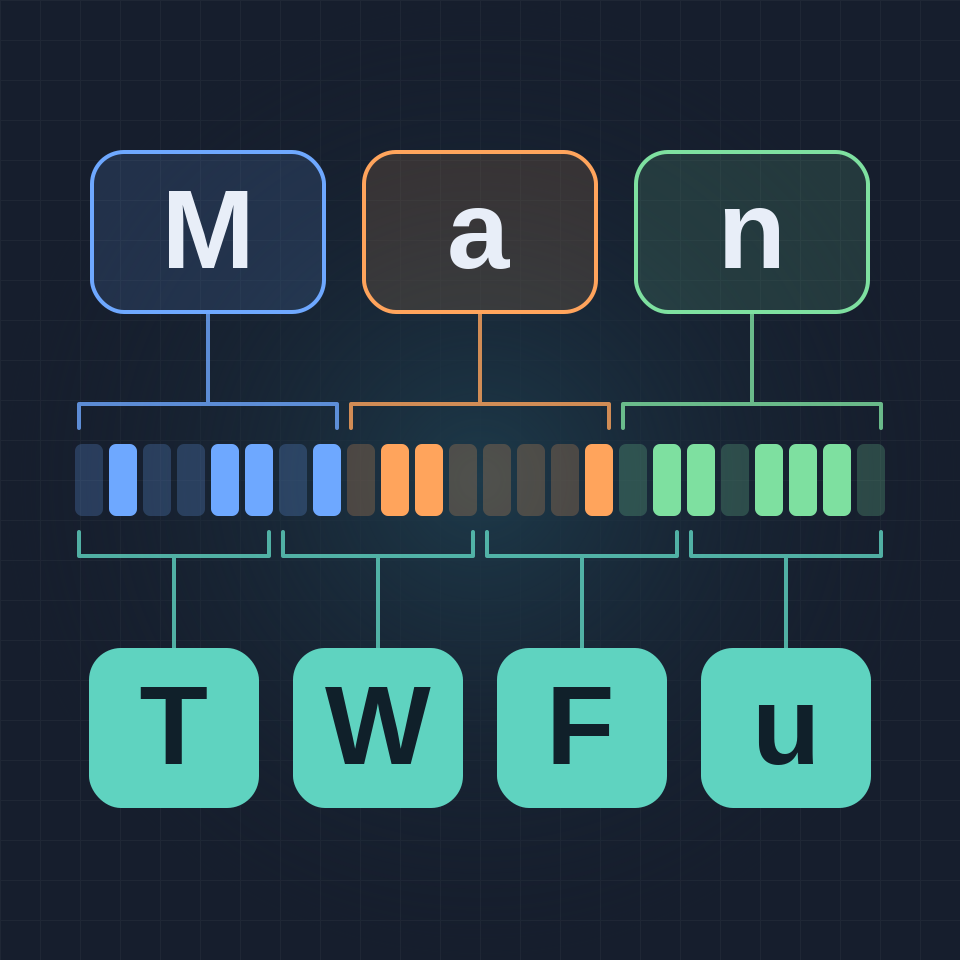
A free online Base64 encoder and decoder: convert text to Base64 and back as you type, with UTF-8, URL-safe Base64, padding, MIME line breaks, files to data URIs and a preview of decoded images.
API Tester
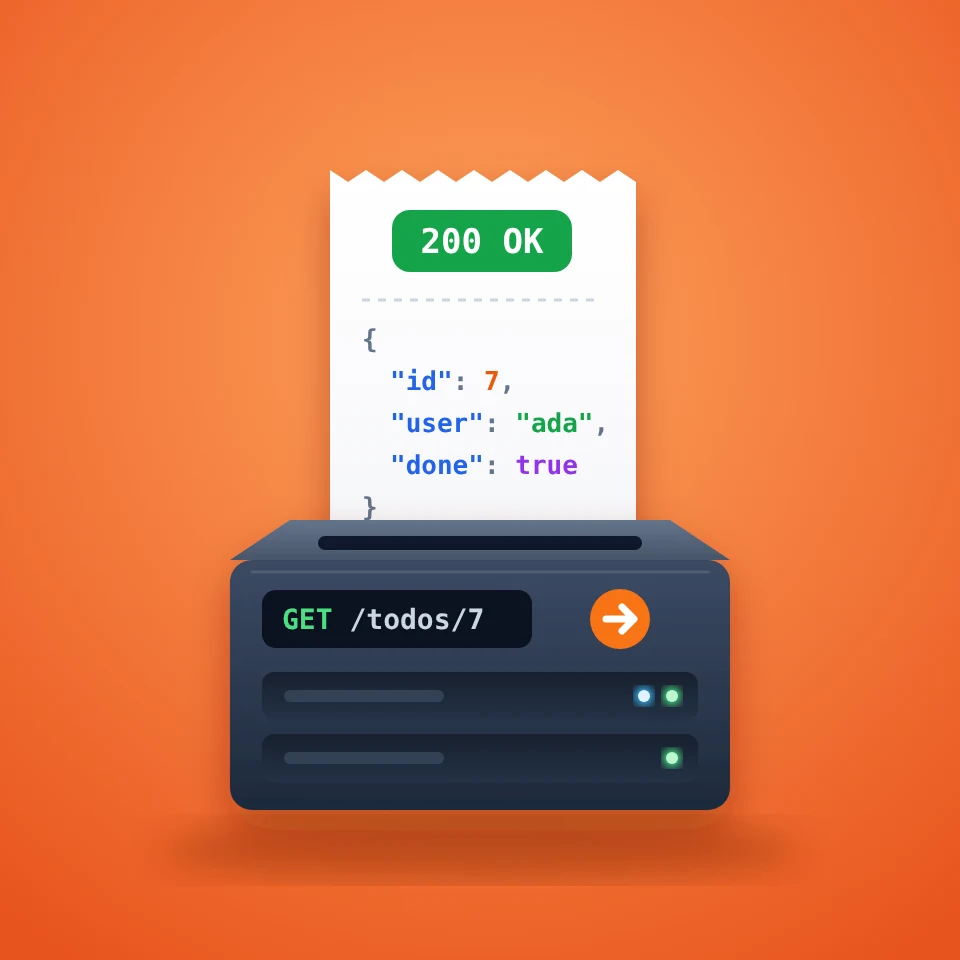
A free online API tester: send GET, POST, PUT, PATCH and DELETE requests from your browser with query parameters, headers, a JSON body and auth, then read the status, time, headers and formatted response.
Base converter
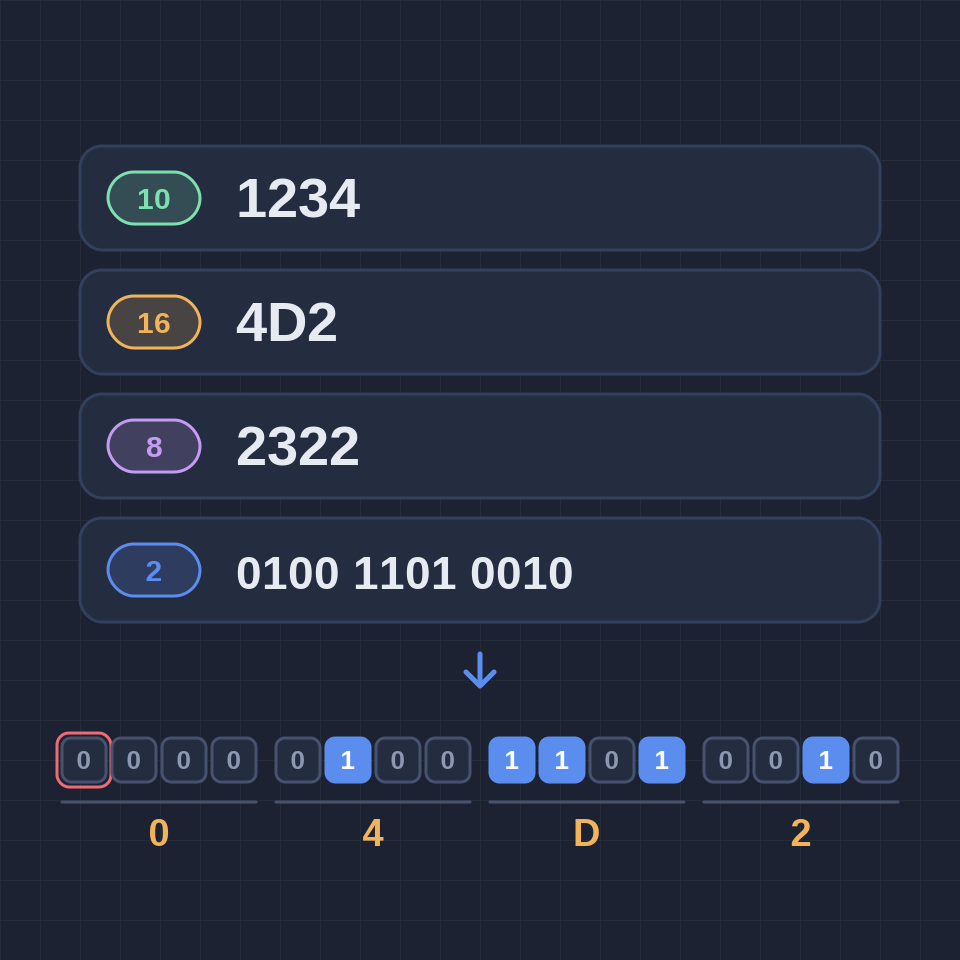
A free base converter: convert numbers between binary, octal, decimal, hexadecimal and any base from 2 to 36 as you type, with two's complement, a clickable bit grid and the steps worked out.
Ready to try it?
Open PictorX in your browser — no install, no credit card required to start.
Open the URL Encoder