
Star map and constellations
A planetarium in your browser. Choose a place and a moment and see the sky as it is then: about 1100 bright stars from the Yale Bright Star Catalogue, sized by brightness and coloured by temperature, the 88 constellations with their stick figures, the Sun, the Moon with its phase and the five planets you can see with the naked eye. Press Play and watch the sky turn round the celestial pole, look towards any horizon or see the whole celestial sphere from outside, and find out which stars and planets are up tonight. Pick an example, or a date, a time and a place, and press Play to watch the sky turn. The big circle is the whole sky above you, as on a planisphere held over your head: the zenith is in the middle, the horizon is the rim and the direction you face is at the bottom, so east is on the left of north. Drag to turn it. Choose Horizon view to look towards the horizon like a camera (drag to look around, scroll or use Field of view to zoom), or Celestial sphere to see the sky from outside, with the horizon plane through it, and watch how the stars circle round the celestial pole at your latitude. Tap a star, a planet or a constellation's lines for its name, magnitude, distance and place in the sky. Step and Back move by an hour, a day or a sidereal day: step a sidereal day and the stars come back to the same place while the Moon and the planets move on. Turn on the grid, the ecliptic and the celestial equator in Guides.
How it works
- Pick an example, such as Tonight in Amsterdam, the Southern Cross from Sydney or the North Pole, or set your own date, time and place.
- Press Play to watch the sky turn: the stars rise in the east, circle round the celestial pole and set in the west, while the Moon and the planets drift slowly against them.
- Tap a star, a planet or the lines of a constellation for its name, its magnitude, its distance and where it stands in your sky, and drag to turn the map or look around.
- Switch to the horizon view or the celestial sphere, turn on the grid, the ecliptic and the celestial equator, and record a video of the turning sky.
Why the sky turns
The stars are so far away that they keep the same patterns for thousands of years, but the Earth turns under them once a day. Seen from the ground, the whole sky turns from east to west round the celestial pole, the point above the Earth's axis: near Polaris in the north, in an empty patch of Octans in the south. How high the pole stands is your latitude, so at the North Pole it is overhead and the stars circle the horizon without setting, at the equator the poles lie on the horizon and every star rises and sets, and in between some stars never set and others never rise.
Sidereal time
The Earth turns once relative to the stars in 23 h 56 min 4 s, a sidereal day, four minutes shorter than the solar day of 24 hours, because the Earth also moves along its orbit. So each star rises four minutes earlier every night, two hours earlier a month, and the constellations of the evening change with the seasons: Orion in the winter evenings of the north, Scorpius in the summer. Local sidereal time is the right ascension on your meridian: a star crosses the meridian, its highest point, when the sidereal time equals its right ascension. Step a sidereal day in the app and the stars come back to the same place while the Moon and the planets move on.
Magnitude and colour
The brightness of a star is its magnitude: the smaller the number, the brighter the star, and five magnitudes are a factor of 100. Sirius, the brightest star, is −1.46, Polaris 2.0, and from a dark place the eye reaches about magnitude 6. The colour of a star shows its surface temperature, measured by the B−V colour index: hot blue-white stars such as Rigel (B−V −0.03, about 12,000 K) have a negative index, the Sun 0.65, and cool orange and red stars such as Betelgeuse (1.85, about 3,600 K) a large one. The app draws each star with the size of its magnitude and the colour of its index.
The 88 constellations
Since 1928 the International Astronomical Union has divided the whole sky into 88 constellations with fixed borders, so every star belongs to one. Many go back to the 48 of Ptolemy's Almagest of the 2nd century; the southern ones were added by navigators and astronomers from the 16th to the 18th century, such as the Southern Cross, the Toucan and the Microscope. The stick figures that join the bright stars are not official; the app uses the figures of the IAU's charts. Stars in one figure are rarely near each other: in Orion, Bellatrix is 250 light years away and Alnilam about 2000.
The Moon and the planets
The Sun, the Moon and the planets move against the stars along the ecliptic, the Sun's yearly path, through the zodiac. The Moon goes round in 27.3 days and shows its phases as its angle to the Sun changes; Mercury and Venus never stray far from the Sun and appear in the evening or morning twilight; Mars, Jupiter and Saturn can stand anywhere on the ecliptic and are best seen at opposition, when they are opposite the Sun and up all night. The app computes their places from orbital elements published by NASA's Jet Propulsion Laboratory and the Moon's from its main periodic terms, accurate to a fraction of a degree.
Frequently asked questions
Which stars and planets can I see tonight?
Choose Tonight in Amsterdam, or set your own place with the latitude and longitude and today's date, the time and your UTC offset. The map shows everything above your horizon at that moment, and the tiles give the number of constellations up, the brightest object in the sky and the Moon's phase. Planets look like bright stars that do not twinkle; tap one to see which it is.
How do I read the star map?
The circle is the whole sky above you: the middle is the zenith, straight overhead, and the rim is the horizon. Hold it above your head with the direction you face at the bottom, as with a planisphere: then east is on the left of north, the other way round from a map of the ground. Stars near the rim are low in the sky, stars near the middle high. The horizon view shows the sky in front of you like a photograph.
Why are east and west swapped on a sky map?
Because you look up at the sky from below, while you look down at a map of the ground from above. If you lie on your back with your head to the north, east is on your left. A sky chart is drawn the way you see it, so north at the top puts east on the left. Turn the map with the Facing slider, or drag it, to put the direction you face at the bottom.
What does the magnitude of a star mean?
It is the star's brightness on a scale where smaller numbers are brighter: each step is 2.512 times brighter, so five steps make a factor of 100. The brightest star, Sirius, is magnitude −1.46, the planet Venus can reach −4.6 and the full Moon −12.7. From a dark place without the Moon you can see stars to about magnitude 6, in a city often only to 3 or 4. Lower Faintest stars to see the sky as from a city.
How far away are the stars?
The nearest bright star, Alpha Centauri, is 4.4 light years away, Sirius 8.6 and Vega 25, while the stars of Orion's belt are over a thousand light years away. Distances come from parallax, the tiny shift of a star as the Earth goes round the Sun, measured precisely by the Hipparcos and Gaia satellites. Tap a star in the app to see its distance; the light you see from Deneb left it about 2600 years ago.
Can I use the picture?
Yes. Save gives a PNG at the size you choose, and the pencil opens the sky in the PictorX photo editor with the sky, the Milky Way, the grid, the ecliptic and equator, the constellation lines, the stars, the Sun, Moon and planets, the horizon, the constellation names and the star names on layers of their own, and the place and moment as editable text. In the editor itself it is under Apps ▸ Science ▸ Space & Earth ▸ Star Map & Constellations. Everything runs in your browser.
Star Map & Constellations: how do I record a video?
Press the red Record button in the playback bar: it films what the stage shows. Press it again to stop, and the video is saved to your device. Recording is free; you only need to sign in. Without a subscription the video carries a small PictorX logo in a corner. The button beside Record opens the video options: the shape (as shown, square, story 9:16 or wide 16:9), the length (until you stop, or 5, 10, 15 or 30 seconds for social media) and the file: MP4, WebM or an animated GIF. You can add one of three music tracks: calm, bright or beat.
Related tools
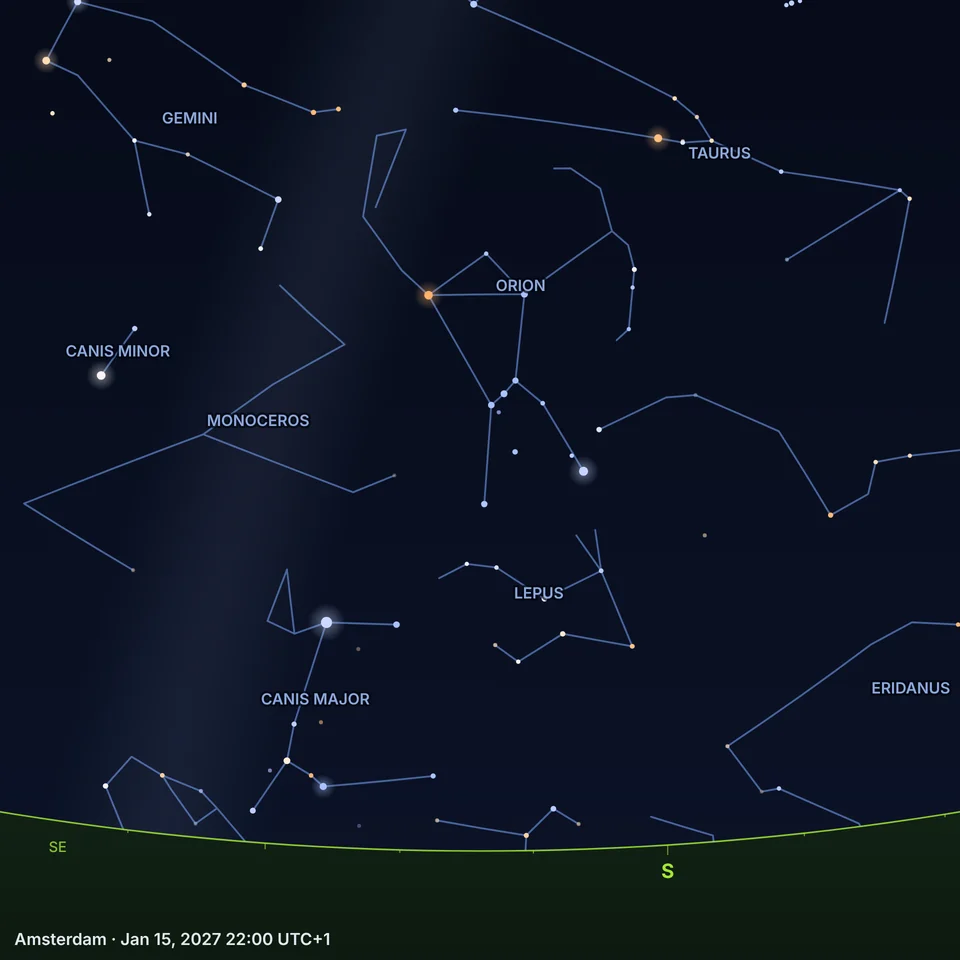
The night sky and the constellations
How the night sky works: the celestial sphere and why the stars turn, latitude and the pole star, sidereal time, right ascension and declination, magnitude and the colours of stars, the 88 constellations, precession, the Moon and the planets on the ecliptic, and how a planetarium computes the sky.
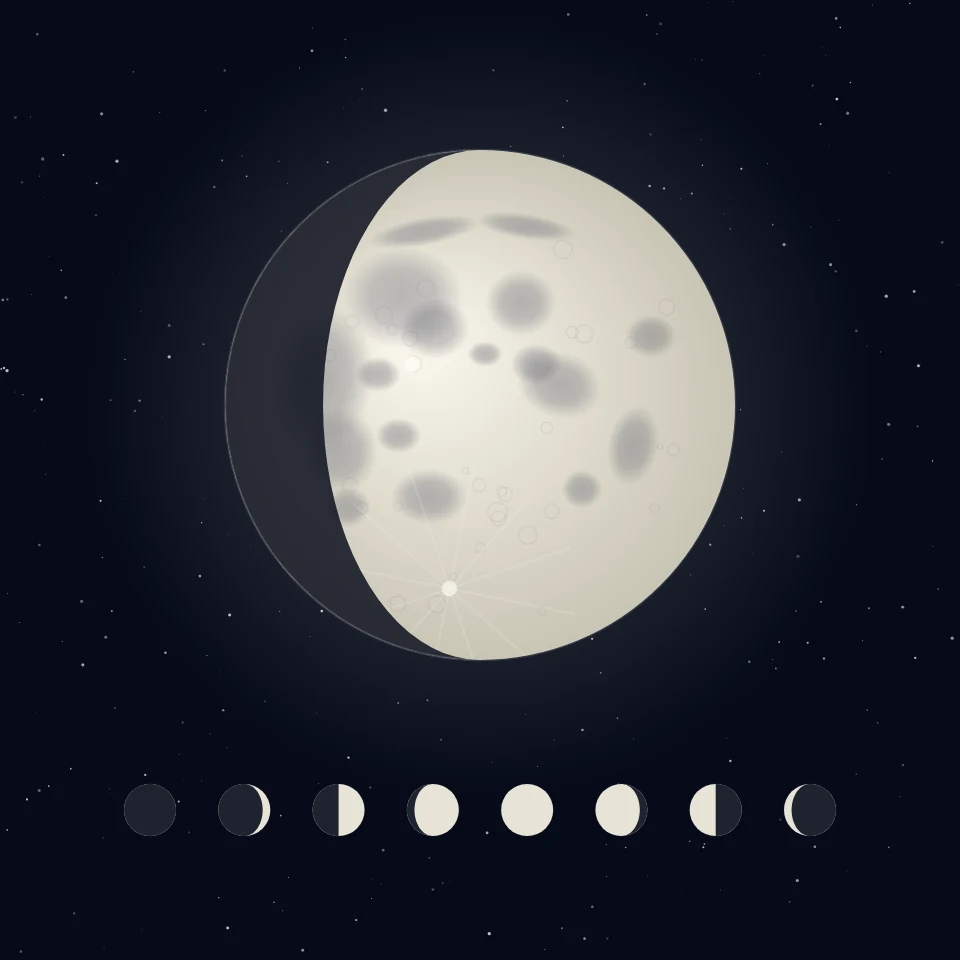
Moon phases for any date
See tonight's Moon or the Moon on any date: the phase and its name, how much is lit, the Moon's age, moonrise and the next full and new moon. An interactive Sun–Earth–Moon model shows why the Moon has phases, the synodic and sidereal month and when eclipses happen.
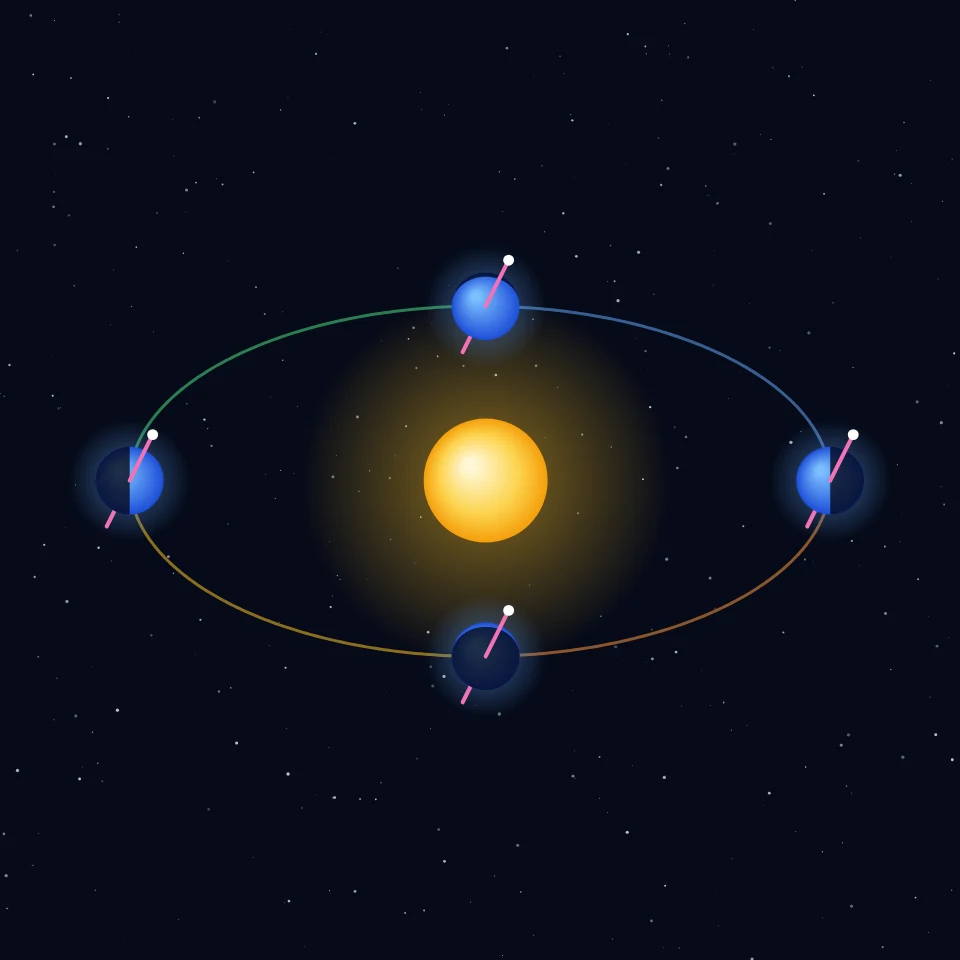
Seasons and Earth's tilt
Why does the Earth have seasons? Watch the Earth go round the Sun with its 23.44° tilt, see the day length, the noon Sun's height and the sunlight at any latitude through the year, the solstices and equinoxes, polar day and night, and what would happen with no tilt or a tilt like Uranus.
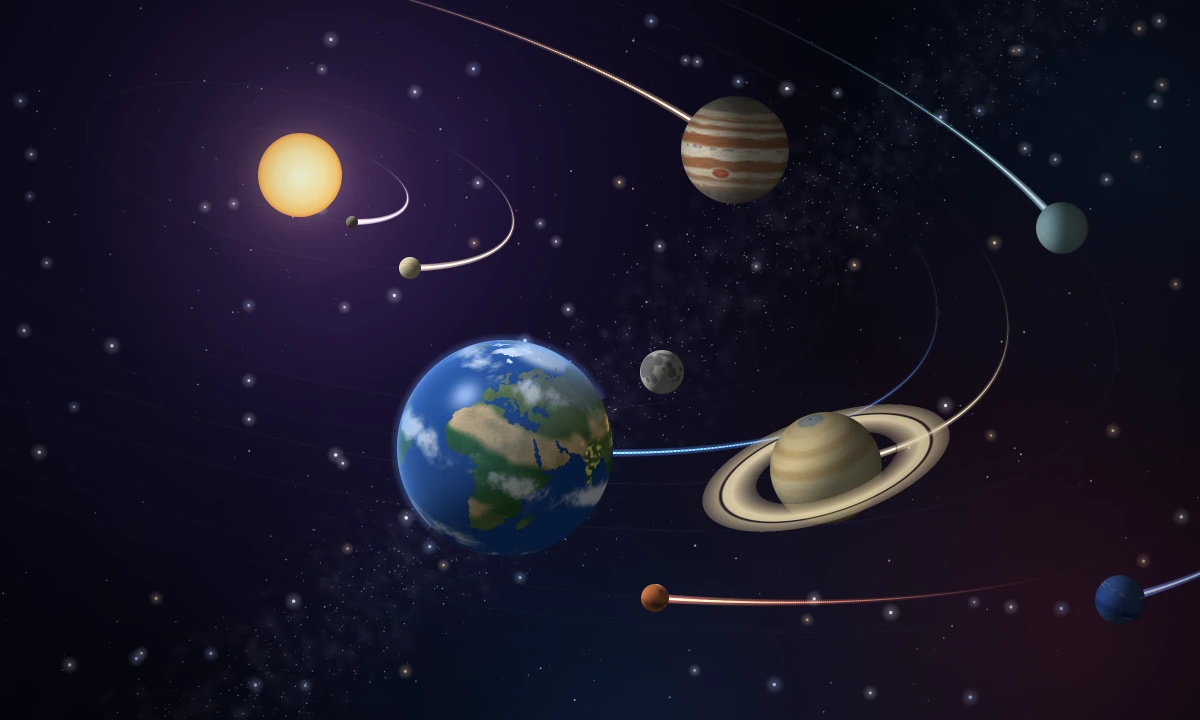
Solar System
Fly through the solar system in 3D in your browser. The sun, eight planets, their largest moons, the dwarf planets, and the Kuiper belt move on their real, tilted orbits under Newton's gravity.
Ready to try it?
Open PictorX in your browser — no install, no credit card required to start.
Go to Editor