
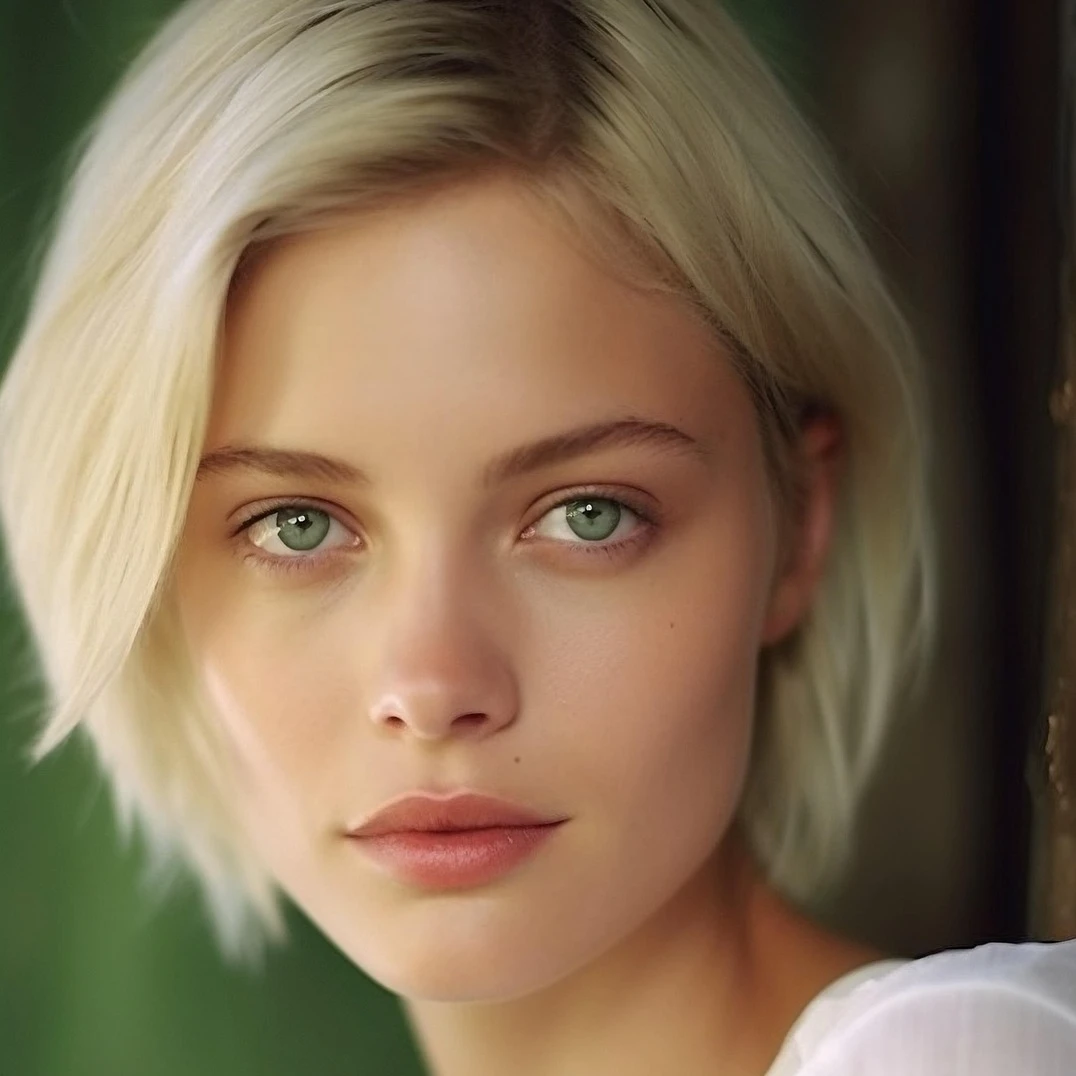
Open a photo, or use the sample, then click Start. The depth is found once; Light, Direction, Height, Brightness and Light color change the new light at once.
Relight a photo
Relight finds the depth of your photo with Depth Anything, an open model that runs on your device, and works out which way every surface faces. A new light then falls on the scene as a real one would: from the side you choose, at the height you choose, in any color, lighting the surfaces that face it and leaving the others in shadow. Near things cast soft shadows on what is behind them. Open a photo, or use the sample, then click Start. The depth is found once; Light, Direction, Height, Brightness and Light color change the new light at once.
How it works
- Open a photo, or use the sample, and click Start. The depth of the scene is found on your device.
- Pick a Light: Directional, like the sun, or a Spotlight at a point of the photo. Set Direction, Height and Brightness.
- Choose a Light color, set Ambient for how much of the photo's own light stays, then save or keep editing.
Light that follows the shapes
A flat brightness change only makes a photo lighter or darker. Relight first finds how far away every part of the photo is with Depth Anything, an open-source depth model, and turns those distances into the direction each surface faces. The new light then brightens the surfaces that face it, darkens those that turn away, and with Shadows on, near things cast soft shadows on what is behind them. Depth sets how strongly the relief shows.
The sun, a lamp or a colored light
Directional is light from far away, like the sun: Direction sets the side it comes from and Height how high it stands, low for long golden-hour shadows, high for a soft studio look. Spotlight is a lamp at a point of the photo, with Spot X, Spot Y and Spot size, fading with the distance. Light color tints the new light, and Ambient keeps some of the photo's own light, so the result stays natural. The model runs once per photo, so every change is instant.
Frequently asked questions
How do I change the lighting of a photo?
Open the photo and click Start. The depth of the scene is found on your device; then choose Directional or Spotlight, set Direction, Height, Brightness and Light color, and save. In the editor it is under AI → Effects → Relight.
Can it remove the light that is already in the photo?
Not completely: the photo's own light and shadows are part of the picture. Lower Ambient to darken the photo's own light, and the new light then takes over; a low Ambient with a bright Spotlight gives the most dramatic change.
How do I make a golden hour look?
Pick the Golden hour preset, or set a low Height (around 15°), a warm Light color such as orange and a Brightness above 100 %. The low light rakes across the scene and casts long soft shadows.
Why do the shadows look wrong?
The depth is estimated from one photo, so thin things, glass and reflections can get the wrong distance. Lower Depth for a softer relief, or turn Shadows off and keep only the light.
Which AI model is used?
Depth Anything V2 Small (Apache-2.0), the same depth model as 3D photo and Portrait mode. It runs in your browser with WebGPU or WebAssembly and is downloaded once; the light itself is worked out without a model.
Related tools
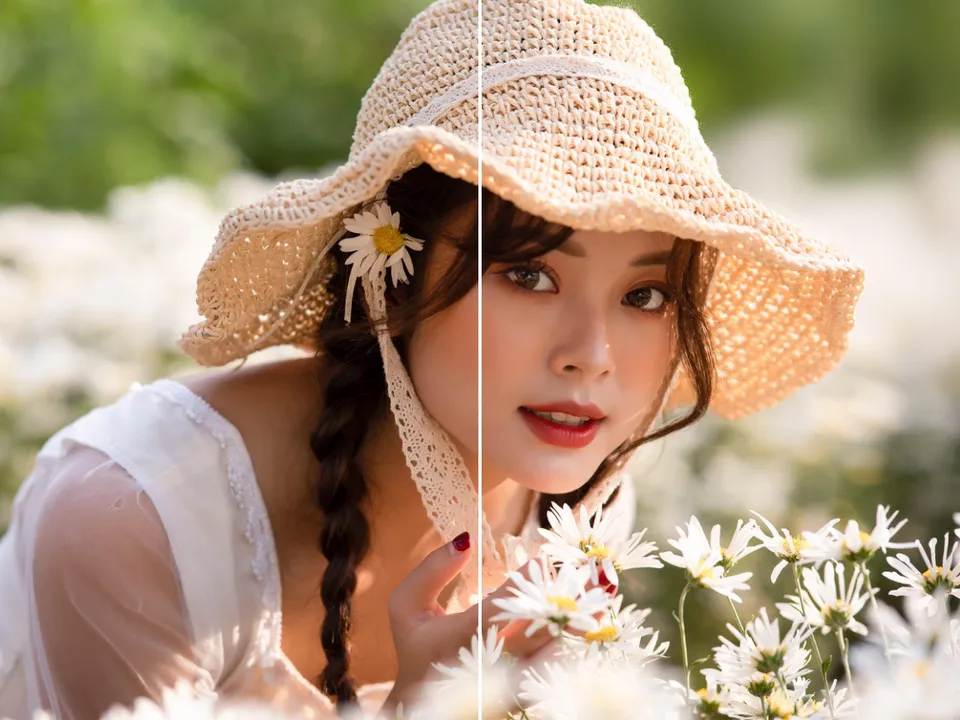
Portrait mode: blur the background like a lens
Give any photo a portrait-mode background blur in your browser. On-device AI finds the depth and the people, so the blur grows with the distance like a real lens, with round or hexagonal bokeh.
Turn a photo into a 3D video
Turn a still photo into a 3D parallax video in your browser. On-device AI estimates the depth, the camera circles, swings or zooms through the scene, and you save the loop as MP4, WebM or GIF.
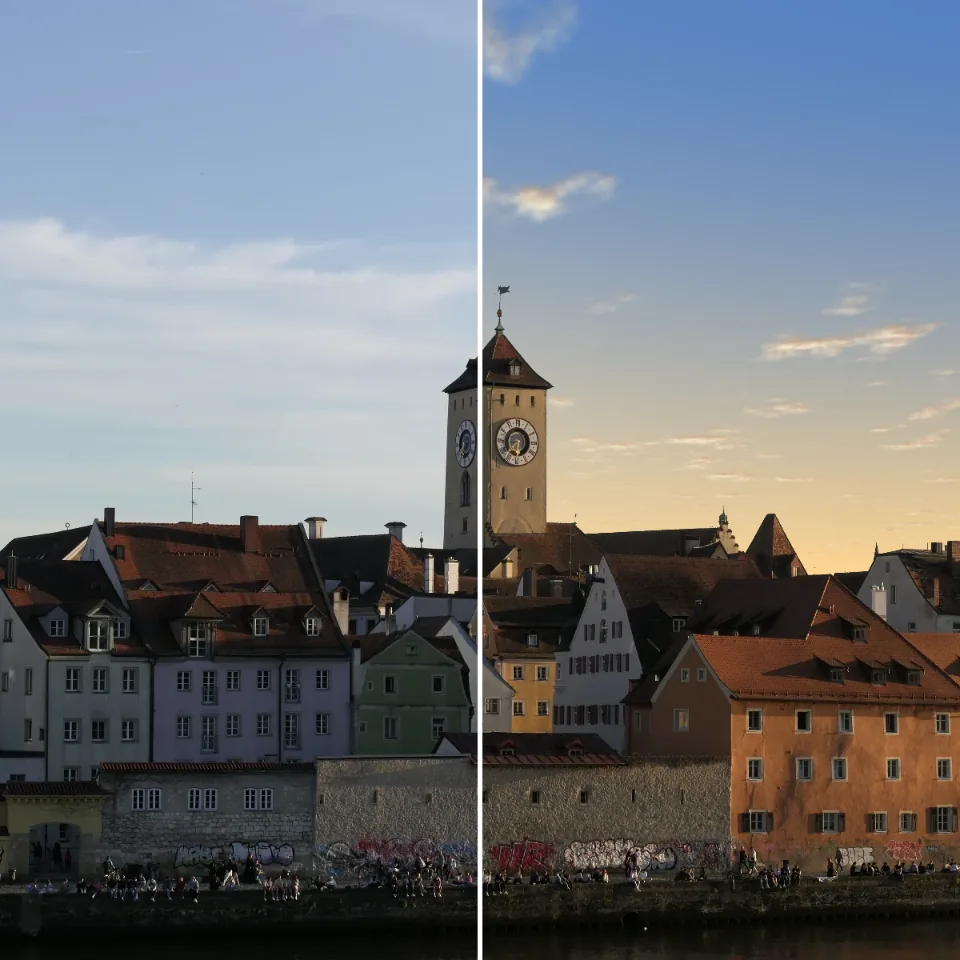
Replace the sky in your photo
Replace the sky in a photo in your browser. On-device AI finds the sky, keeps trees, wires and rooftops sharp, paints a new blue sky, sunset or night sky and relights the landscape to match.

AI models
What is an AI model? How models are trained and run, why size matters, on-device AI versus cloud APIs, and how AI removes backgrounds, inpaints and uncrops.
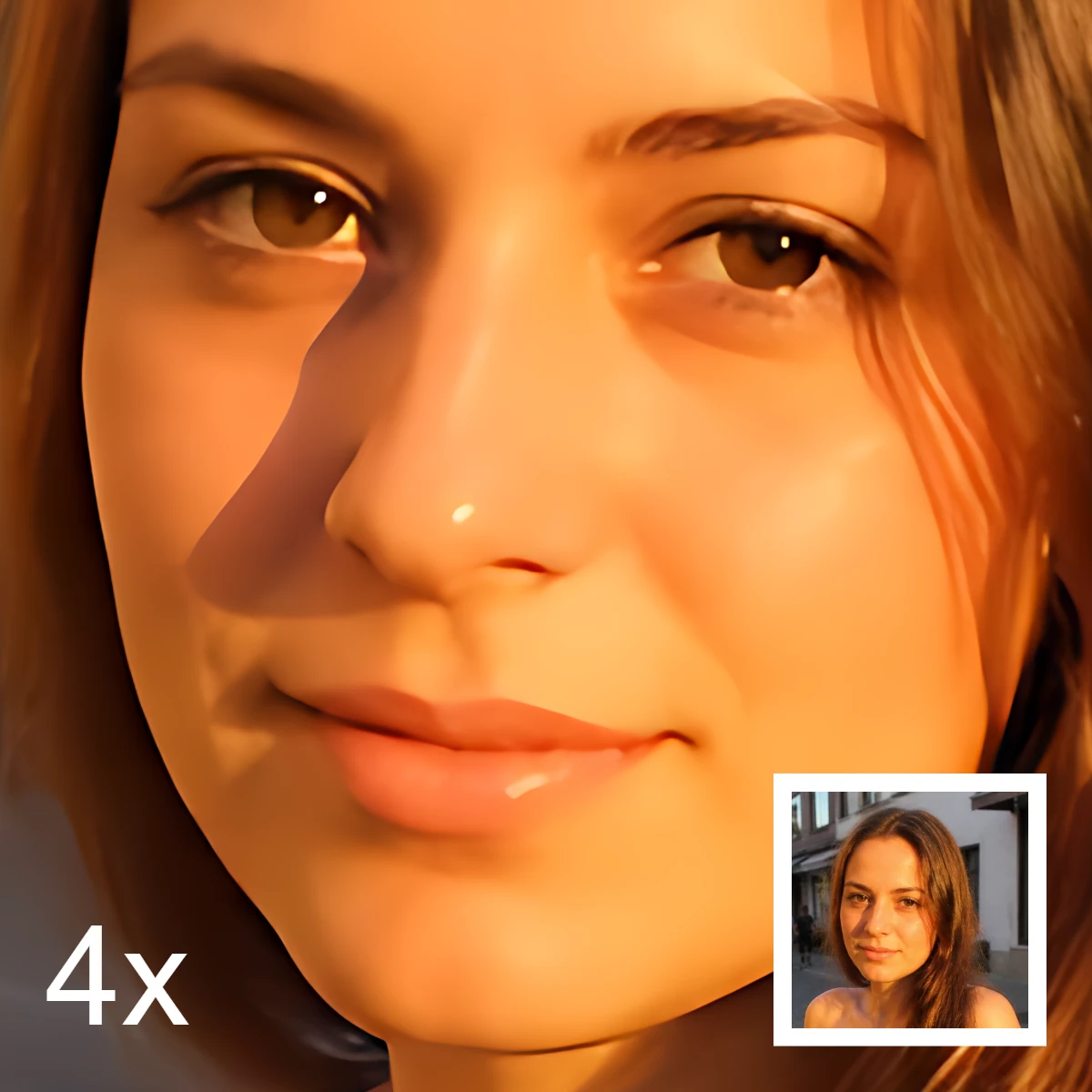
AI image editing
What is AI image editing? How it differs from retouching, the main jobs (cutouts, object removal, enhance, repair, uncrop), on-device privacy and limits.
Ready to try it?
Open PictorX in your browser — no install, no credit card required to start.
Go to Editor