
Free transparent PNG maker
Need a PNG with no background? Remove the backdrop in PictorX and export a transparent PNG for slides, shops, stickers, and design tools.

How it works
- Upload your image to PictorX.
- Run Remove background.
- Export as PNG to keep transparency.
When you need transparency
Logos, product cutouts, YouTube subjects, and sticker-style graphics all need alpha transparency. JPG cannot store transparency—export PNG (or another alpha-capable format) after removal.
Check the checkerboard
After removal, confirm the backdrop shows as transparent in the editor before export. Zoom into fine edges like hair or fabric so you catch leftover matte fringes early.
Use the PNG in other designs
Drop the transparent asset into a flyer, menu, thumbnail, or presentation template inside PictorX, or download it for use in other apps.
Frequently asked questions
Why is my PNG still showing a white background?
Some viewers flatten transparency. Open the file in PictorX or a design tool that shows a checkerboard to verify alpha.
Is this the same as background remover?
Transparent PNG export is the usual end goal of background removal—this page focuses on that outcome.
Does JPG keep transparency?
No. JPEG cannot store transparency. Export PNG (or another alpha-capable format) after you remove the background.
Can I use the PNG in PowerPoint or Canva?
Yes. Export a transparent PNG, then place it on slides, shop listings, or other design tools that support alpha.
Related tools
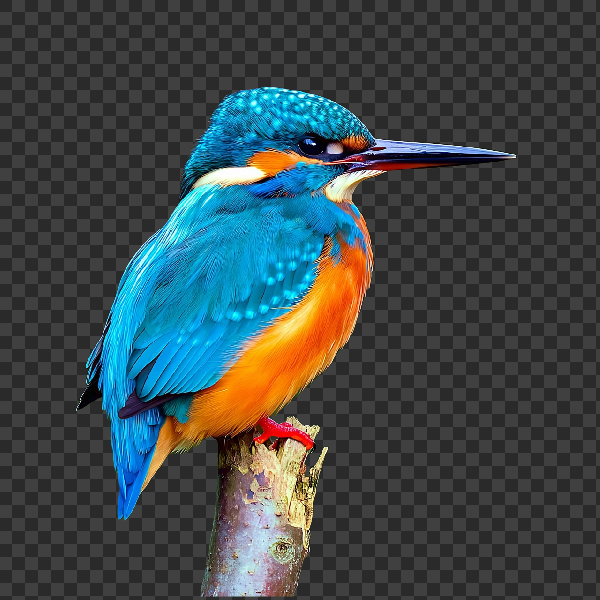
Free AI background remover
Remove image backgrounds free in your browser with PictorX. On-device AI, no upload to our servers, no credit card. Clean transparent PNGs in seconds.
Free online logo maker
Design a simple logo free online with PictorX. Combine shapes, text, and icons—then export PNG for your brand.

Free Etsy product photo editor
Edit Etsy product photos free online. Remove backgrounds, clean up shots, and create listing images that convert—right in your browser.

Raster vs vector images
Raster (bitmap) vs vector graphics: pixels, DPI/PPI, JPEG/PNG/WebP vs SVG/PDF/AI/EPS, scaling, file size, and when to use each in PictorX.
Image file formats
JPG vs PNG vs WebP: compression, quality, transparency, browser support, and when to use each format for web and print in PictorX.
Ready to try it?
Open PictorX in your browser — no install, no credit card required to start.
Make a transparent PNG