
Free Etsy product photo editor
Marketplace photos sell the product before the description does. Use PictorX to remove backgrounds, brighten details, and build consistent listing images for your Etsy shop.

How it works
- Open your product photo in PictorX.
- Remove the background or clean distractions with AI tools.
- Place the product on a clean backdrop, add subtle branding if needed, and export for your listing.
Listing images that look shop-ready
Buyers compare many thumbnails in a search grid. Consistent lighting, centered products, and uncluttered backgrounds help your listing stand out. Create a repeating style—same backdrop color, same margins—so your shop feels intentional.
White backgrounds and lifestyle crops
Many categories expect a clean white or light background for the primary image. Secondary images can show scale, texture, or lifestyle context. PictorX lets you produce both from the same shoot by cutting out the product and composing new scenes.
Batch a cohesive look
Work through a folder of photos with the same steps: remove background, normalize framing, export. Save a template layout for lifestyle mockups so new SKUs inherit your shop style.
Frequently asked questions
Does PictorX upload my product photos?
AI background tools can run on-device in supported browsers, keeping drafts private during that step.
Can I make a white-background primary image?
Yes. Remove the background, place the product on white or a light color, and keep secondary images for scale, texture, or lifestyle context.
What size should Etsy listing photos be?
A square 2000×2000 image is a strong default for the primary listing photo. Keep the product large in the frame so it reads in search thumbnails.
Can I batch a consistent shop look?
Yes. Repeat the same backdrop, margins, and export size across SKUs, or use batch background removal for a folder of product shots.
Related tools
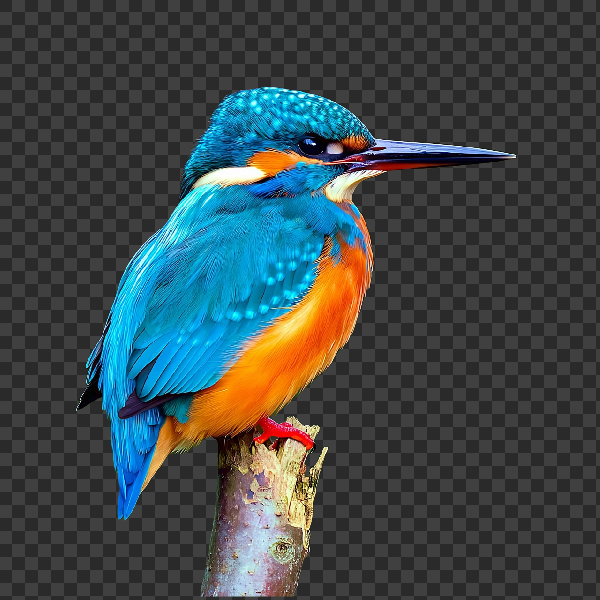
Free AI background remover
Remove image backgrounds free in your browser with PictorX. On-device AI, no upload to our servers, no credit card. Clean transparent PNGs in seconds.

Free transparent PNG maker
Make a transparent PNG free online. Remove backgrounds and export clear PNGs with PictorX for logos, products, and stickers.
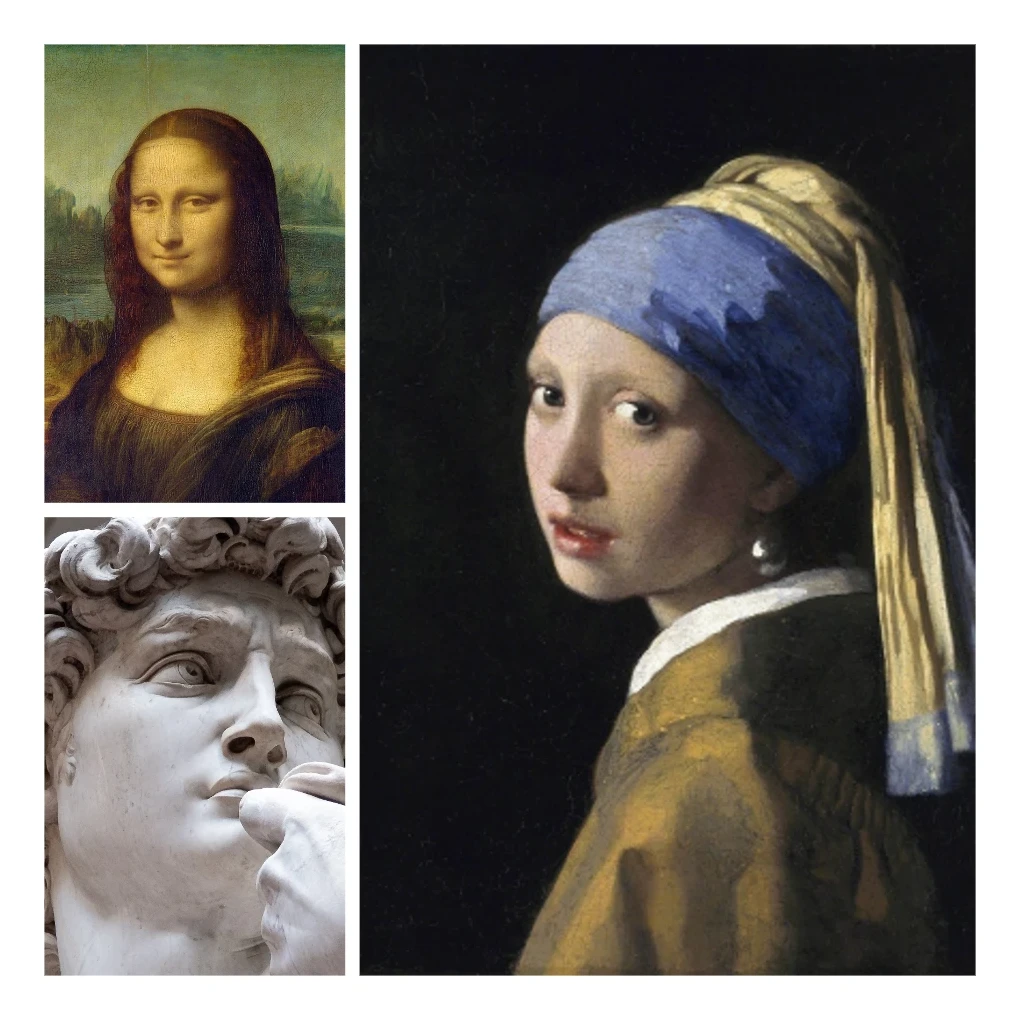
Photo collage
Make photo collages free online with PictorX. Combine 2 to 20 photos, pick a layout, and export.
Ready to try it?
Open PictorX in your browser — no install, no credit card required to start.
Edit a product photo