
폴록 페인터
브라우저에서 잭슨 폴록 스타일 드립·스플래터. 제스처 브러시, 오토 폴록, 팔레트 — 그다음 PNG 저장. Paint Jackson-Pollock-style drips and splatters — or let Auto-Pollock go wild.
작동 원리
- 브라우저에서 PictorX를 열고 새 프로젝트를 시작하거나 이미지를 로드하세요.
- 폴록 페인터를 사용하여 결과를 형성한 다음 주변 편집기 도구를 사용하여 구체화합니다.
- 계속 편집하고, 작업을 내보내고, 결과를 다음 디자인으로 바꾸세요.
폴록 페인터이 귀하의 워크플로에 어떻게 적합한지
브라우저에서 잭슨 폴록 스타일 드립·스플래터. PictorX는 사진, 레이어, 타이포그래피, 디자인 도구와 함께 이 기능을 유지하므로 애플리케이션을 전환하지 않고도 아이디어에서 완성된 그래픽으로 이동할 수 있습니다.
폴록 페인터로 더 많은 것을 만들어보세요
하나의 집중된 변경으로 시작하여 상황에 맞게 결과를 검토하고 계속 반복하세요. 소셜 미디어, 프리젠테이션, 인쇄 레이아웃 또는 개인 프로젝트를 위한 세련된 이미지가 필요한 경우 폴록 페인터를 다른 PictorX 도구와 결합하세요.
자주 묻는 질문
Is Pollock Painter free to try?
Yes. Open PictorX in a modern browser to try Pollock Painter as part of the free editing workflow.
Do I need to install software for Pollock Painter?
No. PictorX runs in your browser, so you can start creating without a desktop software install.
How do I get started with Pollock Painter?
Open an image or create a new design in PictorX, select Pollock Painter, then adjust the result while viewing the rest of your composition.
Can I combine Pollock Painter with other PictorX tools?
Yes. Use Pollock Painter alongside layers, selections, text, filters, and other PictorX editing tools to finish your design in one workflow.
관련 도구
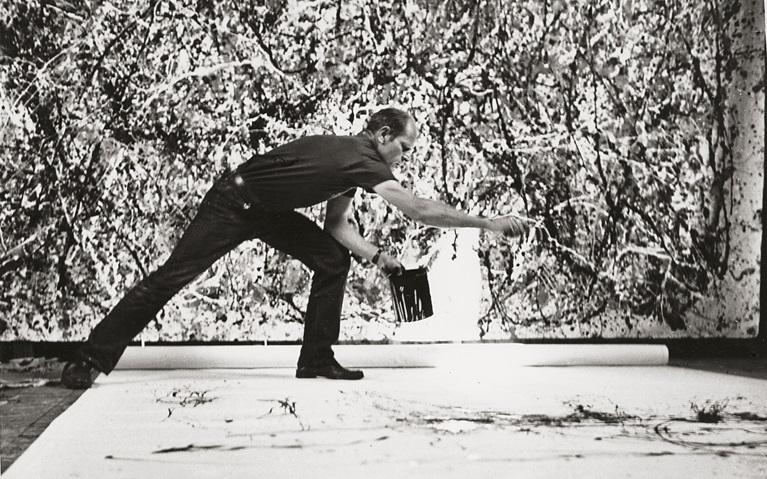
잭슨 폴록
잭슨 폴록의 생애와 드립 페인팅: 코디, 뉴욕 스쿨, 액션 페인팅, 그리고 PictorX Pollock Painter로 브라우저에서 드립과 스플래터를 탐구하는 방법.
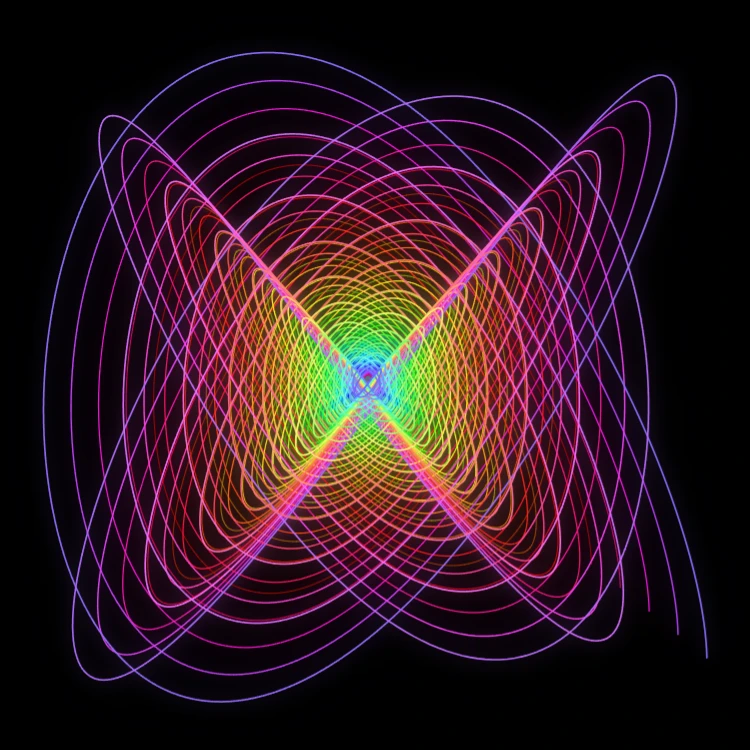
페인팅 진자
브라우저에서 감쇠 리사주 곡선을 그립니다—클래식 블랙번 페인팅 진자. 주파수비·위상·감쇠를 조절하고 궤적을 애니메이션한 뒤 PNG로 저장하세요. 업로드되지 않습니다.

스피로그래프
브라우저에서 하이포트로코이드와 에피트로코이드를 그립니다. R, r, 펜 오프셋을 조절하고 애니메이션·무작위화·PNG 저장. 업로드 없음.

로렌츠 휠
브라우저에서 Malkus/Lorenz 혼돈 물레바퀴를 시뮬레이션하세요. 유량·누수·마찰을 조절하고 역전을 보거나 로렌츠 ODE로 전환한 뒤 PNG를 저장하세요. 아무것도 업로드되지 않습니다.
시도해 볼 준비가 되셨나요?
브라우저에서 PictorX를 엽니다. 설치가 필요 없고 시작하는 데 신용 카드가 필요하지 않습니다.
편집자로 이동