
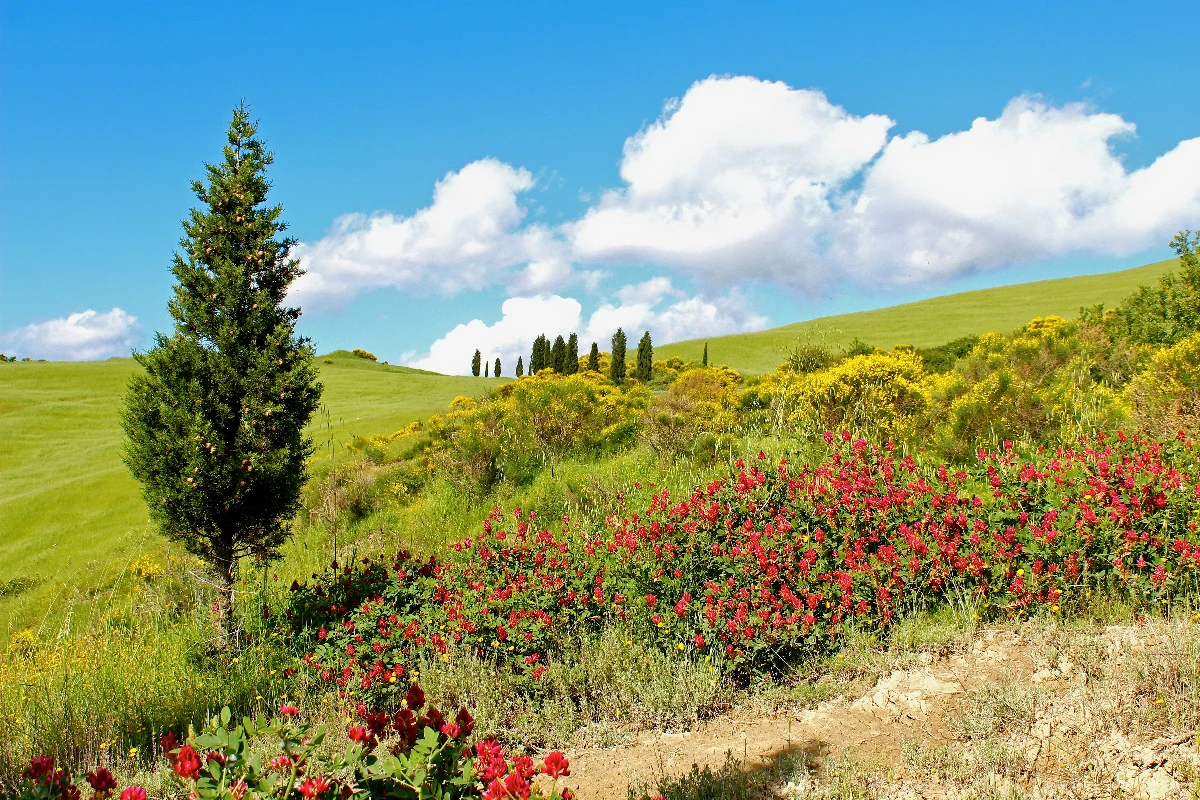
칸딘스키 사진 필터 - 원, 선, 색
Kandinsky built pictures from point, line and plane. This filter reads your photo the same way: its strongest light and dark blobs become circles, its strongest edges become straight lines, and its broad colour areas become washes and fields, all pulled into Kandinsky's palettes. Every photo gives a different composition. All processed on-device. 사진을 원, 선, 색으로 이루어진 칸딘스키 추상화로 바꾸세요. 스타일과 팔레트를 고른 뒤 요소를 조절하세요.
작동 원리
- Open PictorX in your browser and load a photo — landscapes, portraits and street scenes all give different compositions.
- Choose Kandinsky, then pick a Style (Composition, Concentric Circles, Several Circles or Improvisation) and a Palette, and adjust Element Size, Elements, Line Work, Color Intensity and Canvas Texture.
- Export the abstraction, or keep editing with layers and other effects in the same workspace.
Point, line and plane — from your photo
In his Bauhaus book Point and Line to Plane (1926), Kandinsky described pictures as built from three elements. The filter takes them from the photo: blobs of strong contrast become circles sized by their importance, the strongest edges become thin straight lines along their own direction, and the broad colour areas become pale washes and translucent planes. The composition therefore follows your photo, even though nothing is traced.
Four styles and six palettes
Composition gathers circles with halos, fans of lines, arcs, triangles and small checkerboards on a light ground, after Composition VIII (1923). Concentric Circles fills a grid of squares with hand-painted rings, after his 1913 colour study. Several Circles (1926) floats translucent discs in a dark space, and Improvisation turns the photo into free colour patches with black calligraphic lines, like his paintings before 1914. Palettes: Photo, Composition VIII, Several Circles, Bauhaus, Blue Rider and Murnau.
Privacy and keep editing
Processing stays in your browser—photos are not uploaded to PictorX servers for this filter. After Kandinsky, continue with layers, text, Paul Klee, Cubism, Pointillism, or export.
자주 묻는 질문
What does the Kandinsky filter do?
It turns a photo into an abstract composition in the manner of Wassily Kandinsky—circles, lines, rings and colour fields taken from the photo's own shapes and colours—not a copy of a museum painting. Style, Palette, Element Size, Elements, Line Work and Color Intensity shape the look.
Is this a real Kandinsky painting?
No. It is a digital homage for your own photos. Kandinsky's own works are in museums such as the Centre Pompidou in Paris, the Lenbachhaus in Munich and the Guggenheim in New York.
What photos work best?
Photos with a few clear shapes and strong contrast give the boldest compositions; landscapes suit Composition and Concentric Circles, night or dark photos suit Several Circles, and portraits suit Improvisation.
Can I keep editing after applying Kandinsky?
Yes. Continue with layers, text, other artistic looks, or export from the same PictorX workspace.
관련 도구
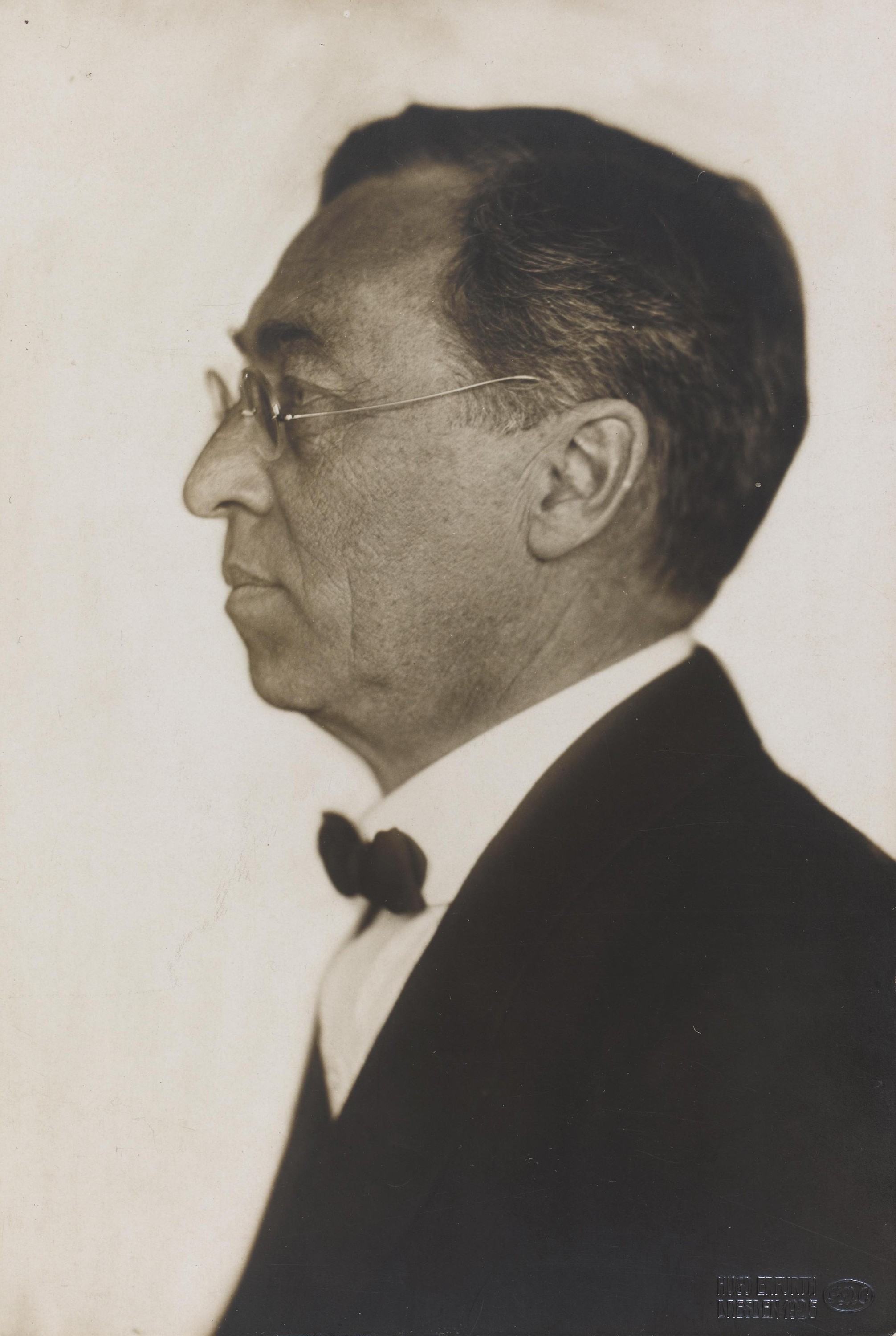
바실리 칸딘스키
바실리 칸딘스키 간단 가이드: 모스크바에서 뮌헨으로, 무르나우와 청기사파, 음악으로서의 색, 동심원이 있는 사각형, 바우하우스와 '컴포지션 VIII', '몇 개의 원', 그리고 PictorX에서 체험할 수 있는 디지털 오마주.
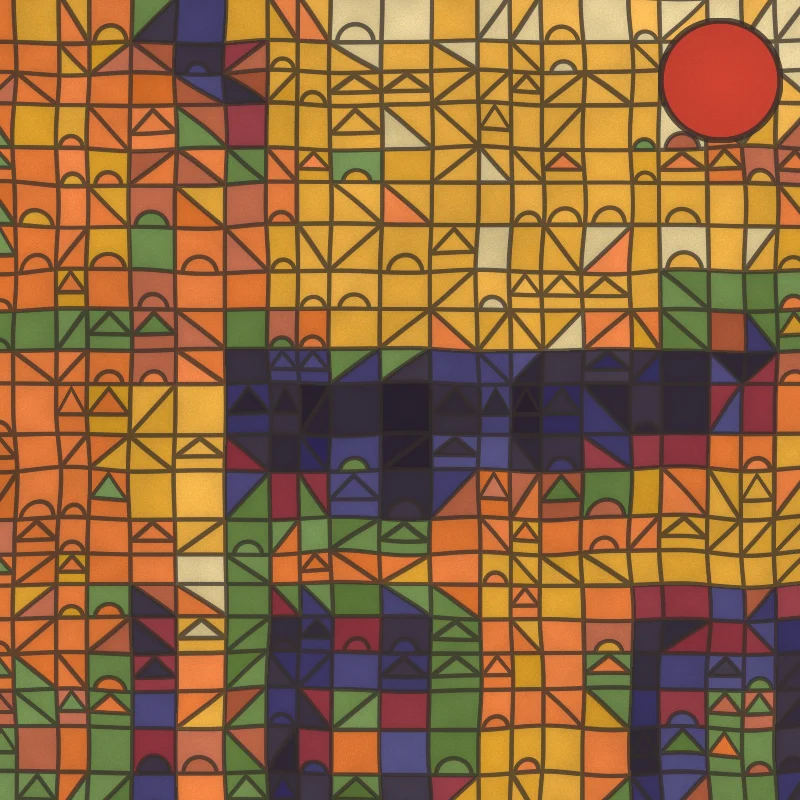
파울 클레 사진 필터 - 마법의 사각형, 성, 선
브라우저에서 사진을 파울 클레 스타일 그림으로 바꿉니다. 마법의 색 사각형, 성과 태양 타일, 아드 파르나숨 점묘, 산책하는 선, 튀니지 수채화. PictorX 서버에는 아무것도.
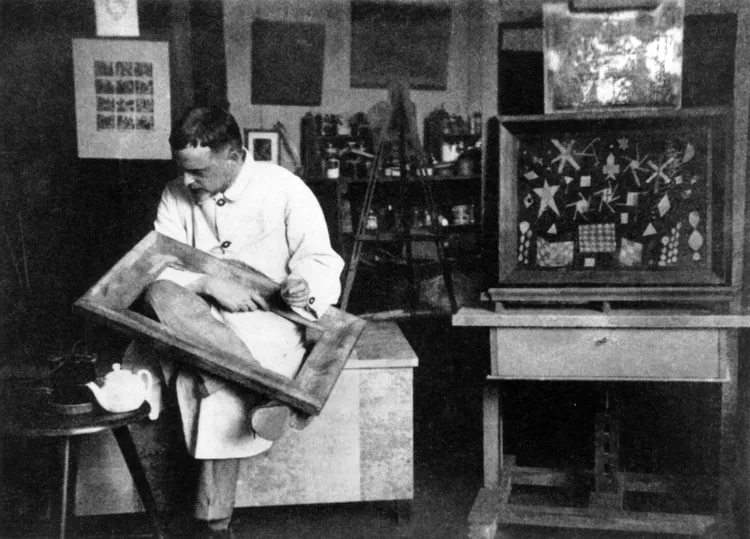
파울 클레
파울 클레 간단 가이드: 베른과 청기사파, 1914년 튀니지 여행, 마법의 색 사각형, 선을 산책시키기, 바우하우스 시절, 그리고 PictorX에서 체험할 수 있는 디지털 오마주.

몬드리안
브라우저에서 고전적인 몬드리안 스타일 데 스테일 격자를 구성하세요. 복잡도, 선 굵기, 색 채우기를 조절하고 칸을 클릭해 다시 칠한 뒤 PNG를 저장하세요.
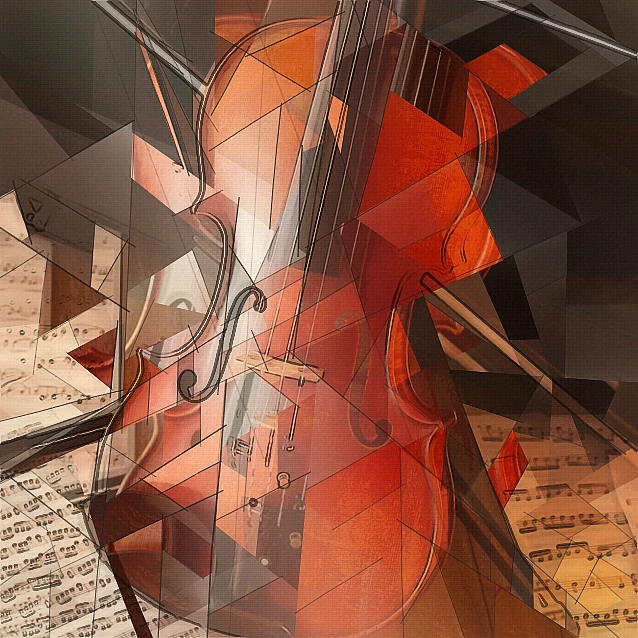
입체파 사진 필터 - 기하학적 면
브라우저에서 사진을 분석적 입체파에서 영감을 받은 기하학적 면으로 바꾸세요. 면 크기, 원근, 평면화, 윤곽, 대비를 조절하세요.

미니멀리즘
브라우저에서 사진을 미니멀 아트로 바꾸세요. 경계가 뚜렷한 평면 도형, 실루엣, 한 줄의 선, 색면, 블록 — 모두 사진에서 가져옵니다. 아무것도.

예술적 효과
유화, 수채화, 연필, 코믹 잉크, 파스텔, 종이 컷아웃 및 기타 스튜디오 아트 룩으로 사진을 변형해 보세요.
시도해 볼 준비가 되셨나요?
브라우저에서 PictorX를 엽니다. 설치가 필요 없고 시작하는 데 신용 카드가 필요하지 않습니다.
편집자로 이동