

カンディンスキー風フォトフィルター - 円、線、色
Kandinsky built pictures from point, line and plane. This filter reads your photo the same way: its strongest light and dark blobs become circles, its strongest edges become straight lines, and its broad colour areas become washes and fields, all pulled into Kandinsky's palettes. Every photo gives a different composition. All processed on-device. 写真を円、線、色のカンディンスキー風抽象画に変えます。スタイルとパレットを選び、要素を調整してください。
使い方
- Open PictorX in your browser and load a photo — landscapes, portraits and street scenes all give different compositions.
- Choose Kandinsky, then pick a Style (Composition, Concentric Circles, Several Circles or Improvisation) and a Palette, and adjust Element Size, Elements, Line Work, Color Intensity and Canvas Texture.
- Export the abstraction, or keep editing with layers and other effects in the same workspace.
Point, line and plane — from your photo
In his Bauhaus book Point and Line to Plane (1926), Kandinsky described pictures as built from three elements. The filter takes them from the photo: blobs of strong contrast become circles sized by their importance, the strongest edges become thin straight lines along their own direction, and the broad colour areas become pale washes and translucent planes. The composition therefore follows your photo, even though nothing is traced.
Four styles and six palettes
Composition gathers circles with halos, fans of lines, arcs, triangles and small checkerboards on a light ground, after Composition VIII (1923). Concentric Circles fills a grid of squares with hand-painted rings, after his 1913 colour study. Several Circles (1926) floats translucent discs in a dark space, and Improvisation turns the photo into free colour patches with black calligraphic lines, like his paintings before 1914. Palettes: Photo, Composition VIII, Several Circles, Bauhaus, Blue Rider and Murnau.
Privacy and keep editing
Processing stays in your browser—photos are not uploaded to PictorX servers for this filter. After Kandinsky, continue with layers, text, Paul Klee, Cubism, Pointillism, or export.
よくある質問
What does the Kandinsky filter do?
It turns a photo into an abstract composition in the manner of Wassily Kandinsky—circles, lines, rings and colour fields taken from the photo's own shapes and colours—not a copy of a museum painting. Style, Palette, Element Size, Elements, Line Work and Color Intensity shape the look.
Is this a real Kandinsky painting?
No. It is a digital homage for your own photos. Kandinsky's own works are in museums such as the Centre Pompidou in Paris, the Lenbachhaus in Munich and the Guggenheim in New York.
What photos work best?
Photos with a few clear shapes and strong contrast give the boldest compositions; landscapes suit Composition and Concentric Circles, night or dark photos suit Several Circles, and portraits suit Improvisation.
Can I keep editing after applying Kandinsky?
Yes. Continue with layers, text, other artistic looks, or export from the same PictorX workspace.
関連ツール
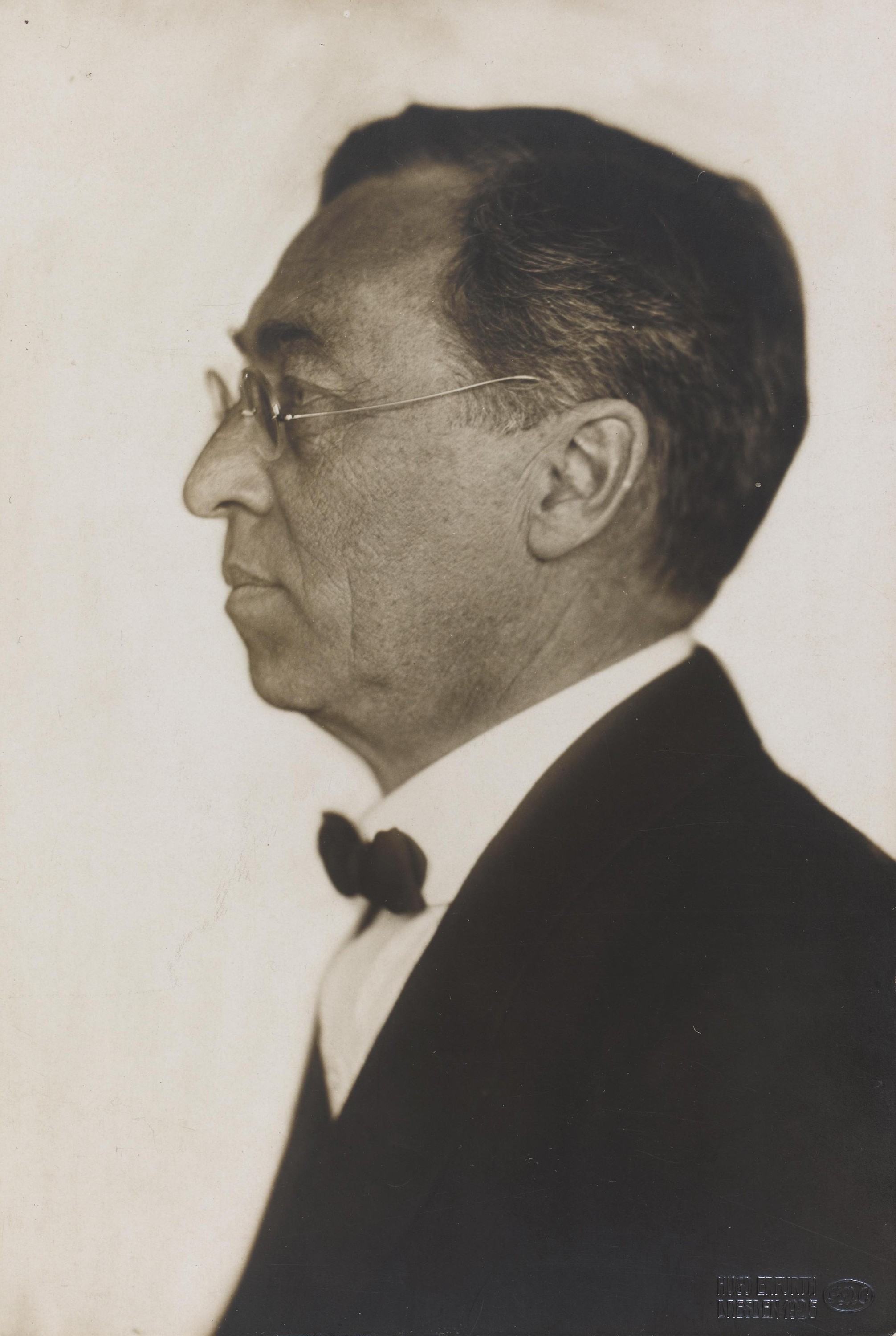
ワシリー・カンディンスキー
ワシリー・カンディンスキーの簡単なガイド:モスクワからミュンヘンへ、ムルナウと青騎士、音楽としての色彩、同心円の正方形、バウハウスと『コンポジション VIII』、『いくつかの円』、そして PictorX で試せるデジタル・オマージュ。
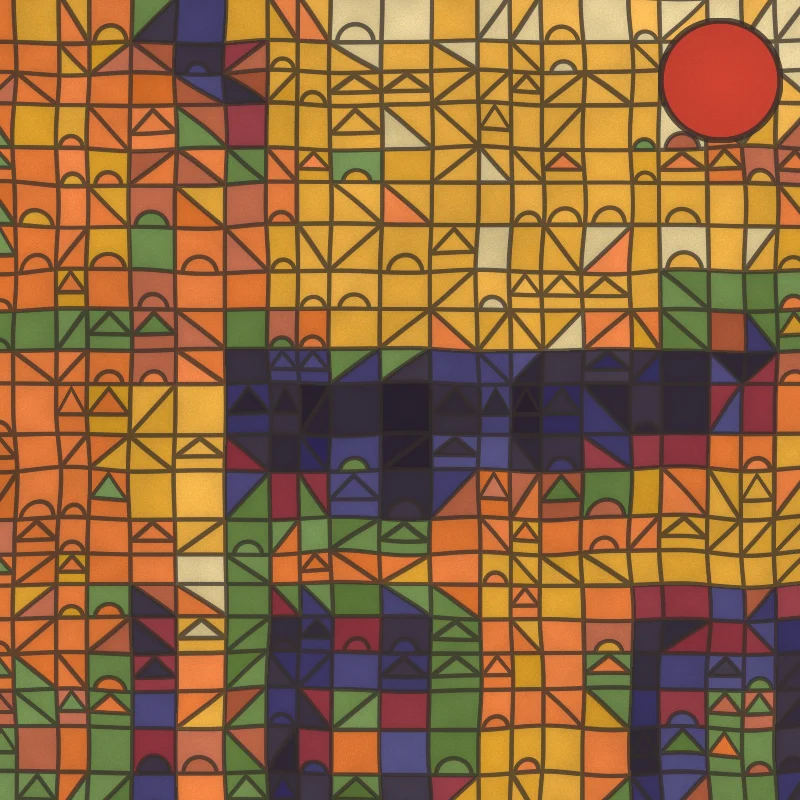
パウル・クレー風フォトフィルター - 魔方陣、城、線
ブラウザで写真をパウル・クレー風の絵画に変えます。色の魔方陣、『城と太陽』のタイル、『パルナッソスへ』の点描、散歩する線、チュニジアの水彩。
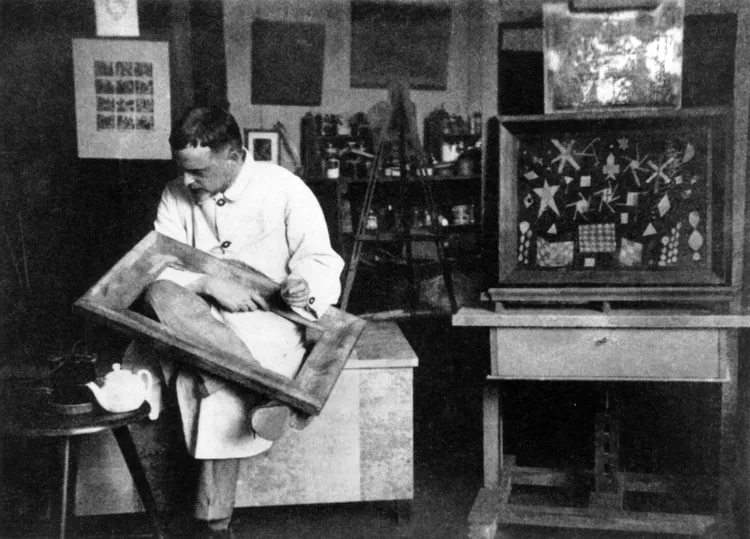
パウル・クレー
パウル・クレーの簡単なガイド:ベルンと青騎士、1914年のチュニジア旅行、色の魔方陣、線を散歩に連れ出すこと、バウハウス時代、そして PictorX で試せるデジタル・オマージュ。

モンドリアン
ブラウザで古典的なモンドリアン風 De Stijl グリッドを構成。複雑さ、線の太さ、塗りを調整し、セルをクリックして塗り替え、PNG を保存。
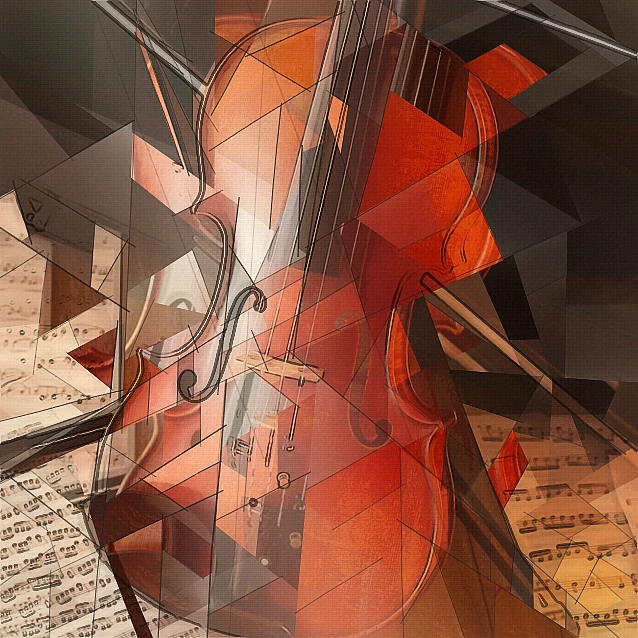
キュビスム・フォトフィルター - 幾何学的な面
ブラウザで写真を分析的キュビスムに着想した幾何学的な面に。面のサイズ、パース、平坦化、輪郭、コントラストを調整。
ミニマリズム
ブラウザで写真をミニマルアートに。エッジの効いた平面の形、シルエット、一本の線、カラーフィールド、ブロック——すべて写真から。

芸術的効果
油絵、水彩、鉛筆、コミックインク、パステル、切り絵などのスタジオアートの見た目で写真を変えます。
試してみますか?
ブラウザで PictorX を開きます。インストール不要、始めるのにクレジットカードも不要です。
エディターへ