
Fictional sample token, signed with this sample secret.
| Claim | Value | Meaning |
|---|
JWT Decoder
Paste a JSON Web Token and read what is inside. The token is shown in its three coloured parts, header, payload and signature; the header and payload are decoded and pretty-printed, and the registered claims such as iss, sub, aud and exp are explained in plain words, with their times as dates and a live status that says when the token expires or how long ago it expired. Enter the secret to verify an HS256, HS384 or HS512 signature, or paste a public key in PEM or JWK for RS256, PS256, ES256 and EdDSA tokens. The Encode tab builds and signs a new token. Everything runs in your browser and nothing is saved. Paste a JSON Web Token into the box. Its three parts are coloured, the header and the payload are decoded below, the registered claims are explained and the status shows when the token expires. Enter the secret, or paste a public key for RS, PS, ES and EdDSA tokens, to verify the signature. Encode builds and signs a new token from the header and payload JSON with an HMAC secret.
How it works
- Paste a token into the box, or start with the sample token; the header, the payload and the claims appear at once.
- Read the status: the algorithm, whether the token is valid or expired, and the time left until it expires.
- Enter the secret, or paste a public key for RS, PS, ES and EdDSA tokens, to verify the signature, or switch to Encode to build and sign a token of your own.
Claims in plain words
A payload such as {"sub": "user-4821", "exp": 1767225600} is easy to decode but hard to read. The decoder lists the registered claims of RFC 7519 with what each one means: who issued the token (iss), whom it is about (sub), whom it is for (aud), when it was issued (iat), when it starts (nbf) and when it expires (exp), and its unique ID (jti). The times are converted from seconds since 1970 to dates in your local time or UTC, and a status that updates every second says whether the token is still valid.
Verify the signature
Decoding shows what a token claims; only the signature shows that it is genuine. For HS256, HS384 and HS512 the decoder computes the HMAC with the secret you enter, written as text or base64, and compares it with the signature. For RS256, PS256, ES256 and EdDSA tokens it checks the signature with a public key that you paste as PEM, a certificate or a JWK. The check uses your browser's Web Crypto, so the secret never leaves the page, and a token with the algorithm none is flagged, because it is not signed at all.
Frequently asked questions
What is the difference between HS256 and RS256?
HS256 signs with HMAC and one shared secret, so anyone who can verify a token can also create one. RS256 signs with a private RSA key and is checked with the matching public key, so a service can verify tokens without being able to issue them. Here you enter the secret for HS tokens and paste the public key for RS, PS, ES and EdDSA tokens.
How long should an HS256 secret be?
At least as long as the hash, as RFC 7518 requires: 32 bytes for HS256, 48 for HS384 and 64 for HS512. The decoder shows a note when a secret that verifies a token, or signs one in Encode, is shorter. Use a random secret of that length rather than a word or a short phrase, which can be guessed.
Is a JWT encrypted?
No. A normal JWT (a JWS) is only signed: its header and payload are base64url-encoded JSON, which anyone who has the token can decode, as this page does. The signature only proves that nobody changed the token. Never put passwords or other secrets in a payload. Encrypted tokens (JWE) have five parts instead of three and cannot be read without the key.
Why does my signature show as invalid?
Usually the secret is wrong or written differently: some systems store the secret base64-encoded, so try the option Secret is base64-encoded. A token copied with a missing character, or one whose header or payload was edited, also fails. For RS, PS and ES tokens, make sure you paste the public key that belongs to the private key that signed the token, for example the key with the token's kid from the issuer's JWKS.
How do I see when a JWT expires?
Paste it in: the status shows Valid with the time left, Expired with how long ago, or No expiry when the token has no exp claim. The exp, nbf and iat claims count seconds since 1 January 1970 (UTC), and the claims table shows them as dates in your local time or in UTC.
Related tools

How JSON Web Tokens work
How a JSON Web Token (JWT) works: its three base64url parts, the registered claims such as exp and sub, how HS256, RS256 and ES256 signatures are checked, and why a JWT is readable by anyone.
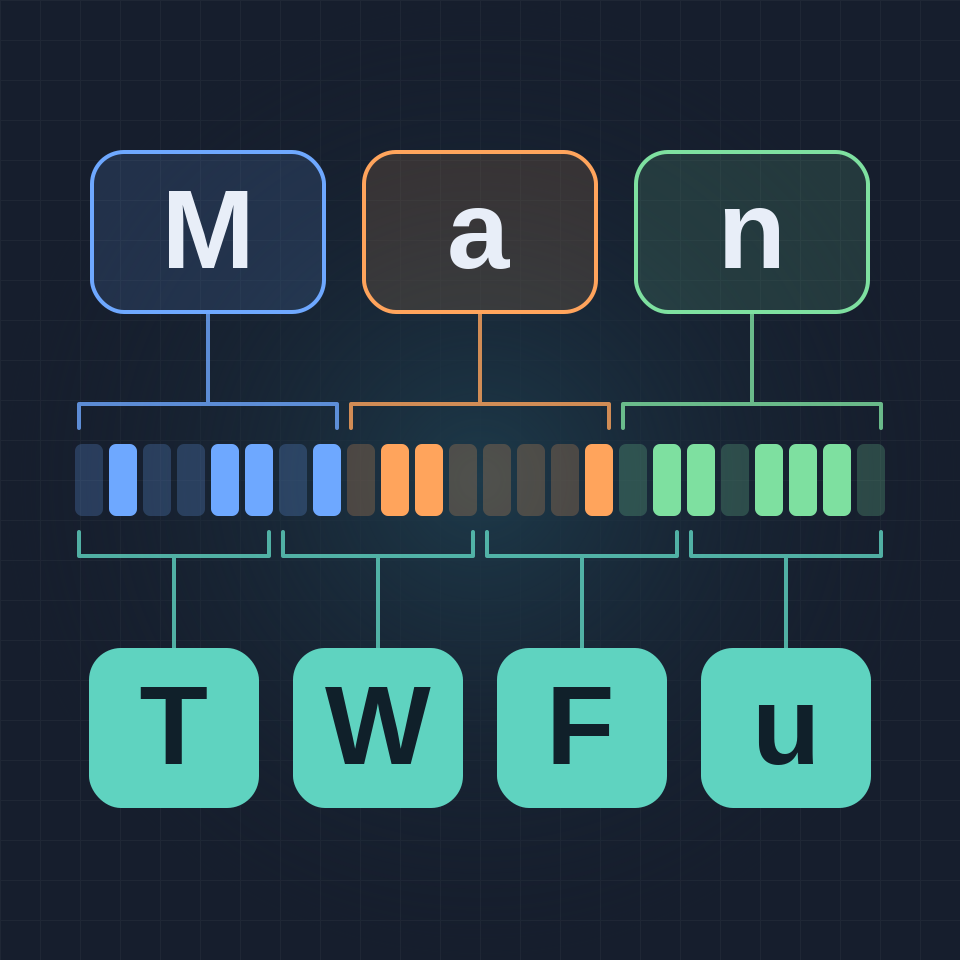
Base64 Encoder
A free online Base64 encoder and decoder: convert text to Base64 and back as you type, with UTF-8, URL-safe Base64, padding, MIME line breaks, files to data URIs and a preview of decoded images.
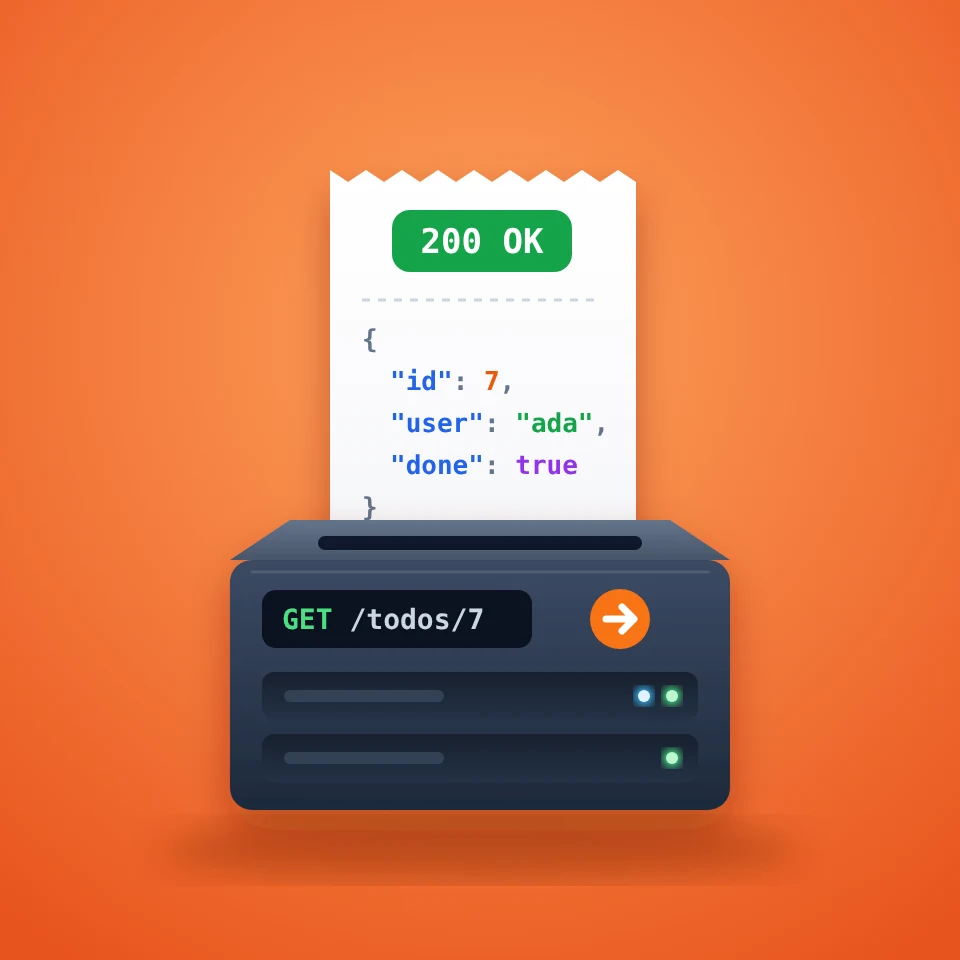
API Tester
A free online API tester: send GET, POST, PUT, PATCH and DELETE requests from your browser with query parameters, headers, a JSON body and auth, then read the status, time, headers and formatted response.
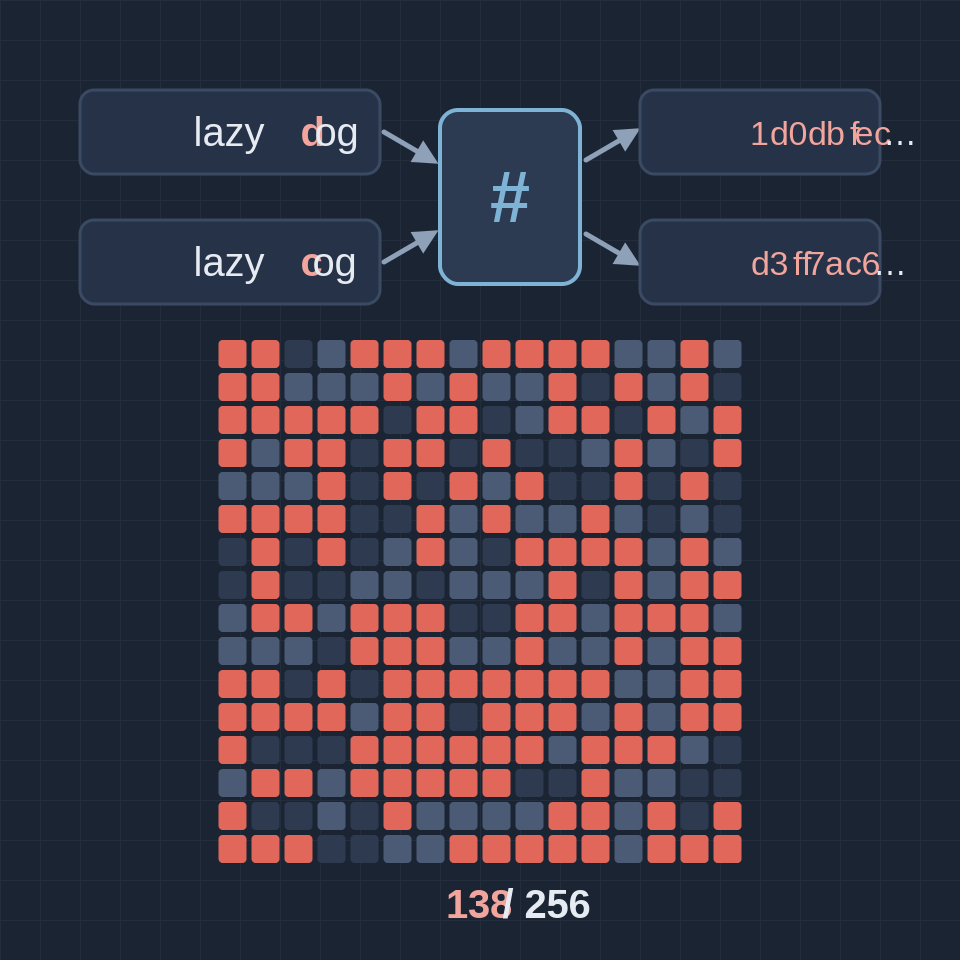
Hash function playground
Hash any text with SHA-256, SHA-512, SHA-1, MD5 and CRC-32, change one character and watch half the digest bits flip, test the avalanche effect, and find collisions on short digests with the birthday attack.
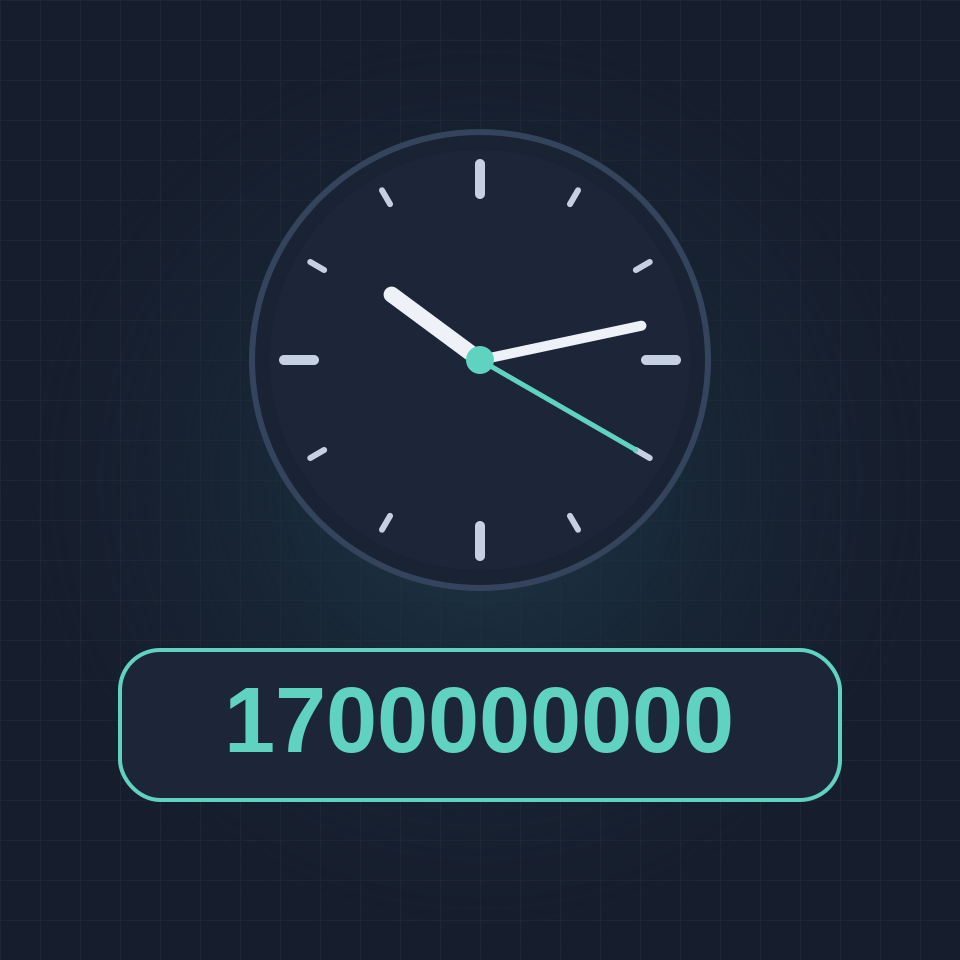
Unix timestamp converter
A free Unix timestamp converter: turn epoch time in seconds, milliseconds, microseconds or nanoseconds into a date in UTC, your local time or any time zone, and dates back into timestamps, with a live clock.
Ready to try it?
Open PictorX in your browser — no install, no credit card required to start.
Go to Editor