
| Input | Unit | UTC (ISO 8601) | From now |
|---|
Unix timestamp converter
Paste a Unix timestamp and read it as a date in UTC, your local time and any time zone, as ISO 8601, RFC 2822 and a written-out date, with the day of the week, the ISO week, the day of the year and how long ago it was. The unit is read from the length of the number, so seconds, milliseconds, microseconds and nanoseconds all work, exactly. Pick or type a date to get its timestamp, convert a whole list at once, and copy the current Unix time from the live clock. The clock at the top is the current Unix time; copy it in seconds or milliseconds. Paste a timestamp to read it as a date in UTC, your local time and the time zone you choose. Its unit is read from its length (up to 11 digits seconds, then milliseconds, microseconds and nanoseconds), or choose one under Unit. To go the other way, pick a date, a time and a time zone, or type a date such as 2024-03-01 14:30, 1 Mar 2024 2:30 PM or an ISO 8601 or RFC 2822 date. Batch turns one timestamp per line into a table you can copy or download as CSV.
How it works
- Paste a timestamp or press Now. The unit is read from its length, or choose seconds, milliseconds, microseconds or nanoseconds under Unit.
- Read the date in UTC, your local time and the time zone you choose, and copy the ISO 8601 or RFC 2822 string.
- To get a timestamp, pick a date, a time and a time zone, or type a date. For a list, choose Batch and copy the table as CSV.
What a Unix timestamp is
Unix time counts the seconds since the Unix epoch, 1 January 1970 at 00:00:00 UTC. So 0 is that midnight, 1,700,000,000 is 14 November 2023 at 22:13:20 UTC, and negative numbers are earlier dates. The number is the same everywhere on Earth: time zones only matter once it is written as a date. JavaScript and Java count milliseconds, many databases and logs microseconds, and Go and tracing tools nanoseconds; the converter tells them apart by their length.
ISO 8601, RFC 2822 and time zones
ISO 8601 writes a moment as 2023-11-14T22:13:20Z, largest unit first, with Z for UTC or an offset such as +01:00; it sorts as text and is what JSON APIs use. RFC 2822, the format of e-mail and HTTP headers, writes Tue, 14 Nov 2023 22:13:20 +0000. The time zone rules come from the IANA database built into your browser, so daylight saving time and historic changes are applied for every date.
Frequently asked questions
How does it know whether a timestamp is in seconds or milliseconds?
From its size. Today's time has 10 digits in seconds, 13 in milliseconds, 16 in microseconds and 19 in nanoseconds. Up to 11 digits are read as seconds, up to 14 as milliseconds, up to 17 as microseconds and longer numbers as nanoseconds, which is right for every date up to the year 5138. For an early date in milliseconds, such as 86400000, choose the unit under Unit.
What is the Unix time now?
The clock at the top shows it, in seconds and in milliseconds, with the same moment as an ISO 8601 date in UTC. Press Copy beside either number, or Now to load the current time into the converter.
Does it handle time zones and daylight saving time?
Yes. The dates use the IANA time zone database built into your browser, so New York shows −05:00 in winter and −04:00 in summer, and historic offsets apply too. A local time that the clocks skip in spring moves on by the jump, and a time that happens twice in autumn is read as the earlier one; the app says so in both cases.
Can I convert many timestamps at once?
Yes. Choose Batch and paste one timestamp per line, up to 1,000 lines. Each line is read in its own unit, and the table shows it in UTC, in the chosen time zone and relative to now. Copy CSV puts the table on the clipboard for a spreadsheet, and Download CSV saves it as a file.
Related tools
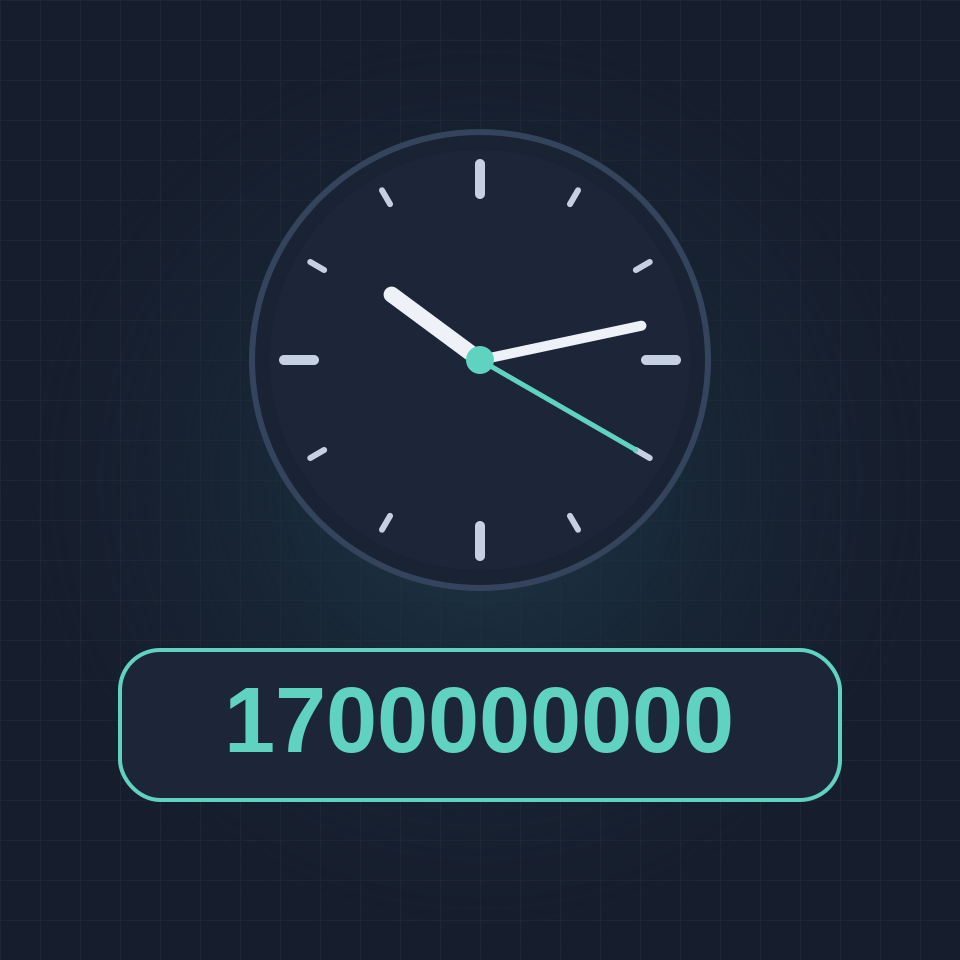
How Unix time works
What Unix time is and how it works: the 1970 epoch, seconds, milliseconds and nanoseconds, why leap seconds are left out, time zones, ISO 8601 and RFC 2822, and the year 2038 problem of 32-bit timestamps.
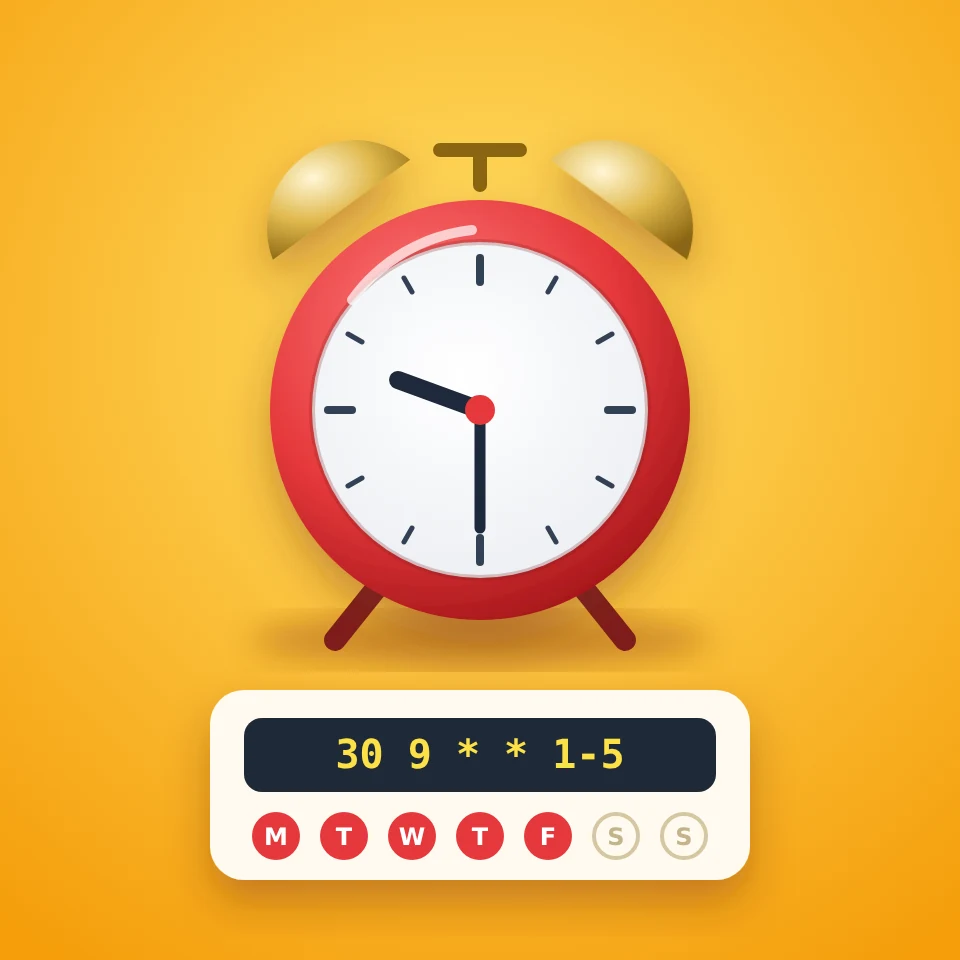
Cron expression builder
A free cron expression builder: pick minutes, hours, days and months or paste an expression, read it in plain words, check each field and see the next 10 run times in your time zone.
UUID generator
A free UUID generator: make random version 4 or time-ordered version 7 UUIDs, up to 1000 at once and in any format, and inspect any UUID or GUID for its version, variant, timestamp and bits.

JWT Decoder
A free JWT decoder: paste a JSON Web Token to read its header and payload, see the claims explained and when it expires, and verify an HS256, HS384 or HS512 signature with your secret, all in your browser.
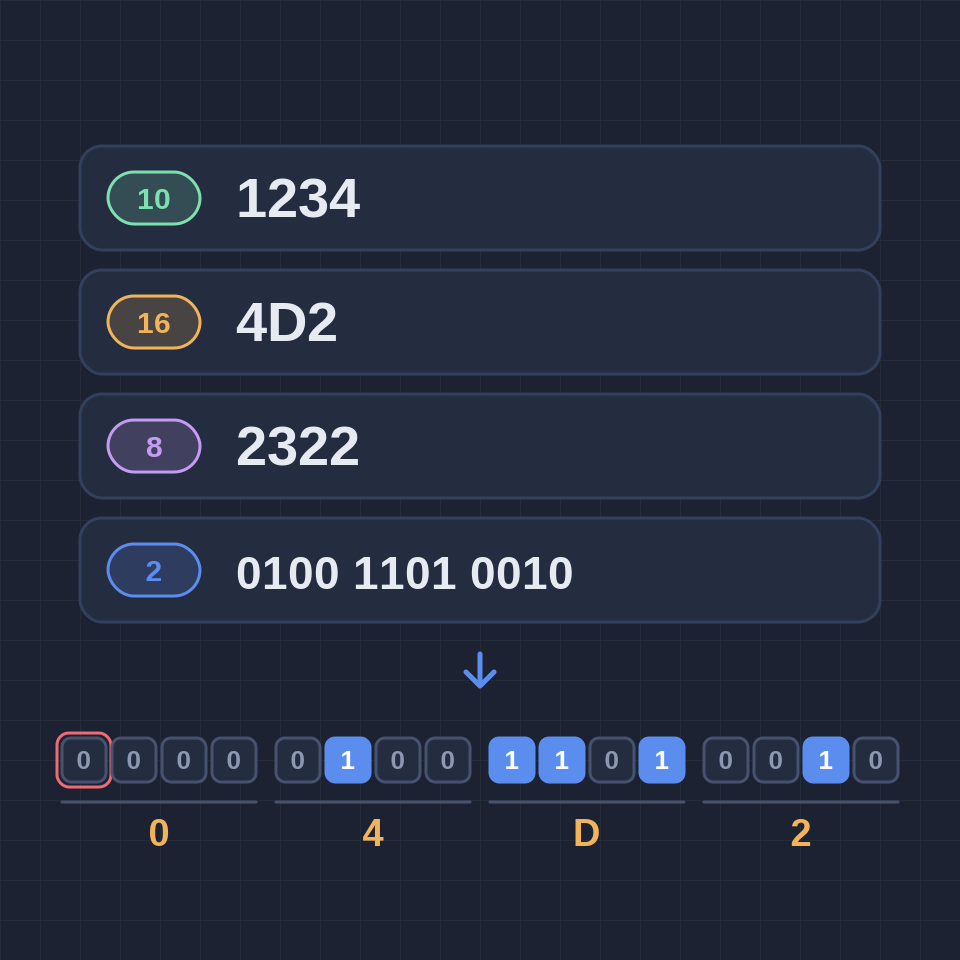
Base converter
A free base converter: convert numbers between binary, octal, decimal, hexadecimal and any base from 2 to 36 as you type, with two's complement, a clickable bit grid and the steps worked out.
Ready to try it?
Open PictorX in your browser — no install, no credit card required to start.
Go to Editor