
How JSON Web Tokens work
When you log in to a website or an app, the server often hands back a JSON Web Token, a long string that starts with eyJ. Your browser or app sends it with every request, and the server reads from it who you are and what you may do, without looking you up in a database. Here is what the three parts of a token contain, what the claims mean, how the signature proves that nobody changed it, and why anyone holding a token can read it.

Three parts separated by dots
A JWT looks like xxxxx.yyyyy.zzzzz. The first part is the header, a small JSON object such as {"alg": "HS256", "typ": "JWT"} that names the signing algorithm. The second is the payload, a JSON object with the claims: the facts the token states, such as the user ID and the expiry time. The third is the signature, computed over the first two parts. Header and payload are written in base64url, a version of Base64 that uses - and _ instead of + and / and drops the = padding, so the token can travel in a URL or an HTTP header without escaping. That is also why every token starts with eyJ: it is the base64url form of {".
Signed, not encrypted
Base64url is an encoding, not encryption: anyone who has the token can turn the header and payload back into JSON, as the JWT Decoder does in your browser. The signature does not hide anything; it lets the server check that the token was issued by someone holding the key and that not a single character has changed since. So a payload may say who the user is, but it must never contain a password, a credit card number or anything else that the holder of the token should not see. When the content itself has to stay secret, an encrypted token (a JWE, with five parts instead of three) is used instead.
The registered claims
RFC 7519 defines seven short claim names that every library understands. iss (issuer) names who created the token, such as https://auth.example.com. sub (subject) is whom it is about, usually a user ID. aud (audience) is the service it is meant for, and a service must reject a token addressed to someone else. exp (expiration time) is the moment after which the token must be refused, nbf (not before) the moment before which it must be refused, and iat (issued at) when it was made. jti (JWT ID) is a unique ID that lets a server notice a token used twice. The times are NumericDates: whole seconds since 1 January 1970 UTC, so 1767225600 is 1 January 2026, 00:00 UTC. Any other claim, such as name, email or role, is chosen by the application.
HMAC, RSA and elliptic curve signatures
The alg in the header says how the signature was made. HS256, HS384 and HS512 use HMAC with SHA-256, SHA-384 or SHA-512 and one shared secret: the same key signs and verifies, so every service that checks tokens could also create them. The secret should be random and at least as long as the hash, 32 bytes for HS256. RS256 uses an RSA key pair, PS256 the newer RSA-PSS padding, ES256 an elliptic curve key on P-256 and EdDSA the Ed25519 curve: the issuer signs with its private key, and anyone can verify with the public key, which issuers usually publish as a JSON Web Key Set (JWKS) at a URL such as /.well-known/jwks.json. The kid in the header says which of those keys was used.
How a server checks a token
Decoding alone proves nothing, because anyone can write a token with any payload. A server first checks the signature with the key it expects for that issuer, using the algorithm it expects, never simply the alg the token names. Then it checks the claims: exp has not passed and nbf has arrived (often with a minute of leeway for clocks that drift apart), iss is the issuer it trusts and aud includes itself. Only then does it believe the sub and the other claims. A token whose alg is none has no signature at all and must always be rejected; old libraries that accepted it, or that let an attacker switch from RS256 to HS256 and sign with the public key, caused real security holes.
Expiry, refresh tokens and logging out
Because a server trusts a valid token without asking a database, it cannot easily take one back: a stolen token works until it expires. That is why access tokens are kept short, often 5 to 60 minutes, and paired with a longer-lived refresh token that the app exchanges for a new access token and that the server can revoke. Logging out deletes the tokens on the device; to cut off a token before it expires, the server needs a block list of jti values or a short lifetime. In a browser, a token in localStorage can be read by any script that runs on the page, so many sites keep it in an HttpOnly cookie instead.
Frequently asked questions
Is it safe to paste a token into a JWT decoder?
Only into one that decodes in your browser. The PictorX JWT Decoder sends nothing to a server and saves nothing, so the token and the secret are gone when you close the page. Still, treat a live access token like a password: whoever holds it can use it until it expires. For testing, use an expired token or one from a development system.
What is the difference between a JWT, a JWS and a JWE?
JWT is the format of the claims, a JSON object with fields such as sub and exp. It is almost always carried as a JWS (JSON Web Signature), the three-part signed form that this page decodes. A JWE (JSON Web Encryption) has five parts and encrypts the payload, so only the holder of the key can read it. When people say JWT they nearly always mean a signed JWS.
Can I change the payload of a JWT?
You can decode it, edit the JSON and encode it again, but the signature will no longer match, and a server that checks it will reject the token. Making a new valid signature needs the secret (for HS256) or the issuer's private key (for RS256 or ES256). That is exactly what the signature is for.
Why does the expiry time look wrong?
JWT times count seconds since 1970, while JavaScript and many other languages count milliseconds. A token whose exp was written in milliseconds seems to expire in the year 50000, and one read as milliseconds by mistake seems to have expired in January 1970. Time zones are another cause: the number is always UTC, and the decoder shows it in your local time or in UTC, as you choose.
Related tools
JWT Decoder
A free JWT decoder: paste a JSON Web Token to read its header and payload, see the claims explained and when it expires, and verify an HS256, HS384 or HS512 signature with your secret, all in your browser.
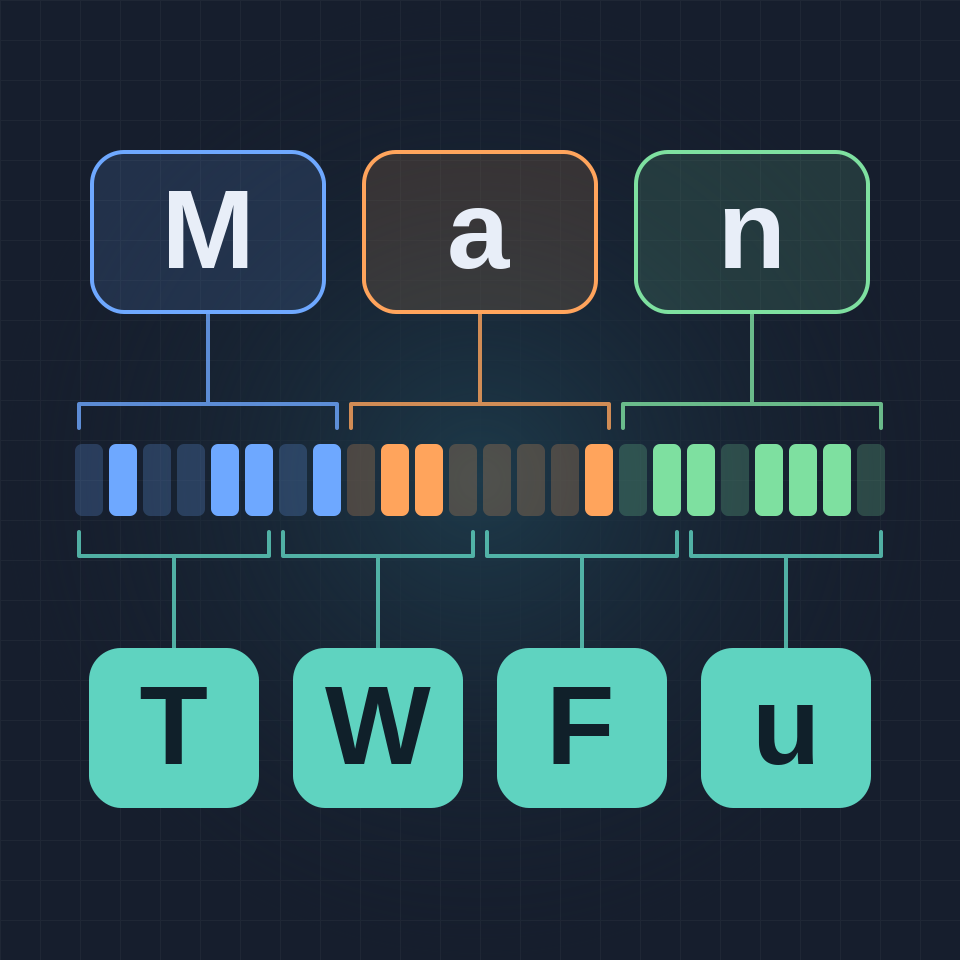
Base64 Encoder
A free online Base64 encoder and decoder: convert text to Base64 and back as you type, with UTF-8, URL-safe Base64, padding, MIME line breaks, files to data URIs and a preview of decoded images.
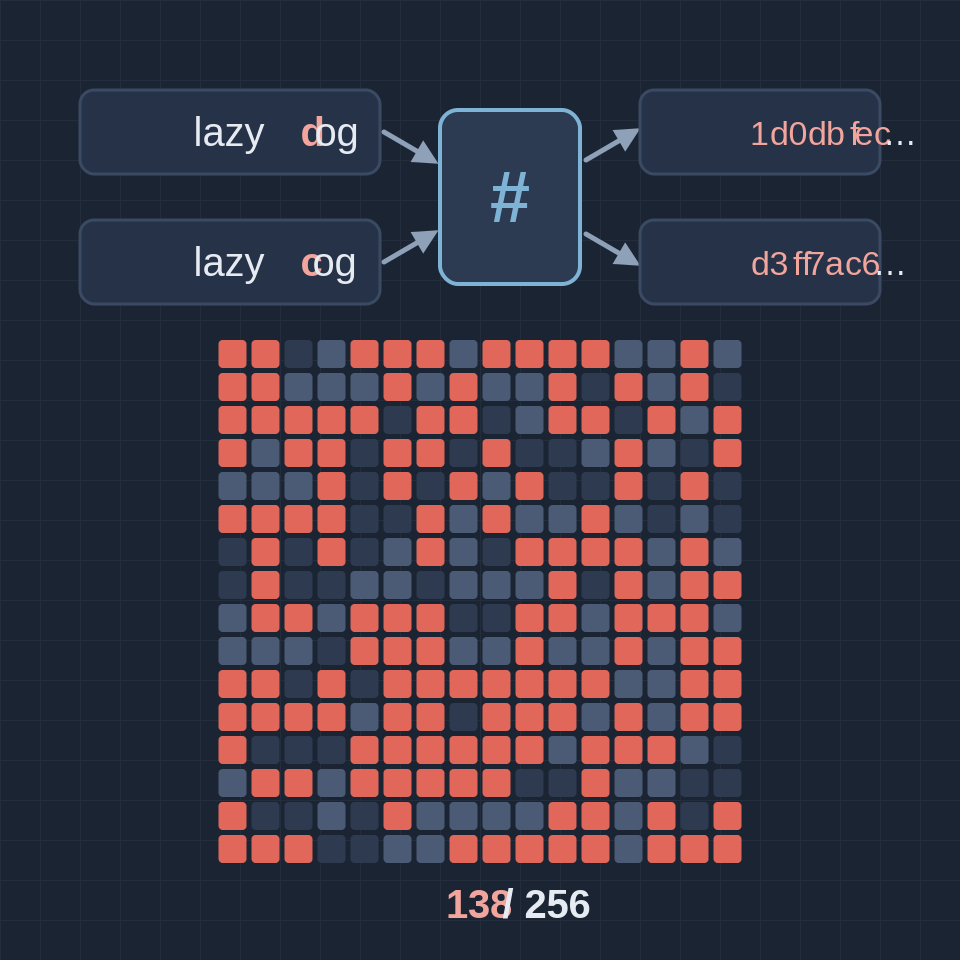
Hash function playground
Hash any text with SHA-256, SHA-512, SHA-1, MD5 and CRC-32, change one character and watch half the digest bits flip, test the avalanche effect, and find collisions on short digests with the birthday attack.
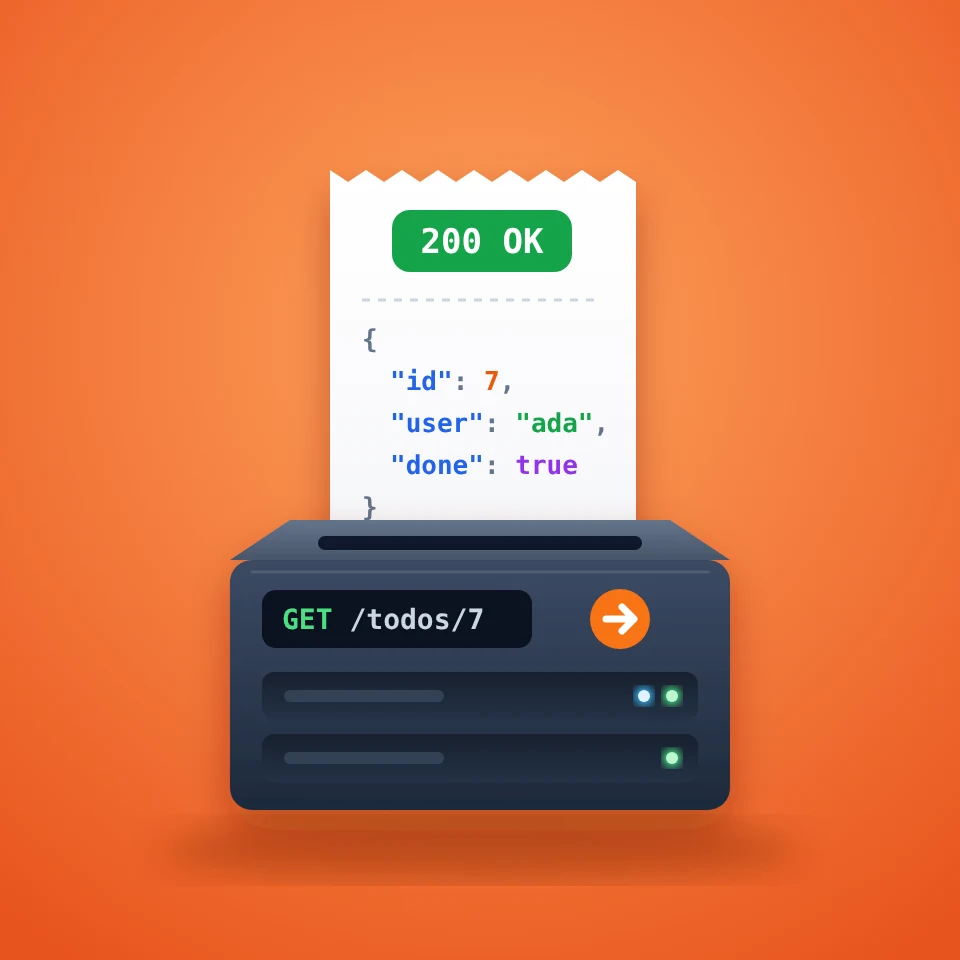
API Tester
A free online API tester: send GET, POST, PUT, PATCH and DELETE requests from your browser with query parameters, headers, a JSON body and auth, then read the status, time, headers and formatted response.
Ready to try it?
Open PictorX in your browser — no install, no credit card required to start.
Open the JWT Decoder