
Charges
Tap a charge to change it.
Test charge
View
Electric field lines: Coulomb's law and equipotentials
Why do field lines leave a positive charge and end on a negative one? Why do they never cross, and why do the equipotentials always meet them at right angles? Place charges on the plane and see for yourself. Each charge pushes and pulls by Coulomb's law, the fields of all the charges add up, and the field lines, equipotentials and vectors follow every move you make. A test charge measures the field, the potential and the force at any point, and when you let it go it moves under that force, in a vacuum or in thick oil. Drag the charges to move them and watch the field lines and equipotentials follow. Tap a charge to select it, then change its charge or delete it under the picture, or drag it off the picture; Add + and Add − put in new charges. Drag the yellow test charge, or tap anywhere, to measure the field there: the tiles show the field E, the potential V and the force F = qE on it. Press Play to let it go: it starts at rest and moves under that force. In a vacuum it swings wide of the field line through its start (dashed), in thick oil it creeps along it. Back and Step move it by a tenth of a second, Reset puts it back. With Sound on it hums higher where the field is stronger and crackles when it hits a charge; Record films it with the sound.
How it works
- Pick an example, such as a dipole, two like charges or parallel plates. Drag a charge to move it and the field lines and equipotentials follow; drag it off the picture to remove it, or add new ones with Add + and Add −.
- Tap a charge to select it and change its charge under the picture. The number of field lines at each charge follows its charge.
- Drag the yellow test charge, or tap anywhere, to measure the field: the tiles show the field strength E and its direction, the potential V and the force F = qE.
- Press Play to release the test charge from rest. Compare its path with the dashed field line, then switch Motion to thick oil and watch it creep along the line instead.
Coulomb's law
In 1785 Charles-Augustin de Coulomb measured the force between charged balls with a torsion balance of his own design and found that it falls with the square of the distance: F = k q₁ q₂ / r², with k = 8.99 × 10⁹ N m²/C². Like charges repel and unlike charges attract. Two charges of 4 nC, 40 cm apart, push or pull on each other with about 0.9 µN, roughly the weight of a tenth of a milligram. Every number in the app comes from this law.
The electric field and its lines
The field E at a point is the force a small positive test charge would feel there, divided by its charge, in newtons per coulomb (the same as volts per metre). A point charge makes a field E = kq / r² pointing away from it if it is positive and towards it if it is negative, and the fields of many charges simply add up (superposition). Michael Faraday pictured the field as lines of force: they start on positive charges and end on negative ones, their direction is the direction of the field, they never cross, and they crowd together where the field is strong. The app traces them step by step along the field with an adaptive Runge–Kutta method, starting as many lines at each charge as its charge calls for.
Potential and equipotentials
The potential V tells how much energy each coulomb of charge has at a point: V = kq / r for one charge, added up for many, in volts. Lines of equal potential are like contour lines on a map. They always cross the field lines at right angles, since moving along one takes no work, and they lie close together where the field is strong, because the field is how fast the potential falls: E = −ΔV / Δs. A charge q moved through a potential difference ΔV gains or loses the energy q ΔV. Between the parallel plates the equipotentials are evenly spaced and the field is nearly uniform, as in a capacitor.
A charge set free
A test charge left at rest starts moving along the field line it is on, but it does not stay on it. Its velocity lags behind the changing direction of the force, so in a vacuum it swings wide of the line (the dashed curve) and may fly past a charge it is attracted to. Its kinetic plus potential energy, ½ m v² + qV, stays the same all the way, as the tile shows. In thick oil the drag force −bv holds it back so strongly that it moves at the speed where drag and electric force balance, and then it does follow the field line.
Frequently asked questions
What is an electric field line?
A curve whose direction at every point is the direction of the electric field there, the way a positive test charge would be pushed. Field lines start on positive charges and end on negative charges or go off to infinity, and they never cross, because the field has only one direction at each point. The more lines leave a charge, the bigger it is: in the app each charge gets a number of lines in proportion to its charge, set by Line density.
Why do equipotentials cross field lines at right angles?
Moving a charge along an equipotential takes no work, since its potential energy does not change. The electric force does work whenever the motion has a part along the field, so along an equipotential the motion must be at right angles to the field. That is why the equipotential surfaces of a point charge are spheres around it and those between parallel plates are flat sheets parallel to the plates.
Where is the electric field zero?
Where the fields of the charges cancel. Halfway between two equal charges of the same sign the pushes are equal and opposite, so E = 0 there: the app marks such points with a cross. Near unequal charges of opposite sign the zero lies outside them, beyond the smaller one. A test charge left exactly at such a point would stay put, but the balance is unstable: Earnshaw's theorem says that no arrangement of charges can hold a charge in a stable balance.
Does a released charge follow the field line?
Only at the start, or when something slows it down. The force on the charge points along the field line, but the charge has inertia: as the line curves, the charge keeps some of its earlier velocity and drifts outward, the way a car keeps going straight on ice. In the dipole example the test charge swings wide of the dashed field line. Switch Motion to thick oil and the drag makes it creep along the line instead. Only on a straight field line, as between parallel plates, does a charge starting from rest stay on it.
How strong are these fields?
The charges are a few nanocoulombs, the kind of charge a rubbed plastic comb picks up, and the fields near them are thousands to tens of thousands of newtons per coulomb (volts per metre). That is far below the 3 million V/m at which air breaks down and sparks. The test charge is a 1 mg bead carrying 1 nC unless you change it: near a 4 nC charge it feels a force of a few micronewtons and moves a few centimetres in a fraction of a second.
Can I use the picture?
Yes. Save gives a PNG at the size you choose, and the pencil opens the picture in the PictorX photo editor with the potential map, the equipotentials, the field lines, the field vectors, the test charge's path, the charges, the test charge and the labels on layers of their own, and the example's name as editable text. In the editor itself it is under Apps ▸ Science ▸ Physics ▸ Electric Field Lines, where you pick the example or type the charges and set how long the test charge has moved. Everything runs in your browser.
Electric Field Lines: how do I record a video?
Press the red Record button in the playback bar: it films what the stage shows. Press it again to stop, and the video is saved to your device. Recording is free; you only need to sign in. Without a subscription the video carries a small PictorX logo in a corner. The button beside Record opens the video options: the shape (as shown, square, story 9:16 or wide 16:9), the length (until you stop, or 5, 10, 15 or 30 seconds for social media) and the file: MP4, WebM or an animated GIF. For the sound, choose the app's own sounds or one of three music tracks: calm, bright or beat.
Related tools
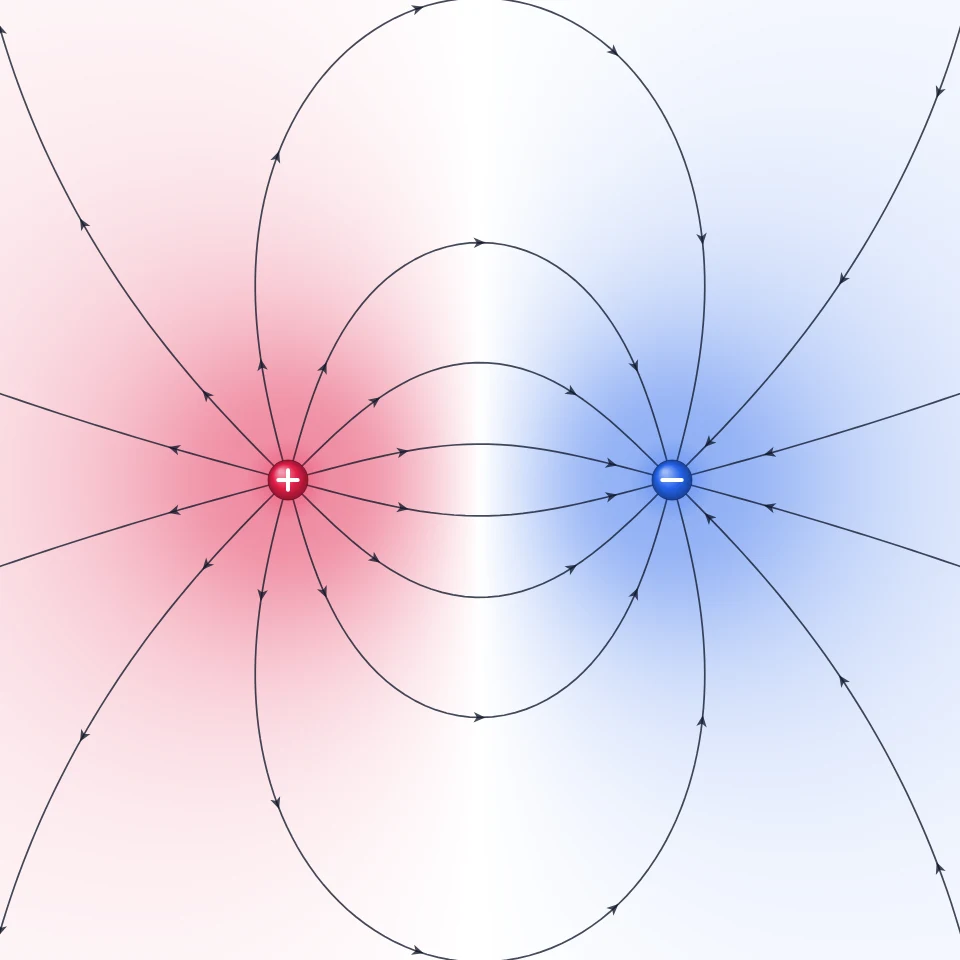
Electric fields explained
How electric charges push and pull: Coulomb's law, the electric field and its field lines, superposition, electric potential and equipotentials, Gauss's law, capacitors and uniform fields, and how a charge moves in a field.
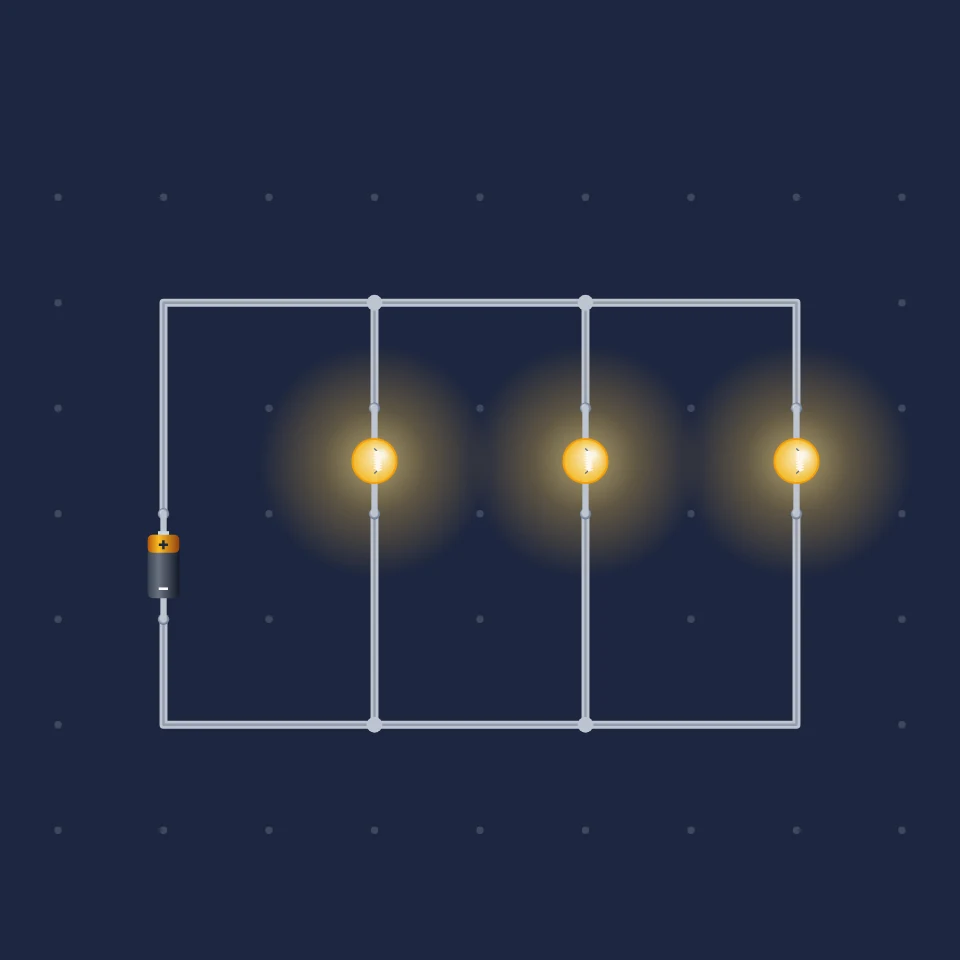
Circuit builder: Ohm's law and Kirchhoff's laws
Build electric circuits online with batteries, resistors, bulbs, switches, fuses, ammeters and voltmeters, and watch the current flow. Check Ohm's law V = IR, compare series and parallel circuits, balance a Wheatstone bridge and see what a short circuit does.
Wave interference in a ripple tank
A ripple tank in your browser: two sources make nodal lines, a plane wave passes a double slit, a single slit or a diffraction grating, and the pattern lands on a screen. Water ripples, sound and light with real wavelengths and frequencies, a probe you can hear and a phased array that steers its beam.
Electric circuits explained
How electric circuits work: voltage, current and resistance, Ohm's law, Kirchhoff's current and voltage laws, series and parallel circuits, power and energy, meters, short circuits and fuses, the Wheatstone bridge and how circuit simulators solve a circuit.
Ready to try it?
Open PictorX in your browser — no install, no credit card required to start.
Go to Editor