
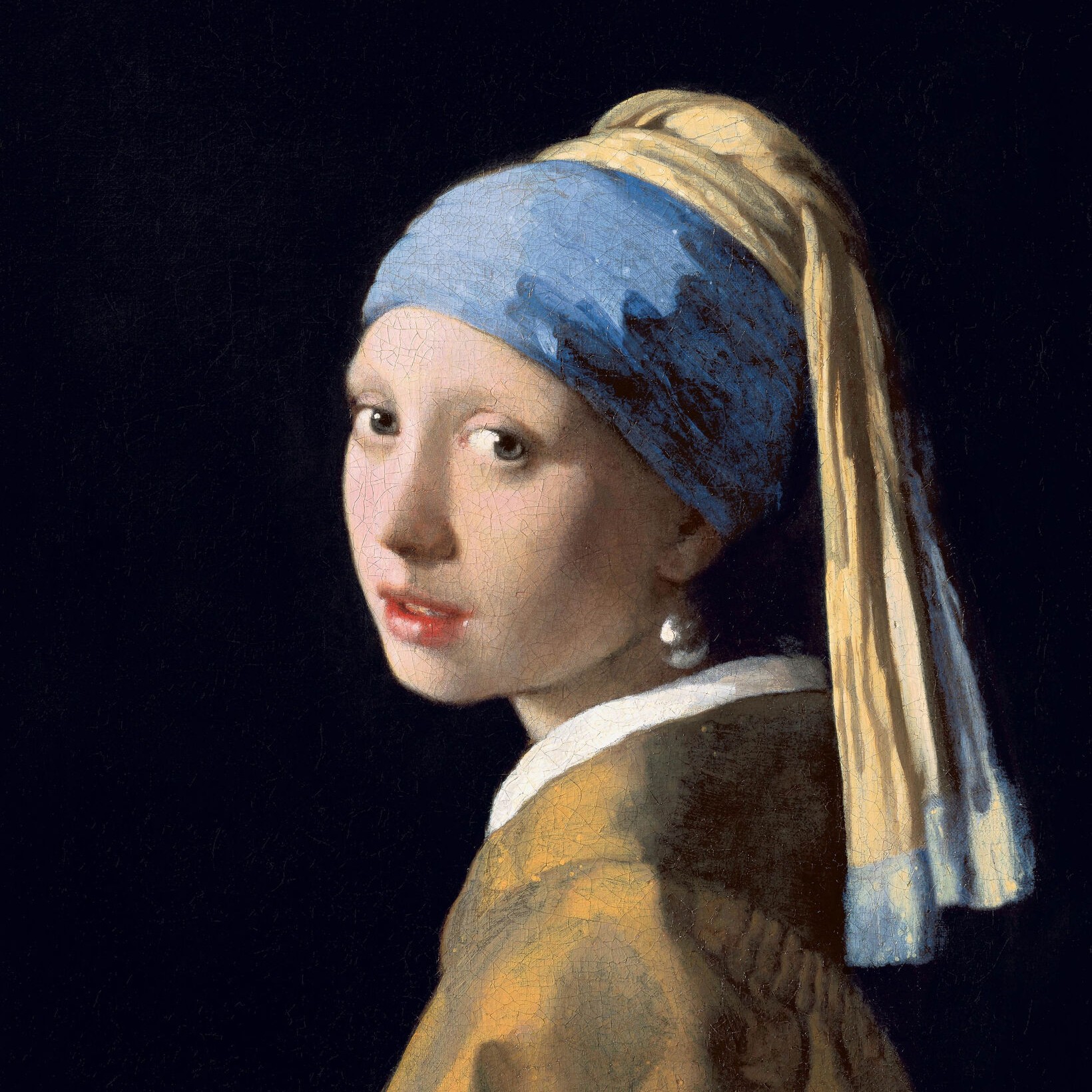
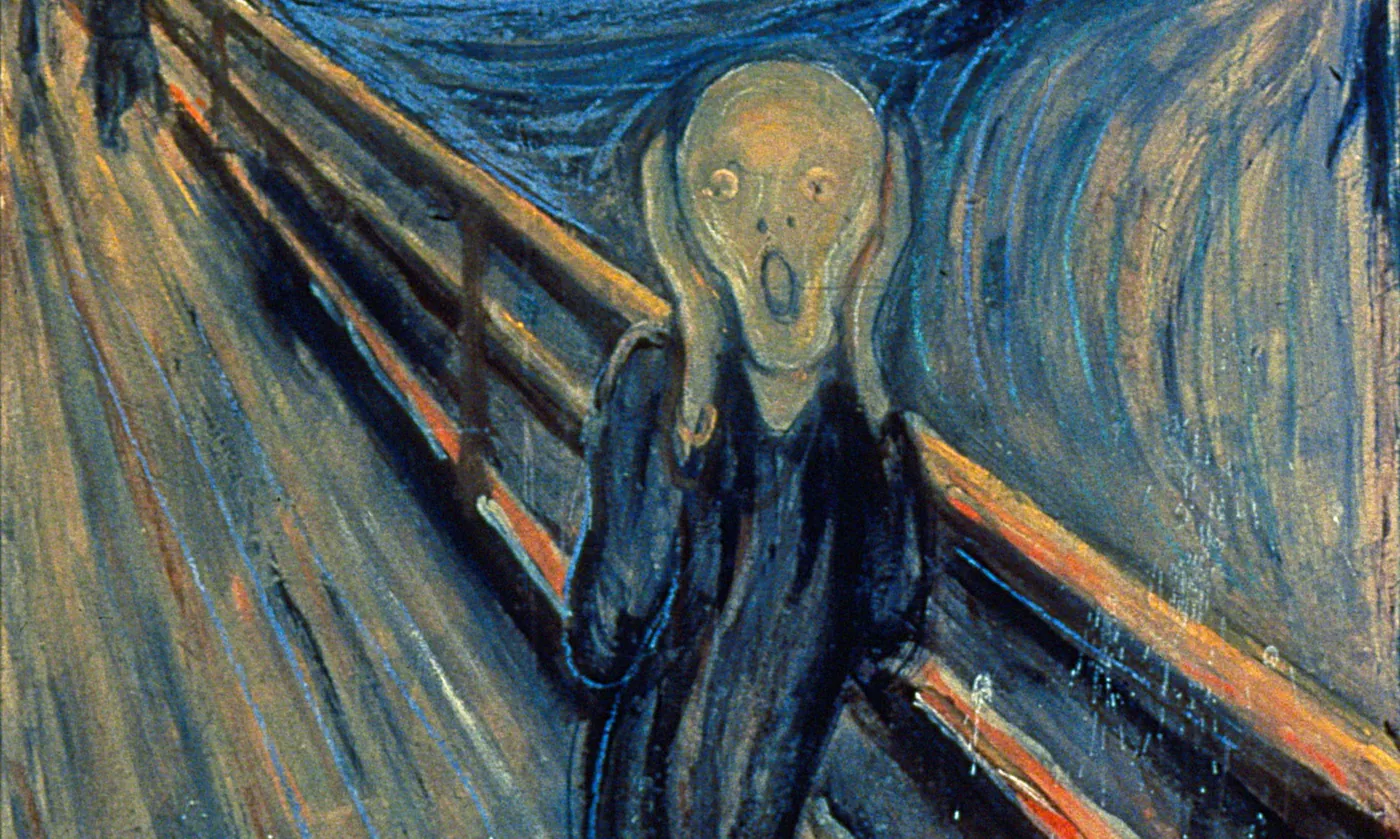
Put a photo into Edvard Munch's The Scream — a blood-red sky, a swirling fjord, the bridge and its railing — pick a Style, then adjust Swirl and Brushwork.
Edvard Munch, The Scream photo filter
One evening in 1892 Edvard Munch was walking above the Oslo fjord at sunset when the sky turned blood red, and he felt “an infinite scream passing through nature”. This app puts your photo into the picture he made of that moment: your subject becomes the figure on the bridge, under bands of red, orange and yellow, beside a fjord that swirls in blue, painted in Munch's long, wavering strokes. All processed on-device. Put a photo into Edvard Munch's The Scream — a blood-red sky, a swirling fjord, the bridge and its railing — pick a Style, then adjust Swirl and Brushwork.
How it works
- Open this page and try the sample, pick an example, or open your own photo — portraits with a clear subject work best.
- Choose a Style (Tempera 1893, Pastel 1895, Lithograph 1895, Tempera 1910 or Despair 1892) and a Palette, and adjust Swirl, Brushwork, Detail and Texture.
- Save a PNG, or open the picture in the PictorX editor and keep working with layers, text and other effects.
“An infinite scream passing through nature”
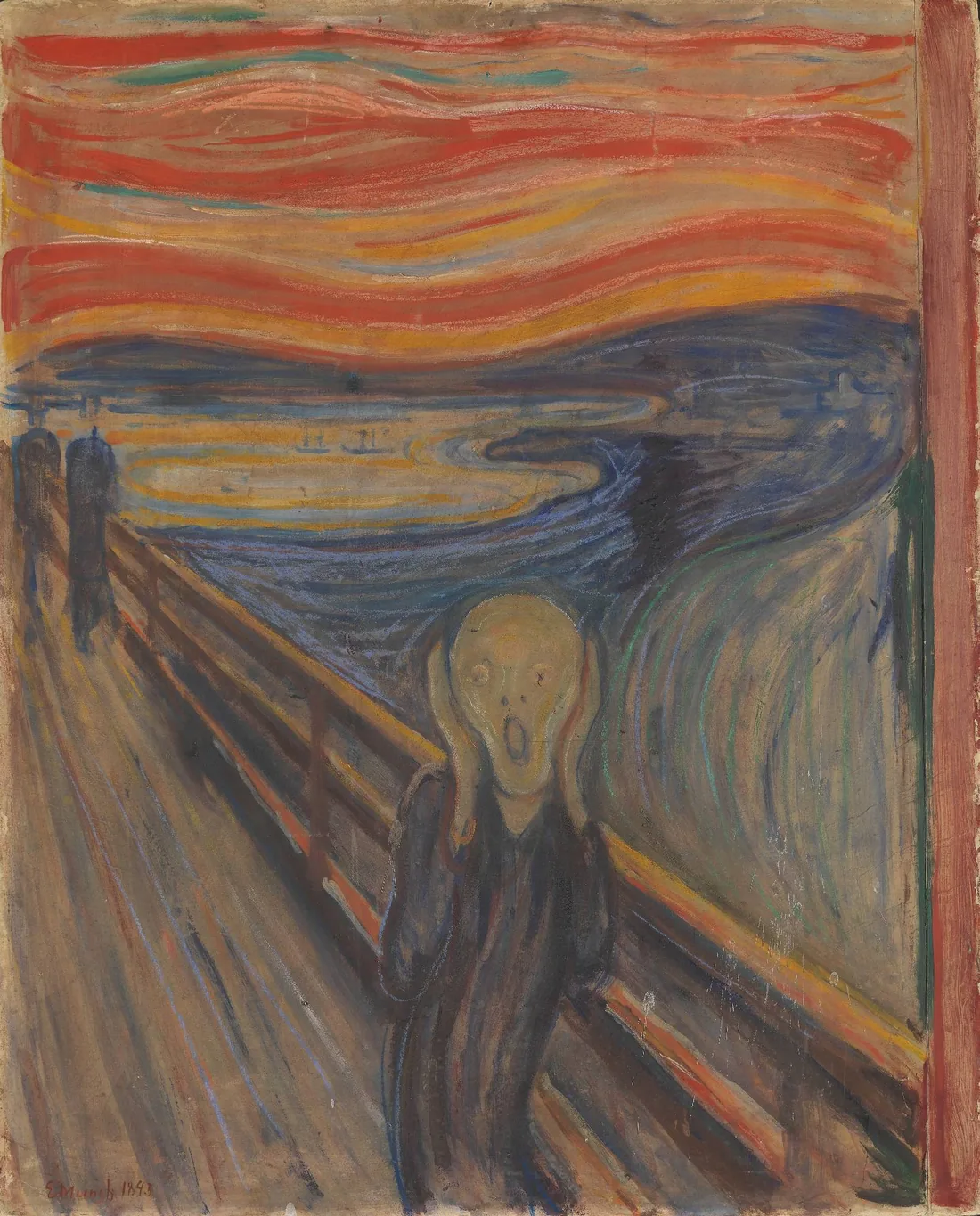
Munch wrote the moment down in his diary in 1892: he was walking along a road with two friends, the sun was setting, and suddenly the sky turned blood red. He stopped and leaned on the railing, tired to death, and saw blood and tongues of fire above the blue-black fjord and the city. His friends walked on, and he stood there, trembling with anxiety. The next year he painted it in tempera and crayon on cardboard and called it The Scream of Nature. That picture, now in the National Museum in Oslo, became one of the best-known images in the world.
Five versions to choose from
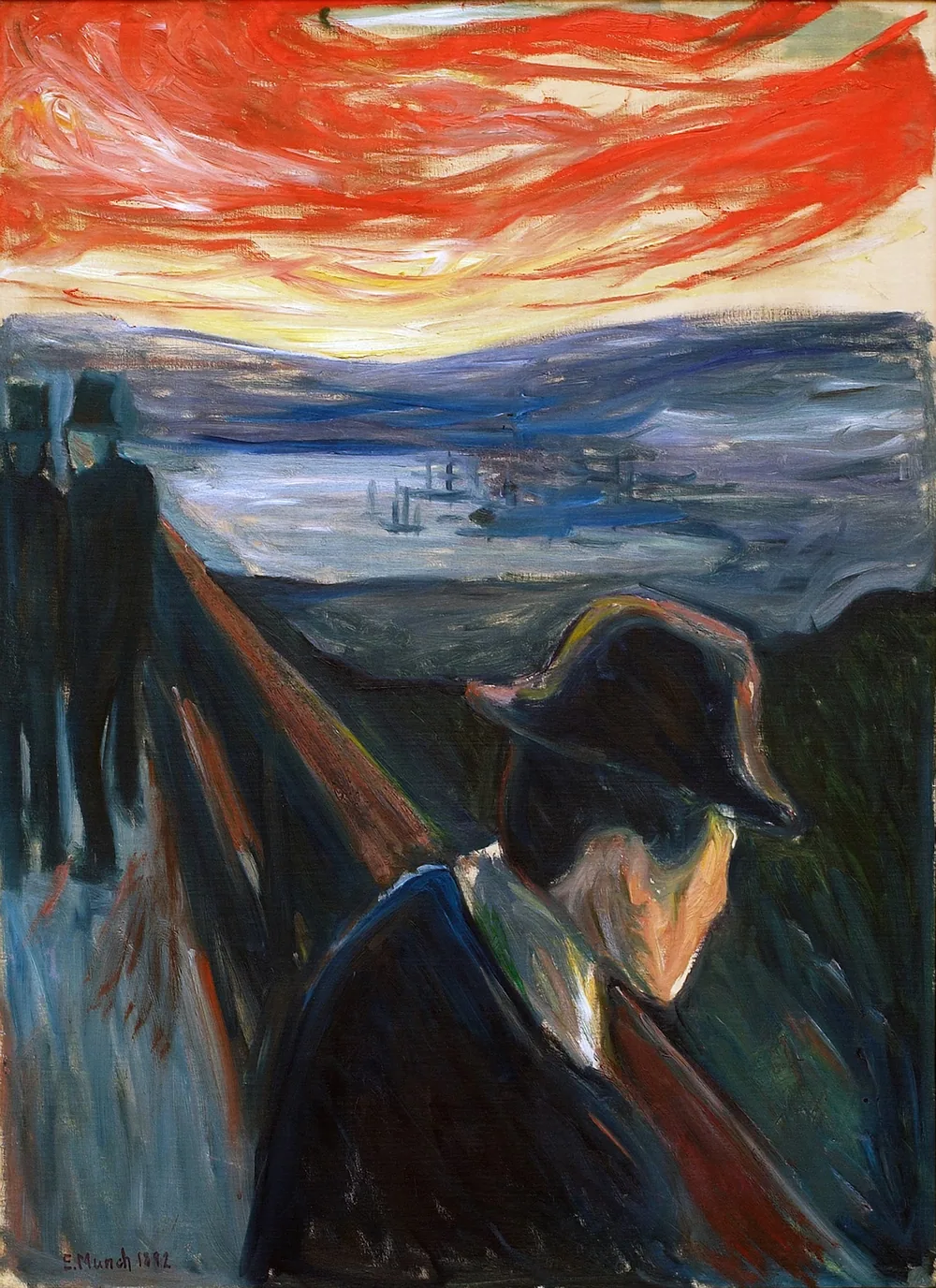
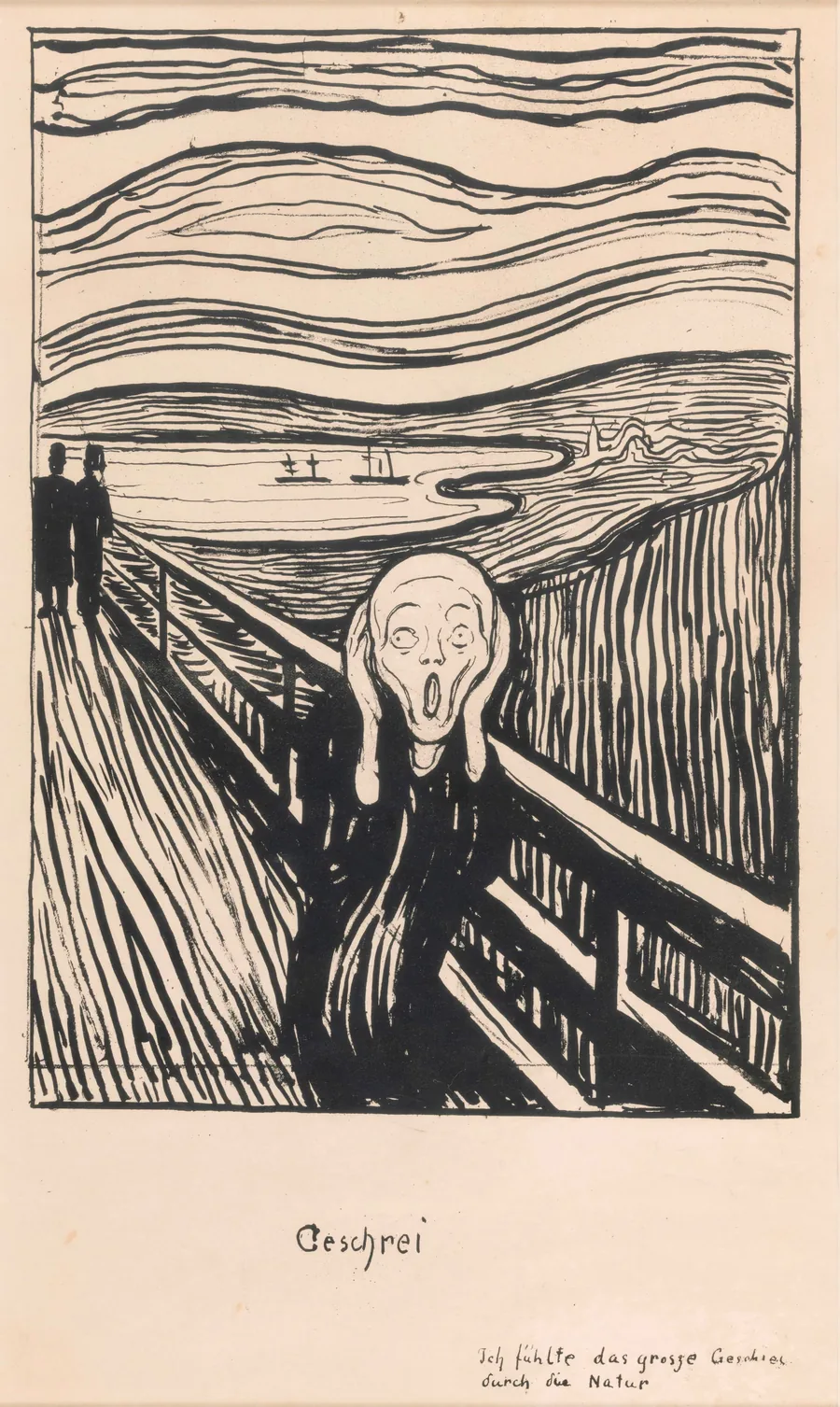
Munch came back to the picture again and again. Tempera 1893 follows the painting in Oslo: bands of red, orange and yellow, a few streaks of blue-green, crayon lines and the bare cardboard showing through. Pastel 1895 follows the pastel of 1895, brighter and hotter, in grainy strokes. Lithograph 1895 draws the whole scene in black lines on cream paper, like the print Munch titled Geschrei, with the title below. Tempera 1910 follows the later version in the Munch Museum, with an orange-yellow sky and a greenish face. Despair 1892 goes back to the painting that came first: the figure stands at the railing on the right, under a red sky over a pale fjord.
Swirl, brushwork and texture
Swirl sets how far the sky, the fjord and the figure wave: at zero the bands lie flat, at full strength the whole scene undulates and the figure bends like a flame. Brushwork sets the width, length and contrast of the strokes; Detail adds bands and lines and keeps more of your photo's drawing in the face; Texture lets more of the bare board, the pastel paper or the grain of the crayon show. Palette chooses the light—Period for the colours of each version, Photo to keep your own colours in the figure, Blood Red, Twilight or Moonlight—and Figures adds the two men on the bridge and the boats on the fjord.
Privacy and keep editing
Processing stays in your browser—photos are not uploaded to PictorX servers for this filter. Turn on Remove background to let the AI find the subject. After The Scream, continue with layers, text, Vincent van Gogh, Fauvism, Surrealism, or export.
Frequently asked questions
What does the Edvard Munch, The Scream app do?
It puts a photo into a picture after Edvard Munch's The Scream: your subject becomes the figure on the bridge, painted dark with a pale face, under a sky of red, orange and yellow bands, beside a swirling blue fjord. It is built from your photo, not a copy of the painting. Style, Palette, Swirl, Brushwork, Detail, Texture and Figures shape the look.
Who was Edvard Munch?
A Norwegian painter and printmaker (1863–1944) and one of the pioneers of Expressionism. He painted love, jealousy, illness, anxiety and death in strong colours and simple, flowing forms, and gathered his most important pictures in a cycle he called The Frieze of Life. The Scream is part of it.
How many versions of The Scream are there?
Munch made four versions in colour and a lithograph: a tempera and crayon painting of 1893 in the National Museum in Oslo, a crayon drawing of 1893 and a tempera painting of about 1910 in the Munch Museum, and a pastel of 1895 in a private collection. The lithograph of 1895 was printed in black in many copies. The app's styles follow the 1893 painting, the 1895 pastel and lithograph, the 1910 painting and Despair of 1892.
Is this an official Munch product?
No. The PictorX Edvard Munch, The Scream app is a digital homage inspired by his pictures. It is not connected with the National Museum, the Munch Museum or the artist's estate, and every picture it makes comes from your own photo.
What photos work best?
Portraits and photos with one clear subject, because the subject is cut out and becomes the figure on the bridge. Turn on Remove background for a cleaner outline.
Related tools
Paint a photo in Van Gogh brushstrokes
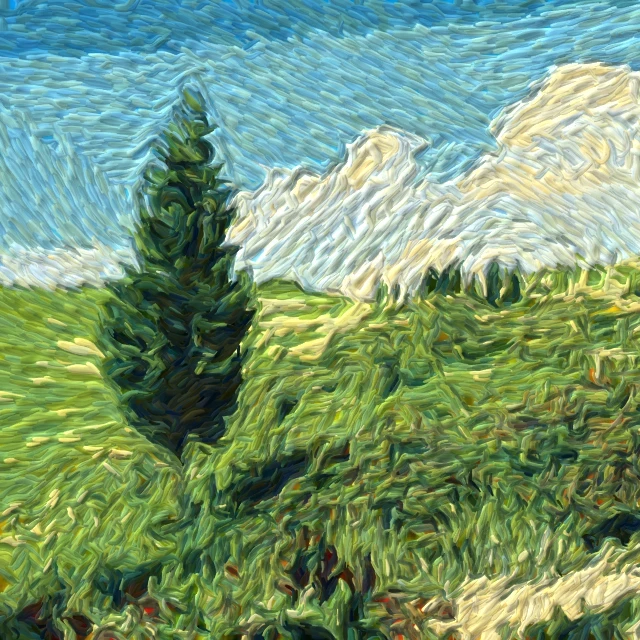
Turn a photo into swirling Starry Night-style brushstrokes in your browser. A digital homage to Van Gogh impasto—not a museum reproduction.
Henri Matisse and Fauvism
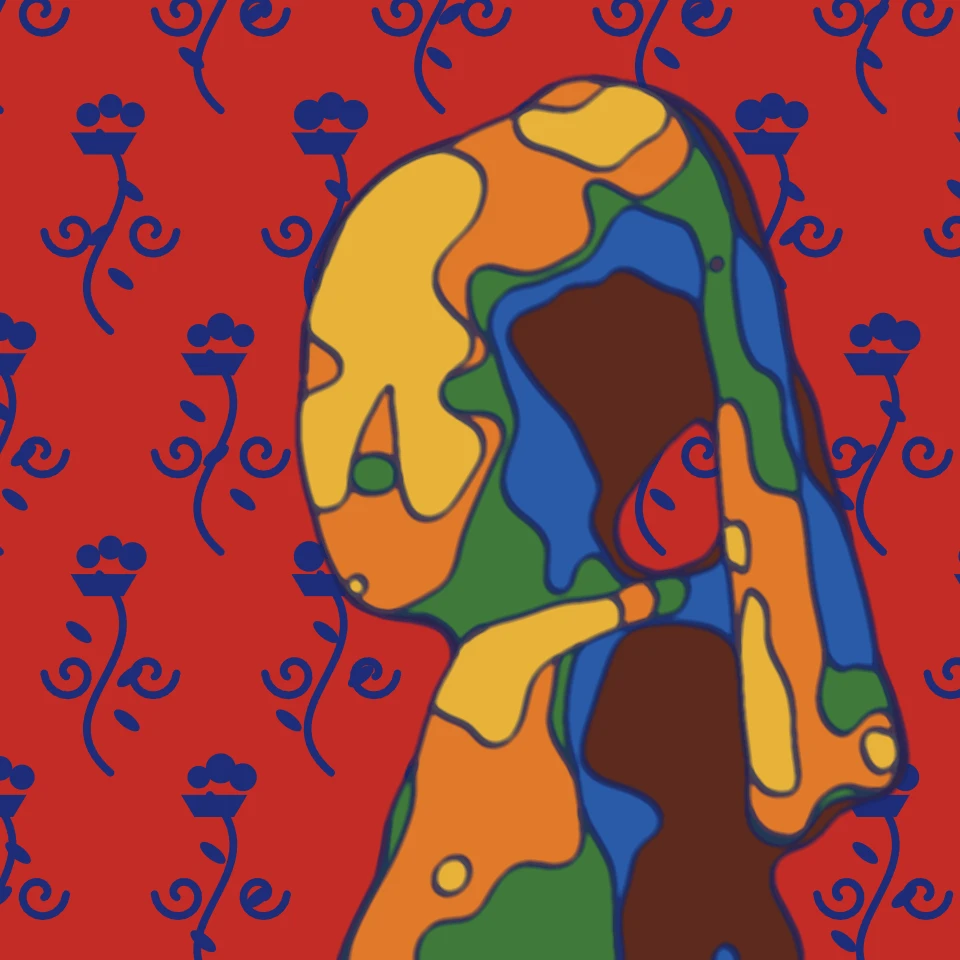
Turn a photo into Henri Matisse and Fauvism in your browser: paper cut-outs like Jazz and the Blue Nudes, Harmony in Red, a flowing line drawing, or the wild Fauve colour of Matisse's Woman with a Hat, Collioure, Derain's London and Vlaminck.
Impressionism photo filter
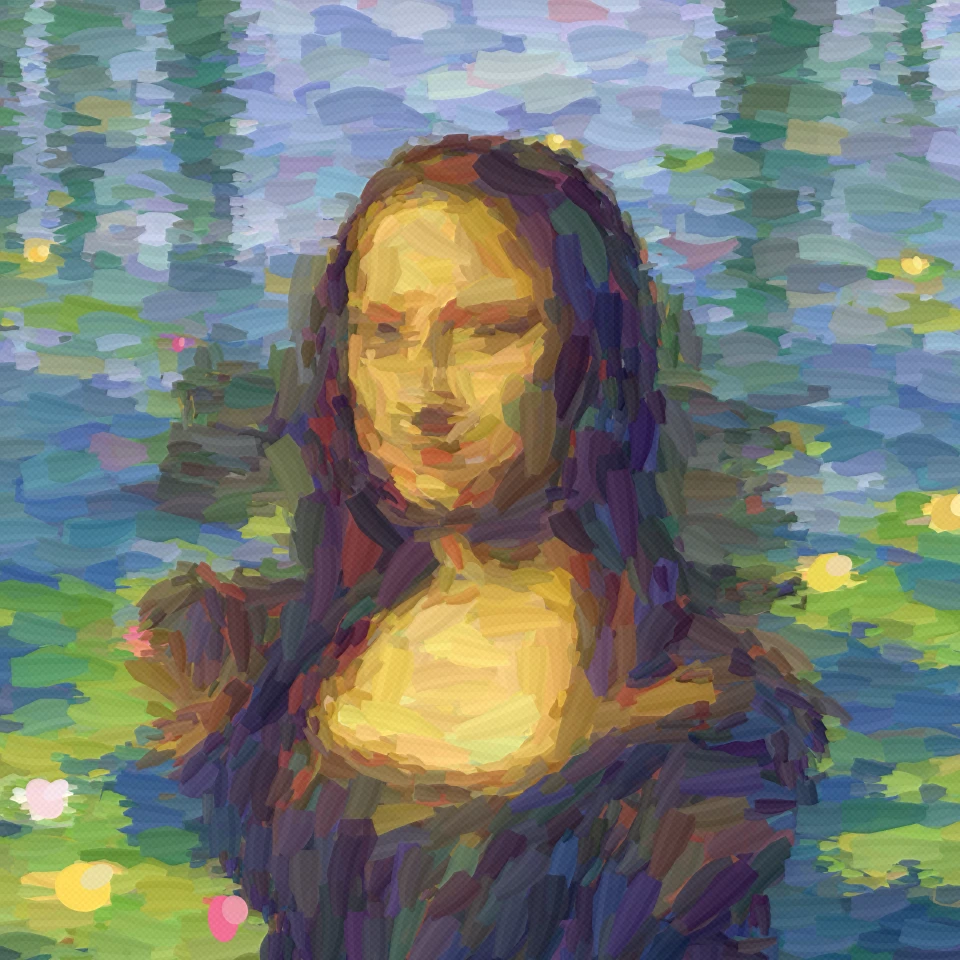
Turn a photo into an Impressionist painting in your browser: among Monet's water lilies, in the misty harbour of Impression, Sunrise or a field of poppies, in Renoir's dappled light, as a Degas pastel or with Morisot's quick strokes.
Surrealism, Dalí and Magritte
Put a photo into a Surrealist dream in your browser: pick Salvador Dalí for melting watches and long-legged elephants, René Magritte for the green apple and bowler hats, or Other for De Chirico, Ernst, Tanguy, Carrington, Varo, Man Ray and the Exquisite Corpse.

Artistic effects
Transform photos with oil painting, watercolor, pencil, comic ink, pastels, paper cut-out, and other studio art looks.
Ready to try it?
Open PictorX in your browser — no install, no credit card required to start.
Go to Editor