

Probieren Sie unten einen Mosaik-Look aus oder öffnen Sie Ihr eigenes Bild.
Dunkle Fugen effect
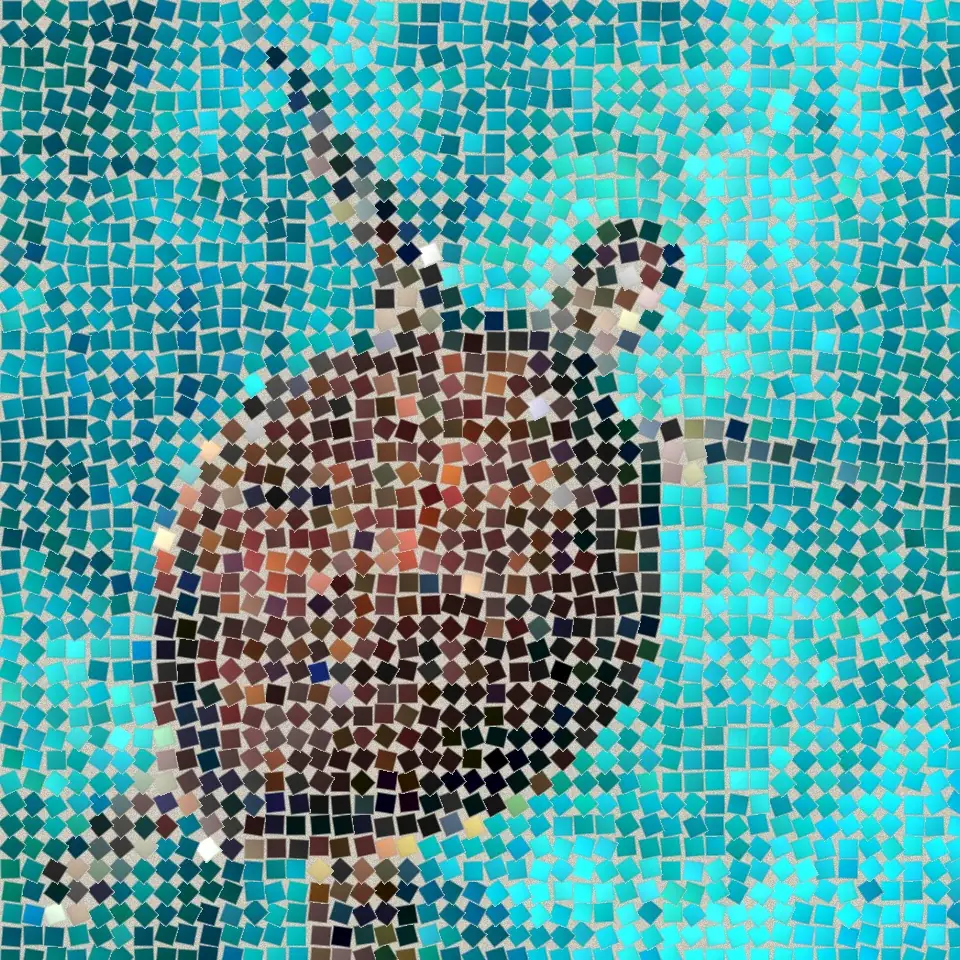
Open a photo and apply Dunkle Fugen in PictorX. This look is part of Steinmosaik—adjust the settings on this page, then keep editing with layers, text, and other effects in the same workspace. Probieren Sie unten einen Mosaik-Look aus oder öffnen Sie Ihr eigenes Bild.
Wie es funktioniert
- Open this page and try Dunkle Fugen on the sample, or open your own photo.
- Tune the Dunkle Fugen settings, or switch to another look in Steinmosaik.
- Save the result, or keep editing with layers, text, and other effects in PictorX.
What the Dunkle Fugen effect does
Dunkle Fugen is one of the looks in PictorX Steinmosaik. Apply it in your browser, then keep working in the same project—crop, type, or add another effect without starting over.
More looks in Steinmosaik
This page opens Steinmosaik with Dunkle Fugen already selected. Switch looks on the demo to compare styles, or open the full Steinmosaik page to browse every option in the set.
Looks in this set
Verwandte Tools
Steinmosaik
Verwandeln Sie ein Foto im Browser in ein echtes Steinmosaik: quadratische Steinchen in Fugen, die wie bei einem römischen Mosaik den Kanten des Bildes folgen. Kostenlos, ohne Upload.
Römisches Mosaik effect
Apply a Römisches Mosaik effect to photos free in your browser. Open the Steinmosaik tools, tune the look, and keep editing in PictorX. No install.
Feines Mosaik effect
Apply a Feines Mosaik effect to photos free in your browser. Open the Steinmosaik tools, tune the look, and keep editing in PictorX. No install.
Bodenmosaik effect
Apply a Bodenmosaik effect to photos free in your browser. Open the Steinmosaik tools, tune the look, and keep editing in PictorX. No install.
Byzantinisches Gold effect
Apply a Byzantinisches Gold effect to photos free in your browser. Open the Steinmosaik tools, tune the look, and keep editing in PictorX. No install.
Raster-Mosaik effect
Apply a Raster-Mosaik effect to photos free in your browser. Open the Steinmosaik tools, tune the look, and keep editing in PictorX. No install.
Bereit, es auszuprobieren?
Öffnen Sie PictorX in Ihrem Browser – keine Installation, zum Starten ist keine Kreditkarte erforderlich.
Zum Editor