
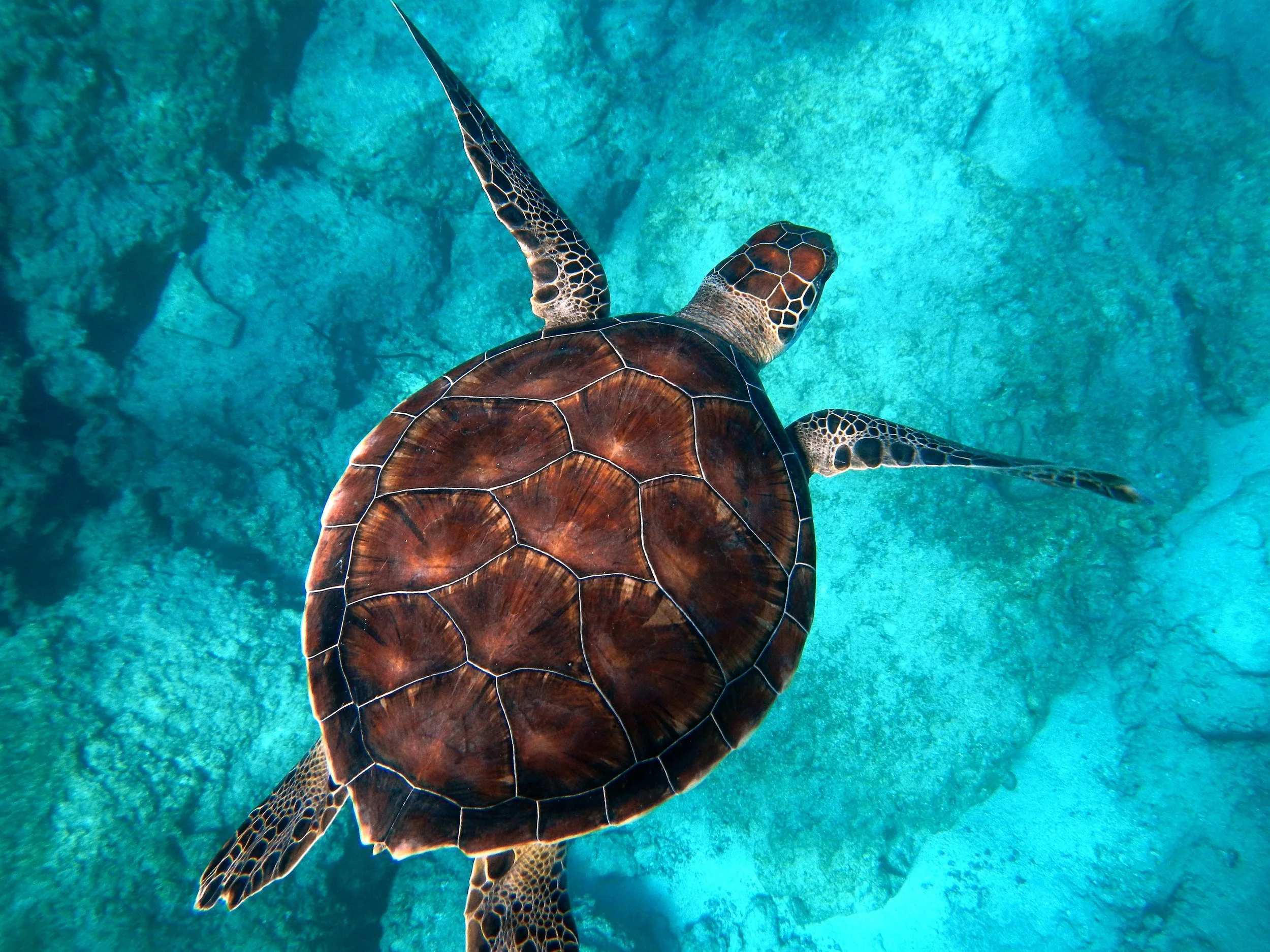
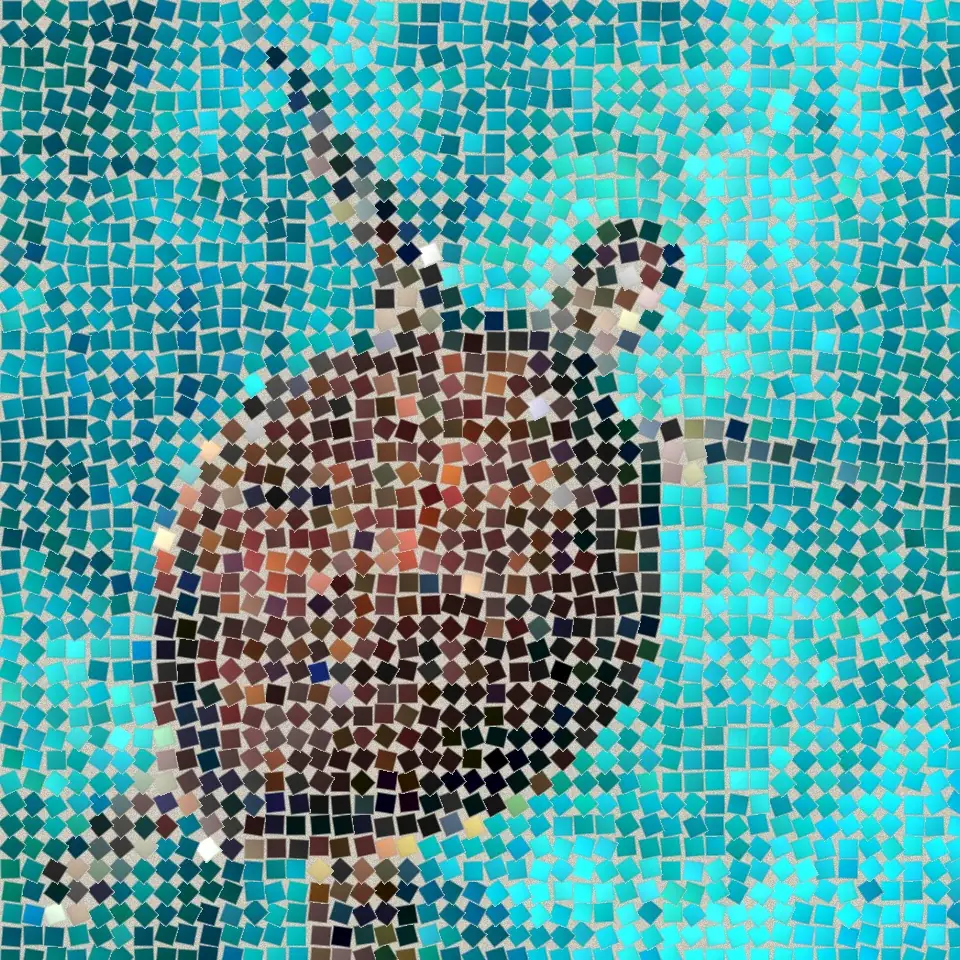
Prova en mosaiklook nedan eller öppna din egen bild.
Mörka fogar effect
Open a photo and apply Mörka fogar in PictorX. This look is part of Stenmosaik—adjust the settings on this page, then keep editing with layers, text, and other effects in the same workspace. Prova en mosaiklook nedan eller öppna din egen bild.
Hur det fungerar
- Open this page and try Mörka fogar on the sample, or open your own photo.
- Tune the Mörka fogar settings, or switch to another look in Stenmosaik.
- Save the result, or keep editing with layers, text, and other effects in PictorX.
What the Mörka fogar effect does
Mörka fogar is one of the looks in PictorX Stenmosaik. Apply it in your browser, then keep working in the same project—crop, type, or add another effect without starting over.
More looks in Stenmosaik
This page opens Stenmosaik with Mörka fogar already selected. Switch looks on the demo to compare styles, or open the full Stenmosaik page to browse every option in the set.
Looks in this set
Relaterade verktyg
Stenmosaik
Gör ett foto till en äkta stenmosaik i webbläsaren: fyrkantiga stenar i fogar som följer bildens kanter som en romersk mosaik. Gratis, ingen uppladdning.
Romersk mosaik effect
Apply a Romersk mosaik effect to photos free in your browser. Open the Stenmosaik tools, tune the look, and keep editing in PictorX. No install.
Fin mosaik effect
Apply a Fin mosaik effect to photos free in your browser. Open the Stenmosaik tools, tune the look, and keep editing in PictorX. No install.
Golvmosaik effect
Apply a Golvmosaik effect to photos free in your browser. Open the Stenmosaik tools, tune the look, and keep editing in PictorX. No install.
Bysantinskt guld effect
Apply a Bysantinskt guld effect to photos free in your browser. Open the Stenmosaik tools, tune the look, and keep editing in PictorX. No install.
Rutnätsmosaik effect
Apply a Rutnätsmosaik effect to photos free in your browser. Open the Stenmosaik tools, tune the look, and keep editing in PictorX. No install.
Redo att prova det?
Öppna PictorX i din webbläsare - ingen installation, inget kreditkort krävs för att starta.
Gå till Editor