
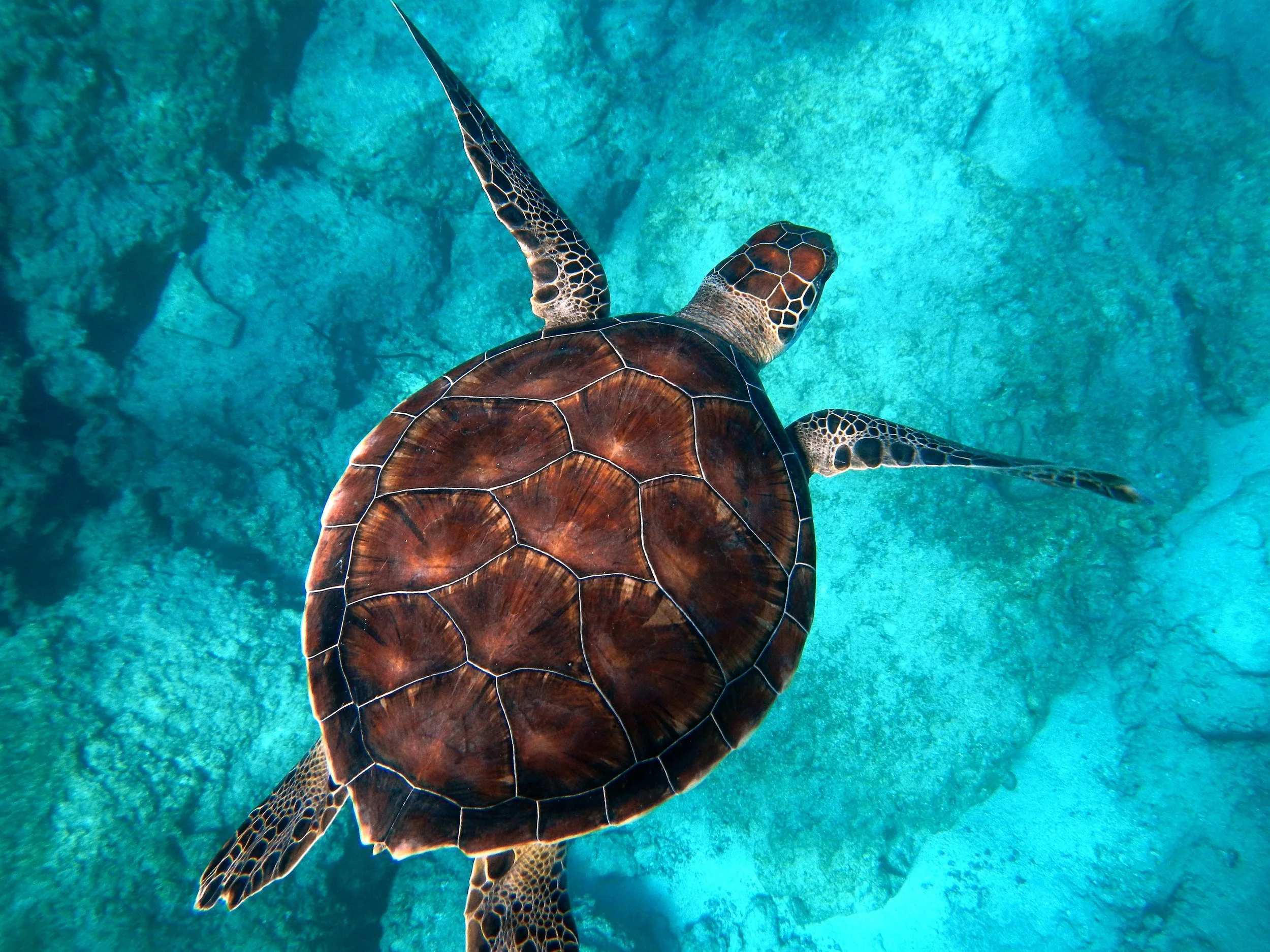
नीचे कोई मोज़ेक लुक आज़माएँ, या अपनी तस्वीर खोलें।
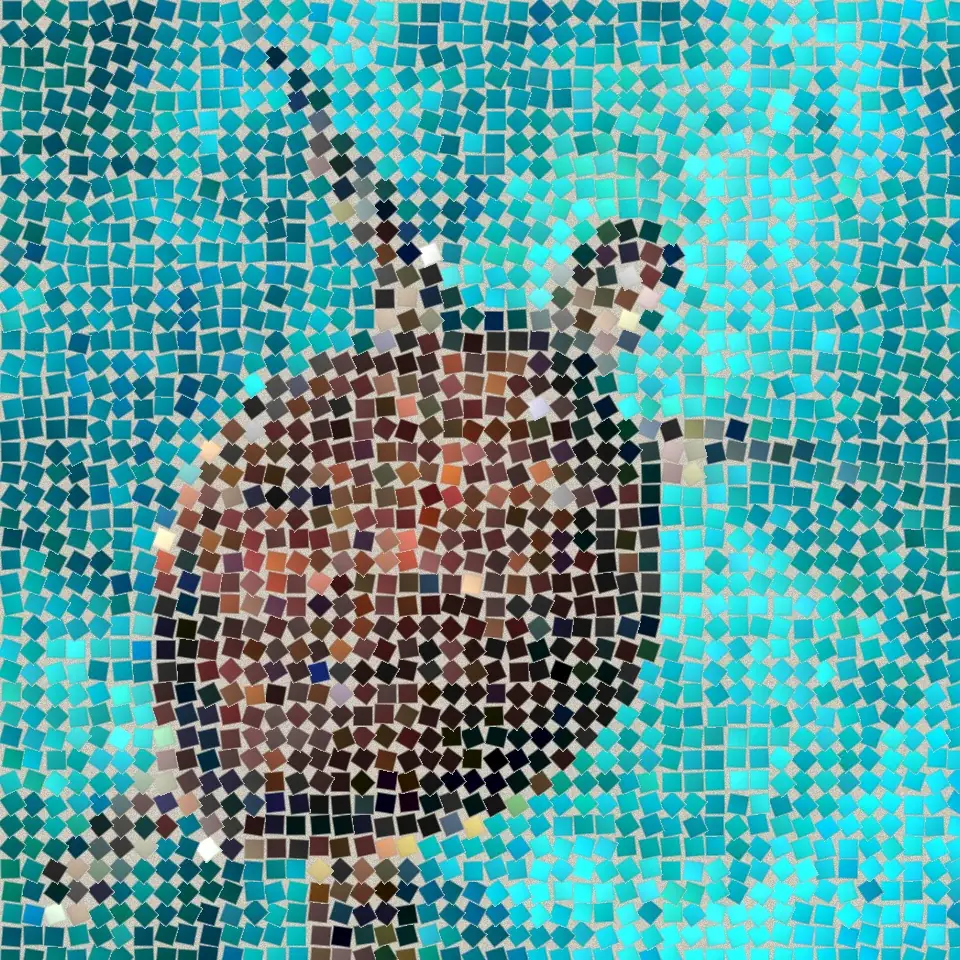
गहरा ग्राउट effect
Open a photo and apply गहरा ग्राउट in PictorX. This look is part of पत्थर मोज़ेक—adjust the settings on this page, then keep editing with layers, text, and other effects in the same workspace. नीचे कोई मोज़ेक लुक आज़माएँ, या अपनी तस्वीर खोलें।
यह कैसे काम करता है
- Open this page and try गहरा ग्राउट on the sample, or open your own photo.
- Tune the गहरा ग्राउट settings, or switch to another look in पत्थर मोज़ेक.
- Save the result, or keep editing with layers, text, and other effects in PictorX.
What the गहरा ग्राउट effect does
गहरा ग्राउट is one of the looks in PictorX पत्थर मोज़ेक. Apply it in your browser, then keep working in the same project—crop, type, or add another effect without starting over.
More looks in पत्थर मोज़ेक
This page opens पत्थर मोज़ेक with गहरा ग्राउट already selected. Switch looks on the demo to compare styles, or open the full पत्थर मोज़ेक page to browse every option in the set.
Looks in this set
संबंधित टूल
पत्थर मोज़ेक
अपने ब्राउज़र में फ़ोटो को असली पत्थर के मोज़ेक में बदलें: ग्राउट में चौकोर पत्थर जो रोमन मोज़ेक की तरह चित्र के किनारों का अनुसरण करते हैं। मुफ़्त, बिना अपलोड।
रोमन मोज़ेक effect
Apply a रोमन मोज़ेक effect to photos free in your browser. Open the पत्थर मोज़ेक tools, tune the look, and keep editing in PictorX. No install.
बारीक मोज़ेक effect
Apply a बारीक मोज़ेक effect to photos free in your browser. Open the पत्थर मोज़ेक tools, tune the look, and keep editing in PictorX. No install.
फ़र्श मोज़ेक effect
Apply a फ़र्श मोज़ेक effect to photos free in your browser. Open the पत्थर मोज़ेक tools, tune the look, and keep editing in PictorX. No install.
बाइज़ेंटाइन सोना effect
Apply a बाइज़ेंटाइन सोना effect to photos free in your browser. Open the पत्थर मोज़ेक tools, tune the look, and keep editing in PictorX. No install.
ग्रिड मोज़ेक effect
Apply a ग्रिड मोज़ेक effect to photos free in your browser. Open the पत्थर मोज़ेक tools, tune the look, and keep editing in PictorX. No install.
आज़माने के लिए तैयार?
अपने ब्राउज़र में PictorX खोलें — शुरू करने के लिए इंस्टॉल या क्रेडिट कार्ड की ज़रूरत नहीं।
एडिटर पर जाएँ