

Aşağıda bir mozaik görünümü deneyin ya da kendi resminizi açın.
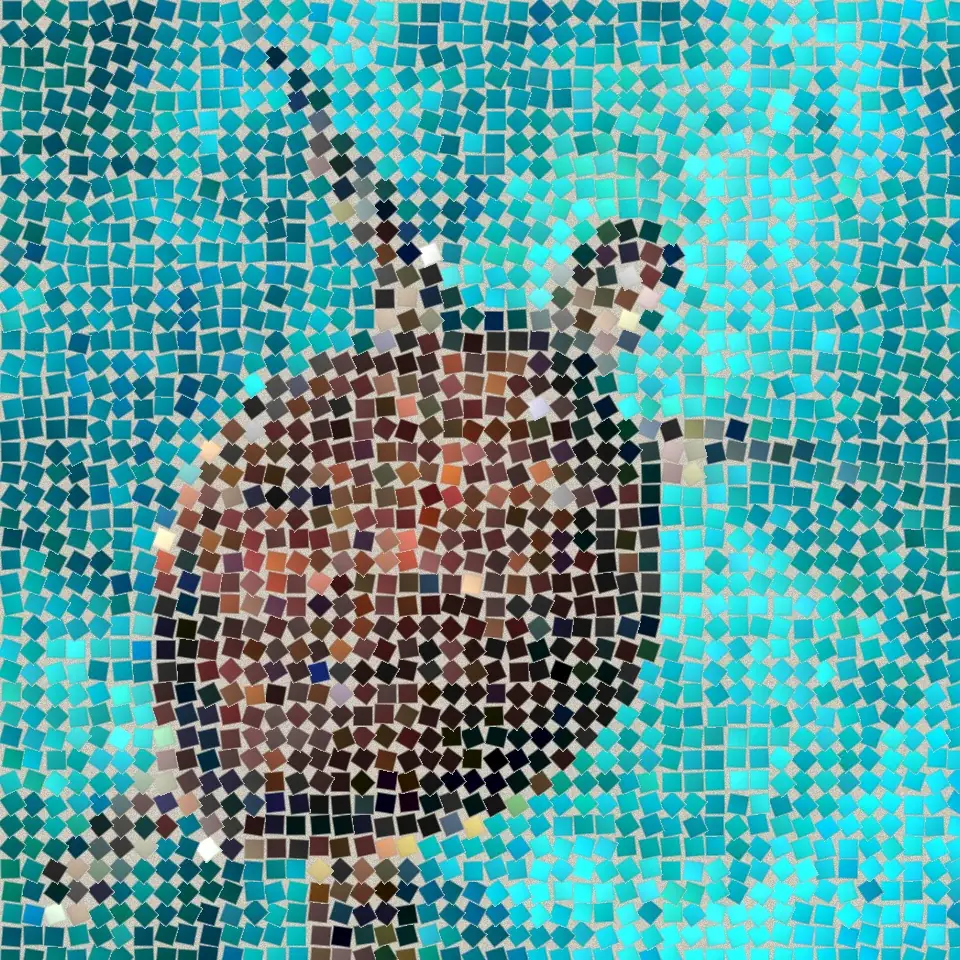
Koyu derz effect
Open a photo and apply Koyu derz in PictorX. This look is part of Taş mozaik—adjust the settings on this page, then keep editing with layers, text, and other effects in the same workspace. Aşağıda bir mozaik görünümü deneyin ya da kendi resminizi açın.
Nasıl çalışır
- Open this page and try Koyu derz on the sample, or open your own photo.
- Tune the Koyu derz settings, or switch to another look in Taş mozaik.
- Save the result, or keep editing with layers, text, and other effects in PictorX.
What the Koyu derz effect does
Koyu derz is one of the looks in PictorX Taş mozaik. Apply it in your browser, then keep working in the same project—crop, type, or add another effect without starting over.
More looks in Taş mozaik
This page opens Taş mozaik with Koyu derz already selected. Switch looks on the demo to compare styles, or open the full Taş mozaik page to browse every option in the set.
Looks in this set
İlgili araçlar
Taş mozaik
Fotoğrafı tarayıcınızda gerçek bir taş mozaiğe dönüştürün: Roma mozaiği gibi görüntünün kenarlarını izleyen, derzlere oturtulmuş kare taşlar. Ücretsiz, yükleme yok.
Roma mozaiği effect
Apply a Roma mozaiği effect to photos free in your browser. Open the Taş mozaik tools, tune the look, and keep editing in PictorX. No install.
İnce mozaik effect
Apply a İnce mozaik effect to photos free in your browser. Open the Taş mozaik tools, tune the look, and keep editing in PictorX. No install.
Zemin mozaiği effect
Apply a Zemin mozaiği effect to photos free in your browser. Open the Taş mozaik tools, tune the look, and keep editing in PictorX. No install.
Bizans altını effect
Apply a Bizans altını effect to photos free in your browser. Open the Taş mozaik tools, tune the look, and keep editing in PictorX. No install.
Izgara mozaik effect
Apply a Izgara mozaik effect to photos free in your browser. Open the Taş mozaik tools, tune the look, and keep editing in PictorX. No install.
Denemeye hazır mısınız?
PictorX'i tarayıcınızda açın — kurulum gerekmez, başlamak için kredi kartı gerekmez.
Editöre Git