

Thử một kiểu khảm bên dưới, hoặc mở ảnh của riêng bạn.
Vữa tối effect
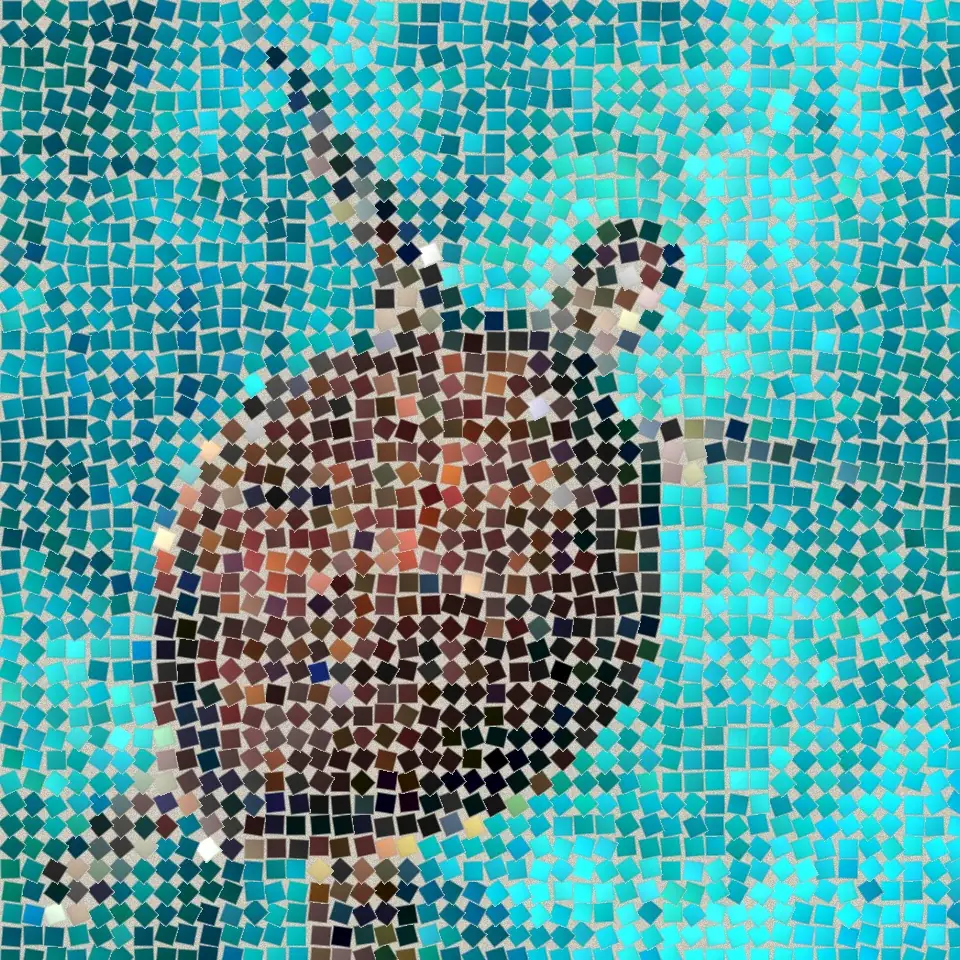
Open a photo and apply Vữa tối in PictorX. This look is part of Khảm đá—adjust the settings on this page, then keep editing with layers, text, and other effects in the same workspace. Thử một kiểu khảm bên dưới, hoặc mở ảnh của riêng bạn.
Cách nó hoạt động
- Open this page and try Vữa tối on the sample, or open your own photo.
- Tune the Vữa tối settings, or switch to another look in Khảm đá.
- Save the result, or keep editing with layers, text, and other effects in PictorX.
What the Vữa tối effect does
Vữa tối is one of the looks in PictorX Khảm đá. Apply it in your browser, then keep working in the same project—crop, type, or add another effect without starting over.
More looks in Khảm đá
This page opens Khảm đá with Vữa tối already selected. Switch looks on the demo to compare styles, or open the full Khảm đá page to browse every option in the set.
Looks in this set
Công cụ liên quan
Khảm đá
Biến ảnh thành tranh khảm đá thật ngay trên trình duyệt: những viên đá vuông trong vữa chạy theo đường viền của hình như tranh khảm La Mã. Miễn phí, không cần tải lên.
Khảm La Mã effect
Apply a Khảm La Mã effect to photos free in your browser. Open the Khảm đá tools, tune the look, and keep editing in PictorX. No install.
Khảm mịn effect
Apply a Khảm mịn effect to photos free in your browser. Open the Khảm đá tools, tune the look, and keep editing in PictorX. No install.
Khảm sàn effect
Apply a Khảm sàn effect to photos free in your browser. Open the Khảm đá tools, tune the look, and keep editing in PictorX. No install.
Vàng Byzantine effect
Apply a Vàng Byzantine effect to photos free in your browser. Open the Khảm đá tools, tune the look, and keep editing in PictorX. No install.
Khảm lưới effect
Apply a Khảm lưới effect to photos free in your browser. Open the Khảm đá tools, tune the look, and keep editing in PictorX. No install.
Sẵn sàng thử chưa?
Mở PictorX trong trình duyệt — không cần cài đặt, không cần thẻ tín dụng để bắt đầu.
Tới trình chỉnh sửa