
- 文字数
- 短点
- 長点
Visual Morse Code
Type a message and see it as dots and dashes, grouped by letter, ready for a lesson, a note, or a page. Switch to a signal strip, a card with the words above the code, or the alphabet chart. Play flashes a lamp at the speed you choose. メッセージを入力します。点と線の文字、信号の帯、カード、またはアルファベットのモールス図になります。再生はランプを点滅させます。練習は文字の速度を一定に保ち、間を伸ばします。符号をコピーするか、図を保存します。メッセージはこのブラウザに残ります。
使い方
- Type a message. Letters, digits and common punctuation become Morse code.
- Choose a design: grouped letters, a signal strip, a card, or the alphabet chart.
- Play the lamp, copy the code, or save the design as an image or PDF.
A design, not only a line of dots
Groups show each letter as circles and bars, with the letter underneath, so a page can be read by someone who is still learning the code. The strip is one line of signal and silence. The card puts your words above the code. The alphabet marks the letters you used.
Timing you can watch
A dot is one unit, a dash is three, the gap inside a letter is one, between letters three, and between words seven. Speed is in words per minute, counted on the word PARIS. Learn timing keeps the letters at 15 words per minute and stretches the pauses, which is easier to follow than sending every mark slowly. The drawing keeps an even spacing either way, so the page stays readable; the lamp is what changes rhythm.
よくある質問
Which Morse code is this?
International Morse, the code used on radio and in classrooms, not American Morse. Accented letters use their international sign where there is one. Anything else is left out, or sent as the base letter.
Does it make a sound?
No. It is visual. The lamp flashes and the mark being sent lights up on the design. Nothing is played through the speaker.
Is my text uploaded?
No. The code is drawn in your browser, and the last message stays in this browser only.
関連ツール
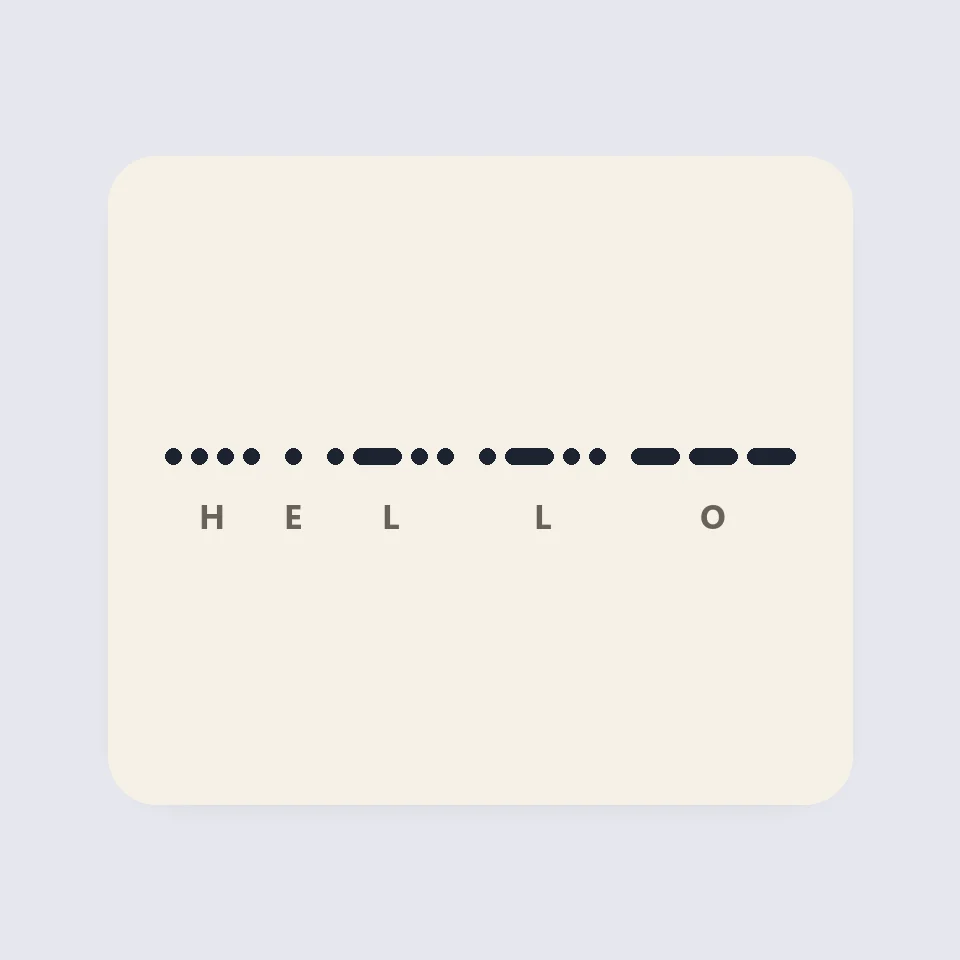
How Morse code is written and timed
How Morse code works: dots, dashes and the three gaps, the 50 units of PARIS, Farnsworth timing for learners, and why SOS is read as three letters.
QRコード作成ツール
URL、テキスト、Wi-Fi、vCard 連絡先、メール、電話、SMS、位置情報に対応した無料の QR コード作成ツール。コントラストチェック付きの配色、クワイエットゾーン、角丸やドットのモジュール、ロゴ、PNG と SVG のダウンロード。登録不要、アップロードなし。
文字数・単語数カウンター
無料の文字数・単語数カウンター。単語数、空白あり・なしの文字数、文、段落、ユニークな単語、読む時間と話す時間、キーワード出現率、X の投稿、SMS、メタディスクリプション、タイトルの文字数制限に対応。あらゆる言語で使えます。
大文字小文字変換ツール
無料の大文字小文字変換ツール:大文字、小文字、言語ルール対応のタイトルケース、文頭のみ大文字、camelCase、PascalCase、snake_case、kebab-case、CONSTANT_CASE、dot.case、URL スラッグに加え、空白、改行、箇条書き記号、絵文字の整形。
試してみますか?
ブラウザで PictorX を開きます。インストール不要、始めるのにクレジットカードも不要です。
エディターへ