
Chess diagram maker
Paste a FEN, pick a famous position or set up the pieces yourself, then show it on a wooden, coloured or black and white print board. Add arrows, marked squares, the side to move and a caption, and save the diagram as a PNG. Paste a FEN, pick a famous position or set up the board yourself: drag the pieces to move them, or off the board to remove them, and pick a piece under the FEN to place it with a click. Type arrows and marked squares as squares, such as e2e4 or d5.
How it works
- Paste a FEN or pick a position under Board setup.
- Drag the pieces to change the position, or pick a piece and click squares to add it.
- Choose the board, the pieces and the coordinates, add arrows or a caption, then save as PNG.
Reads and writes FEN
The FEN field always holds the position on the board. Paste one from a chess site or a book and the board follows; move a piece and the FEN changes with it. Under the field you see whose move it is, the castling rights, the en passant square and both move counters, or exactly what is wrong with the FEN.
Boards for screen and print
Use the classic brown board, inlaid wood, blue, green or grey with a frame, or a black and white diagram with hatched dark squares as in chess books. Show it from White's side, Black's side or the side to move, with coordinates on the squares or around the board.
Every piece on its own layer
Open the diagram in the PictorX editor and the board, the coordinates, every piece, every arrow and the caption arrive as separate layers, so you can move a piece, recolour an arrow or add a title before you save.
Frequently asked questions
What is a FEN?
FEN (Forsyth-Edwards Notation) describes a chess position in one line of text: the pieces rank by rank from rank 8 to rank 1, then whose move it is, the castling rights, the en passant square and the two move counters. The starting position is rnbqkbnr/pppppppp/8/8/8/8/PPPPPPPP/RNBQKBNR w KQkq - 0 1.
How do I add arrows and marked squares?
Type them as squares in the Arrows and marked squares field: e2e4 draws an arrow from e2 to e4 and d5 marks the square d5. Separate them with spaces and pick their colour with Highlight color.
Can I use the diagram in a book or a newsletter?
Yes. Choose the black and white board for print and save the PNG, about 2000 pixels across, or open it in the editor to add a title and export it in another format.
Does it check that the position is legal?
It checks that the FEN is complete and warns when a side does not have exactly one king or a pawn stands on the first or last rank. It never stops you, so you can also show puzzles and teaching positions.
Related tools
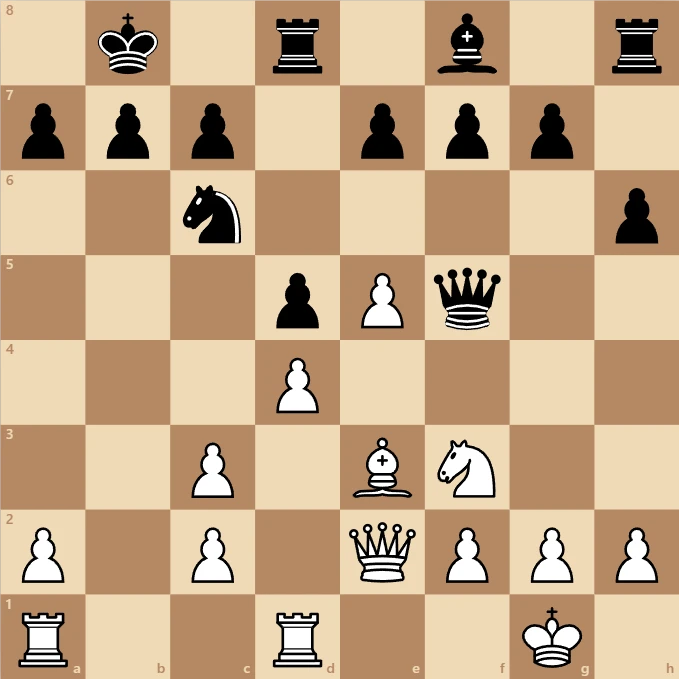
Chess
Play chess in your browser with all the rules: castling, en passant, promotion, check and checkmate. Play the computer from Easy to Expert, a friend on the same screen, or watch the computer play itself.
About Chess - History, Rules and How the Computer Plays
How do you play chess? Where the game came from, how each piece moves, check, checkmate and draws, and how a computer picks moves with minimax and alpha-beta.
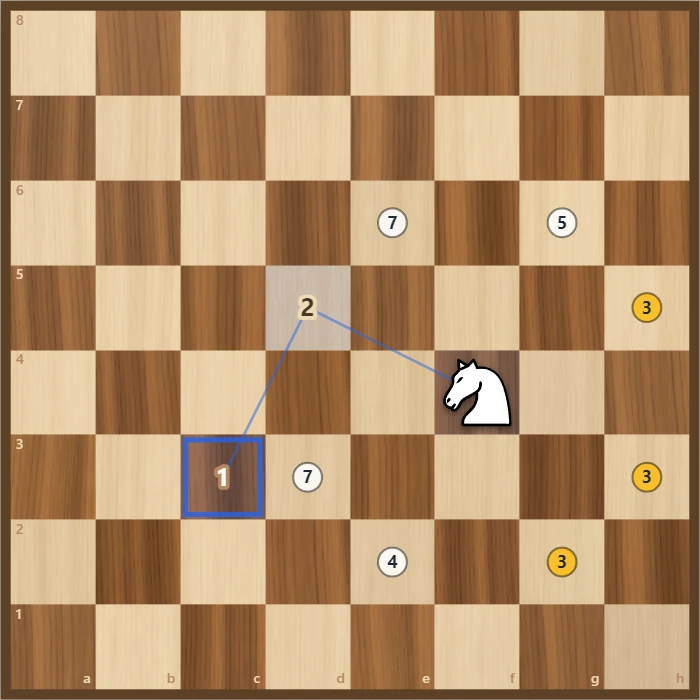
Knight's Tour
Jump a chess knight to every square of the board exactly once. Play it yourself with Warnsdorff hints, or watch Solve finish an open or closed tour. Save the path as a PNG.
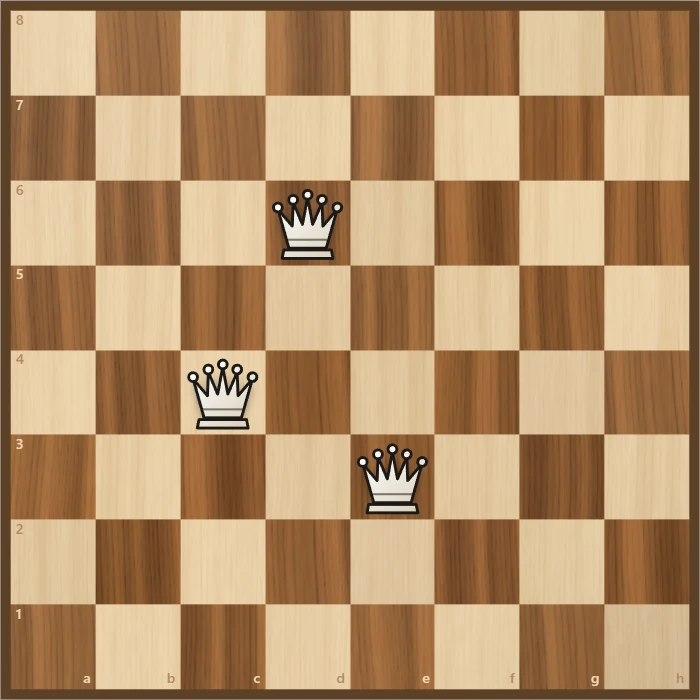
Eight Queens
Place eight queens on a chessboard so that none attacks another. Try it yourself, watch the backtracking search find a solution step by step, and go through all 92 solutions.

Newspaper front page maker
Make a fake newspaper front page online: your photo with a masthead, date, big headline, halftone or sepia print and columns of text. Save as PNG.
Ready to try it?
Open PictorX in your browser — no install, no credit card required to start.
Go to Editor