
Newspaper front page maker
Open a photo and it lands on the front page of a newspaper, with a masthead, today's date, a big headline and columns of text. Choose a classic broadsheet, a tabloid, a Victorian paper or a modern layout. Open a photo, write a headline and put yourself on the front page of a newspaper.
How it works
- Open a photo or pick one of the examples.
- Type the newspaper name, headline, subheading and caption, then choose a style.
- Pick halftone, sepia, black and white or colour for the photo and save the page as a PNG.
Four newspaper styles
A broadsheet with a blackletter masthead, a red-topped tabloid, a sepia Victorian paper and a clean modern front page, each with its own fonts and rules.
Halftone printing
The halftone option turns your photo into the ink dots of an old printing press. Make the dots bigger or smaller with the dot size slider.
Columns in your language
The page is filled with placeholder columns in your own language, so the front page looks real while your headline and photo get all the attention.
Frequently asked questions
Is it a real newspaper?
No. It is a fun, made-up front page for birthdays, anniversaries, retirements, school projects and social media.
Can I change the date?
Yes. Today's date is filled in for you, but you can type any date, such as a birthday or a wedding day.
Can I print it?
Yes. The page has A4 proportions, so it prints nicely on A4 or Letter paper and makes a great framed gift.
Is my photo uploaded?
No. The front page is drawn in your browser and your photo stays on your device.
Related tools
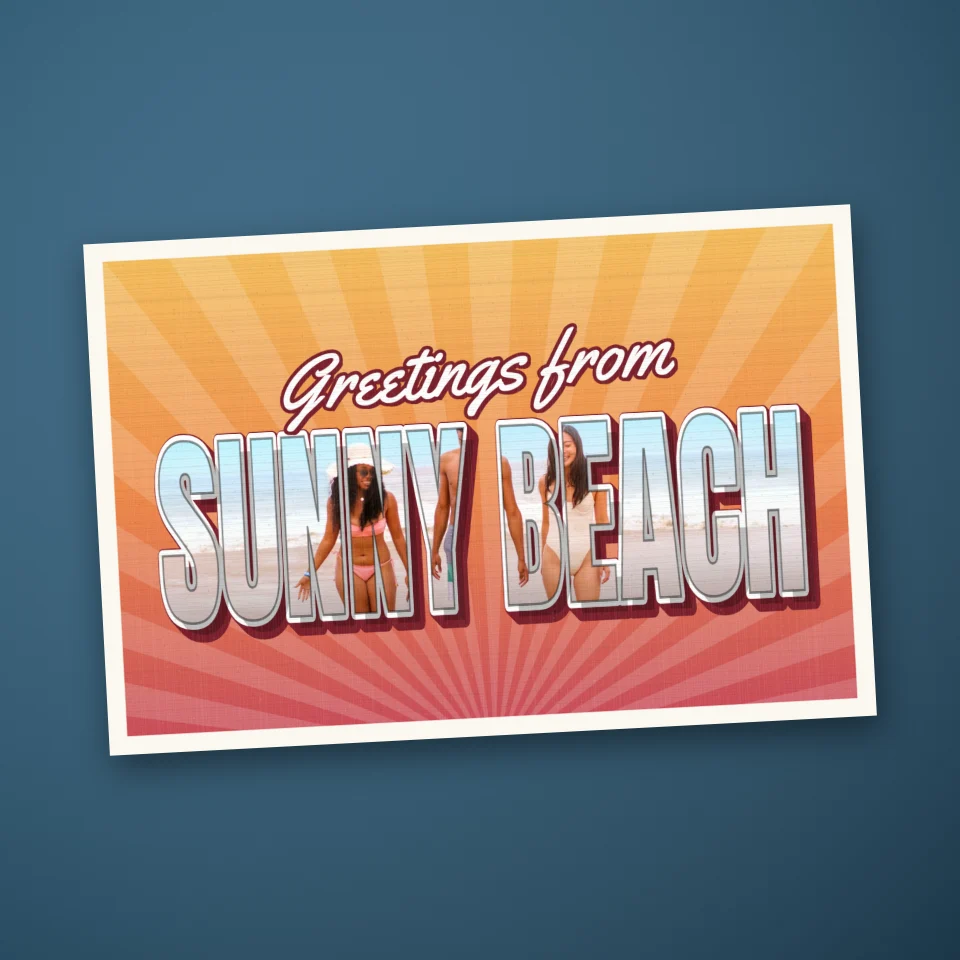
Vintage postcard maker
Make a retro 'Greetings from' postcard online: your photo inside big 3D letters of any place name, retro backdrops and an optional postcard back. Save as PNG.
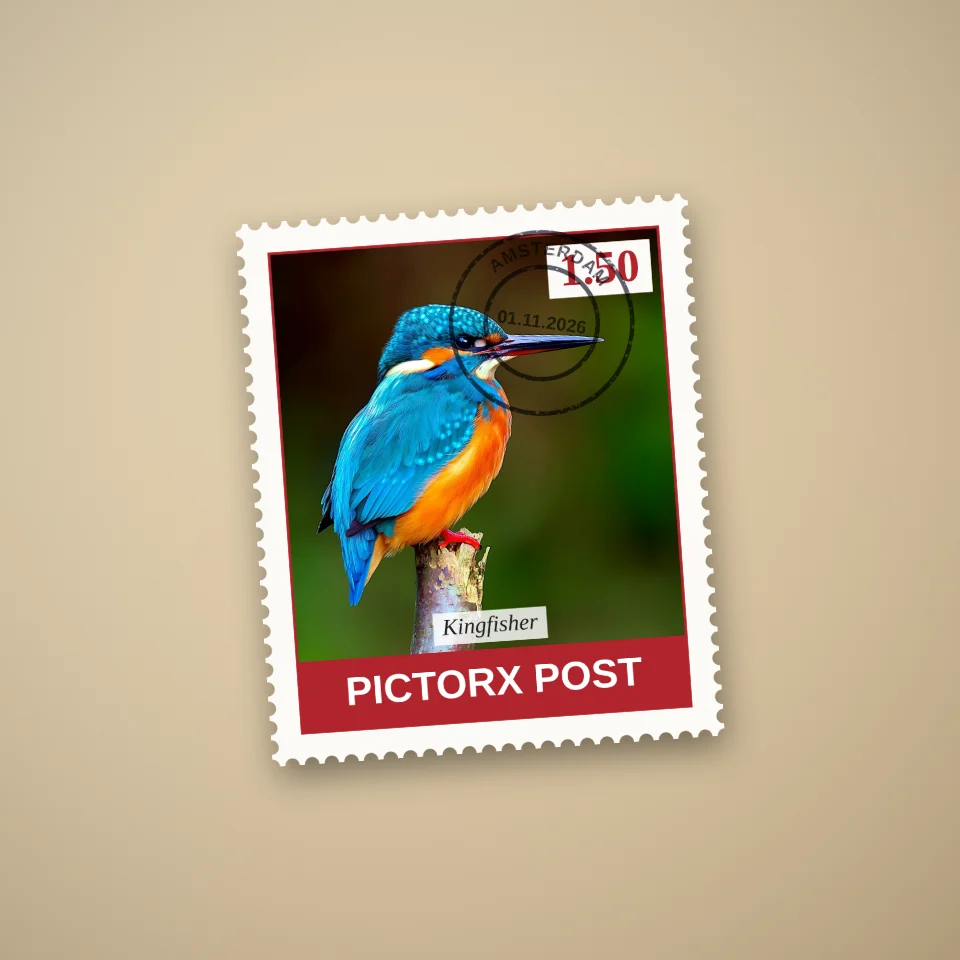
Stamp maker
Make a postage stamp from your photo online: perforated edges, value, country, caption and postmark. Single stamps or sheets, saved as PNG.

Pop Grid
Make a pop-art grid from a photo in your browser: framed squares among pop emblems, a pop print at the centre, glossy badges, a sheet of stamps, trading cards or a contact sheet.
Ready to try it?
Open PictorX in your browser — no install, no credit card required to start.
Go to Editor