
Base converter
Type a number in binary, octal, decimal, hexadecimal or any base from 2 to 36, and every other field follows as you type, exactly, however long the number. Choose a width of 8, 16, 32 or 64 bits to see negative numbers in two's complement with their range, flip single bits in the bit grid, read the character and the byte order of the value, and follow the conversion step by step: repeated division one way, place values the other. Type a number in any field and the others follow as you type. Click a bit in the grid to flip it, choose a width of 8, 16, 32 or 64 bits for two's complement or Any for numbers of any size, and pick the base the steps work out. Up and Down add or take one. Your last number is kept in this browser.
How it works
- Type a number in any field: binary, octal, decimal, hexadecimal, or the custom field with a base from 2 to 36.
- Choose Any for numbers of any size and fractions, or a width of 8, 16, 32 or 64 bits, signed or unsigned, for the bit pattern and its range.
- Click bits in the grid to flip them, pick a base to see the steps worked out, and copy a field with its Copy button.
How the conversion works
To write a decimal number in another base, divide it by the base again and again and keep the remainders: they are the digits, read from the last to the first. 2026 ÷ 16 = 126 remainder 10 (A), 126 ÷ 16 = 7 remainder 14 (E), 7 ÷ 16 = 0 remainder 7, so 2026 is 7EA in hexadecimal. The other way, multiply each digit by its place value and add: 7 × 256 + 14 × 16 + 10 = 2026. Choose a base above the steps to see both worked out for your number.
Two's complement and bit widths
Computers store whole numbers in a fixed number of bits. Unsigned, n bits hold 0 to 2ⁿ − 1, such as 0 to 255 in 8 bits. Signed numbers use two's complement: the top bit counts as −2ⁿ⁻¹, so 8 bits hold −128 to 127 and 11101010 is −22. To negate a number, invert every bit and add 1. A number outside the range overflows: the converter says so and keeps the lowest bits, as a processor would.
Frequently asked questions
What do the digits A to Z mean?
Bases above 10 need more than ten digits, so letters take over after 9: A is 10, B is 11 and so on up to Z, which is 35. That is why hexadecimal uses 0 to 9 and A to F, and base 36, the largest here, uses all ten digits and all 26 letters. Upper and lower case mean the same.
Can it convert fractions?
Yes, at Any width. Type a point in any field, such as 0.1 in decimal or 101.101 in binary. Some fractions do not end in another base: 0.1 in decimal is 0.000110011… in binary, repeating for ever. The converter then shows 24 digits and marks the cut with …, and the steps show the repeated multiplication.
How big can the numbers be?
At Any width as big as you like, up to 2,048 digits, because the converter calculates with exact integers (BigInt) instead of floating point. A 64-bit value such as 18446744073709551615 converts without rounding. The bit grid shows up to 256 bits.
How do I convert hexadecimal to decimal?
Type the hex number in the Hexadecimal field, with or without 0x, and read the decimal field. For the steps, choose Base 16: each digit is multiplied by a power of 16, so 1F4 is 1 × 256 + 15 × 16 + 4 = 500. At a fixed signed width, a hex pattern with the top bit set is negative, so FF in 8 bits is −1.
Related tools
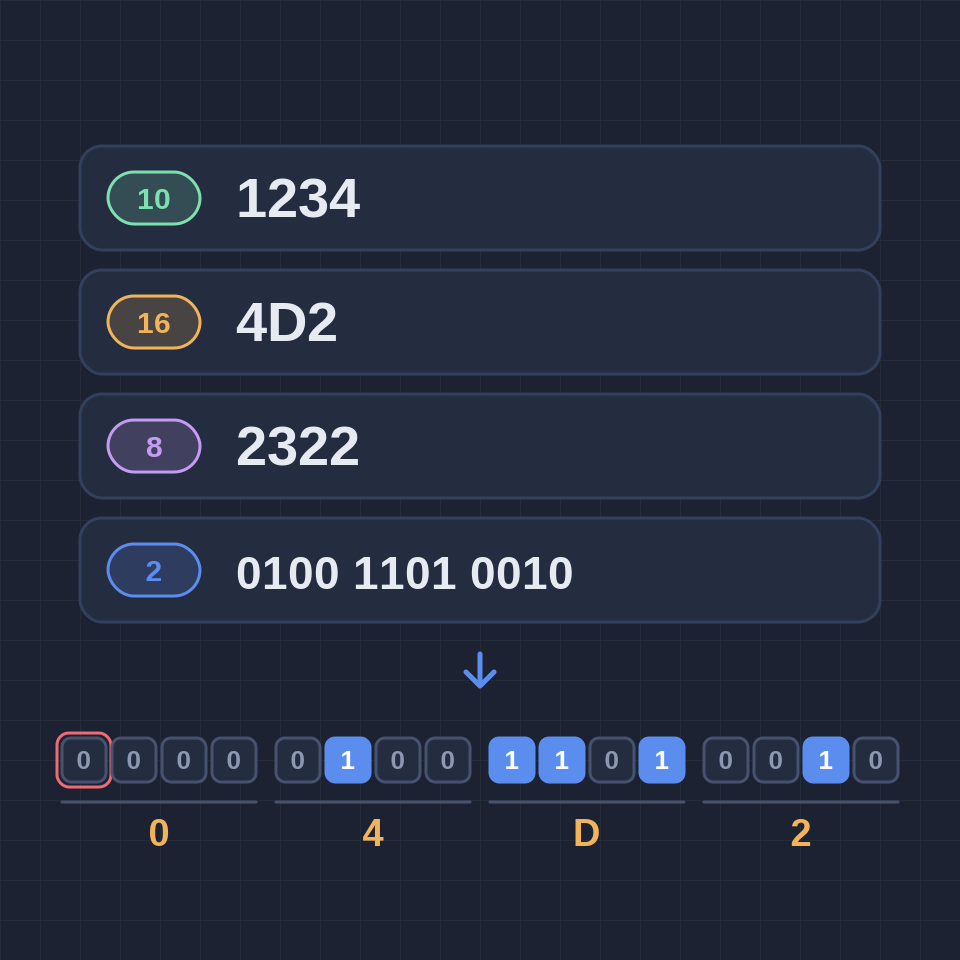
How number bases work
How positional number systems work: binary, octal, decimal and hexadecimal, converting between bases, two's complement for negative numbers, overflow, endianness and fractions in binary.
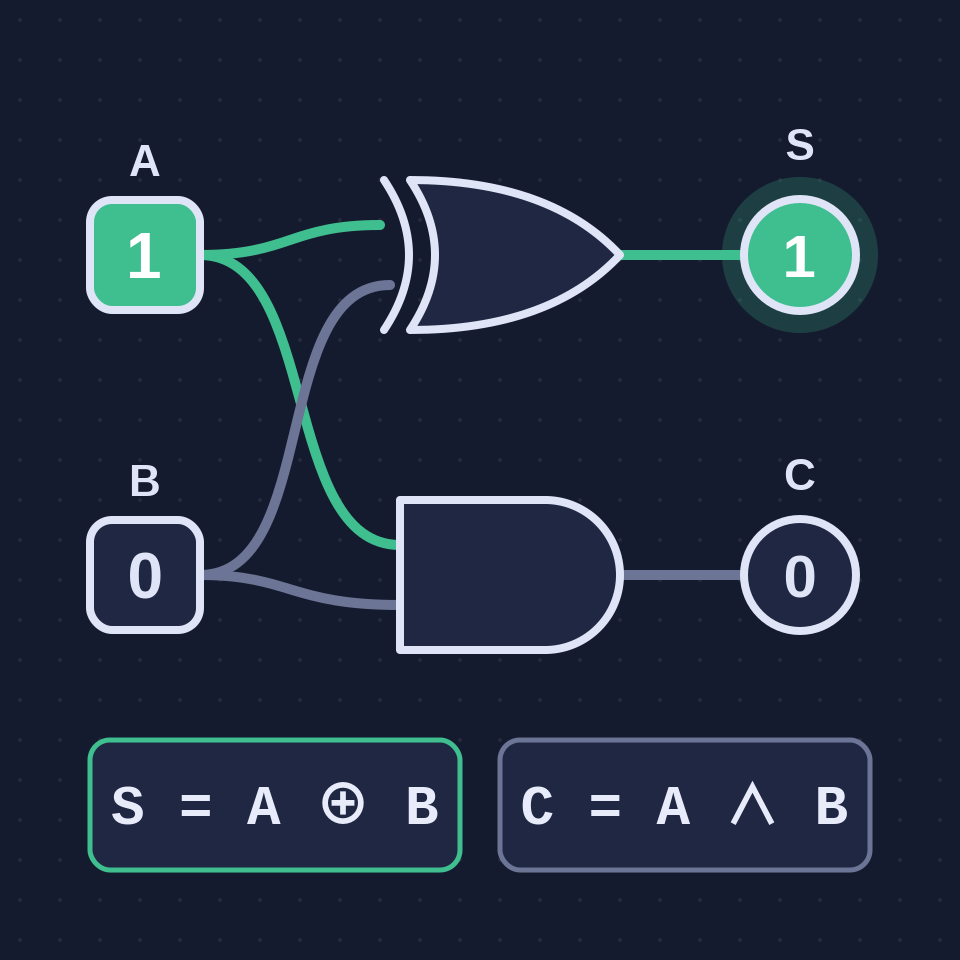
Logic circuit simulator
Build digital circuits from AND, OR, NOT, NAND, NOR, XOR and XNOR gates in your browser. Switch the inputs, watch the signals run through the wires, and get the truth table and the formula of every output. With adders, a multiplexer, latches and a flip-flop to explore.
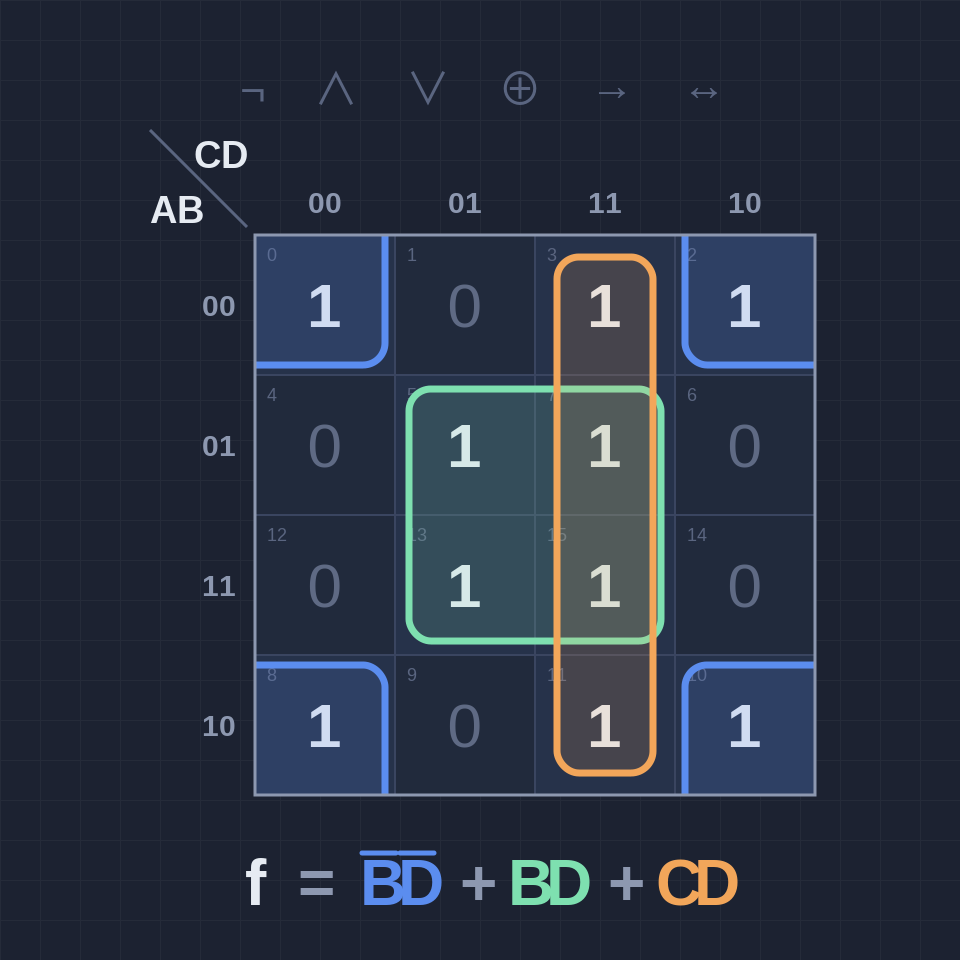
Truth table and Boolean algebra calculator
Type a logical formula in any notation and get its truth table, tautology check, canonical DNF and CNF, the minimal sum of products by Quine–McCluskey and a clickable Karnaugh map.
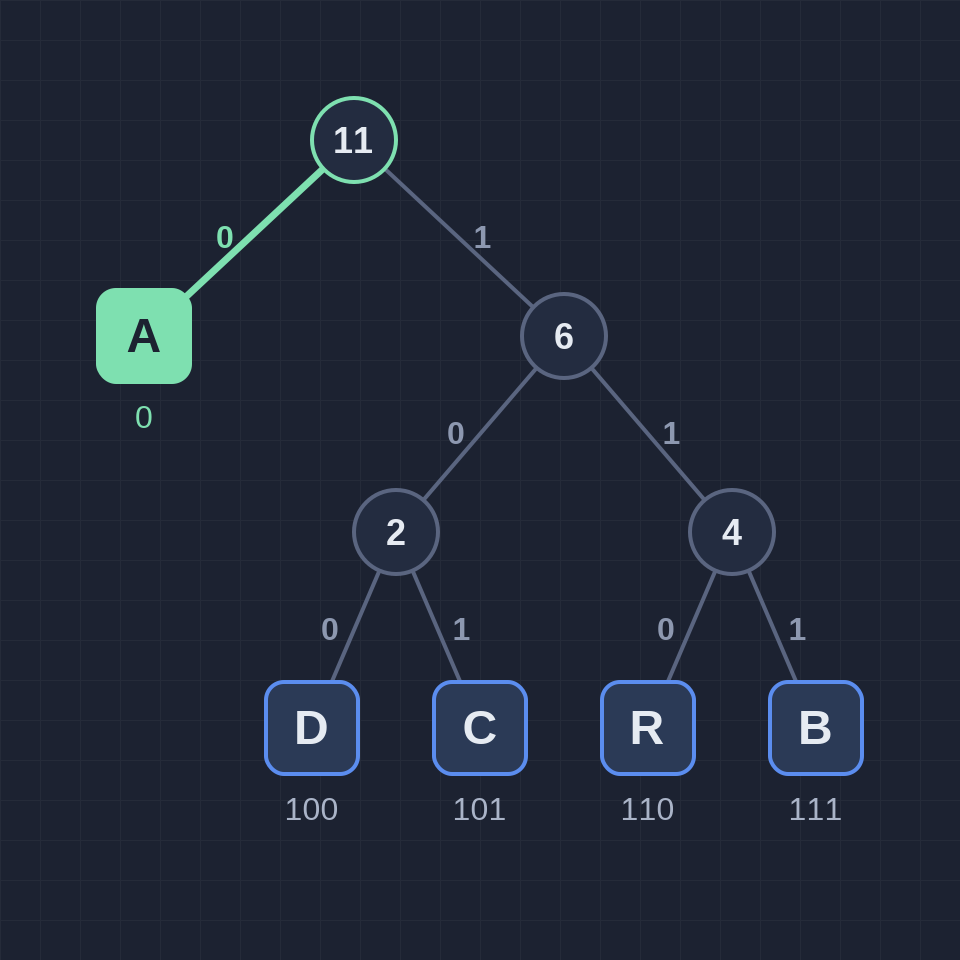
Huffman coding builder
Build a Huffman tree from any text step by step, read the code of every symbol from its path, see the text in Huffman code, and compare it with a fixed-length code, UTF-8 and the entropy.
Hash function playground
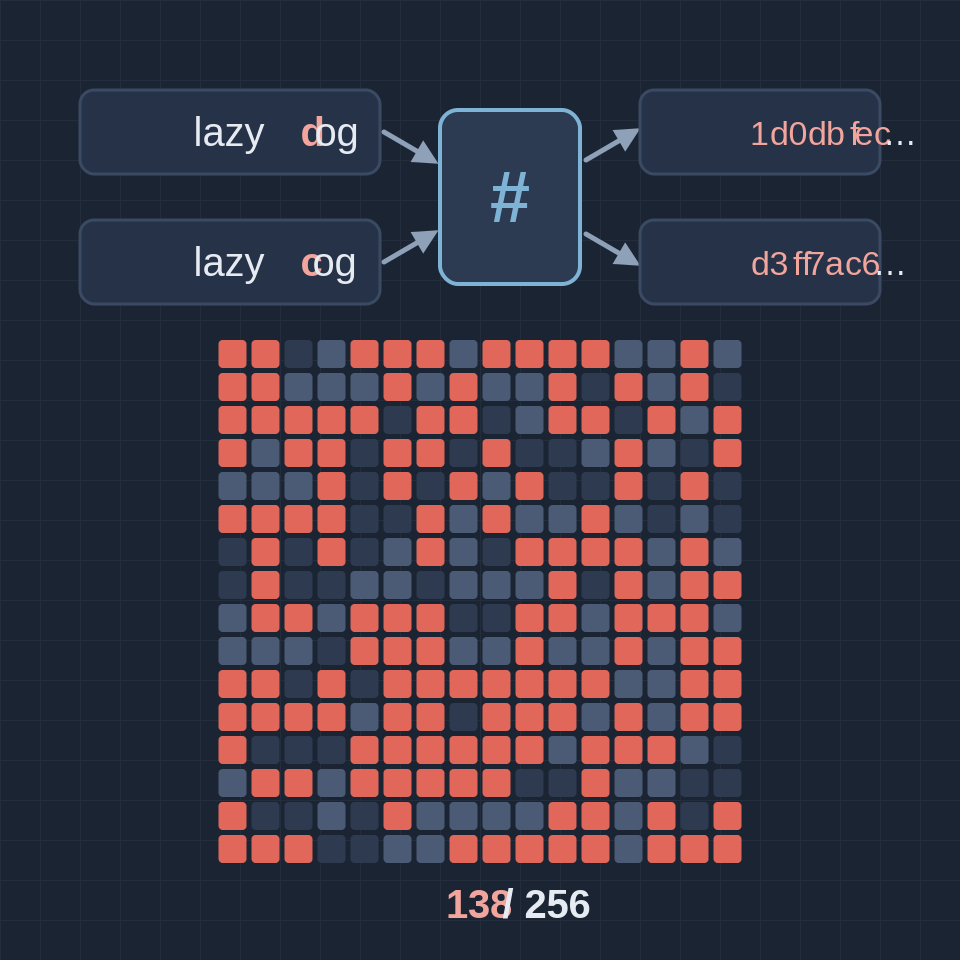
Hash any text with SHA-256, SHA-512, SHA-1, MD5 and CRC-32, change one character and watch half the digest bits flip, test the avalanche effect, and find collisions on short digests with the birthday attack.
Ready to try it?
Open PictorX in your browser — no install, no credit card required to start.
Go to Editor