
How Base64 encoding works
Base64 writes any data, a picture, a key or a line of text in any language, with only 64 safe characters: the letters A to Z and a to z, the digits 0 to 9, + and /. Email attachments, data URIs in web pages, JSON Web Tokens and the passwords of Basic authentication all travel this way. Here is how the 64 characters are chosen, why 3 bytes always become 4 characters, what the = at the end means and when Base64 is the wrong tool.
Why Base64 exists
Computers store everything as bytes, numbers from 0 to 255, but many of the channels that carry data were built for text. Early email only passed 7-bit characters, some systems change line breaks or drop control characters, and a URL, a JSON string or an HTML attribute cannot hold just any byte. Base64 solves this by writing the bytes with 64 characters that survive everywhere. MIME email adopted it in 1992 to send attachments, and RFC 4648 of 2006 is the standard that most software follows today.
Three bytes become four characters
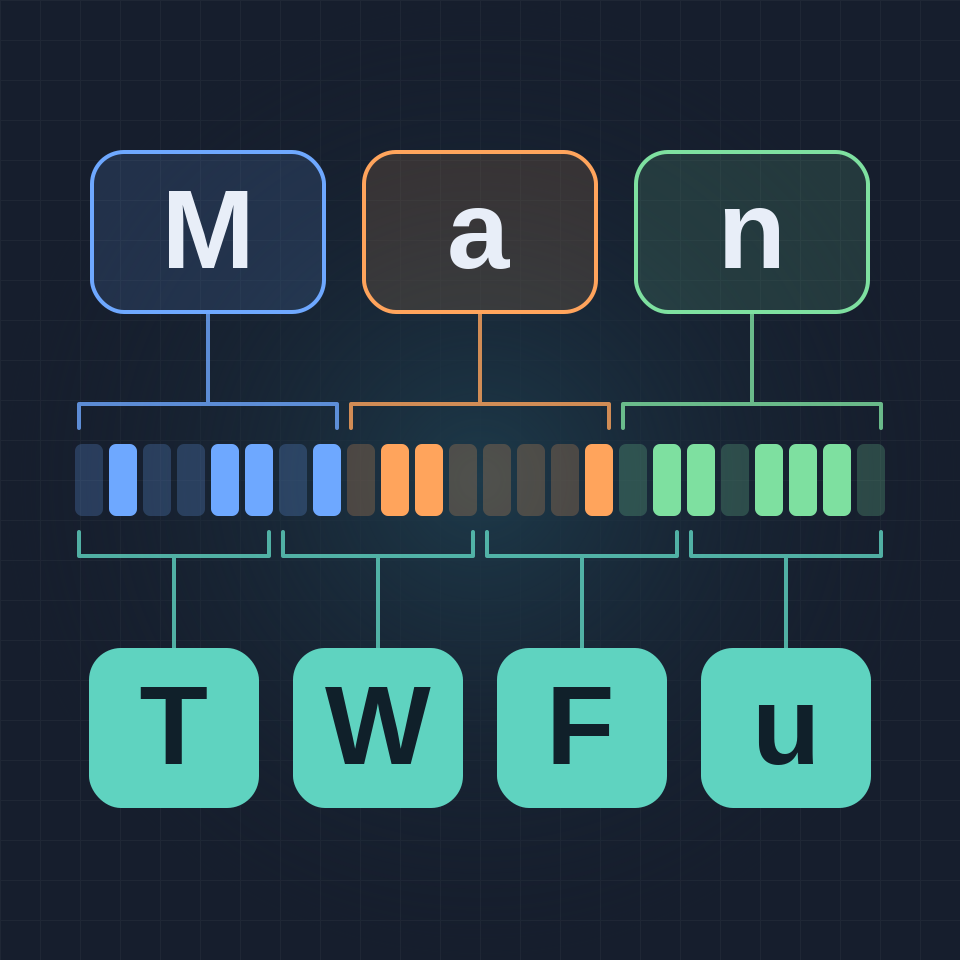
Base64 reads the bytes in groups of three. Three bytes are 24 bits, and 24 bits cut into four pieces of 6 bits each. A 6-bit number runs from 0 to 63, so each piece picks one of 64 characters: 0 to 25 are A to Z, 26 to 51 are a to z, 52 to 61 are the digits 0 to 9, 62 is + and 63 is /. The word Man is the bytes 77, 97 and 110, in bits 01001101 01100001 01101110. Regrouped as 010011 010110 000101 101110 they are 19, 22, 5 and 46, which are the characters T, W, F and u: Man becomes TWFu.
Padding: the = at the end
When the number of bytes is not a multiple of three, the last group is short. One byte left over gives 8 bits, filled with zeros to 12 bits and written as two characters; two bytes give 16 bits, filled to 18 and written as three characters. The = signs then pad the last group to four characters: Ma becomes TWE= and M becomes TQ==. Padding tells a decoder that the end is intentional, and it lets Base64 strings be joined. Because the length alone already says how many bytes are left, many formats leave the padding out, and good decoders accept both.
The URL-safe alphabet
Two of the 64 characters cause trouble in some places: + means a space in a query string, and / separates folders in a path and a file name. RFC 4648 therefore defines a second alphabet, base64url, that uses - for 62 and _ for 63 and is otherwise the same. JSON Web Tokens, many API keys and file names use it, usually without padding, because = would also need escaping in a URL. Converting between the two only means swapping these two characters.
Text, UTF-8 and line breaks
Base64 encodes bytes, not letters, so text must first become bytes. With UTF-8, the encoding of the web, A is one byte, é is two (C3 A9), € is three and an emoji such as 😀 is four. The browser function btoa only accepts characters up to 255 and fails on anything else, which is why a correct encoder converts to UTF-8 first. MIME email also breaks Base64 into lines of at most 76 characters, while data URIs, JSON and HTTP headers keep it on one line. Decoders simply skip the line breaks.
Data URIs, the 33% overhead and what Base64 is not
A data URI puts a whole file into a link: data:image/png;base64, followed by the Base64 of the image can be used wherever a URL is expected, as the src of an img tag or in a CSS url(). It saves a request for small icons, but every 3 bytes become 4 characters, so the data grows by a third, plus up to two padding characters and any line breaks. A 30 KB image becomes 40 KB of text that cannot be cached on its own, so large files are better linked as files. And Base64 is an encoding, not encryption: it has no key, anyone can decode it, and a password in Base64 is as readable as in plain text.
Frequently asked questions
Why does Base64 make data about 33% larger?
Each Base64 character carries 6 bits of data but takes 8 bits to store, so 3 bytes (24 bits) need 4 characters (32 bits): 4/3 of the original, a third more. Padding adds up to two characters at the end, and MIME line breaks add two more bytes every 76 characters, about 2.6% extra.
Can I leave out the = padding?
Often, yes. A decoder can tell from the length how many bytes the last group holds: two characters are one byte and three characters are two. Base64url in JSON Web Tokens always leaves the padding out. Some strict decoders, and formats that join several Base64 strings, still need it, so keep it when you are not sure.
Why does a Base64 string sometimes fail to decode?
Usually because a character outside the alphabet slipped in, such as a quotation mark, a % from URL encoding or a character from a copied web page; because padding appears in the middle; or because the length leaves a single character in the last group, which cannot form a byte. A forgiving decoder skips spaces and line breaks and reads both alphabets, and a good one tells you the position of the first character it cannot read.
Is Base64 the same as hexadecimal?
Both write bytes as text, but hexadecimal uses 16 characters and needs two for every byte, so the data doubles in size. Base64 uses 64 characters and needs only four for every three bytes. Hexadecimal is easier to read byte by byte, which is why hashes and colors use it; Base64 is more compact, which is why attachments and tokens use it.
Related tools
Base64 Encoder
A free online Base64 encoder and decoder: convert text to Base64 and back as you type, with UTF-8, URL-safe Base64, padding, MIME line breaks, files to data URIs and a preview of decoded images.
URL encoder and decoder
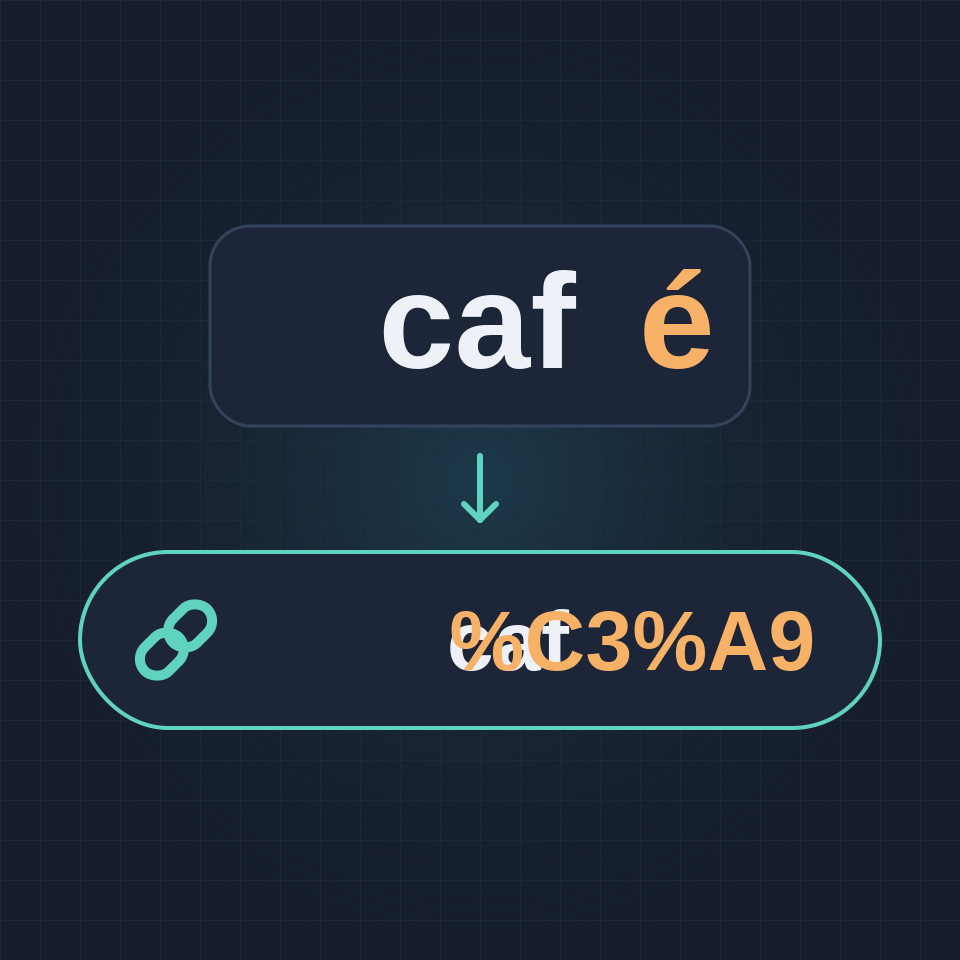
A free URL encoder and decoder: percent-encode text for a query value, a whole URL or form data, decode it back with errors pointed out, see each character's UTF-8 bytes, and take a URL apart.
Base converter
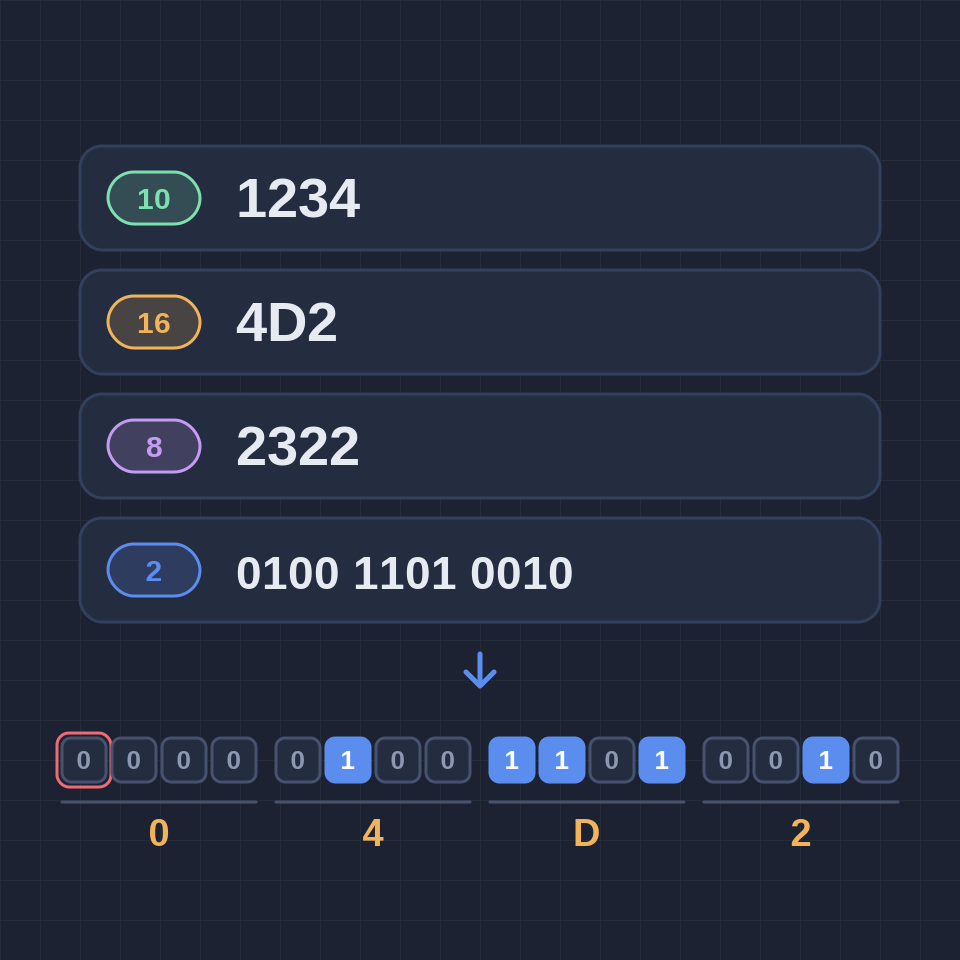
A free base converter: convert numbers between binary, octal, decimal, hexadecimal and any base from 2 to 36 as you type, with two's complement, a clickable bit grid and the steps worked out.
Hash function playground
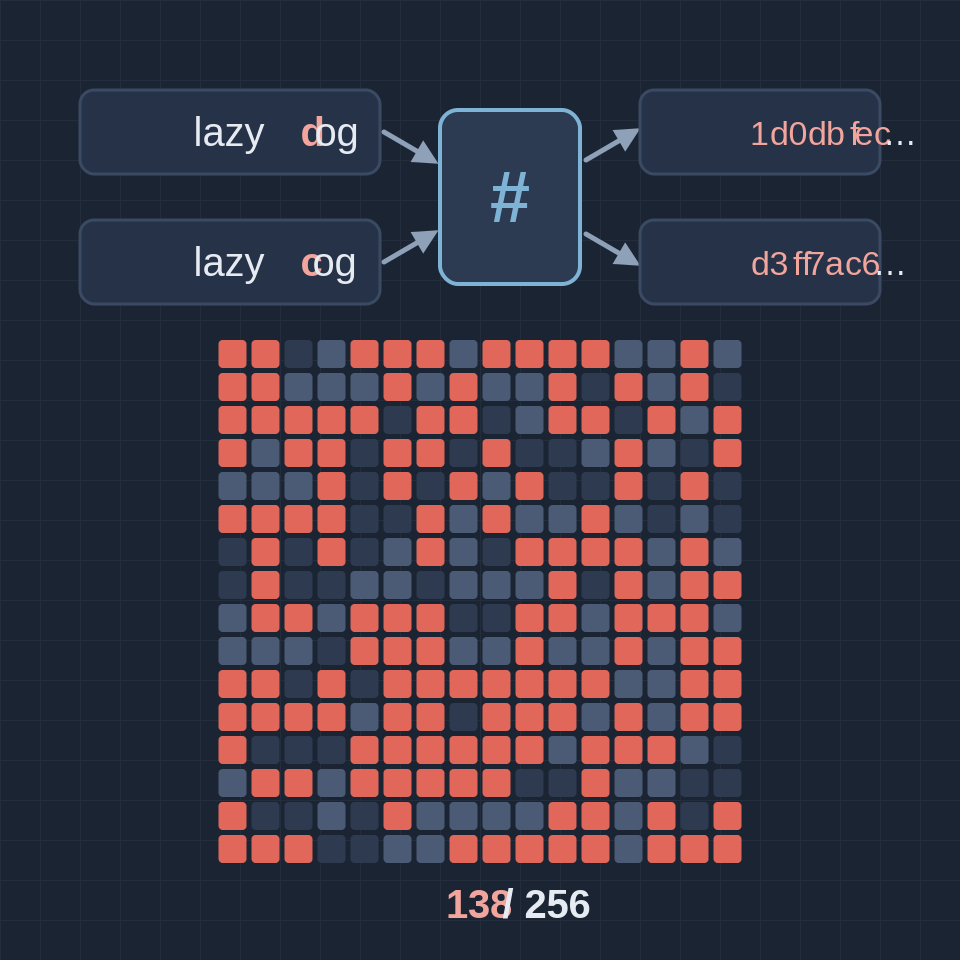
Hash any text with SHA-256, SHA-512, SHA-1, MD5 and CRC-32, change one character and watch half the digest bits flip, test the avalanche effect, and find collisions on short digests with the birthday attack.
Ready to try it?
Open PictorX in your browser — no install, no credit card required to start.
Open the Base64 Encoder