
How bending a photo works
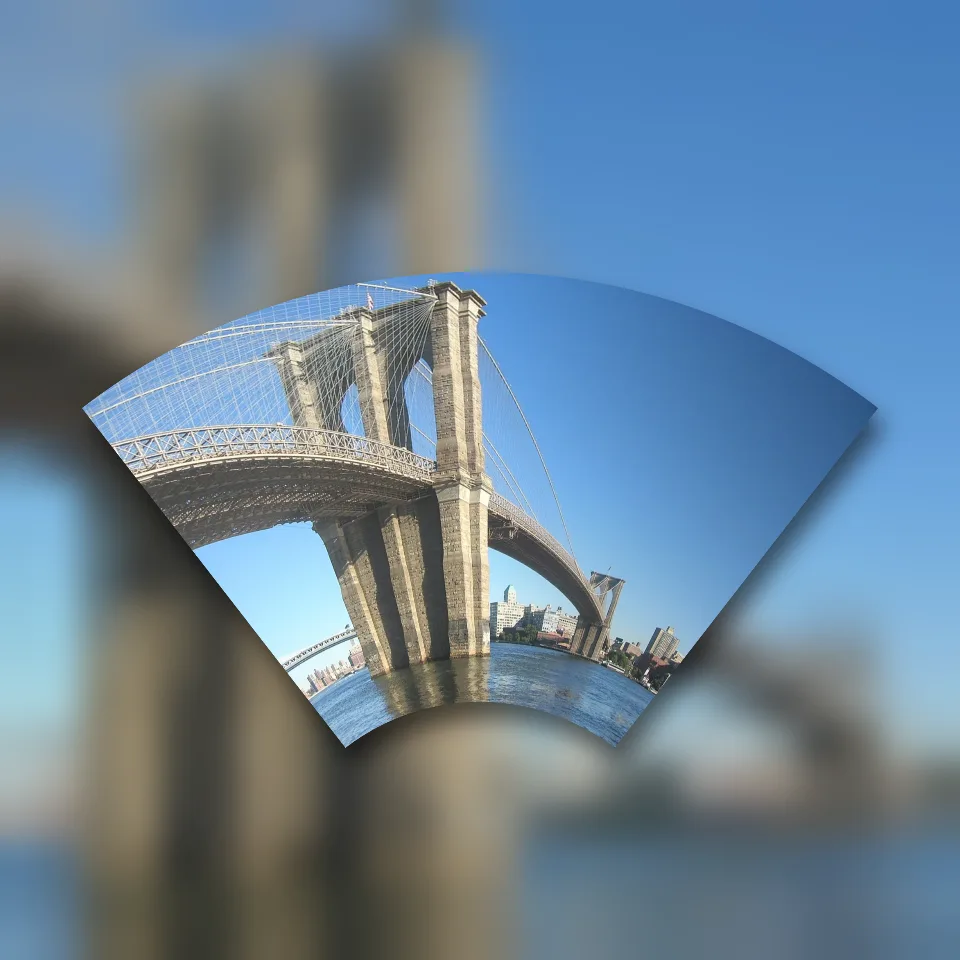
Bending a photo moves its pixels instead of changing their colours: every point of the picture goes to a new place on a curved shape, and straight lines become smooth curves. This page explains the mesh of triangles behind it, the arithmetic of the arc, the wave, the cylinder and the page curl, and how light and shade make a flat picture look like a bent sheet.
Moving pixels, not changing them
Most photo effects change colours: brighter, warmer, black and white. A bend leaves every colour as it is and moves it instead. Mathematically it is a map: each point of the flat photo, given by how far across (u) and how far down (v) it lies, is sent to a point (x, y) of the bent picture. An arc sends the rows of the photo along circles, a wave lifts and lowers its columns along a sine curve, a cylinder squeezes the sides together the way a label on a can looks. Choosing a style means choosing that map; the Bend slider sets how strong it is.
A mesh of triangles
Working the map out for every single pixel would be slow, so the photo is covered with a grid of small cells, each split into two triangles, a few thousand in all. Only the corners of the triangles are sent through the map. Each triangle is then stretched onto its new place with an affine map, the combination of moving, turning, scaling and shearing that takes three corners exactly onto three corners. Neighbouring triangles share their edges, so the picture bends without gaps, and with triangles this small the curves look perfectly smooth. To draw it, every pixel of the bent picture finds its triangle, works out where it came from on the photo and takes the colour there, blending the four nearest pixels so the result stays sharp without jagged steps.
The arithmetic of the shapes
Arc lays the photo along a circle: the middle row keeps its length and becomes an arc of the circle, the rows above it lie on larger circles and get longer, the rows below on smaller ones. At full strength the photo covers half a circle; Circle goes all the way round, which is the same as polar coordinates, and keeps a hole in the middle so the photo is not squeezed to a point. Arch, Arc lower, Arc upper and Bulge move the rows up or down along a parabola. Wave and Flag use a sine curve, the Flag's growing towards its free edge as if the pole held the other side. Cylinder wraps the photo round a can and looks at it from the front: a point at angle φ around the can lands at R · sin φ, so the middle keeps its width and the edges are squeezed.
The page curl
Page curl draws a line across the photo; everything past it rolls over a thin cylinder and lies back on the photo, upside down. Points on the first quarter of the roll still show the photo, the rest show the back of the page. The triangles tell which is which: a triangle whose corners come out in the opposite order has been turned over, so it is filled with the colour of the back instead of the photo and drawn on top. The back is a layer of its own, so it can be recoloured afterwards.
Light and shade
A bent sheet does not catch the light evenly, and that is what makes it look bent rather than just distorted. Every corner of the mesh gets a normal, the direction its bit of surface faces: from the shape itself for a cylinder or a page curl, and from how steeply the photo was moved for the other styles. Light from the upper left falls on each bit in proportion to how much it faces the light, as in Lambert's law: parts turned towards it get lighter, parts turned away get darker. A wave then shows its folds and a cylinder its round sides. The light is a layer of its own, white where it brightens and black where it darkens, so it can be faded or switched off.
Where image warping is used
The same idea is everywhere in computer graphics. Every 3D game stretches its pictures over triangles in exactly this way; Edwin Catmull described this texture mapping in 1974. Designers bend text into arcs for logos and badges, and wrap artwork onto mock-ups of bottles, mugs and book covers. Cameras and phones use a warp to straighten the bulging lines of a wide lens, film effects morph one face into another by warping two photos at once, and photo editors offer mesh warp and liquify to reshape a picture by hand.
Tips for a good bend
Straight lines show a bend best: buildings, bridges, horizons, stripes and text. For a logo or a line of text, start from a PNG with a transparent background and keep Background on Transparent, so the bent result can go on any design. A gentle bend usually looks more natural than a strong one; add some Light and shade and a soft Shadow to make it look like a real sheet. Use Vertical for tall photos, and the perspective sliders to make the bend look as if it were seen from the side.
Frequently asked questions
What is the difference between bending and distorting an image?
Bending is one kind of distortion: it moves the pixels along a smooth shape, such as an arc or a wave, so the picture still looks like the same photo printed on a curved sheet. Other distortions twist, ripple, pinch or break the picture up. Bend gives you thirteen bent shapes; Distort effects has twirl, ripple, spherize and more.
Does bending a photo lose quality?
A little, as every resampling does: each pixel of the bent photo is blended from the four nearest pixels of the original, so very fine detail softens slightly where the photo is stretched. Where it is squeezed the detail stays sharp. Saving at a larger size than the photo itself enlarges it, which can soften it too; at the photo's own size the result is as sharp as it can be.
How do I curve text with it?
Write the text, save it as a PNG with a transparent background and open it in Bend. Arc bends it along a circle, Arch lifts it in the middle without turning the ends, Circle wraps it into a ring and Flag or Wave make it ripple. With Background on Transparent the curved text keeps its transparent background.
Why do straight lines become curves and not zigzags?
Each little triangle is stretched with a straight-line map, so a straight line is bent only where it crosses from one triangle into the next. The triangles are small enough that those bends are far smaller than a pixel, and the line looks like one smooth curve.
Related tools
Bend an image online
Bend an image online for free: arc, arch, wave, flag, cylinder, circle or page curl a photo, logo or text, add light and a shadow, and save a transparent PNG.
Liquid lens playground
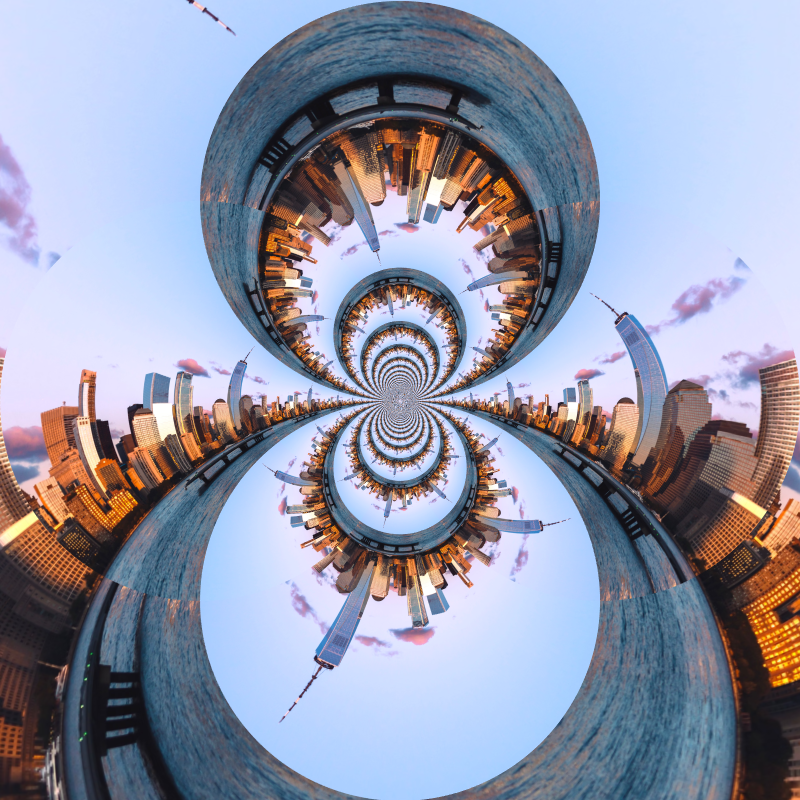
Warp photos with polar coordinates, ripple, glass, spherize, timewarp, twirl, folds, and bend.
Mesh Warp tool
Warp an image online for free: drag the points of a mesh to bend, stretch or reshape any part of a photo, the way a warp tool works in Photoshop.
How photo morphing works
How a morph turns one face into another: matching points, a Delaunay mesh of triangles, an affine warp of each triangle and a cross-dissolve. Why a fade is not a morph, where morphing comes from, and how to place points for a clean result.
Ready to try it?
Open PictorX in your browser — no install, no credit card required to start.
Open Bend