
- Characters
- Dots
- Dashes
Visual Morse Code
Type a message and see it as dots and dashes, grouped by letter, ready for a lesson, a note, or a page. Switch to a signal strip, a card with the words above the code, or the alphabet chart. Play flashes a lamp at the speed you choose. Type a message. It becomes a Morse design: letters as dots and dashes, a signal strip, a card, or the alphabet. Play flashes a lamp. Learn keeps a steady letter speed and stretches the pauses. Copy the code, or save the design. The message stays in this browser.
How it works
- Type a message. Letters, digits and common punctuation become Morse code.
- Choose a design: grouped letters, a signal strip, a card, or the alphabet chart.
- Play the lamp, copy the code, or save the design as an image or PDF.
A design, not only a line of dots
Groups show each letter as circles and bars, with the letter underneath, so a page can be read by someone who is still learning the code. The strip is one line of signal and silence. The card puts your words above the code. The alphabet marks the letters you used.
Timing you can watch
A dot is one unit, a dash is three, the gap inside a letter is one, between letters three, and between words seven. Speed is in words per minute, counted on the word PARIS. Learn timing keeps the letters at 15 words per minute and stretches the pauses, which is easier to follow than sending every mark slowly. The drawing keeps an even spacing either way, so the page stays readable; the lamp is what changes rhythm.
Frequently asked questions
Which Morse code is this?
International Morse, the code used on radio and in classrooms, not American Morse. Accented letters use their international sign where there is one. Anything else is left out, or sent as the base letter.
Does it make a sound?
No. It is visual. The lamp flashes and the mark being sent lights up on the design. Nothing is played through the speaker.
Is my text uploaded?
No. The code is drawn in your browser, and the last message stays in this browser only.
Related tools
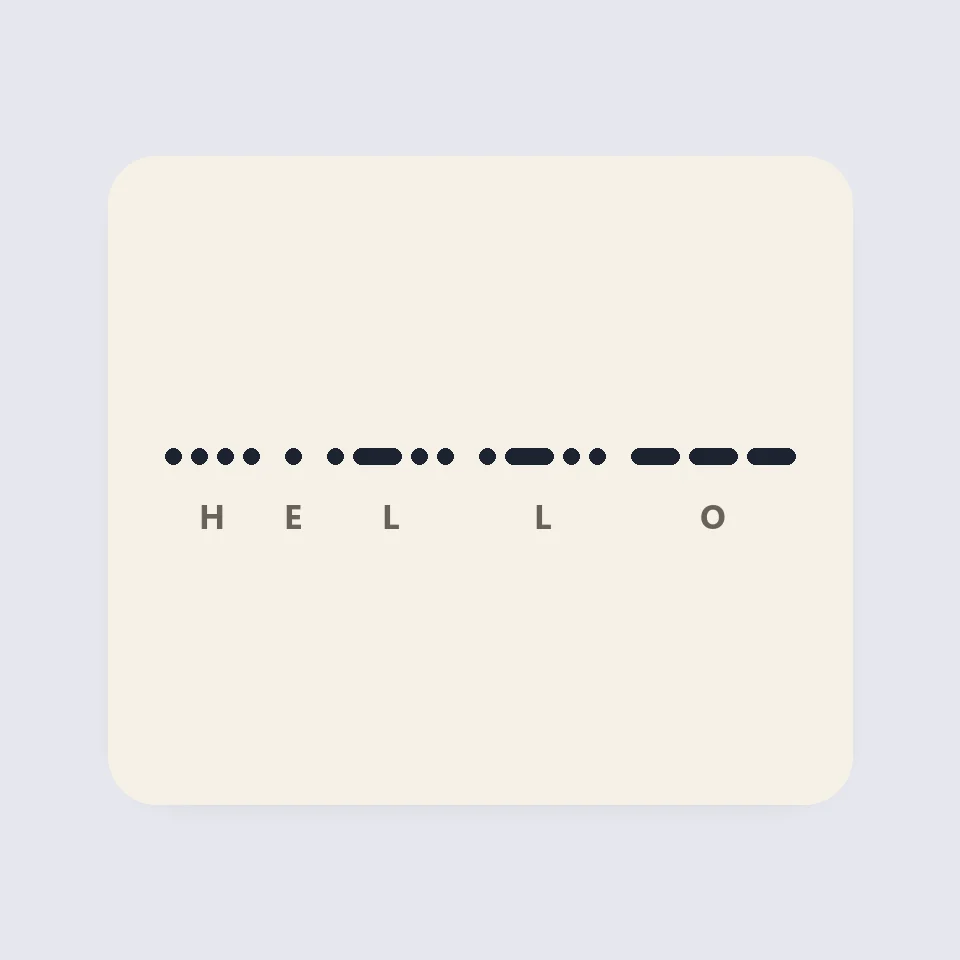
How Morse code is written and timed
How Morse code works: dots, dashes and the three gaps, the 50 units of PARIS, Farnsworth timing for learners, and why SOS is read as three letters.
QR code generator
Free QR code generator for URLs, text, Wi-Fi, vCard contacts, email, phone, SMS and locations. Custom colors with contrast check, quiet zone, rounded or dot modules, center logo, PNG and SVG download. No sign-up, nothing uploaded.
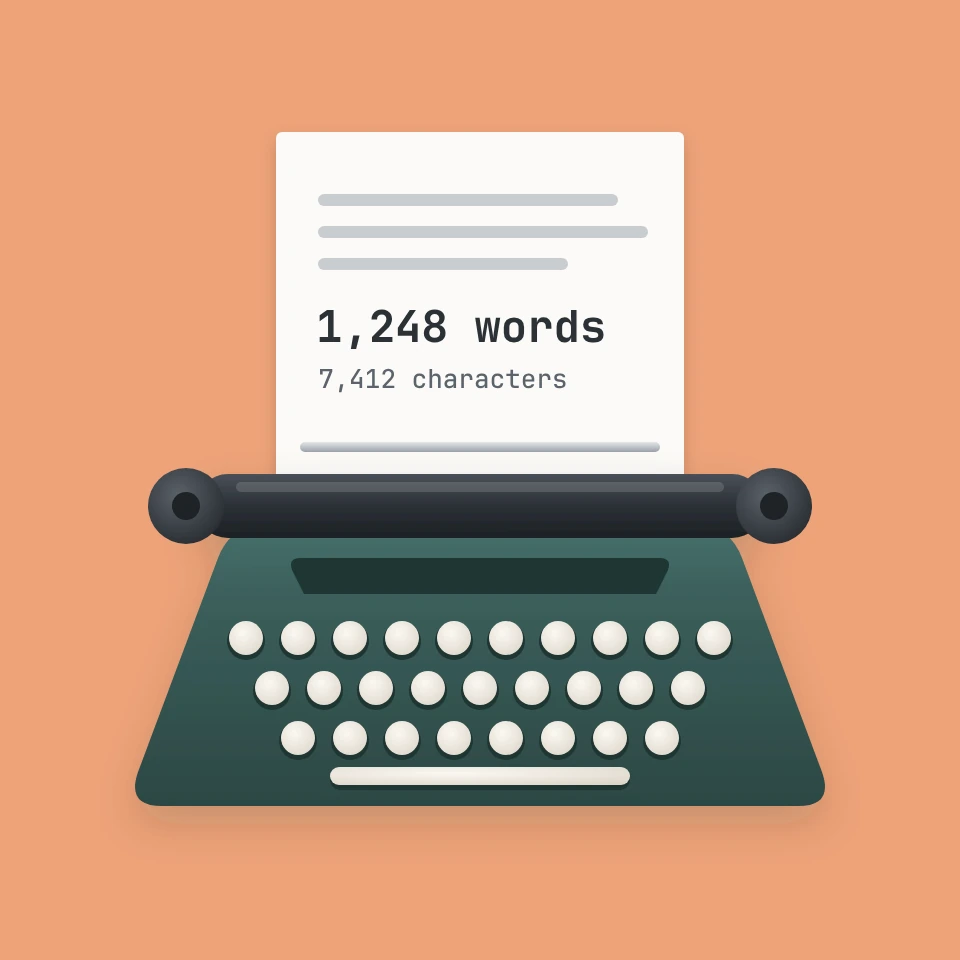
Word and character counter
Free word and character counter: words, characters with and without spaces, sentences, paragraphs, unique words, reading and speaking time, keyword density and limits for X posts, SMS, meta descriptions and titles. Works for every language.
Text case converter
A free text case converter: UPPERCASE, lowercase, Title Case with language rules, Sentence case, camelCase, PascalCase, snake_case, kebab-case, CONSTANT_CASE, dot.case and URL slugs, plus cleanup for spaces, line breaks, bullets and emojis.
Ready to try it?
Open PictorX in your browser — no install, no credit card required to start.
Go to Editor