
- Segni
- Punti
- Linee
Visual Morse Code
Type a message and see it as dots and dashes, grouped by letter, ready for a lesson, a note, or a page. Switch to a signal strip, a card with the words above the code, or the alphabet chart. Play flashes a lamp at the speed you choose. Scrivi un messaggio. Diventa un disegno Morse: lettere di punti e linee, una striscia, una scheda o l'alfabeto. Avvia fa lampeggiare una lampada. Esercizio tiene le lettere a un ritmo costante e allunga le pause. Copia il codice o salva il disegno. Il messaggio resta in questo browser.
Come funziona
- Type a message. Letters, digits and common punctuation become Morse code.
- Choose a design: grouped letters, a signal strip, a card, or the alphabet chart.
- Play the lamp, copy the code, or save the design as an image or PDF.
A design, not only a line of dots
Groups show each letter as circles and bars, with the letter underneath, so a page can be read by someone who is still learning the code. The strip is one line of signal and silence. The card puts your words above the code. The alphabet marks the letters you used.
Timing you can watch
A dot is one unit, a dash is three, the gap inside a letter is one, between letters three, and between words seven. Speed is in words per minute, counted on the word PARIS. Learn timing keeps the letters at 15 words per minute and stretches the pauses, which is easier to follow than sending every mark slowly. The drawing keeps an even spacing either way, so the page stays readable; the lamp is what changes rhythm.
Domande frequenti
Which Morse code is this?
International Morse, the code used on radio and in classrooms, not American Morse. Accented letters use their international sign where there is one. Anything else is left out, or sent as the base letter.
Does it make a sound?
No. It is visual. The lamp flashes and the mark being sent lights up on the design. Nothing is played through the speaker.
Is my text uploaded?
No. The code is drawn in your browser, and the last message stays in this browser only.
Strumenti correlati
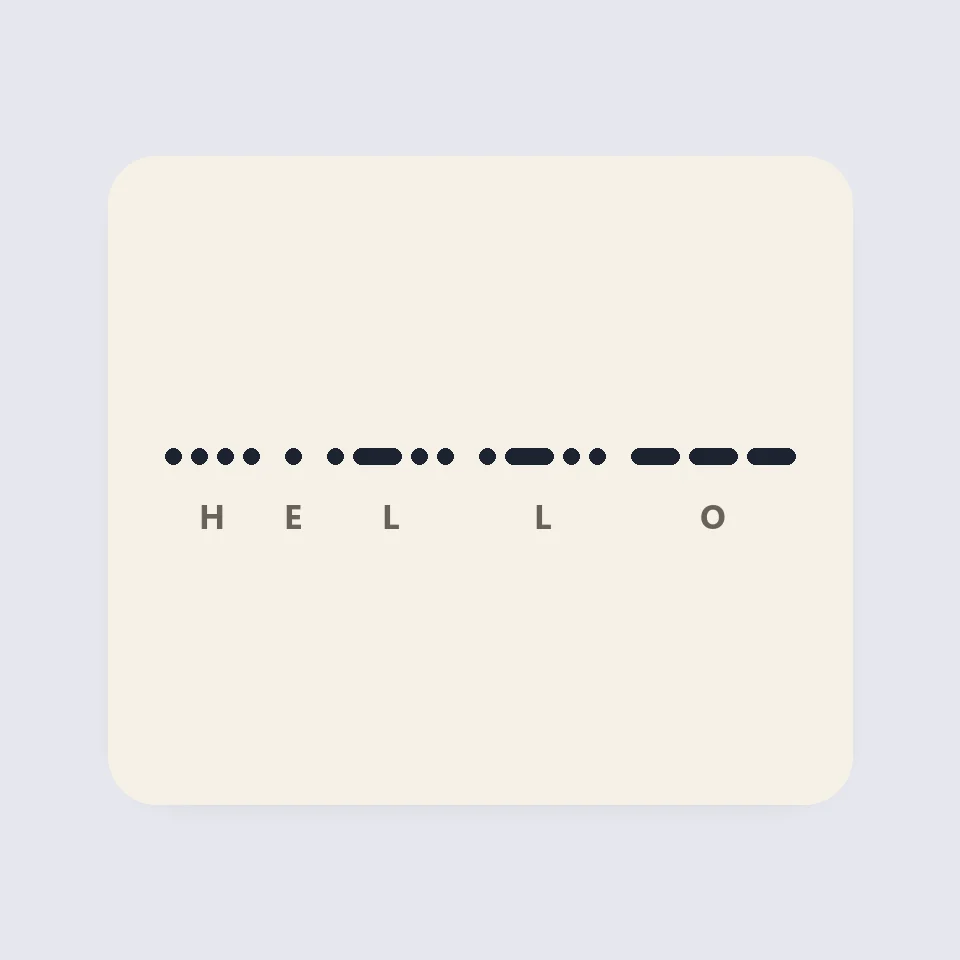
How Morse code is written and timed
How Morse code works: dots, dashes and the three gaps, the 50 units of PARIS, Farnsworth timing for learners, and why SOS is read as three letters.
Generatore di codici QR
Generatore di codici QR gratuito per URL, testo, Wi-Fi, contatti vCard, e-mail, telefono, SMS e posizioni. Colori con controllo del contrasto, zona di rispetto, moduli arrotondati o a punti, logo, download PNG e SVG. Senza registrazione né upload.
Contatore di parole e caratteri
Contatore gratuito di parole e caratteri: parole, caratteri con e senza spazi, frasi, paragrafi, parole uniche, tempo di lettura e di parlato, densità delle parole chiave e limiti per X, SMS, meta description e titoli. Per ogni lingua.
Convertitore maiuscole minuscole
Convertitore di maiuscole gratuito: MAIUSCOLO, minuscolo, maiuscole da titolo con regole di lingua, maiuscola di frase, camelCase, PascalCase, snake_case, kebab-case, CONSTANT_CASE, dot.case e slug URL, più pulizia di spazi, a capo, punti elenco ed emoji.
Pronto a provarlo?
Apri PictorX nel tuo browser: nessuna installazione, nessuna carta di credito richiesta per iniziare.
Vai all'editor