
- Tegn
- Prikker
- Streger
Visual Morse Code
Type a message and see it as dots and dashes, grouped by letter, ready for a lesson, a note, or a page. Switch to a signal strip, a card with the words above the code, or the alphabet chart. Play flashes a lamp at the speed you choose. Skriv en besked. Den bliver en morsetegning: bogstaver af prikker og streger, en stribe, et kort eller alfabetet. Afspil blinker med en lampe. Øve holder bogstaverne i et jævnt tempo og forlænger pauserne. Kopiér koden, eller gem tegningen. Beskeden bliver i denne browser.
Sådan virker det
- Type a message. Letters, digits and common punctuation become Morse code.
- Choose a design: grouped letters, a signal strip, a card, or the alphabet chart.
- Play the lamp, copy the code, or save the design as an image or PDF.
A design, not only a line of dots
Groups show each letter as circles and bars, with the letter underneath, so a page can be read by someone who is still learning the code. The strip is one line of signal and silence. The card puts your words above the code. The alphabet marks the letters you used.
Timing you can watch
A dot is one unit, a dash is three, the gap inside a letter is one, between letters three, and between words seven. Speed is in words per minute, counted on the word PARIS. Learn timing keeps the letters at 15 words per minute and stretches the pauses, which is easier to follow than sending every mark slowly. The drawing keeps an even spacing either way, so the page stays readable; the lamp is what changes rhythm.
Ofte stillede spørgsmål
Which Morse code is this?
International Morse, the code used on radio and in classrooms, not American Morse. Accented letters use their international sign where there is one. Anything else is left out, or sent as the base letter.
Does it make a sound?
No. It is visual. The lamp flashes and the mark being sent lights up on the design. Nothing is played through the speaker.
Is my text uploaded?
No. The code is drawn in your browser, and the last message stays in this browser only.
Relaterede værktøjer
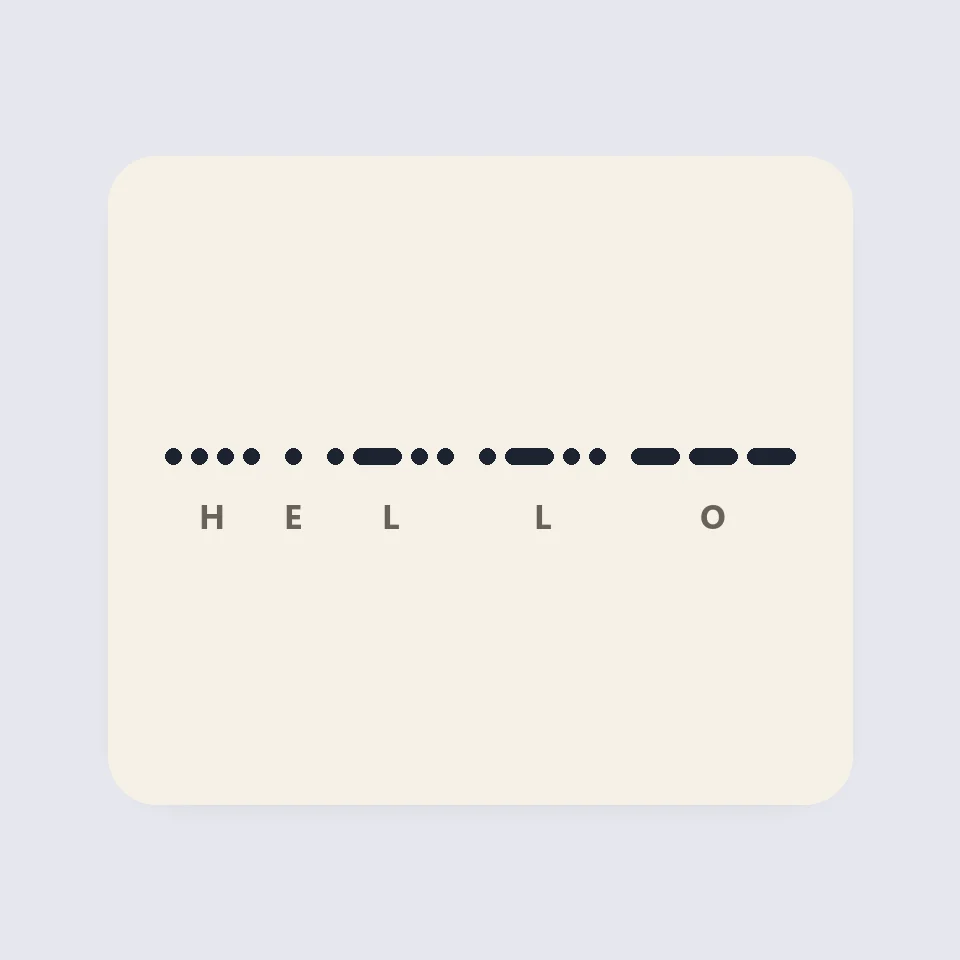
How Morse code is written and timed
How Morse code works: dots, dashes and the three gaps, the 50 units of PARIS, Farnsworth timing for learners, and why SOS is read as three letters.
QR-kodegenerator
Gratis QR-kodegenerator til URL'er, tekst, wifi, vCard-kontakter, e-mail, telefon, sms og placeringer. Egne farver med kontrastkontrol, stillezone, afrundede eller prik-moduler, logo, PNG- og SVG-download. Ingen konto, intet uploades.
Ord- og tegntæller
Gratis ord- og tegntæller: ord, tegn med og uden mellemrum, sætninger, afsnit, unikke ord, læse- og taletid, søgeordstæthed og grænser for X, sms, metabeskrivelser og titler. Til alle sprog.
Konverter til store og små bogstaver
Gratis konverter til store og små bogstaver: STORE, små, titelformat med sprogregler, sætningsformat, camelCase, PascalCase, snake_case, kebab-case, CONSTANT_CASE, dot.case og URL-slugs, plus oprydning af mellemrum, linjeskift, punkttegn og emojis.
Er du klar til at prøve?
Åbn PictorX i din browser – ingen installation og intet kreditkort for at komme i gang.
Gå til Editor