
Lips
Cheeks
Eyes
Brows
Virtual makeup
Try on makeup on any portrait. The face's landmarks are found for you, so the lipstick follows the lips, the eyeliner the lash line and the blush the cheeks, on every face in the photo. Pick a look such as Natural, Soft glam, Evening or Red carpet, or set each color and amount yourself, then save the photo or keep editing each part on a layer of its own. Open a portrait, drop it on the picture or pick an example: the faces are found for you. Pick a look, or set the lipstick, blush, eyeshadow, eyeliner and brows each with its own color and amount. Hold Compare to see the original. Your photos stay on your device.
How it works
- Open a portrait, drop it on the picture, or start with the example. The faces are found for you.
- Pick a look, or set the lipstick, blush, eyeshadow, eyeliner and brows, each with its own color and amount.
- Lip gloss adds shine to the lips, and Eyeliner wing draws a wing at the outer corner of the eyes.
- Hold Compare to see the original, then save a PNG or JPG, or open it in the editor with each part on a layer of its own.
Makeup that follows the face
The face is found by MediaPipe's Face Landmarker, an open model that runs in your browser and marks 478 points on each face: the outline, the brows, the eyes and the lips. The lipstick is laid inside the lips and stays off the teeth, the eyeliner runs along the upper lash line and thickens towards the outer corner, the eyeshadow covers the lids up to the crease and the blush sits on the apples of the cheeks. Every face in the photo gets the same makeup.
Color that keeps the texture
The lips and the brows are recolored with the photo's own shading kept, so the lines of the lips and the hairs of the brows still show. Blush and eyeshadow are laid on like a tint, so the skin shows through, and lip gloss brightens only the highlights of the lips. On sunglasses or closed eyes no eyeliner or eyeshadow is drawn.
Nine looks, or your own
Natural, Soft glam, Evening, Rosy, Red carpet, Nude, Smoky, Coral and Berry each set every color and amount at once. Change one, and the look becomes Custom; each part has a color picker of its own. Everything happens in your browser; your photo is not uploaded.
Frequently asked questions
How do I try on makeup on a photo?
Open your photo on this page or drop it on the picture. The faces are found for you; pick a look, or set Lipstick, Blush, Eyeshadow, Eyeliner and Brows with a color and an amount each. Hold Compare to see the original, then save the picture. The same app is in the editor under Apps → Photo → Makeup.
Does it work with several faces?
Yes. Every face that is found gets the same makeup, and each part stays one layer for all of them. Faces that are very small, turned far to the side or partly covered may not be found.
Why is there no eyeliner or eyeshadow?
Eyeliner and eyeshadow are drawn only on eyes that show: behind sunglasses, or with the eyes closed, the lids are left as they are. Check also that Eyeliner and Eyeshadow are above 0.
Can I try the color of my own lipstick?
Yes. Every part has a color picker: Lipstick color, Blush color, Eyeshadow color, Eyeliner color and Brow color. Pick any color, for instance the shade of a lipstick you want to try, and set how strongly it shows with the slider next to it.
Can I keep editing the result?
Yes. The pencil opens it in the PictorX photo editor with the photo, the brows, the eyeshadow, the eyeliner, the blush, the lipstick and the lip gloss on layers of their own, so you can fade, hide or recolor each part.
Related tools
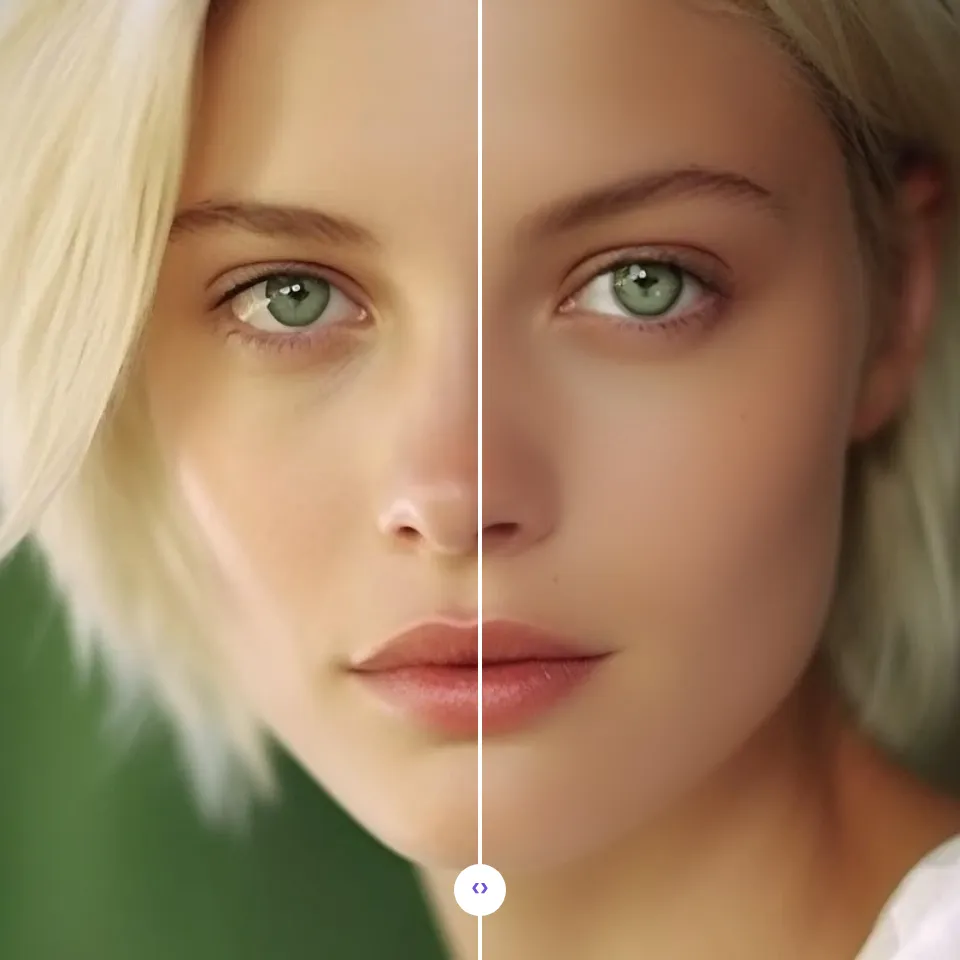
Portrait retouch
Retouch portraits online for free: smooth the skin, remove blemishes, whiten the teeth and brighten the eyes. The face is found for you and your photo stays on your device.
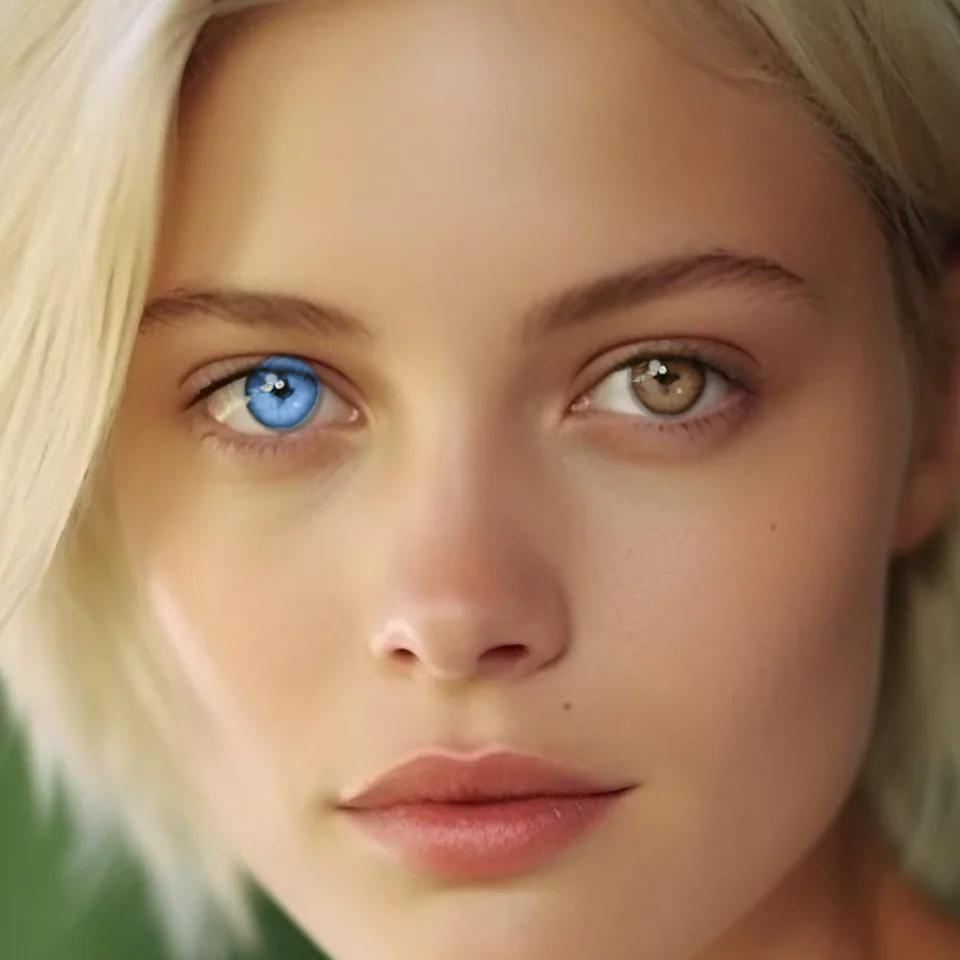
Eye color changer
Change eye color in a photo online for free: blue, green, hazel, grey or any color, each eye its own, cat eyes, anime eyes, larger eyes and a glow. The eyes are found for you.
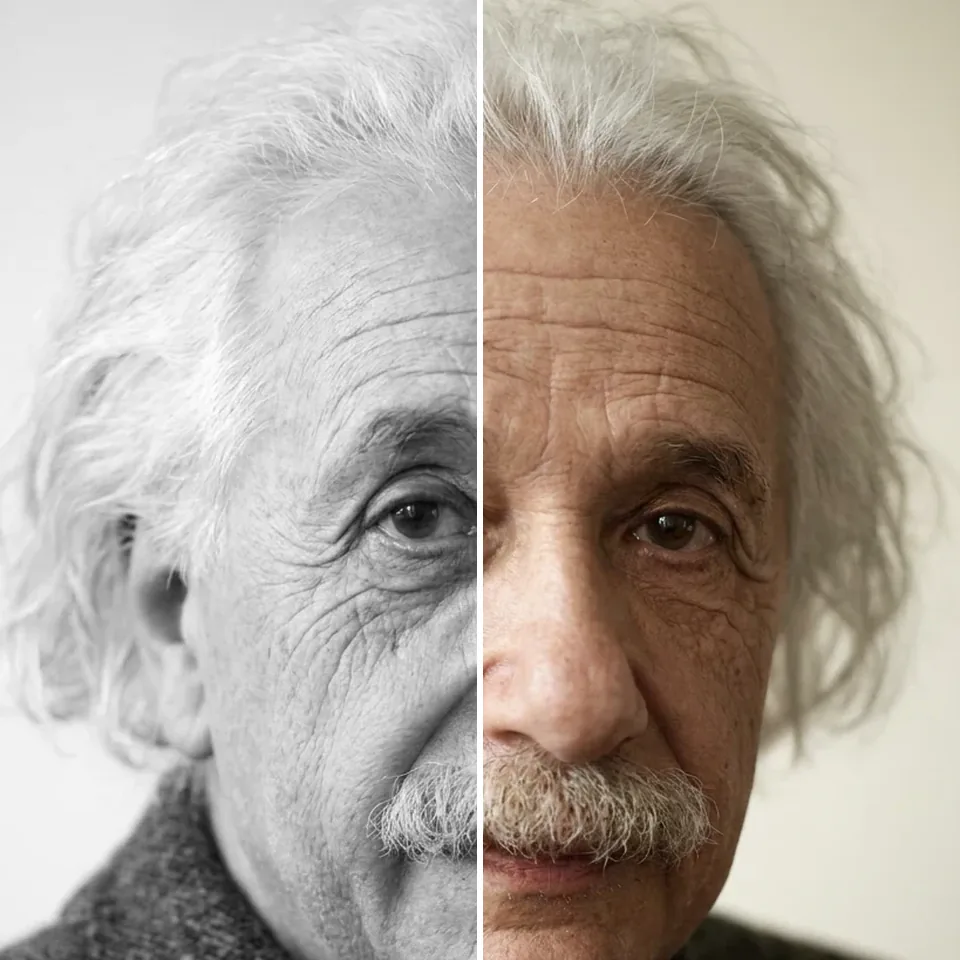
Colorize a black-and-white photo
Colorize black-and-white and old photos in your browser. On-device AI adds natural colour to skin, sky, clothes and foliage while every detail of the original is kept. Tune saturation and warmth, then save.
Morph one face into another
Morph one face into another in your browser. Two photos, matching points on the eyes, nose, mouth and chin, and a smooth morph you can play, stop halfway, record as a video or open as layers in the editor.
Ready to try it?
Open PictorX in your browser — no install, no credit card required to start.
Go to Editor