
UUID generator
Generate version 4 UUIDs from 122 random bits, or version 7 UUIDs that start with the time and sort in the order they were made, one at a time or up to 1000 at once. Choose lowercase or uppercase, with or without hyphens, in braces, with the urn:uuid: prefix, or in quotes with commas for a list in code, then copy one, copy them all or download them as a text file. Paste any UUID or GUID into the inspector to see whether it is valid, its version and variant, the date inside a version 1, 6 or 7 UUID, and which of its 128 bits do what. Everything runs in your browser. Choose version 4 (random) or version 7 (time-ordered), how many to make, from 1 to 1000, and the format, then press Generate. Copy one UUID with its Copy button, or all of them with Copy all or as a .txt file. Click a UUID in the list to inspect it, or paste any UUID or GUID into the inspector, with or without hyphens, braces, quotes or the urn:uuid: prefix. Your settings are kept in this browser.
How it works
- Choose version 4 for random UUIDs or version 7 for UUIDs that sort by time, and how many you need, from 1 to 1000.
- Pick the format: lowercase or uppercase, hyphens, braces or the urn:uuid: prefix, and quotes with commas for a list in code.
- Copy a single UUID, copy them all or download a .txt file, and click any UUID, or paste your own, to inspect its version, variant, timestamp and bits.
Version 4 or version 7?
A version 4 UUID is 122 random bits with the version and the variant in the remaining six; nothing about it tells when or where it was made. A version 7 UUID, defined in RFC 9562 in 2024, starts with the Unix time in milliseconds in its first 48 bits and fills the rest with 74 random bits, so UUIDs made later sort after earlier ones. As database keys, version 7 UUIDs keep new rows together at the end of the index instead of scattering them, which makes inserts faster. Use version 4 when the time of creation should not show.
How likely is a duplicate?
The birthday problem gives the answer: n random values with b bits collide with a chance of about n² / 2^(b+1). With the 122 random bits of version 4, a million UUIDs have a chance of about 10⁻²⁵, and a 50% chance needs about 2.7 × 10¹⁸ of them. Version 7 UUIDs can only collide when they are made in the same millisecond, where 74 random bits leave a 50% chance at about 160 billion. The generator shows the bound for the number you choose, and version 7 UUIDs made together here count up within a millisecond, so they never repeat.
Frequently asked questions
How do I get a GUID for C#, .NET or SQL Server?
A GUID is the same thing as a UUID, so any UUID here works. Choose UPPERCASE and Braces for the {XXXXXXXX-XXXX-...} form Microsoft tools often show, or turn on Quotes and commas to paste a list straight into an array or an SQL IN (...) clause. Guid.Parse and SQL Server's uniqueidentifier accept lowercase and uppercase alike.
Can I read the creation time from a UUID?
Only from the versions that store it. Paste the UUID into the inspector: for version 7 it shows the Unix time in milliseconds from the first 48 bits, for versions 1 and 6 the time in 100-nanosecond steps since 15 October 1582. A version 4 UUID holds no time at all, only random bits.
Are the UUIDs generated securely?
The random bits come from crypto.getRandomValues, the browser's cryptographically strong random generator, the same source passwords and keys are made from, and nothing leaves your browser. Still, a UUID is an identifier, not a secret: use a dedicated token for passwords or session keys, and remember that a version 7 UUID shows when it was made.
What are the nil and max UUIDs?
Two special values from RFC 9562: the nil UUID, 00000000-0000-0000-0000-000000000000, with all 128 bits zero, and the max UUID, ffffffff-ffff-ffff-ffff-ffffffffffff, with all bits one. Programs use them as placeholders for no value or as the lowest and highest possible keys. Choose Nil or Max under Version to copy them.
Related tools
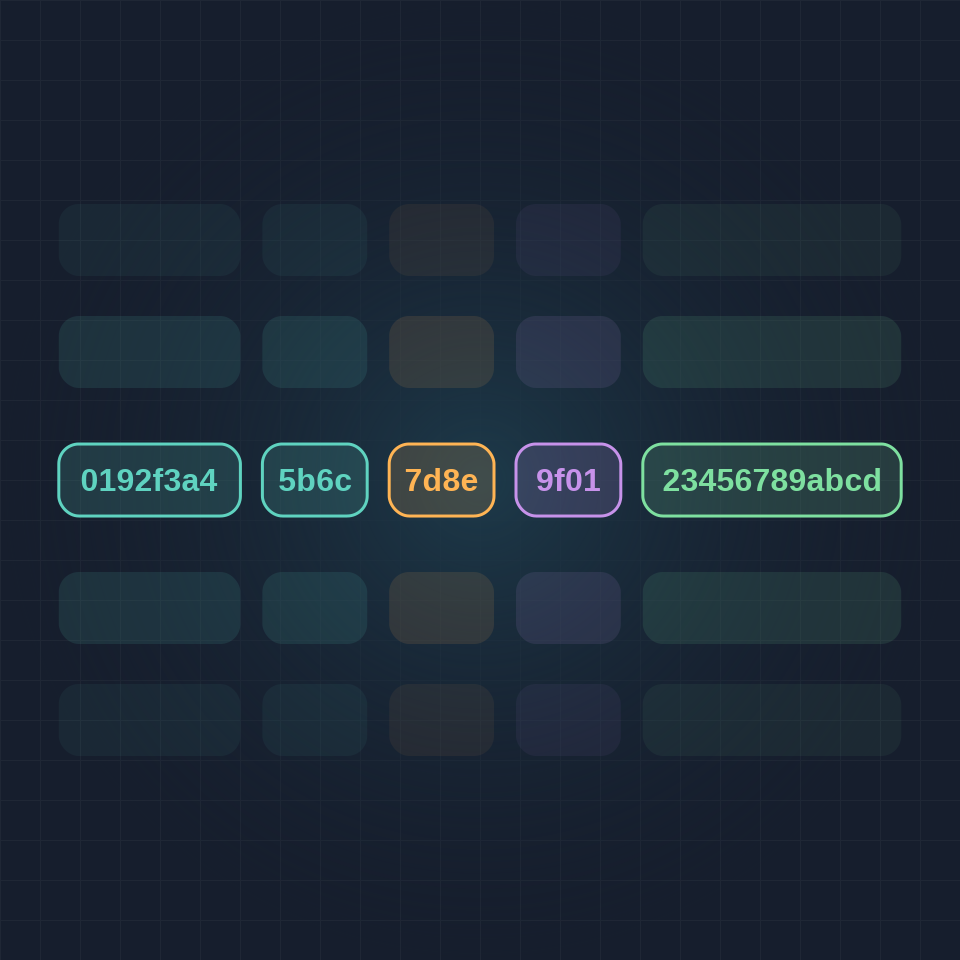
How UUIDs work
What a UUID is and how it works: the 128 bits and the 8-4-4-4-12 form, the version and variant fields, random version 4, time-ordered version 7, versions 1 and 6, nil and max, GUIDs and the odds of a duplicate.
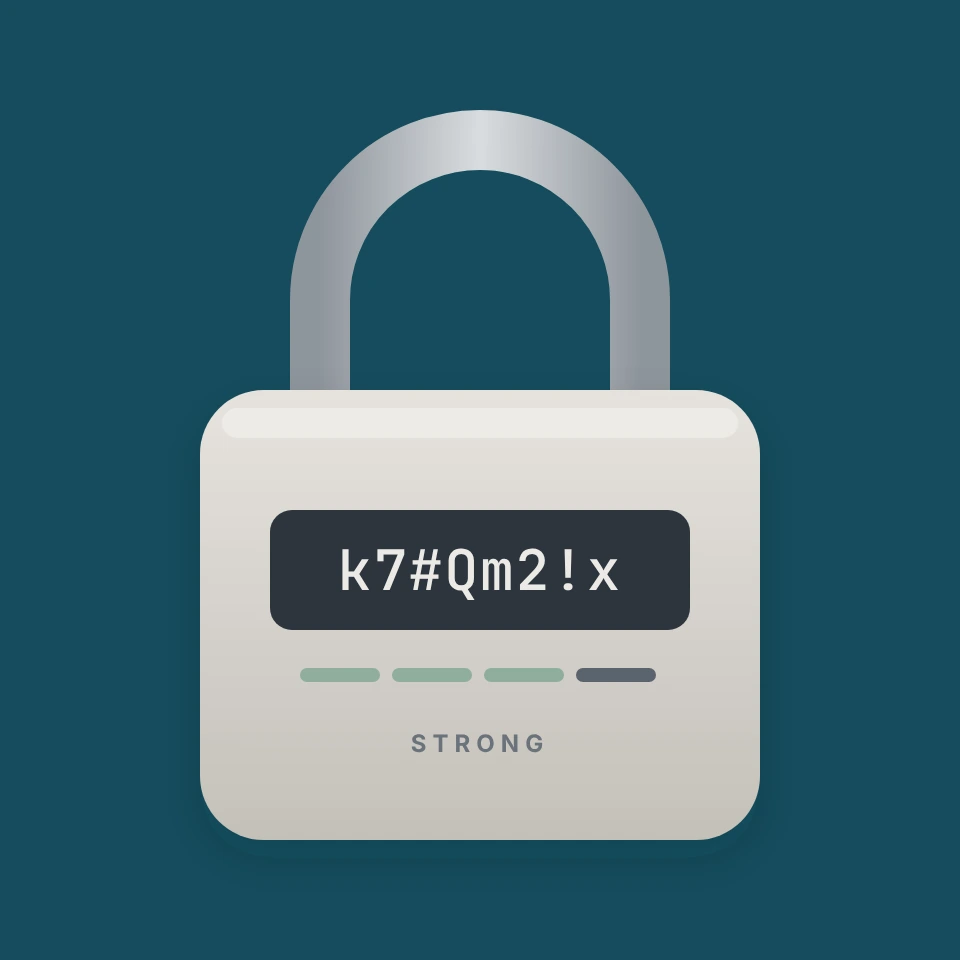
Password generator
Free password generator: strong random passwords and passphrases from crypto.getRandomValues, with length, character sets, look-alike exclusion, bulk generate, entropy, strength meter and crack time. Nothing is saved or sent.
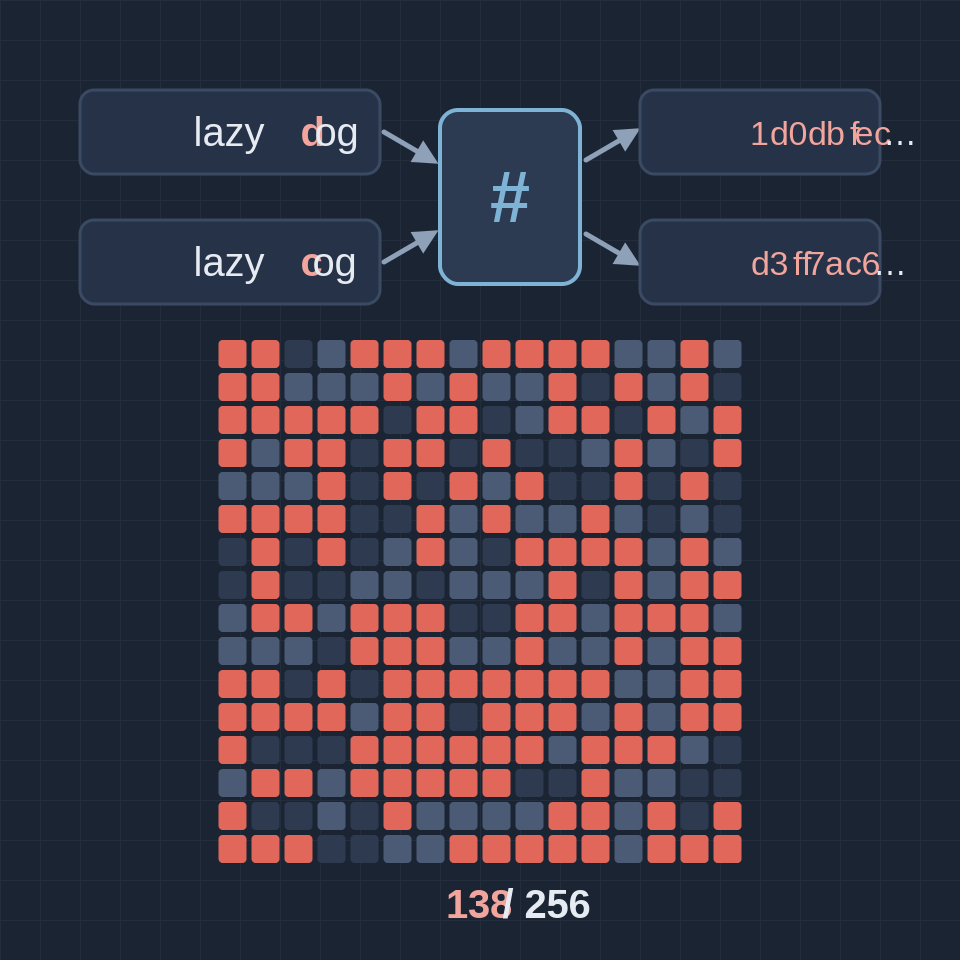
Hash function playground
Hash any text with SHA-256, SHA-512, SHA-1, MD5 and CRC-32, change one character and watch half the digest bits flip, test the avalanche effect, and find collisions on short digests with the birthday attack.
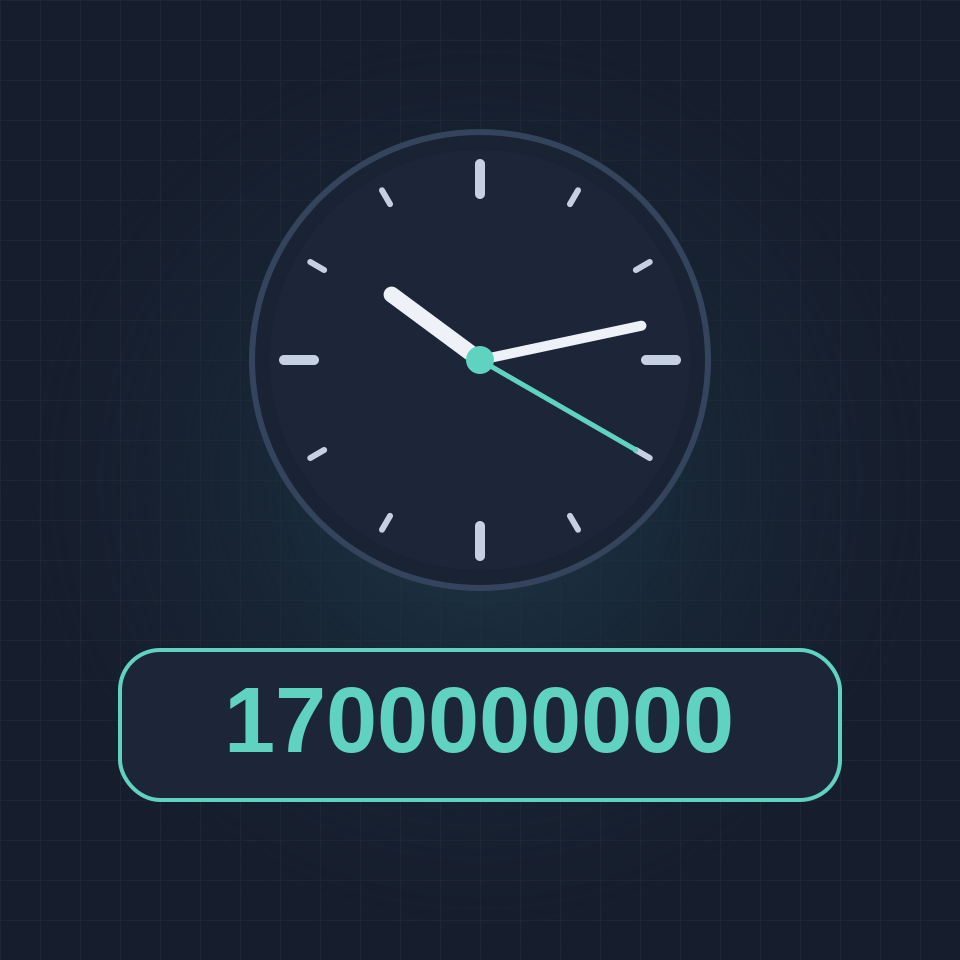
Unix timestamp converter
A free Unix timestamp converter: turn epoch time in seconds, milliseconds, microseconds or nanoseconds into a date in UTC, your local time or any time zone, and dates back into timestamps, with a live clock.
Base converter
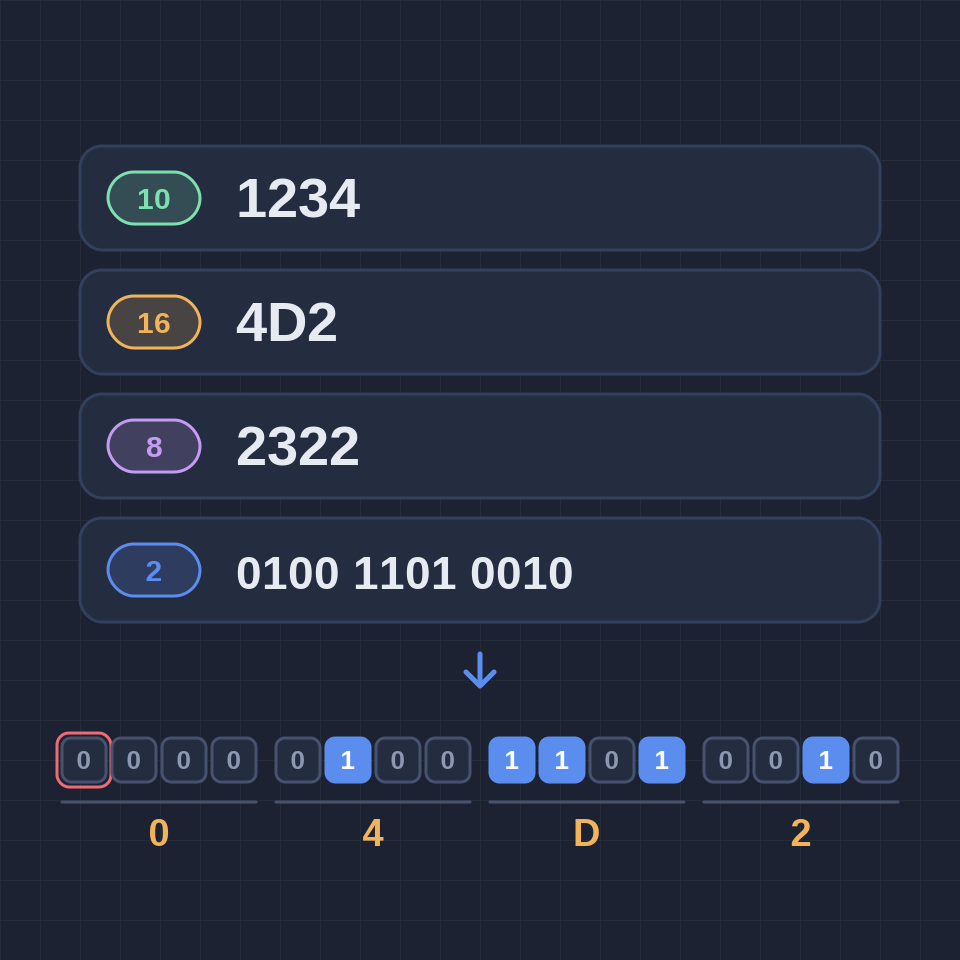
A free base converter: convert numbers between binary, octal, decimal, hexadecimal and any base from 2 to 36 as you type, with two's complement, a clickable bit grid and the steps worked out.
Ready to try it?
Open PictorX in your browser — no install, no credit card required to start.
Go to Editor