
The unit circle: sine, cosine and tangent you can turn
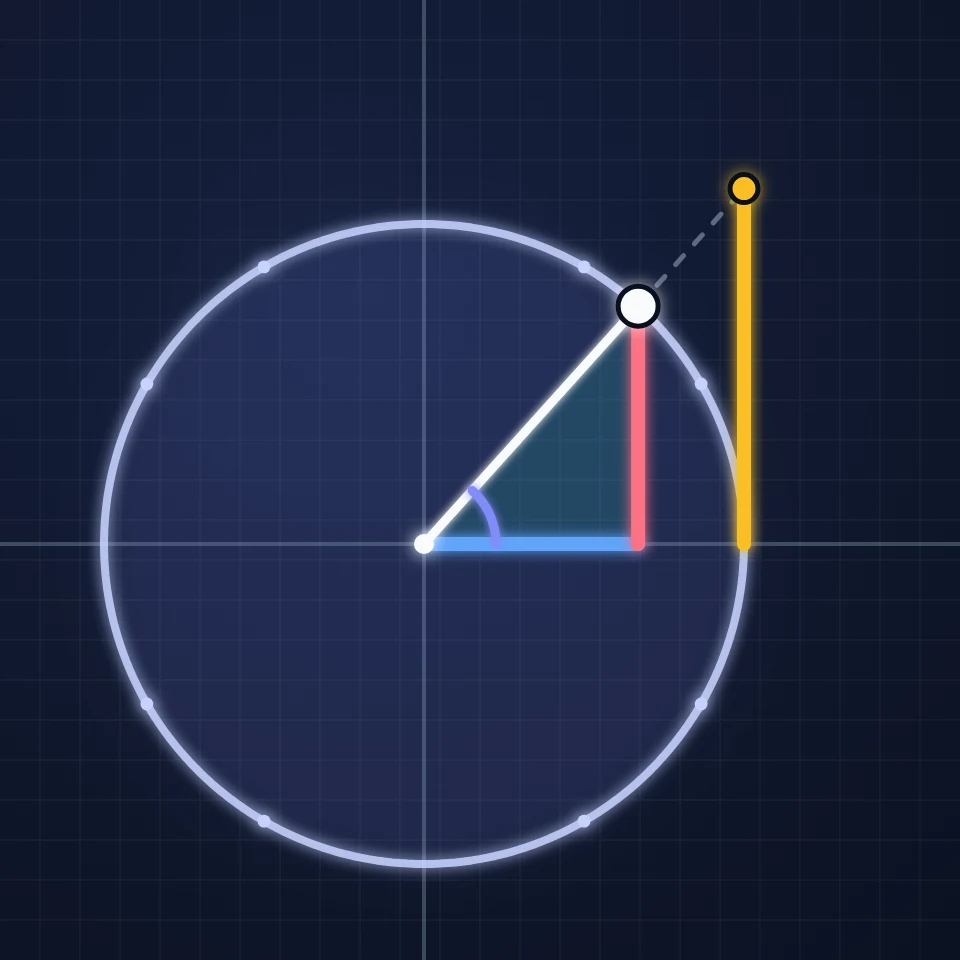
Every trigonometric function is a length on the unit circle. Turn the angle θ and watch the point (cos θ, sin θ) move, the right triangle change shape, tan θ climb up the tangent line and the sine and cosine waves unroll beside the circle. The special angles snap into place with their exact values, radians appear as multiples of π, and the identities are checked live with the numbers of the angle you chose. Drag the point round the circle, or along the graph, to change the angle θ; near a multiple of 15° it snaps to the special angle, whose sine, cosine and tangent are shown exactly. You can also type an angle under the picture: 60, 60°, π/3, 2pi/3 or 1 rad, or use the arrow keys on the picture (Shift for 15°). Play turns the angle (a tour stops at each special angle), Step and Back go to the next or previous special angle, and Reset goes back to the start. The red leg is sin θ, the blue one cos θ, tan θ lies on the tangent line x = 1, and with sec, csc, cot on you see the whole classic diagram. The graphs trace the functions as θ goes round, and the band under the picture checks an identity with the numbers of the current angle; the Transform section draws y = A sin(Bθ + C) + D. With Sound on, a tone rises and falls with sin θ. Save the picture, record a video, or open it in the photo editor with the pencil: the grid, the circle, the triangle, the graphs, the arcs, the points, the labels and the identities come as layers of their own.
How it works
- Drag the point round the circle or along the graph, type an angle such as 60°, π/3 or 1 rad, or press Play to turn it; near a special angle it snaps into place.
- Read sin θ, cos θ and tan θ in the tiles, exactly when the angle is special (√3/2, 2 − √3), and see the quadrant, the signs and the reference angle in the caption.
- Watch the sine, cosine and tangent graphs trace out as θ goes round, and switch on sec, csc and cot for the full classic diagram.
- Pick an identity or the transform y = A sin(Bθ + C) + D to see it checked with live numbers, then save the picture, record a video or edit it in the photo editor.
Sine and cosine as coordinates
Put a circle of radius 1 round the origin and turn a ray through the angle θ, counter-clockwise from the positive x-axis. Where the ray meets the circle, the point's x-coordinate is cos θ and its y-coordinate is sin θ. For an acute angle this is the familiar right-triangle definition, adjacent over hypotenuse and opposite over hypotenuse with a hypotenuse of 1, but it works for every angle: 150°, 300° or −45°. Because the point lies on the circle, Pythagoras gives cos²θ + sin²θ = 1 for all θ.
Tangent, secant and the other segments
Extend the ray until it meets the vertical line x = 1, which touches the circle at (1, 0). The height of that point is tan θ = sin θ / cos θ, by similar triangles, and its distance from the origin is sec θ = 1 / cos θ. The same construction on the horizontal line y = 1 gives cot θ and csc θ. Near 90° the ray becomes almost parallel to x = 1, so tan θ grows without bound; at exactly 90° the ray never meets the line and the tangent is undefined.
Special angles and exact values
The angles 30°, 45° and 60° come from two triangles. Half an equilateral triangle with side 2 has sides 1, √3 and 2, so sin 30° = 1/2 and sin 60° = √3/2. Half a square with side 1 has a diagonal of √2, so sin 45° = cos 45° = √2/2. Every multiple of 15° has an exact value too: sin 15° = (√6 − √2)/4 and tan 15° = 2 − √3, from the difference of 45° and 30°. In the other quadrants the same numbers return with a sign that depends on the quadrant.
Radians and the graphs
A radian is the angle whose arc is as long as the radius, about 57.3°. A full turn is an arc of 2π radii, so 360° = 2π rad, 180° = π and 30° = π/6. Measured in radians, the arc length on the unit circle equals the angle itself, which is why calculus uses radians: the derivative of sin x is cos x only when x is in radians. Unrolling the angle along a horizontal axis turns the height of the point into the sine wave and its x-coordinate into the cosine wave, the same curve shifted by a quarter turn.
Frequently asked questions
What is the unit circle?
It is the circle of radius 1 centred at the origin. The point at angle θ on it is (cos θ, sin θ), with θ measured counter-clockwise from the positive x-axis. This defines sine and cosine for any angle, including obtuse and negative ones, and makes many identities visible: the point lies on the circle, so sin²θ + cos²θ = 1.
How do you remember the signs in each quadrant?
The signs follow from the signs of x and y. In the first quadrant all three functions are positive, in the second only sine, in the third only tangent and in the fourth only cosine. A common mnemonic is ASTC (All Students Take Calculus), read counter-clockwise from the first quadrant. The reciprocals csc, sec and cot share the signs of sin, cos and tan.
What is a reference angle?
It is the acute angle between the terminal side of θ and the x-axis. The trigonometric values of θ equal those of its reference angle up to the sign. For 150° the reference angle is 30°, so sin 150° = sin 30° = 1/2, while cos 150° = −cos 30° = −√3/2.
How do you convert degrees to radians?
Multiply by π/180: 60° × π/180 = π/3. To go back, multiply by 180/π: 1 rad ≈ 57.30°. The app writes radians as multiples of π whenever the angle is a simple fraction of a turn, and as a decimal otherwise.
Why is tan 90° undefined?
tan θ = sin θ / cos θ, and cos 90° = 0. On the circle, the ray at 90° is parallel to the tangent line x = 1, so it never meets it. Just below 90° the tangent is huge and positive, just above it huge and negative: the tangent graph has a vertical asymptote there. The Tangent near 90° example shows it happen.
Can I use the picture?
Yes. Save gives a PNG at the size you choose, Record films the angle turning with its sound, and the pencil opens the picture in the PictorX photo editor with the background grid, the circle, the triangle and segments, the graphs, the angle arcs, the points, the labels and the identities on layers of their own and the caption as editable text. In the editor itself it is under Apps ▸ Science ▸ Mathematics ▸ Unit Circle & Trigonometry. Everything runs in your browser.
Unit Circle & Trigonometry: how do I record a video?
Press the red Record button in the playback bar: it films what the stage shows. Press it again to stop, and the video is saved to your device. Recording is free; you only need to sign in. Without a subscription the video carries a small PictorX logo in a corner. The button beside Record opens the video options: the shape (as shown, square, story 9:16 or wide 16:9), the length (until you stop, or 5, 10, 15 or 30 seconds for social media) and the file: MP4, WebM or an animated GIF. For the sound, choose the app's own sounds or one of three music tracks: calm, bright or beat.
Related tools
The unit circle and trigonometry explained
How the unit circle defines sine, cosine and tangent for every angle: the six functions as segments, radians and arc length, exact values of the special angles, quadrant signs and reference angles, the graphs and their transformations, the key identities and the inverse functions with their ranges.
Function plotter
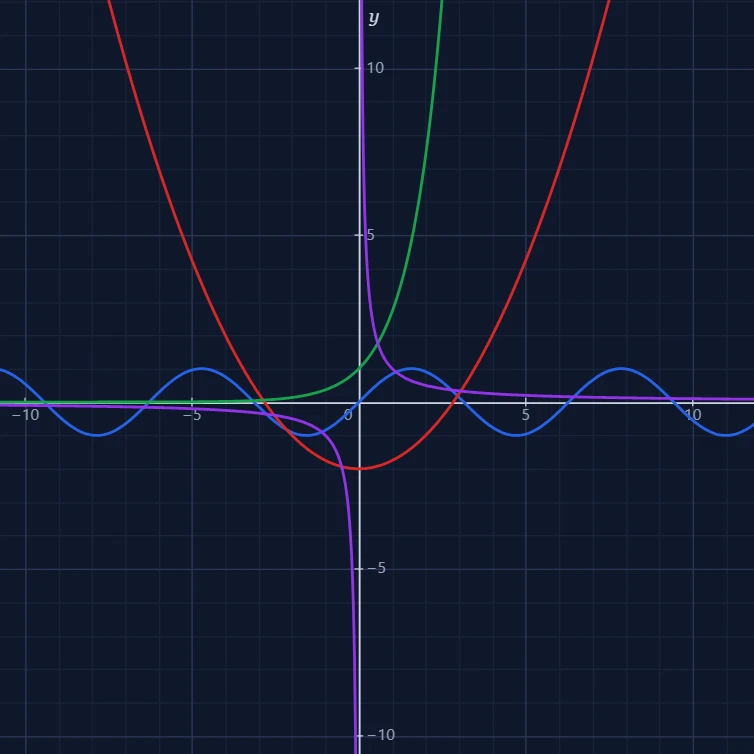
A free online function plotter: draw x², sin x, ln x, 1/x and your own formulas on an interactive grid. Pan, zoom, trace x and y, and save the graph as a PNG.
Fourier Epicycles
Draw any shape and watch rotating circles trace it: Fourier epicycles online. Pick a heart, star or butterfly, type a word, choose how many circles turn and save a PNG or SVG.
Compass and straightedge constructions: Euclid's geometry step by step
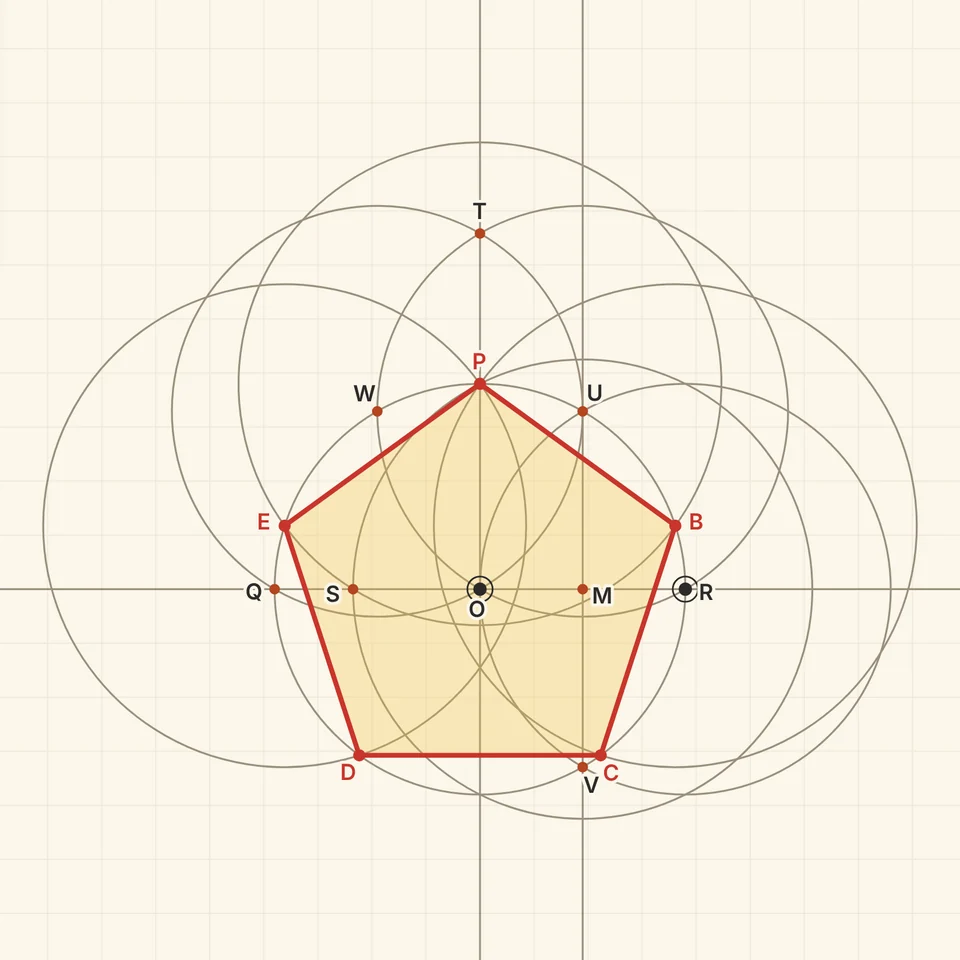
Construct with only a compass and a straightedge, as Euclid did: watch the perpendicular bisector, angle bisector, equilateral triangle, square, regular hexagon and pentagon, √2, the golden ratio, tangents and the circumcircle drawn step by step, draw your own with exact intersections, and solve construction puzzles in as few moves as you can.
Ready to try it?
Open PictorX in your browser — no install, no credit card required to start.
Go to Editor