
Draw one closed shape on the picture: press, draw and let go. The circles take over where you lift the pen.
A photo, a logo or a drawing: its outlines become the shape. Pictures with clear shapes on a plain background work best.
The sound's pitches go round a circle, and the circles follow them as they change. Sing, clap or play music.
Motion
Look
Game
The circles start drawing a shape. Which one is it? The sooner you know, the more points you get.
Picture
Fourier Epicycles
Draw a shape with your mouse or finger and watch a chain of turning circles draw it again. The drawing is taken apart by the Fourier transform into circles that spin at whole-number speeds, largest first; the tip of the last one traces your drawing. Use a few circles for a round sketch or hundreds for every corner, pick a heart, a star or a butterfly, or type a word, then save a PNG, an SVG or open it in the editor. Draw a closed shape on the picture, or pick a shape or type a word, and watch the circles trace it. Set how many circles turn, the speed and the style, then save a PNG or an SVG, or open it in the editor with the circles, the arms and the curve on layers of their own.
How it works
- Draw one closed shape on the picture, or pick a shape such as Heart, Star, Music note or Butterfly, or choose Text and type a word.
- Watch the circles trace it, and set how many circles turn: a few give a smooth, round copy, a few hundred catch every corner. Set the speed, and show or hide the circles, the arms and the original drawing.
- Pick a style such as Neon, Blueprint, Chalkboard or Rainbow, then save a PNG or SVG of the moment shown, or open it in the PictorX editor with the circles, the arms and the curve on layers of their own.
Every drawing is a sum of circles
Joseph Fourier showed in 1807 that any repeating motion can be built from plain turning motions at whole-number speeds. A closed drawing is such a motion: go round it once and you are back at the start. The Fourier transform finds, for every speed, one circle with its own size and starting angle. Placed end to end, each circle riding on the one before, the tip of the last one draws the original shape.
From the ancient sky to your drawing
Epicycles are older than Fourier: Greek astronomers such as Hipparchus and Ptolemy described the wandering of the planets as circles moving on circles. The idea was right in a way they did not know: with enough circles you can draw anything. Here the circles are ordered from the largest to the smallest, so the first few give the rough outline and every next one adds a finer detail.
Few circles or many
With the Circles slider you choose how many circles turn. A single circle draws a circle; a handful give a soft, rounded version of the shape; a few hundred follow sharp corners and the letters of a word. Square shows how the corners overshoot a little until there are very many circles, the Gibbs phenomenon. The faint original drawing behind it shows how close the circles come.
Frequently asked questions
What are Fourier epicycles?
Circles that turn on circles. The Fourier transform takes a closed drawing apart into circles that each spin at a whole number of turns per lap, with their own size and starting angle. Placed end to end, the tip of the last circle traces the drawing. Epicycles were first used by Greek astronomers for the paths of the planets.
How do I draw my own shape?
Press on the picture, draw one closed shape without lifting, and let go. The circles take over at once and trace your drawing. If the end of your drawing is not at its start, the circles join the two with a straight line.
Why does it look round with few circles?
The circles are used from the largest to the smallest. The first few give the rough outline; sharp corners and small details need the small, fast circles at the end. Move the Circles slider up to see the drawing get sharper, or down to see it melt into a circle.
Can I save it?
Yes. Save a PNG of 2400 pixels or an SVG of the moment shown: pause when you like the picture, or wait until the curve is complete. The pencil opens it in the PictorX editor with the background, the original drawing, the circles, the arms and the curve on layers of their own.
Can I use it in the editor?
Yes. In the PictorX editor, Apps ▸ Geometry ▸ Fourier Epicycles adds the circles and the curve to any design, with a Progress slider for how far the pen has come.
Related tools
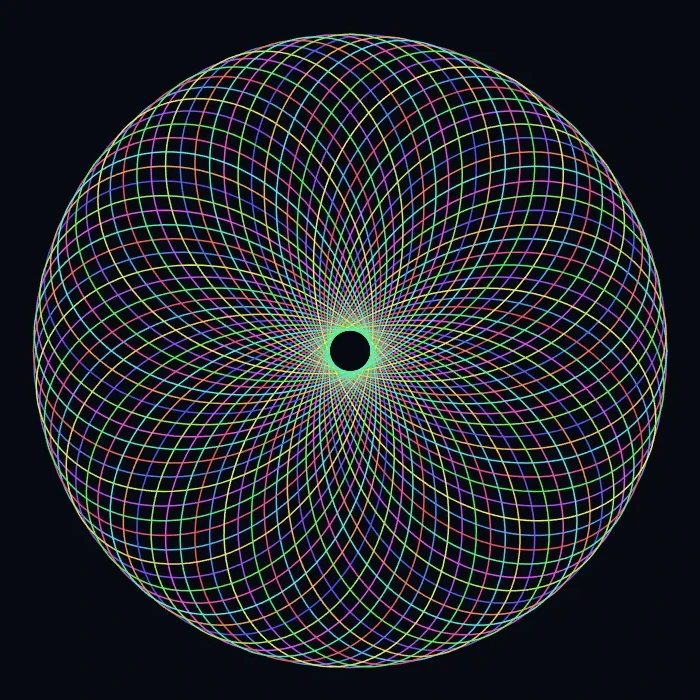
Spirograph
Draw hypotrochoids and epitrochoids in your browser. Tune R, r, and pen offset, animate the curve, randomize styles, and save a PNG.
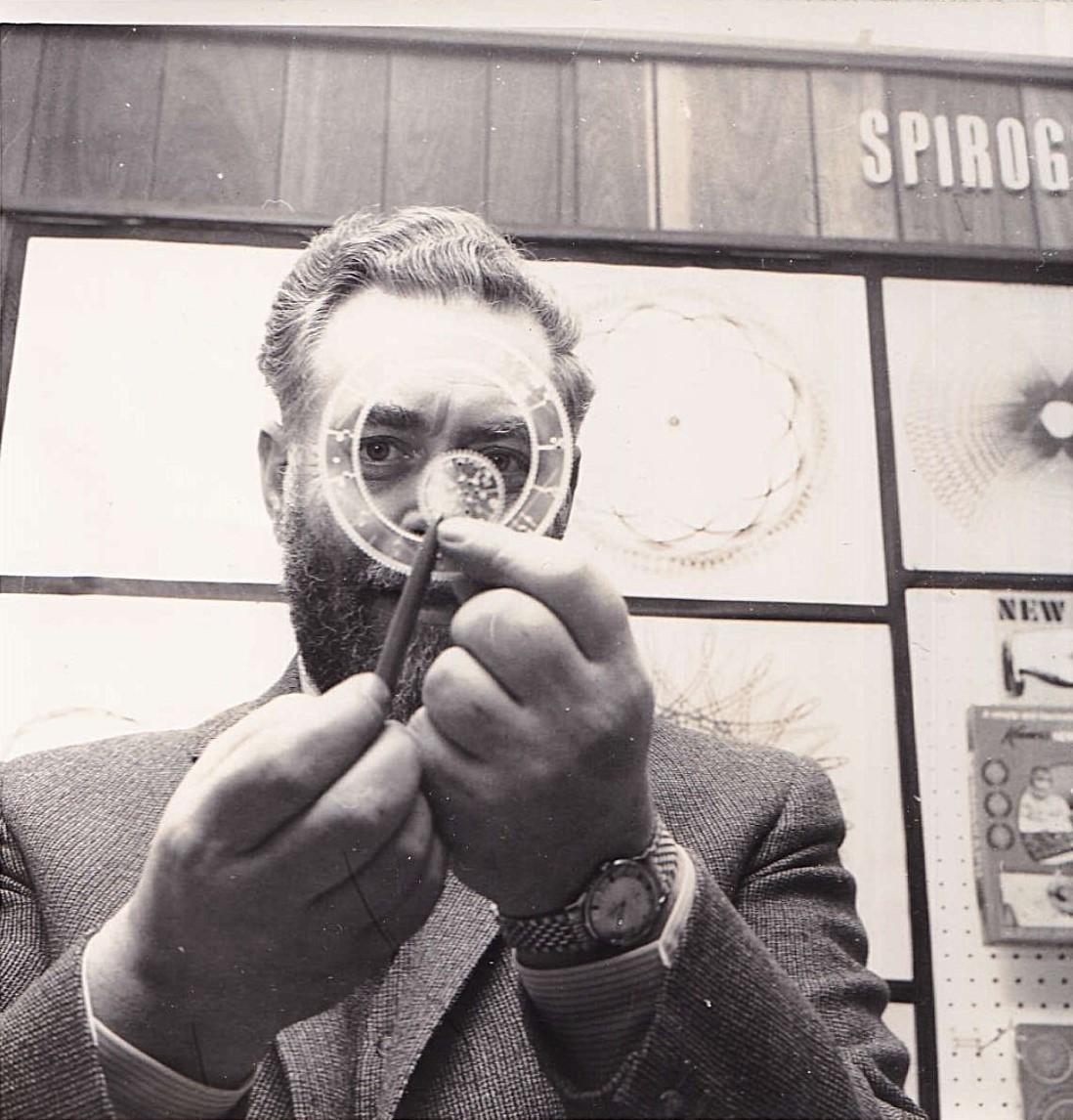
Spirographs
What is a spirograph? How a circle rolling inside or outside another draws hypotrochoids and epitrochoids, R, r and d, closing curves and the Denys Fisher toy.
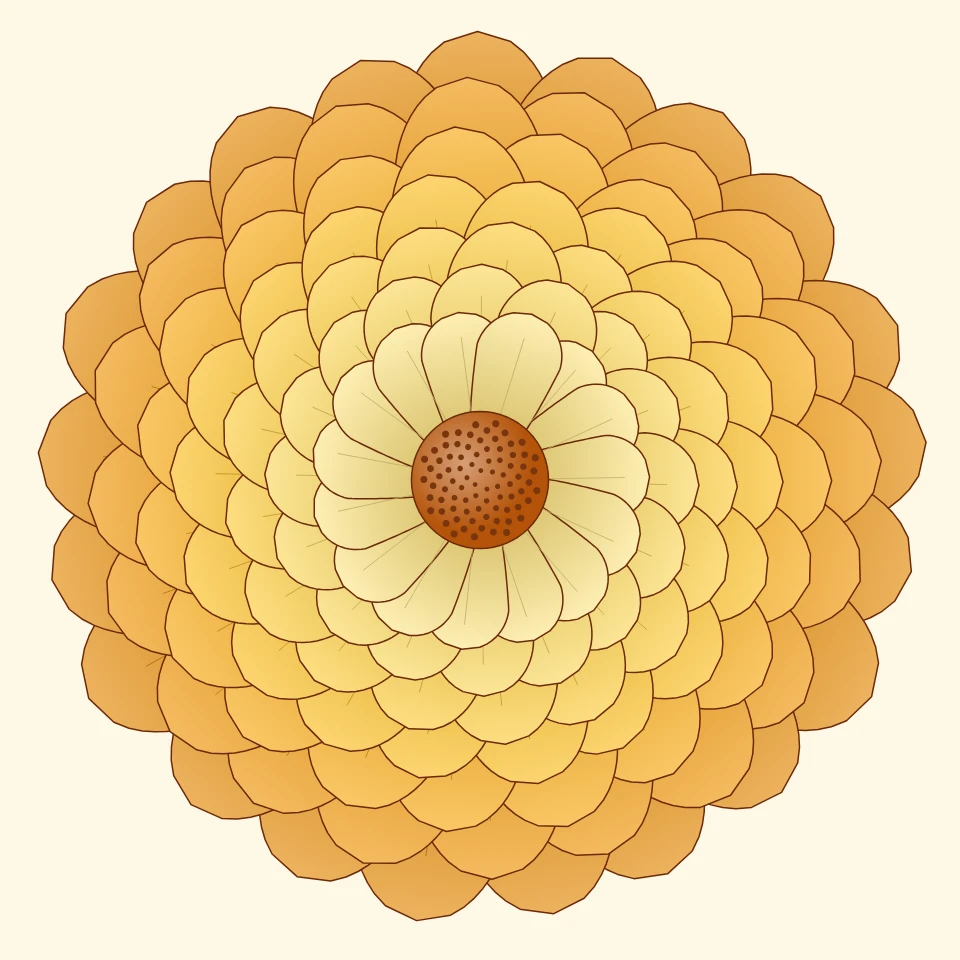
Chrysanthemum Pattern Maker
Make chrysanthemum patterns online: layered blooms of round, spoon, spider or incurved petals, Japanese kiku crests, Fay's chrysanthemum curve, and seamless repeats. Save a PNG or SVG.
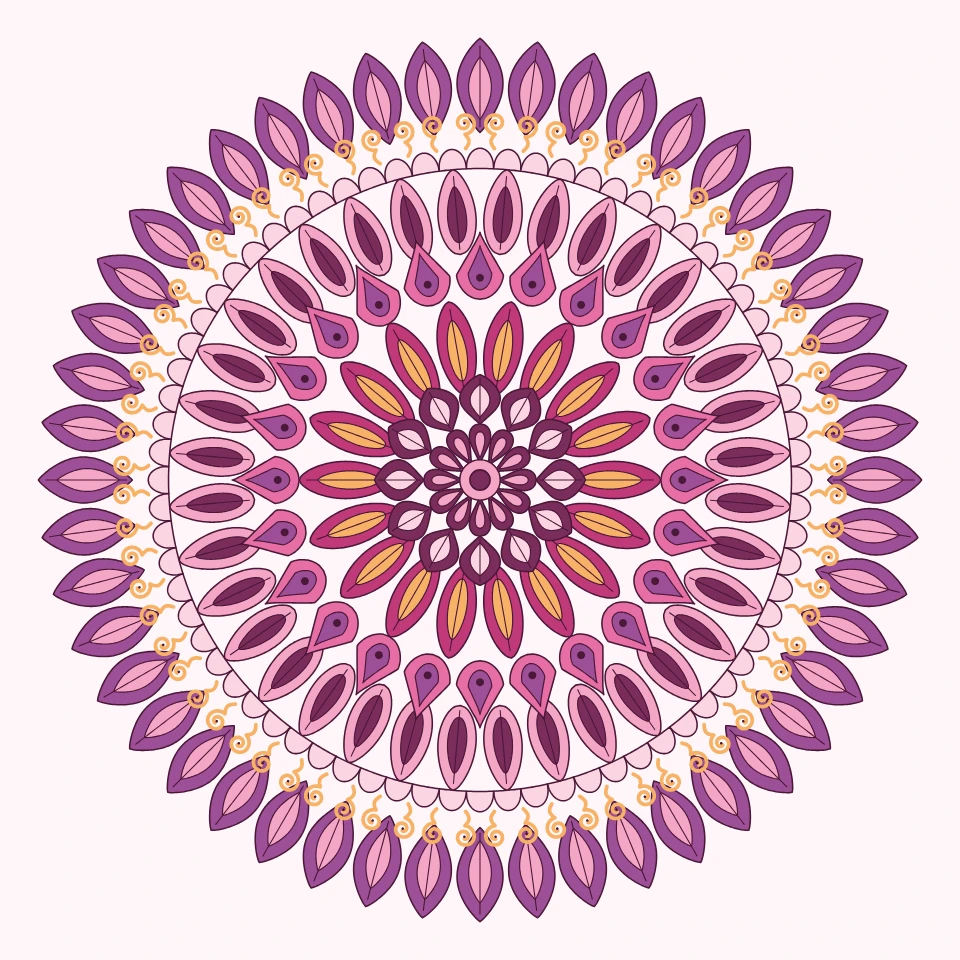
Mandala Maker
Make a mandala online for free: rings of petals, leaves, hearts, dots and stars around a center, in colors, soft shading, gold lines, neon or as a coloring page. Edit every ring, draw with symmetry, save a PNG or SVG.
Painting Pendulum
Paint damped Lissajous curves in your browser—the classic Blackburn painting pendulum. Tune frequency ratios, phases, and damping, animate the trail, and save a PNG.
Ready to try it?
Open PictorX in your browser — no install, no credit card required to start.
Go to Editor