
Traffic Jam
Traffic Jam is a sliding-block puzzle on a 6 x 6 parking lot: cars and trucks block the way, and the red car has to reach the exit. Every vehicle slides only along its own lane, so each move opens room for the next. The computer makes a new puzzle every time and works out the fewest moves it needs, from a quick 4 on Easy to 30 on Hard. Get the red car out of the exit on the right. Drag a car or truck along its lane to move it: cars and trucks only go forwards and backwards, and none can pass another. A move is one vehicle sliding any distance, so try to free the red car in as few moves as you can.
How it works
- Choose a difficulty, or keep the Medium puzzle that is ready.
- Drag a car or truck along its lane, forwards or backwards; vehicles cannot turn or jump over each other. Each vehicle you move counts as one move, however far it slides.
- Clear a path so the red car can reach the exit on the right. Try to match the fewest moves; Hint shows the next best move and Solve plays them all.
The rules
The board is a 6 x 6 grid with an exit on the right side of the red car's row. Cars fill two squares and trucks three; horizontal ones move only left and right, vertical ones only up and down, and none can pass through another. Sliding one vehicle any distance is one move. The puzzle is solved when the red car drives out of the exit.
How to think about it
Work backwards from the red car. Which vehicles stand between it and the exit, and where would each have to go to get out of the way? Usually that spot is blocked as well, so you follow a chain of blockers. Trucks are the hardest to move, because a vertical truck needs three free squares in its column: start there.
Easy, medium and hard
The computer explores every position the vehicles can reach and counts the fewest moves from each one to the exit. An Easy puzzle needs 4 to 8 moves, Medium 9 to 15, and Hard 16 or more: the start is the position farthest from the exit that the generator found, where the red car first has to make room for others.
Frequently asked questions
What counts as a move?
Moving one vehicle, however far it slides. Moving the same vehicle again straight after still counts as that one move, so you can nudge it into place. The Moves tile counts your moves and the Fewest possible tile shows the best you can do.
Is the fewest number of moves really the minimum?
Yes. The computer searches every position the vehicles can reach from the start and finds the shortest way out, so nobody can solve the puzzle in fewer moves. When you match it, the game tells you.
What do Hint and Solve do?
Hint marks a vehicle and outlines where it should go for the shortest way out from where you are now. Solve plays the remaining best moves one by one, and Step plays one at a time. A puzzle solved with help is marked as such.
Can every puzzle be solved?
Yes. Each puzzle is made by moving the vehicles around a parking lot, and the computer only starts you from a position it has checked can reach the exit. Start over always brings back the first position.
Can I play with the keyboard?
Yes. Tab moves from vehicle to vehicle and the arrow keys slide the chosen one along its lane, one square at a time. Ctrl+Z undoes a move.
Traffic Jam: how do I record a video?
Press the red Record button in the playback bar: it films what the stage shows. Press it again to stop, and the video is saved to your device. Recording is free; you only need to sign in. Without a subscription the video carries a small PictorX logo in a corner. The button beside Record opens the video options: the shape (as shown, square, story 9:16 or wide 16:9), the length (until you stop, or 5, 10, 15 or 30 seconds for social media) and the file: MP4, WebM or an animated GIF. You can add one of three music tracks: calm, bright or beat.
Related tools
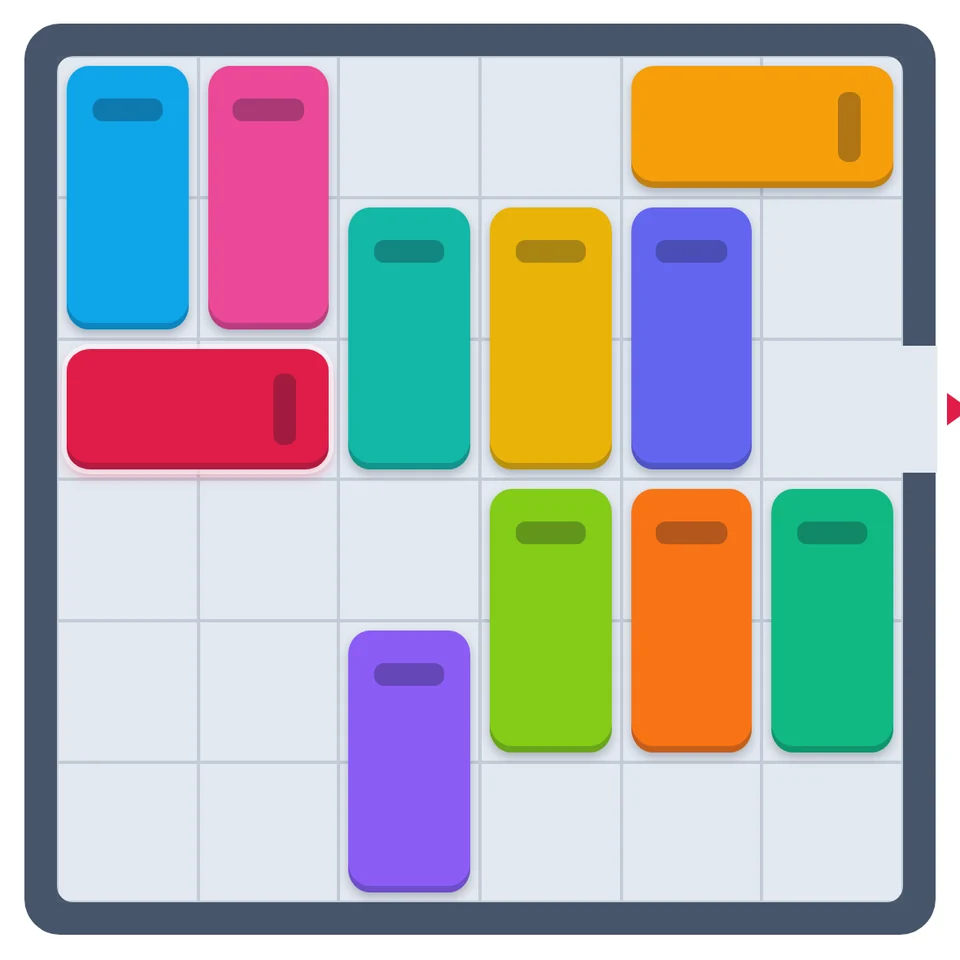
How the Traffic Jam puzzle works
How the Traffic Jam puzzle works: the rules of sliding-block puzzles, where they come from, strategies that help, and how a computer finds the fewest moves for every puzzle.
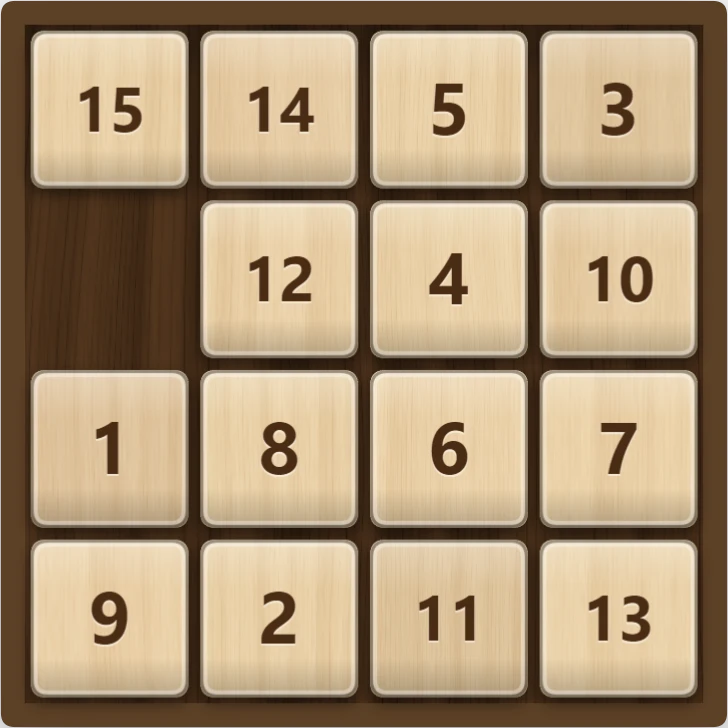
15 Puzzle
Play the classic 15 sliding puzzle in your browser on 3×3, 4×4, or 5×5 wooden tiles. Shuffle, slide whole rows at once, try Sam Loyd's impossible 14-15, or watch Solve finish it.
Tower of Hanoi
Move a tower of disks across three pegs in your browser. One disk at a time, never a larger disk on a smaller one. The shortest solution is 2ⁿ − 1 moves.
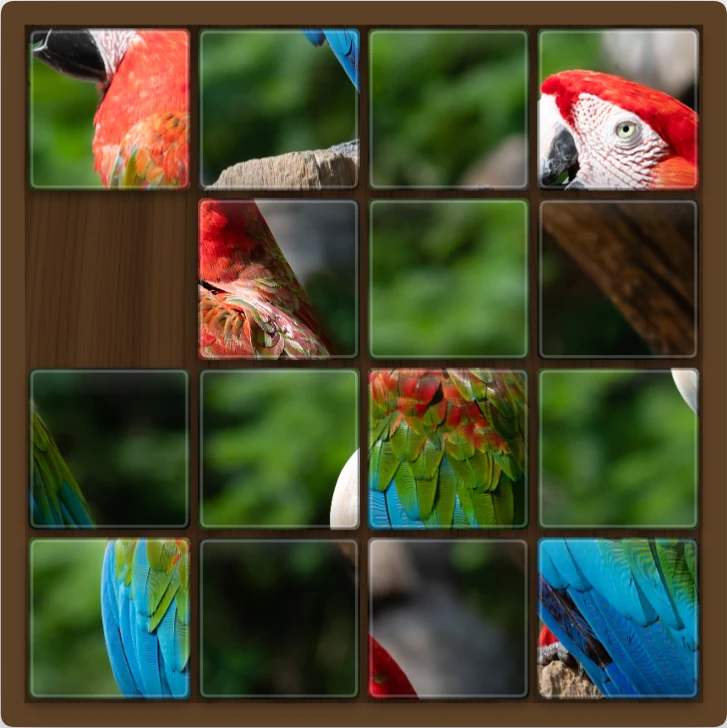
Sliding Photo Puzzle
Turn any photo into a sliding tile puzzle in your browser. Open your own picture or pick an example, choose 3×3, 4×4, 5×5, or 6×6 tiles, and slide them until the photo is whole again, or watch Solve do it.

Bridges
Play Bridges, the island puzzle also called Hashi, free in your browser. Join numbered islands with bridges on boards from 7 x 7 to 15 x 15, easy to hard, with hints, the solution and your best times.
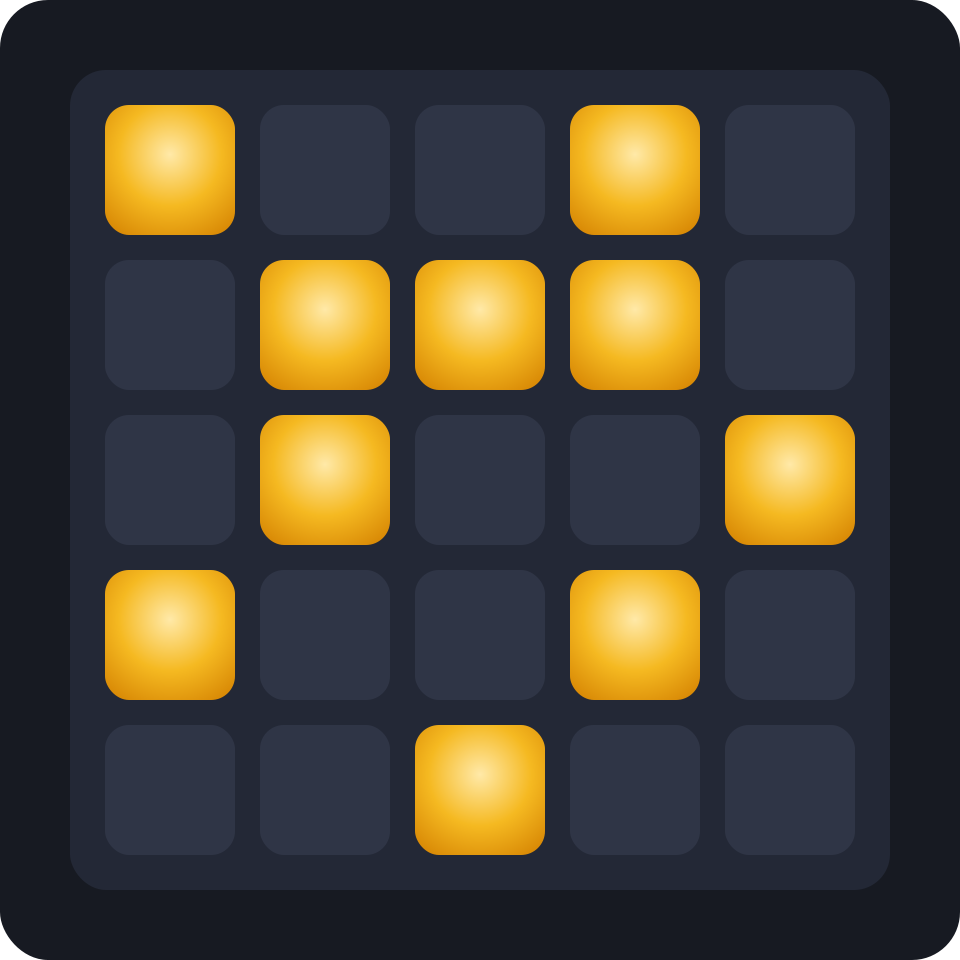
Lights Out
Play Lights Out, the classic lamp puzzle: press a lamp to toggle it and its neighbours until every lamp is off. Boards from 3×3 to 6×6, always solvable, with hints, a solver and best scores.

Peg Solitaire
Play peg solitaire free online on the English 33-hole or European 37-hole board. Jump pegs until one is left, with undo, hints and a full solver.
Ready to try it?
Open PictorX in your browser — no install, no credit card required to start.
Go to Editor