
Place and time
Sky
Poster
Star map poster - the sky on the night that matters
Pick a city and a date and see the stars exactly as they stood over that place: the constellations, the Milky Way, the Moon and the bright planets in a round map. Add a title, a message, the place and the coordinates, and print it as a keepsake. Choose a city or type coordinates, set the date and time, write a title and a message, then pick a style and save the poster or edit it as layers.
How it works
- Choose a city, or type your own latitude and longitude.
- Set the date and time, then write a title and a message.
- Pick a style and a map shape and save the poster as a PNG.
The real sky, calculated
The stars come from the Hipparcos catalogue and are placed for your date, time and place: the sidereal time, the time zone with summer time, even the slow drift of precession. The Moon shows its phase, and Venus, Mars, Jupiter and Saturn appear where they really were.
Five poster styles
Midnight navy with white stars, black and gold, a clean minimal white, a purple and teal nebula, and a vintage chart on cream paper, each with its own lettering.
Circle, compass or heart
Show the sky in a simple circle, inside a compass ring with degree marks and the four directions, or cut into a heart. Add constellation lines and names, a grid and the Milky Way.
Frequently asked questions
Is the sky really accurate?
Yes. Every star is placed from real catalogue positions for the exact date, time and place you choose, and the Moon and planets are calculated too. The map shows the whole sky above the horizon, as if you lay on your back looking up.
Why are east and west swapped?
A sky map is held overhead, so with north at the top, east is on the left. That is how real star charts are drawn, so the map matches the sky when you hold it above you.
What if my town is not in the list?
Choose Custom coordinates, type its latitude and longitude (from any map app) and pick its UTC offset. Type any name you like in Place.
Can I print it?
Yes. The poster is 3:4 or 2:3 and can be saved up to 4096 pixels on its long edge, which prints sharply at A4 or Letter size and well up to A3.
Can I change the poster in the photo editor?
Yes. Edit opens it as layers: the background, the sky, the grid, the constellation lines, the stars, the names and the frame, and the title, message, place, date and coordinates as text you can still change.
Star map poster: how do I record a video?
Press the red Record button in the playback bar: it films what the stage shows. Press it again to stop, and the video is saved to your device. Recording is free; you only need to sign in. Without a subscription the video carries a small PictorX logo in a corner. The button beside Record opens the video options: the shape (as shown, square, story 9:16 or wide 16:9), the length (until you stop, one seamless loop, or 5, 10, 15 or 30 seconds for social media) and the file: MP4, WebM or an animated GIF. You can add one of three music tracks: calm, bright or beat. With a fixed length or One loop the video is made frame by frame, so it runs smoothly even on a slow device, and One loop joins its end to its start without a seam.
Related tools
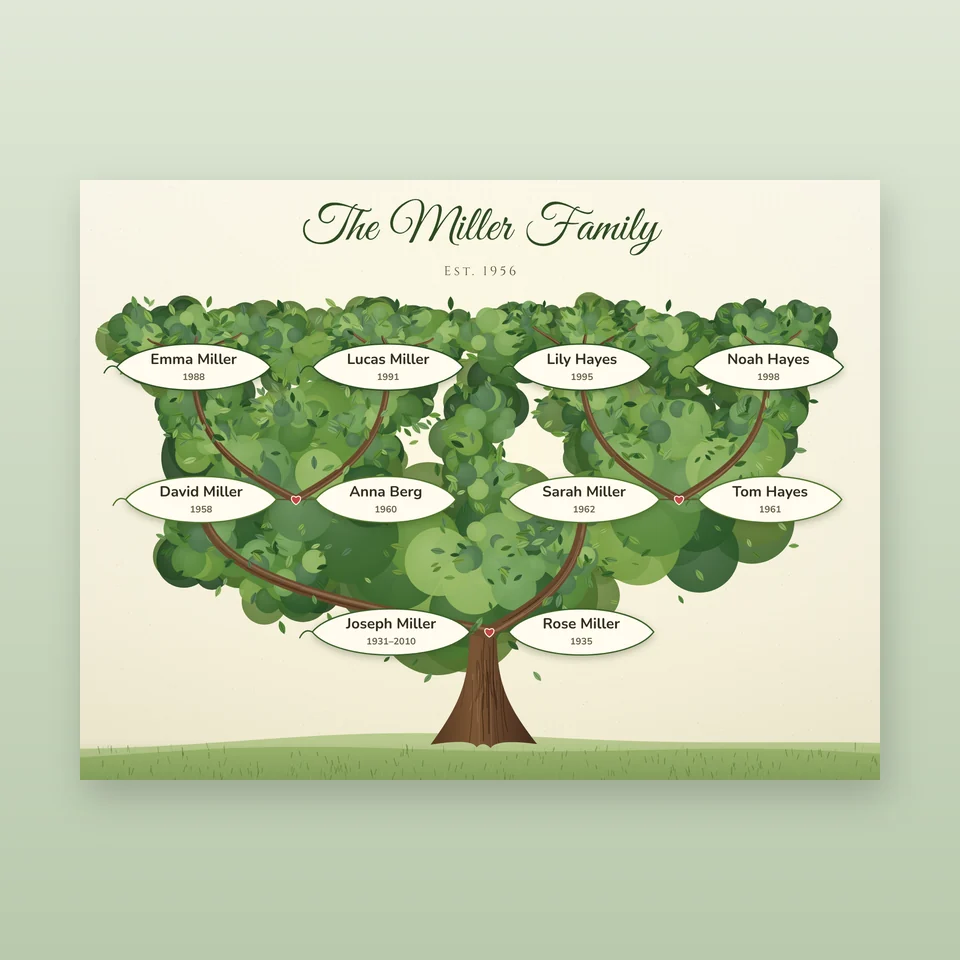
Family tree maker - your family as a tree chart
Make a family tree online: type your family one person per line and get a tidy chart of name cards in a classic, tree, modern or vintage style. Save as PNG.
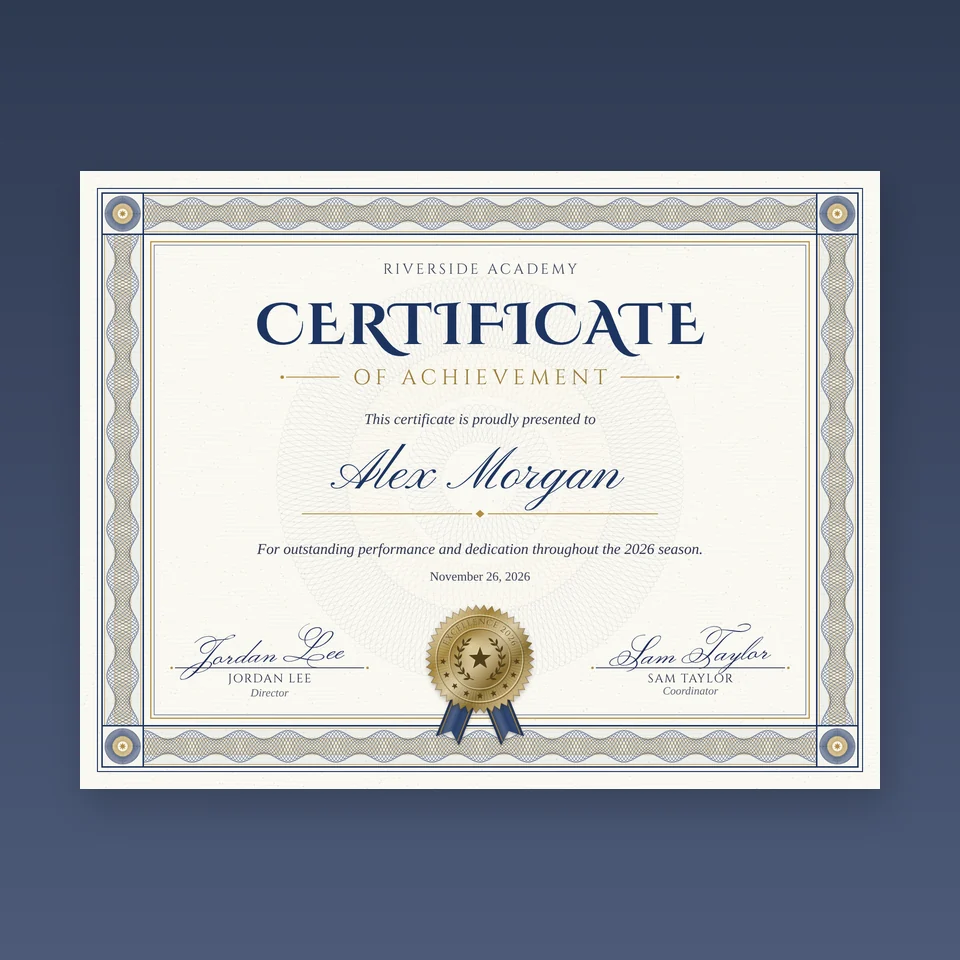
Certificate and diploma maker
Make a certificate or diploma online: an ornate border, the name, the reason, the date, signatures and a gold seal, in five styles. Save as PNG.
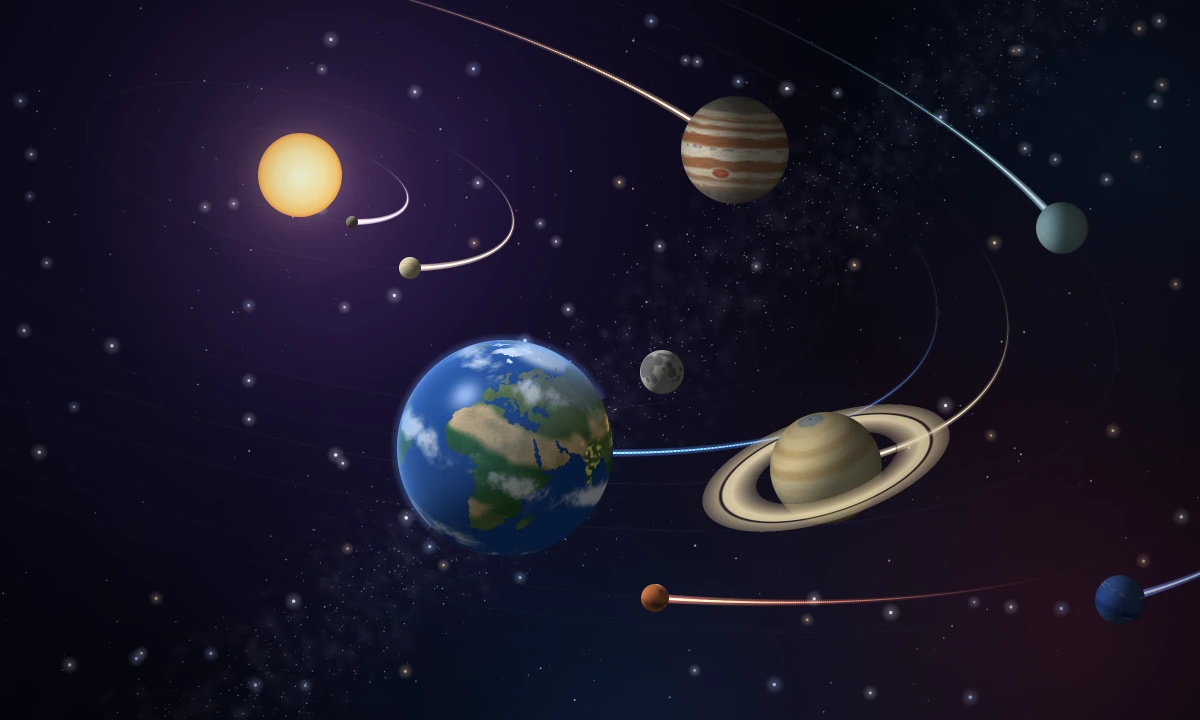
Solar System
Fly through the solar system in 3D in your browser. The sun, eight planets, their largest moons, the dwarf planets, and the Kuiper belt move on their real, tilted orbits under Newton's gravity.
Ready to try it?
Open PictorX in your browser — no install, no credit card required to start.
Go to Editor