
Details
Signatures
Seal
Look
Certificate and diploma maker
Make a certificate of achievement, completion or appreciation, an award, a diploma or a gift certificate. Type the name and what it is for, add two signatures and a gold seal, and choose a classic, elegant, traditional, modern or playful design. Choose a kind and a style, type the name, what it is for and who signs it, then save the certificate as a PNG or open it in the editor as layers.
How it works
- Choose a kind of certificate and a style.
- Type the name, what it is for, the date and who signs it.
- Set the seal, the colours and the orientation, then save a PNG or open it in the editor as layers.
Five real designs
A classic certificate with a guilloché border like a banknote, an elegant one with a gold foil frame, a parchment diploma with a blackletter heading, a modern one with a bold colour band and a playful one with stars and confetti.
Text that fits
The name is set as large as it fits, the reason wraps onto up to three balanced lines and long titles shrink, so the certificate never looks crowded, in any language.
Layers for the editor
Open the certificate in the editor and the paper, border, ornaments, seal and signature lines arrive as separate layers, with every line of text editable, so you can move, restyle or translate anything.
Frequently asked questions
Can I print the certificate?
Yes. It has the shape of a Letter or A4 sheet, landscape or portrait, and saves at up to 4096 pixels on its long edge, sharp enough to print at home.
Which kinds of certificate can I make?
A certificate of achievement, completion or appreciation, an award, a diploma and a gift certificate. Each kind fills in its own title, lines and seal text, and you can change any of them.
Can I change the text on the seal?
Yes. Type it under Seal, for example Excellence 2026 or Class of 2026. It runs around the top of the gold seal, and you can also hide the ribbon tails or the whole seal.
Do the signatures look handwritten?
The signers' names are written above the lines in a handwriting font. Switch Handwritten signatures off to leave the lines blank and sign the printed certificate by hand.
Can I use my own colours?
Pick an accent colour for the border, the title and the ribbon, or keep the style's own. In the editor you can recolour every layer separately.
Related tools
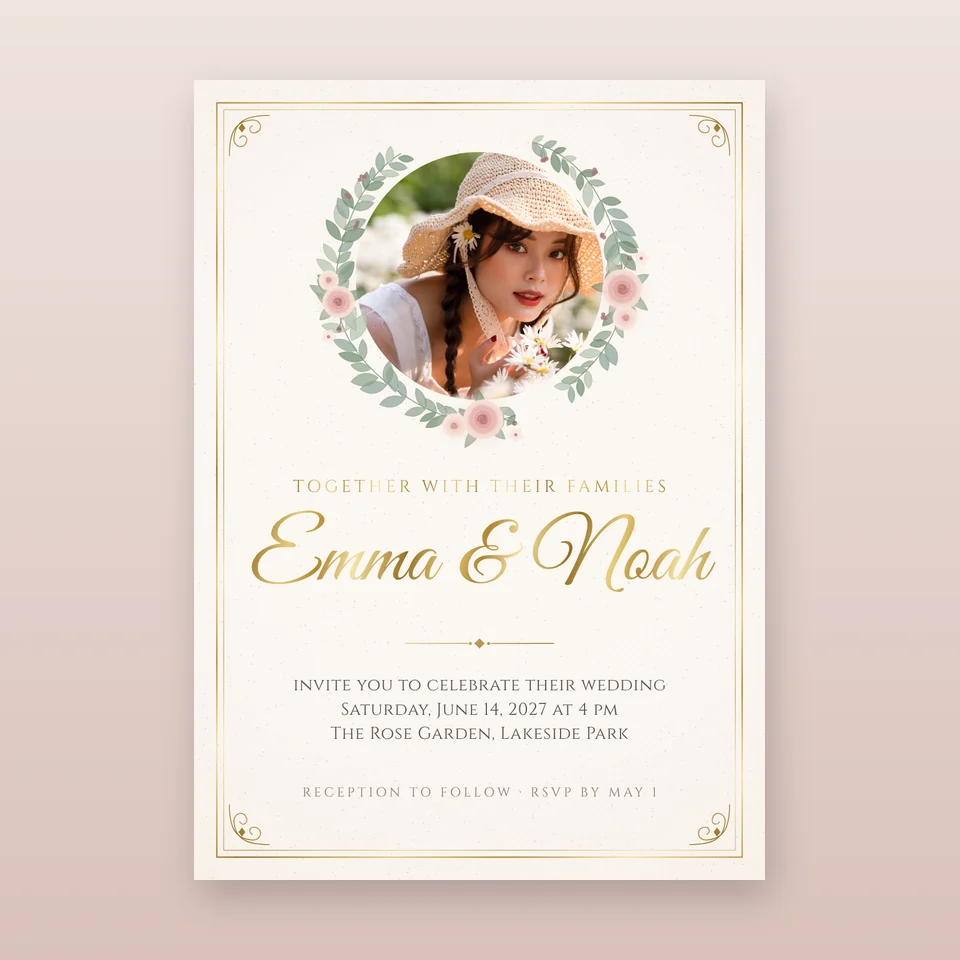
Invitation and greeting card maker
Make an invitation or a greeting card online for a wedding, birthday, baby shower, Christmas or New Year, with your photo, names, date and gold foil.

Name badge maker - badges and name tags to print
Make name badges online: a conference badge on a lanyard, a Hello my name is sticker, a name tag or a pin, with a photo and a QR code. Print a sheet of 8.
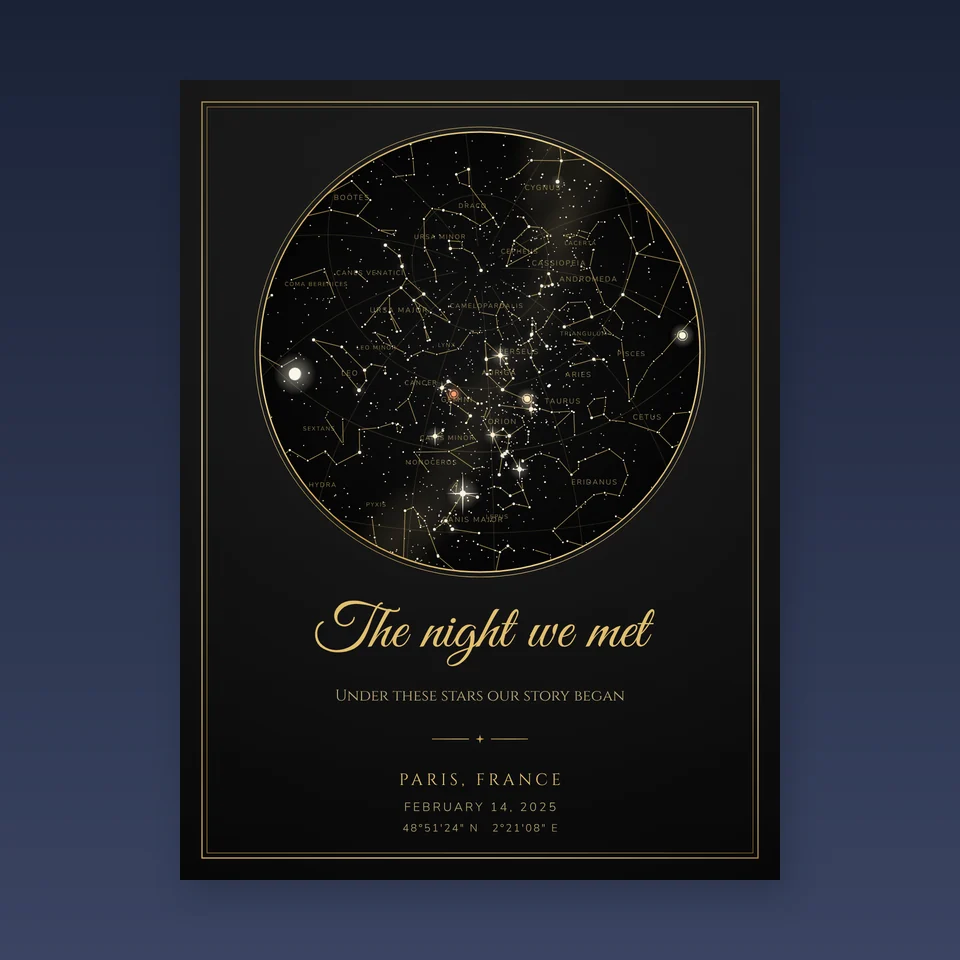
Star map poster - the sky on the night that matters
Make a star map poster online: the real night sky over any city on any date, with constellations, a title, the place and the date. Save as PNG.
Ready to try it?
Open PictorX in your browser — no install, no credit card required to start.
Go to Editor