
Layout
Cards
Family tree maker - your family as a tree chart
Type your family, one person or couple per line, and it becomes a family tree chart: grandparents, parents and children in name cards joined by lines. Choose a classic chart, an illustrated tree with leaves, a modern diagram, a chalkboard or a vintage poster. Type one person or couple per line, indent children under their parents and pick a style: the tree lays itself out.
How it works
- Type your family, one person or couple per line, with children indented under their parents.
- Choose a style: classic, tree, modern, chalkboard or vintage, and add a title.
- Pick the card shape, colours and connectors, and save the poster as a PNG or edit it in layers.
A tidy tree, laid out for you
Children sit centred under their parents and no cards overlap, however many generations you add. Several families side by side, couples and big branches are packed neatly and scaled to fit the poster.
Five styles
A classic chart on cream paper with framed cards, an illustrated tree with a trunk, branches and leaves, a modern diagram with coloured cards, a chalkboard drawing and a sepia vintage poster with a ribbon banner.
Easy to type
Write 'Name (1931–2010) & Partner' for a couple with years, and indent a line with two spaces, a tab or a dash to make it a child of the line above. Leave the years out, or hide them all with one switch.
Frequently asked questions
How do I add children and grandchildren?
Put each child on its own line under the parents and indent it with two spaces, a tab or a dash. Indent grandchildren one step more. Any number of generations works, and several root families can stand side by side.
How do I add a husband, wife or partner?
Write both names on one line joined by & or +, such as 'David Miller & Anna Berg'. The first name is the child of the parents above; the partner appears beside them, on a shared card or on a second card joined by a ring or a heart.
Can I print the family tree?
Yes. Choose a landscape or portrait poster and save it at up to 4096 pixels on the long edge, which prints well on A4, A3 or Letter paper.
Can I edit the tree after making it?
Yes. Edit in the photo editor opens the poster in layers: the background, the connectors or the tree, each card grouped by generation with the names and years as editable text, and the title and subtitle.
Does it work for large families?
Yes. The tree scales down to fit the poster, and when a family gets very wide, children without children of their own are listed in a column under their parents so the cards stay readable.
Family tree maker: how do I record a video?
Press the red Record button in the playback bar: it films what the stage shows. Press it again to stop, and the video is saved to your device. Recording is free; you only need to sign in. Without a subscription the video carries a small PictorX logo in a corner. The button beside Record opens the video options: the shape (as shown, square, story 9:16 or wide 16:9), the length (until you stop, one seamless loop, or 5, 10, 15 or 30 seconds for social media) and the file: MP4, WebM or an animated GIF. You can add one of three music tracks: calm, bright or beat. With a fixed length or One loop the video is made frame by frame, so it runs smoothly even on a slow device, and One loop joins its end to its start without a seam.
Related tools
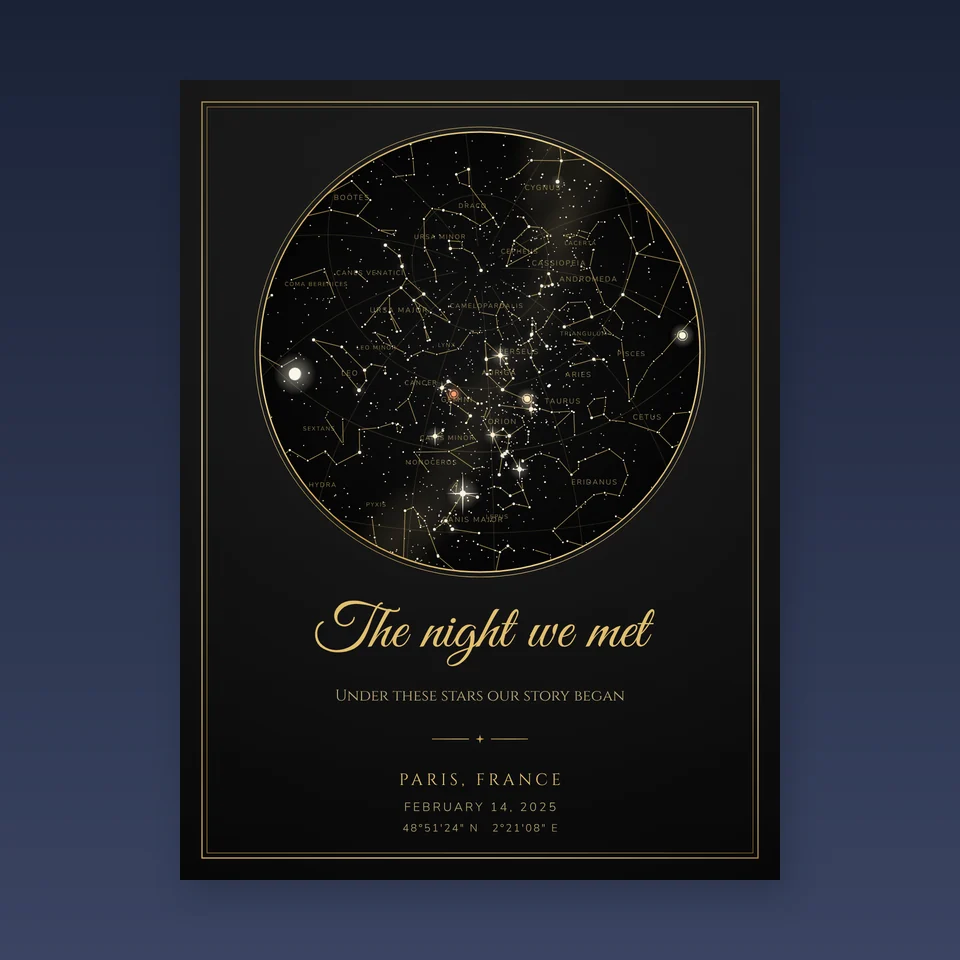
Star map poster - the sky on the night that matters
Make a star map poster online: the real night sky over any city on any date, with constellations, a title, the place and the date. Save as PNG.

Certificate and diploma maker
Make a certificate or diploma online: an ornate border, the name, the reason, the date, signatures and a gold seal, in five styles. Save as PNG.
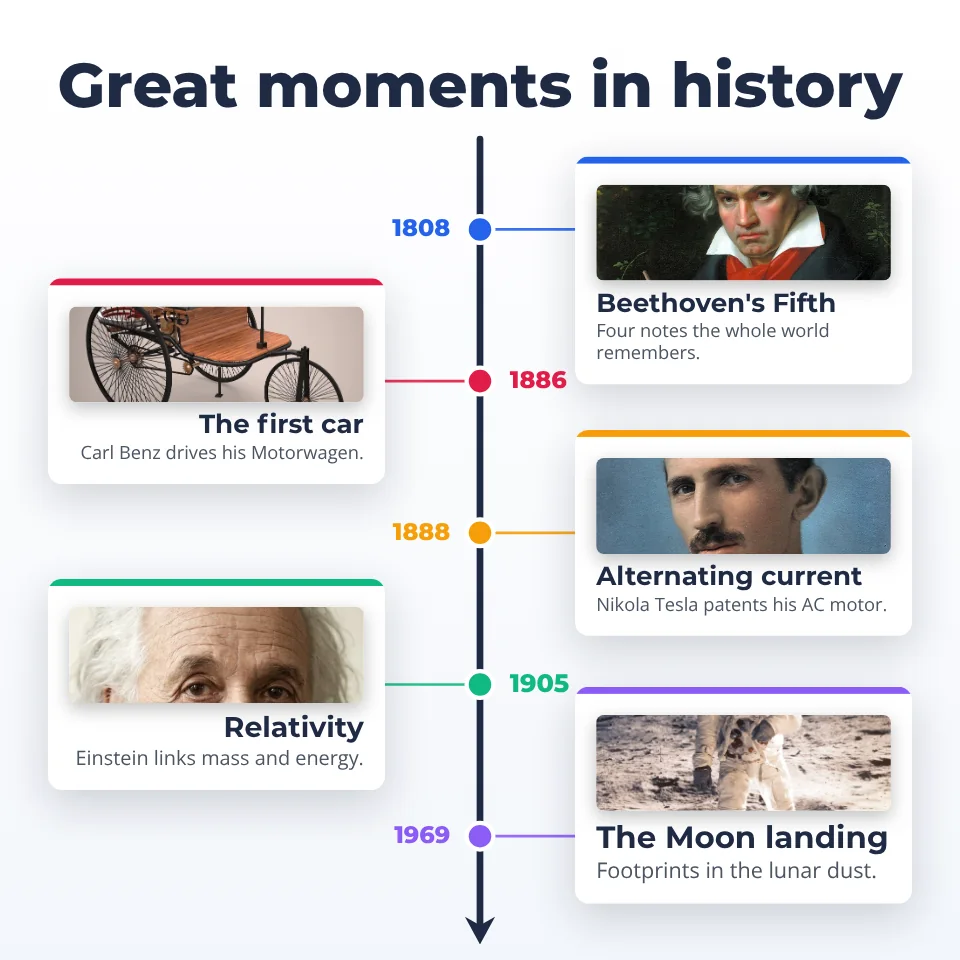
Timeline Maker
Free timeline maker: 18 templates, 6 layouts and 14 styles. Add dates, titles, texts and photos for your life story, a project plan or the history of science.
Ready to try it?
Open PictorX in your browser — no install, no credit card required to start.
Go to Editor