
Pattern
Effects
Picture
Replicator
Make copies of a photo, its subject or a text in linear, grid, rectangular, circular, spiral, wave, skewed and 3D patterns. Remove the background in one click. Pick a pattern, then set the number of copies, the spacing and the angle. Copy your photo, only its subject (Remove background), or a text. Save a PNG or keep editing in PictorX.
How it works
- Open a photo or start from the sample, or switch Copy to Text and type a word.
- Pick a pattern and set the copies, the spacing and the angle; tick Remove background to copy only the subject.
- Add rotation, fade or a hue shift, choose a background, then save a PNG or keep editing in PictorX.
Eight patterns
Linear rows, grids with an optional brick stagger, rectangular frames, rings and arcs, spirals, waves, skewed stacks that lean like fanned cards, and 3D trails that run into the distance in perspective. Every pattern is fitted to the picture, so it always fills the frame.
Copy only the subject
Remove background finds the person, animal or object in your photo with an on-device model and copies only that, so the copies overlap cleanly, like a motion trail or a crowd. Your photo never leaves your device.
Shrink, turn, fade and recolour
End size makes the copies smaller or larger towards the end, Rotate each turns every copy a little more, Fade lets them disappear and Hue shift walks them through the colour wheel. Flip every other copy, reverse the stacking or add a soft shadow for depth.
Frequently asked questions
Does the Replicator upload my photo?
No. The copies are drawn in your browser, and Remove background runs on your device too.
Can I replicate text instead of a photo?
Yes. Set Copy to Text, type up to 40 characters, and pick a font, a color and an outline.
How do I make a motion trail like a sports photo?
Use the Motion trail favourite: a row of copies that shrink towards the back. Tick Remove background so only the person is copied.
Can I keep editing the result?
Yes. Edit opens the picture in the PictorX editor, where Apps ▸ Photo ▸ Replicator adds a pattern of the open image as a new layer.
How do I make a clone photo of myself?
Open a photo of yourself and tick Remove background, so only you are copied. Then pick a favourite such as Motion trail, Into the distance, Grid or Ring, and set Copies and Spacing. Every copy shows the same pose, so it works best with an action shot.
Related tools
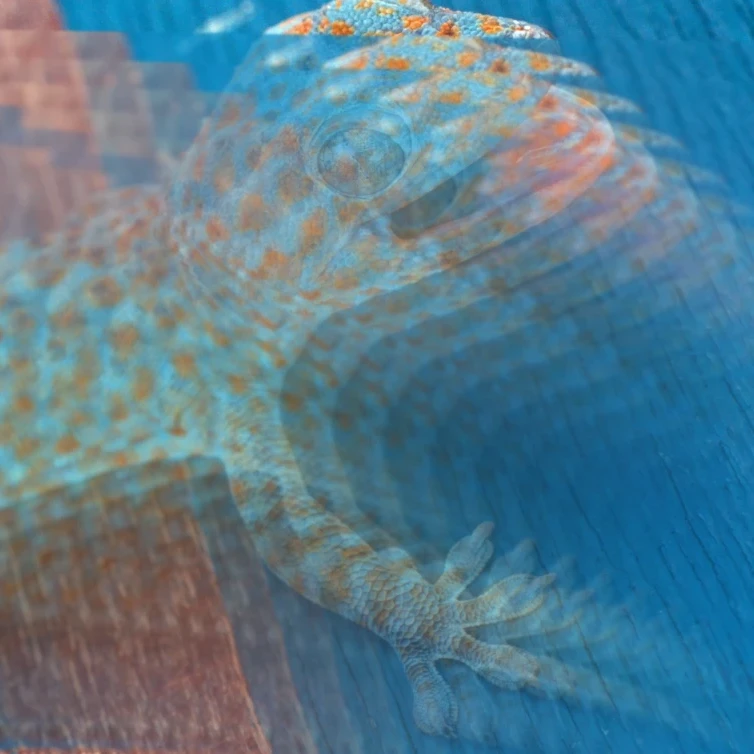
Image Feedback
Create recursive infinite-zoom feedback loops from any photo in your browser. Tune zoom, rotate, mirror, blend, blur, and hue, animate the tunnel, and save a PNG.
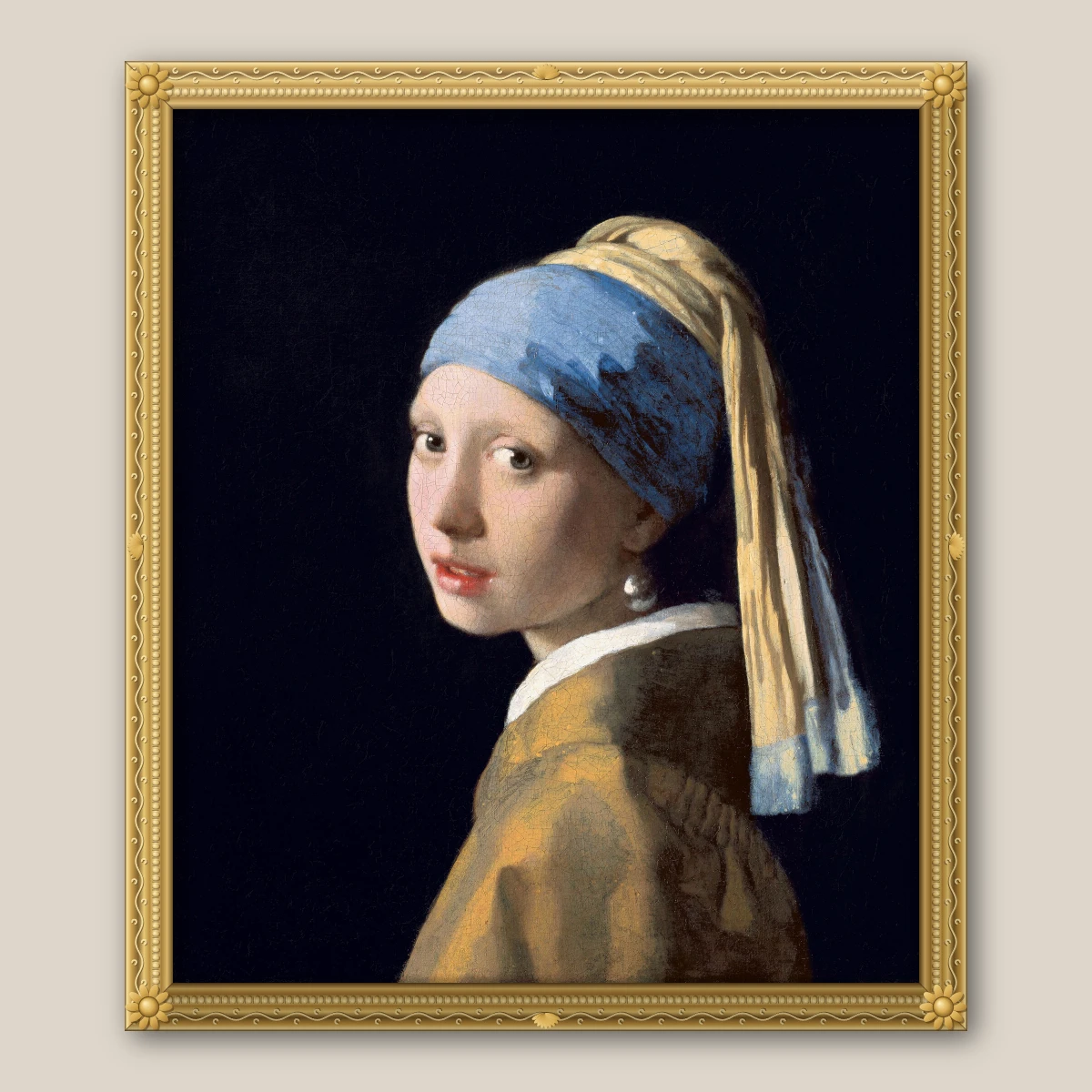
Frame Maker
Put a photo in a gilded, baroque, wood, gallery, floating, metal, polaroid, film strip or stamp frame, add a mat, and save a PNG.

Pop Grid
Make a pop-art grid from a photo in your browser: framed squares among pop emblems, a pop print at the centre, glossy badges, a sheet of stamps, trading cards or a contact sheet.
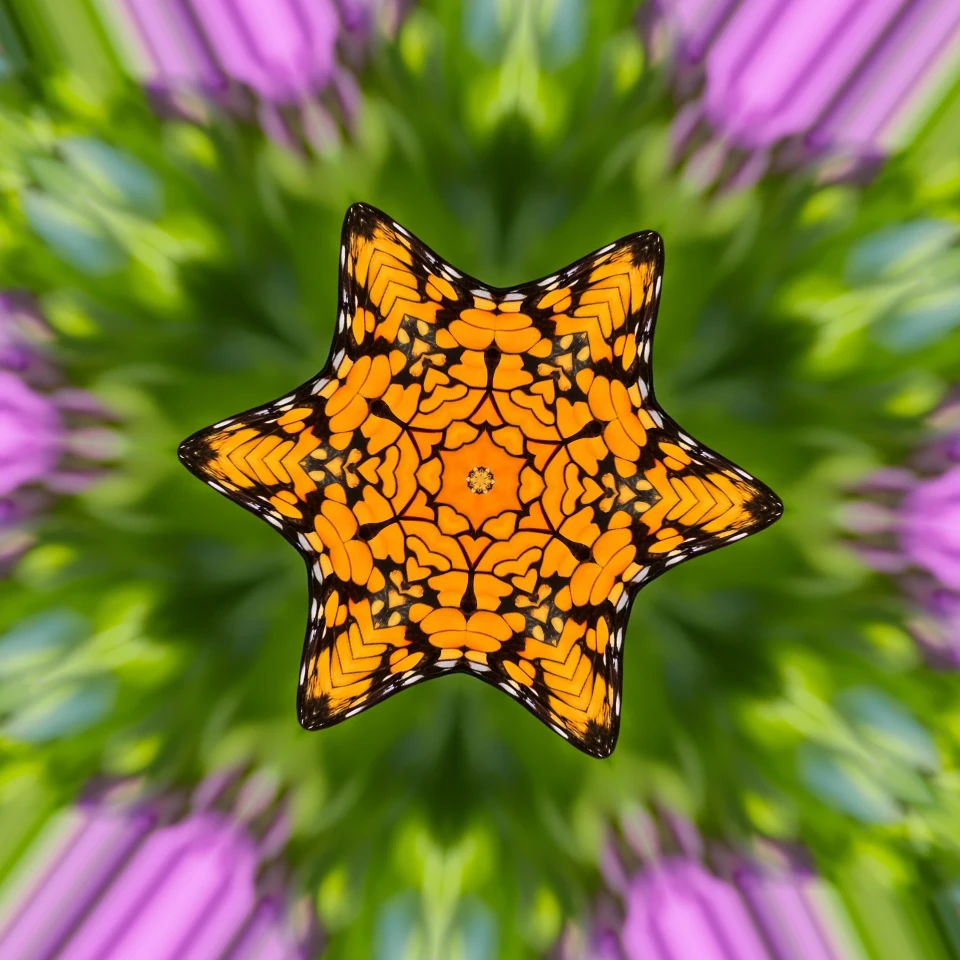
Fold a photo into a kaleidoscope
Turn a photo into a radial kaleidoscope pattern in your browser. Set sides, angle, and rotation.
Ready to try it?
Open PictorX in your browser — no install, no credit card required to start.
Go to Editor