
Image Feedback
Recursive infinite-zoom feedback loops from a photo. Tune zoom, rotate, mirror, blend, blur, and hue, animate the tunnel, and save a PNG. Load a photo, pick a Look, then tune zoom, rotate, and blend.
How it works
- Open a photo or start from the sample image.
- Pick a Look preset (Infinite Tunnel, Droste Echo, …) or leave Custom.
- Tune Zoom, Rotate, Mirror, Offset, Blend, Blur, Hue, and Speed.
- Animate the loop; Pause or Resume while you refine; Randomize for fresh settings.
- Save a PNG or Edit in PictorX. Nothing is uploaded.
Recursive canvas feedback
Each animation frame copies the canvas, clears, applies a transform about the centre (scale, rotate, optional mirror and offset), then redraws the previous frame with blend opacity. Optional blur and hue-rotate compound over time.
Infinite zoom tunnels
Zoom slightly above 1 rushes the image toward you. Pair it with a touch of rotate or hue drift for Psychedelic Vortex and Hyperspace Warp looks.
Droste-style echoes
Zoom slightly below 1 with high blend nests smaller copies inside the frame—the Droste Echo preset. Echo Chamber adds a mirror flip for kaleidoscopic repeats.
Glitch and bloom
Larger offsets and lower blend create Glitch Feedback stutter. Moderate zoom plus rotate and soft blur make Fractal Bloom trails.
Frequently asked questions
Does Image Feedback run in my browser?
Yes. The feedback loop is Canvas 2D only. Your photo stays on your device.
Will Randomize stop the animation?
No. Randomize changes numeric controls within sane ranges and leaves Animate and Pause unchanged.
How do I freeze a look without losing Animate?
Use Pause next to Animate. Resume continues from the same frame. Turning Animate off stops the loop entirely.
Can I open my own photo?
Yes—use Open on the toolbar (or the file picker) to draw any image onto the canvas before feedback runs.
Can I record a movie of the effect?
Yes. Randomize or picking a Look starts the tunnel from the beginning and automatically saves a short clip of that run. There is no start/stop control. Save still writes a PNG still.
Related tools
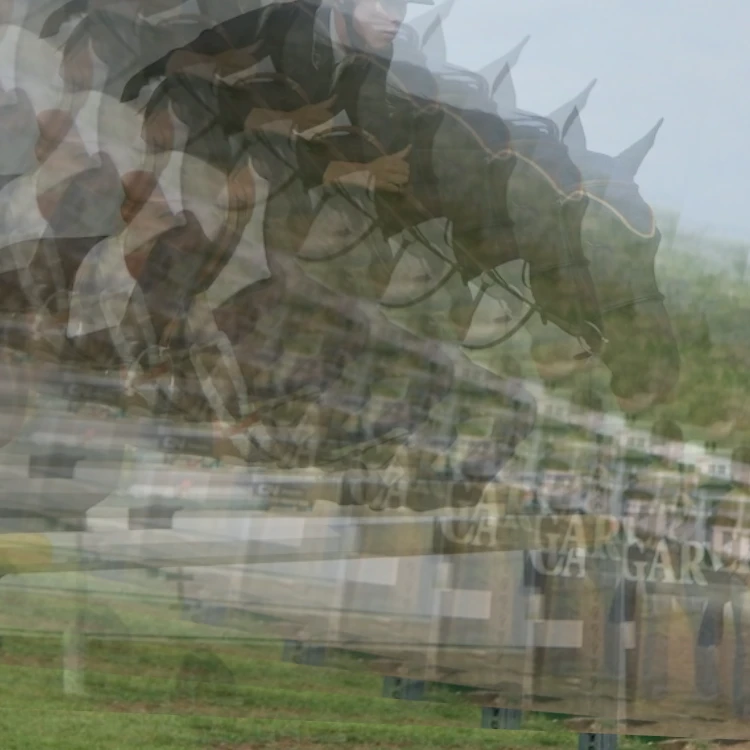
Image feedback and infinite zoom
What image feedback and infinite zoom are: recursive canvas transforms, Droste-like echoes, blend and hue drift—and how to try Image Feedback in PictorX.

Spirograph
Draw hypotrochoids and epitrochoids in your browser. Tune R, r, and pen offset, animate the curve, randomize styles, and save a PNG. Nothing is uploaded.

Fold a photo into a kaleidoscope
Turn a photo into a radial kaleidoscope pattern in your browser. Set sides, angle, and rotation. Nothing is uploaded to PictorX servers.
Ready to try it?
Open PictorX in your browser — no install, no credit card required to start.
Go to Editor