
Credits
Look
Movie poster maker - star in your own film
Open a photo and it becomes a one-sheet movie poster, with the starring names on top, a tagline, a big title, the release date and the credits block at the bottom. Choose action, horror, romance, sci-fi, retro 70s, noir thriller or animated family. Open a photo, pick a genre and type the title, the tagline and up to three names. The billing block at the bottom is built from the credits you list, one per line as role: name.
How it works
- Open a photo or pick one of the examples.
- Choose a genre and type the title, the tagline and up to three names.
- Add the credits and the release line, pick a title effect and save the poster as a PNG.
Seven film genres
Action in orange and teal with sparks, horror with a dripping title, romance with a warm script and bokeh hearts, sci-fi with a lens flare, a painted 70s sunburst, black-and-white noir and a bright family film, each with its own grade and lettering.
A real billing block
Type the credits one per line, such as Directed by: Jamie Lee. They are set in tall condensed type at the foot of the poster, starting with A Jamie Lee film, the stars and your title, like a real one-sheet.
Every part in its own layer
Open the poster in the photo editor and it arrives in layers: the graded photo, the light effects, the film grain and every text as editable text, so you can move, restyle or hide anything.
Frequently asked questions
Are real studio logos or ratings used?
No. The logos at the bottom are made-up shapes and the rating box shows whatever you type, such as PG-13 or ALL AGES. Use your own title and names.
Can I print it?
Yes. The poster has the 27 × 40 shape of a cinema one-sheet. Save it up to 4096 pixels tall and it prints well up to A3 or 11 × 17 inches.
How do I hide the rating box or the logos?
Open Credits and untick Rating box or Studio logos. To change the rating, type any text in Rating.
What does Grade intensity do?
It sets how strongly the genre's colour grade changes your photo, from the original colours at 0% to the full look at 100%.
Can I make a movie poster for a birthday?
Yes. Use the birthday person's photo, a title like The Birthday Legend, a funny tagline and the friends as the stars, then save or print it. It also suits class films, book reports and party invitations.
Related tools
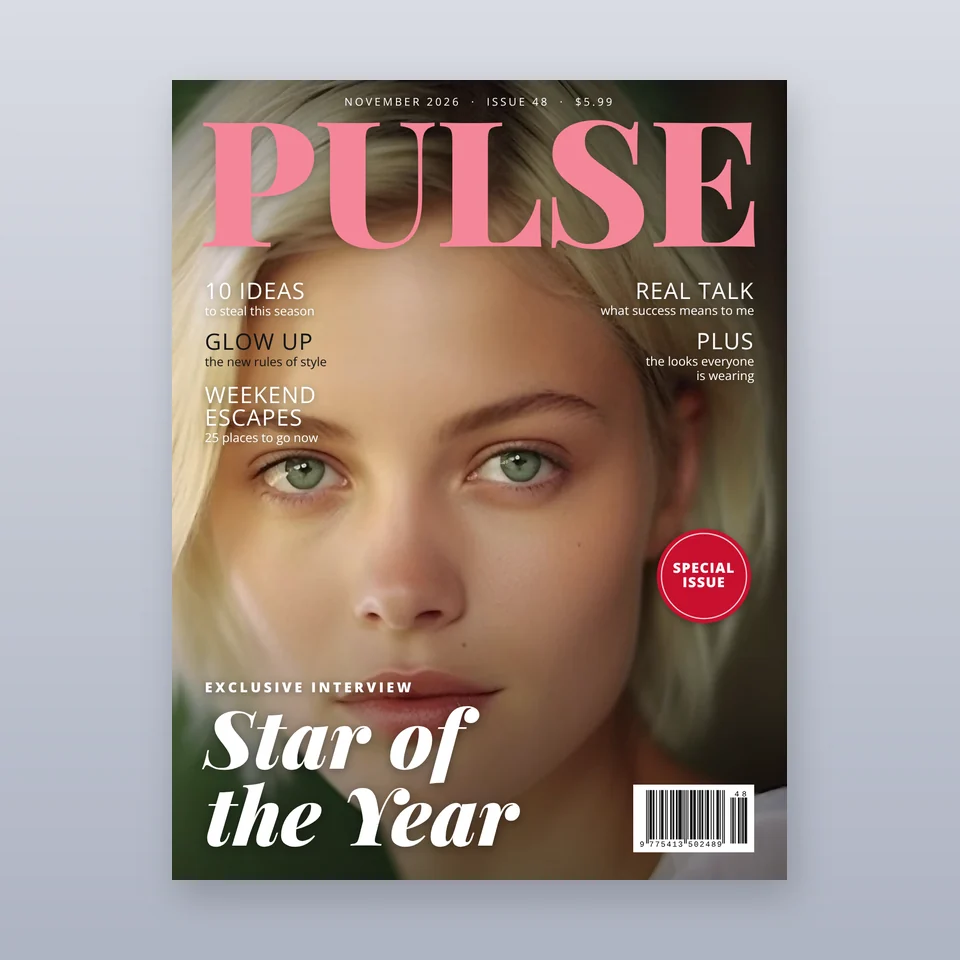
Magazine cover maker - be the cover star
Make a magazine cover online: your photo with a big masthead, cover lines, a headline, the issue and price and a barcode, in six styles. Save as PNG.
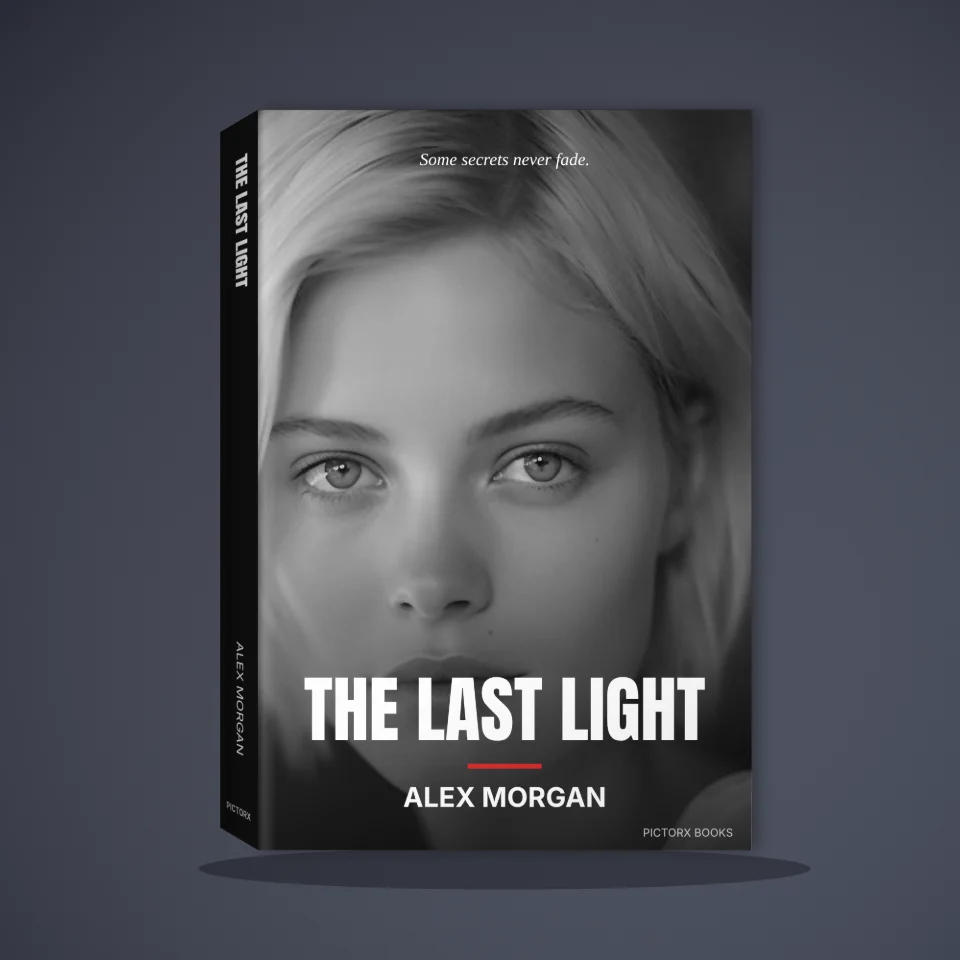
Book cover maker
Make a paperback book cover online from your photo in eleven genre styles, from thriller, romance and sci-fi to fantasy, horror and memoir, with a spine and back cover if you like. Save as PNG.
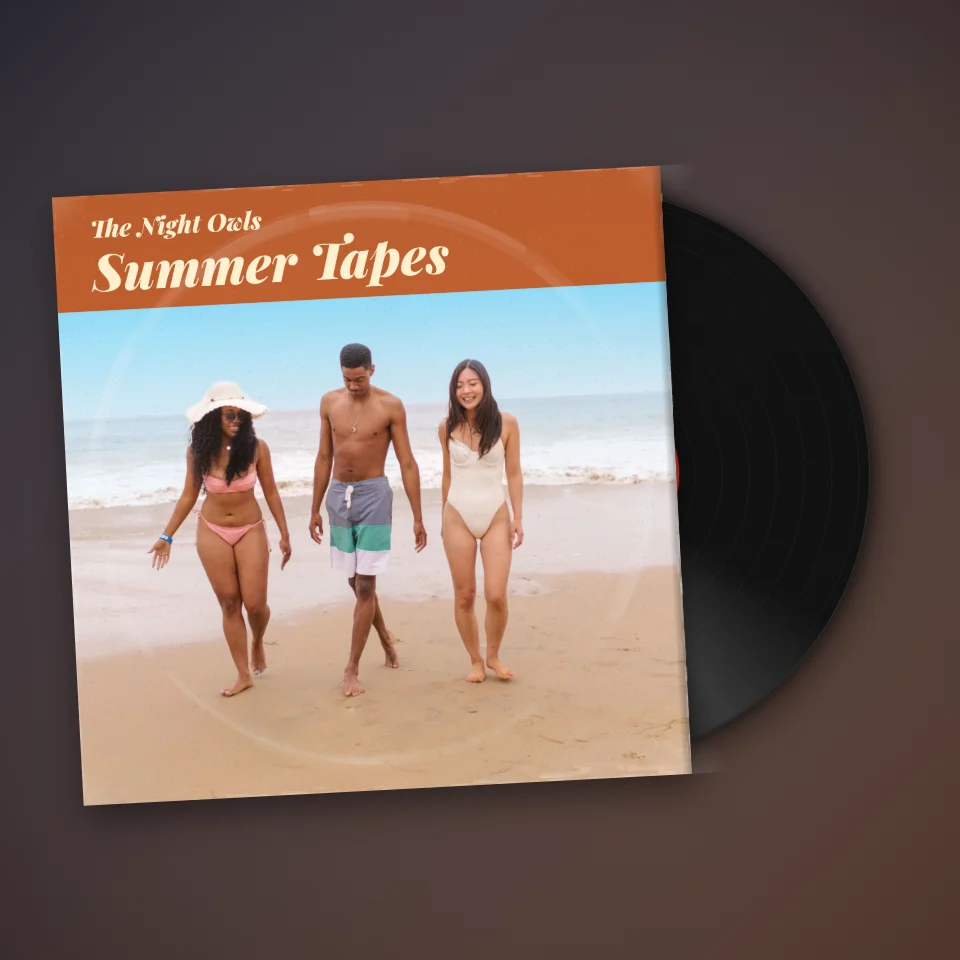
Vinyl record cover maker
Make a vinyl record cover online: your photo on an LP sleeve with a title, an artist, ring wear and the record peeking out. Save as PNG.
Ready to try it?
Open PictorX in your browser — no install, no credit card required to start.
Go to Editor