
Cover text
Issue
Look
Photo
Magazine cover maker - be the cover star
Open a photo and it becomes the cover of a magazine with a name you make up: a big masthead, the month, issue and price, cover lines down the sides, a headline and a barcode. Choose a fashion, news, sports, gaming, tabloid or seventies style. Open a photo, pick a style, type the magazine name, the headline and the cover lines (one per line, Big part | small part), then save a PNG or open the cover in the editor as layers.
How it works
- Open a photo or pick one of the examples.
- Choose a style and type the magazine name, the headline and the cover lines.
- Pick the masthead colour and the photo look, then save the cover as a PNG or open it in the editor.
Six cover styles
A fashion cover with a huge serif masthead, a news weekly in a coloured frame, a sports cover with diagonal stripes, a neon gaming cover with a glitchy masthead, a loud tabloid with bursts and cut-outs, and a warm seventies cover.
Cover lines in two sizes
Write one cover line per line. Put a | between a big part and a small part, such as 'Weekend Escapes | 25 places to go now', and the cover sets them in two sizes, fitted to the space beside the photo.
A colour from your photo
The masthead colour can come from your photo, made darker or lighter where it would disappear into the background, or you pick one. The barcode is a real EAN-13 made from your issue number.
Frequently asked questions
Is it a real magazine?
No. The magazine names are made up, such as PULSE, and you can type any name you like. There are no real magazine logos; it is meant for fun, gifts and parties.
What can I use it for?
Birthday and anniversary gifts, a person of the year card, leaving cards, party decorations, school projects, pet photos and social media.
Can I print it?
Yes. The cover has the shape of a real magazine and you can save it up to 4096 pixels tall, so it prints sharp on A4 or Letter paper.
Can I change the texts later?
Yes. Open the cover in the editor and every text is its own editable text layer: the magazine name, the headline and each cover line. The photo, the frame or stripes, the burst and the barcode are separate layers too.
How do I make a cover line with a big and a small part?
Type the big words, a | and then the small words, for example '10 Ideas | to steal this season'. A line without a | is set in the big size only.
Related tools
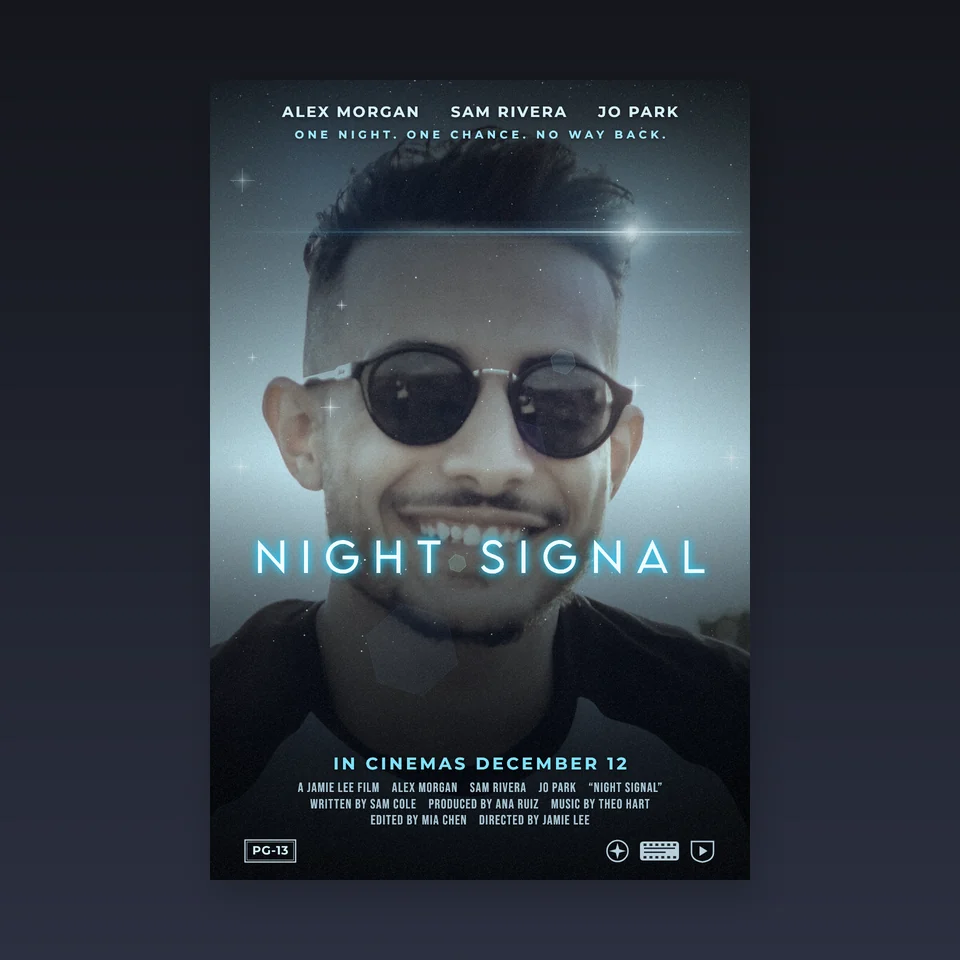
Movie poster maker - star in your own film
Make a movie poster online: your photo with a big title, tagline, starring names, release date and billing block, in seven film genres. Save as PNG.
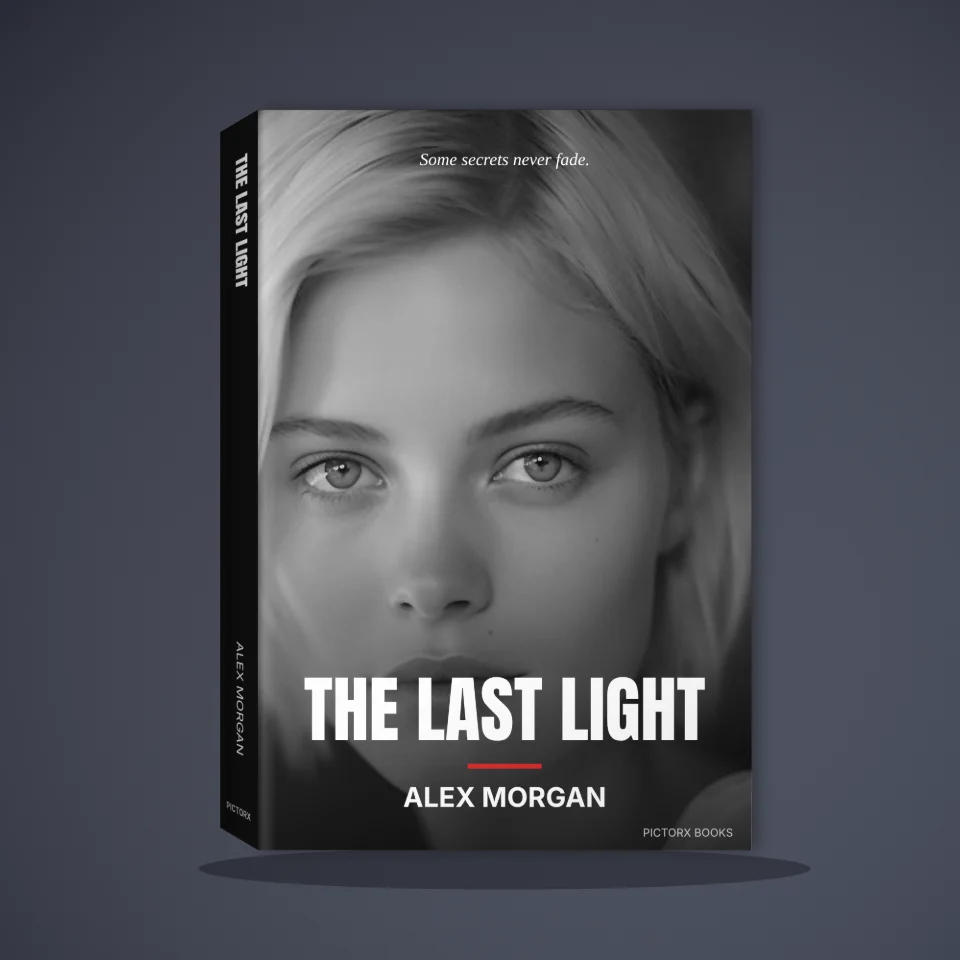
Book cover maker
Make a paperback book cover online from your photo in eleven genre styles, from thriller, romance and sci-fi to fantasy, horror and memoir, with a spine and back cover if you like. Save as PNG.
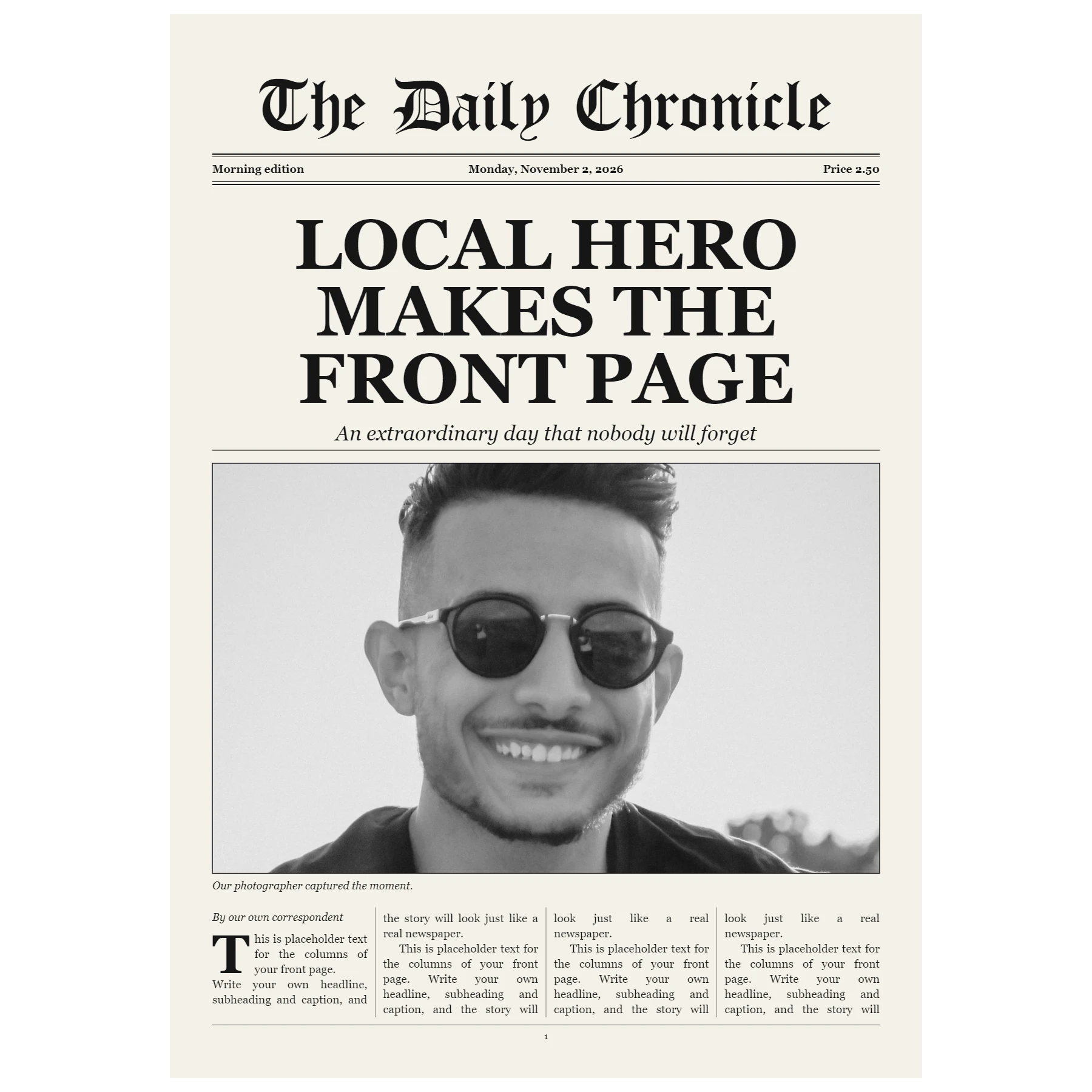
Newspaper front page maker
Make a fake newspaper front page online: your photo with a masthead, date, big headline, halftone or sepia print and columns of text. Save as PNG.
Ready to try it?
Open PictorX in your browser — no install, no credit card required to start.
Go to Editor