
Vinyl record cover maker
Open a photo and it becomes a square LP sleeve with a title and an artist, in a minimal, seventies, jazz or punk style. Add ring wear for a well-loved look and slide the record out of the sleeve. Open a photo, add a title and an artist, and make a vinyl LP sleeve with the record peeking out.
How it works
- Open a photo or choose an example.
- Type a title and an artist and choose a sleeve style.
- Set the ring wear, the record, the vinyl colour and the label, then save as PNG.
Four sleeve styles
A clean minimal sleeve, a warm seventies band in serif italics, a duotone jazz cover and a loud black-and-yellow punk cover.
The record peeking out
Leave the sleeve square or slide the record a third or half of the way out, in black, red, blue or gold vinyl, with a centre label that carries your title and artist.
Ring wear and worn corners
Light or heavy ring wear adds the circular rub of a record pressed through the card, with soft worn corners and a scuffed open edge.
Frequently asked questions
Can I use it for a real release?
It is made for fun covers, playlists and gifts. For a real release, check the artwork rules of your pressing plant or streaming service and use a photo you have the rights to.
What size is the image?
The sleeve is 1000 by 1000 pixels. With the record out, the image gets wider and the area around the record stays transparent.
Does it use real record labels?
No. The centre label is a plain coloured disc with your own text. There are no real label logos.
Is my photo uploaded?
No. The cover is drawn in your browser and the photo stays on your device.
Related tools
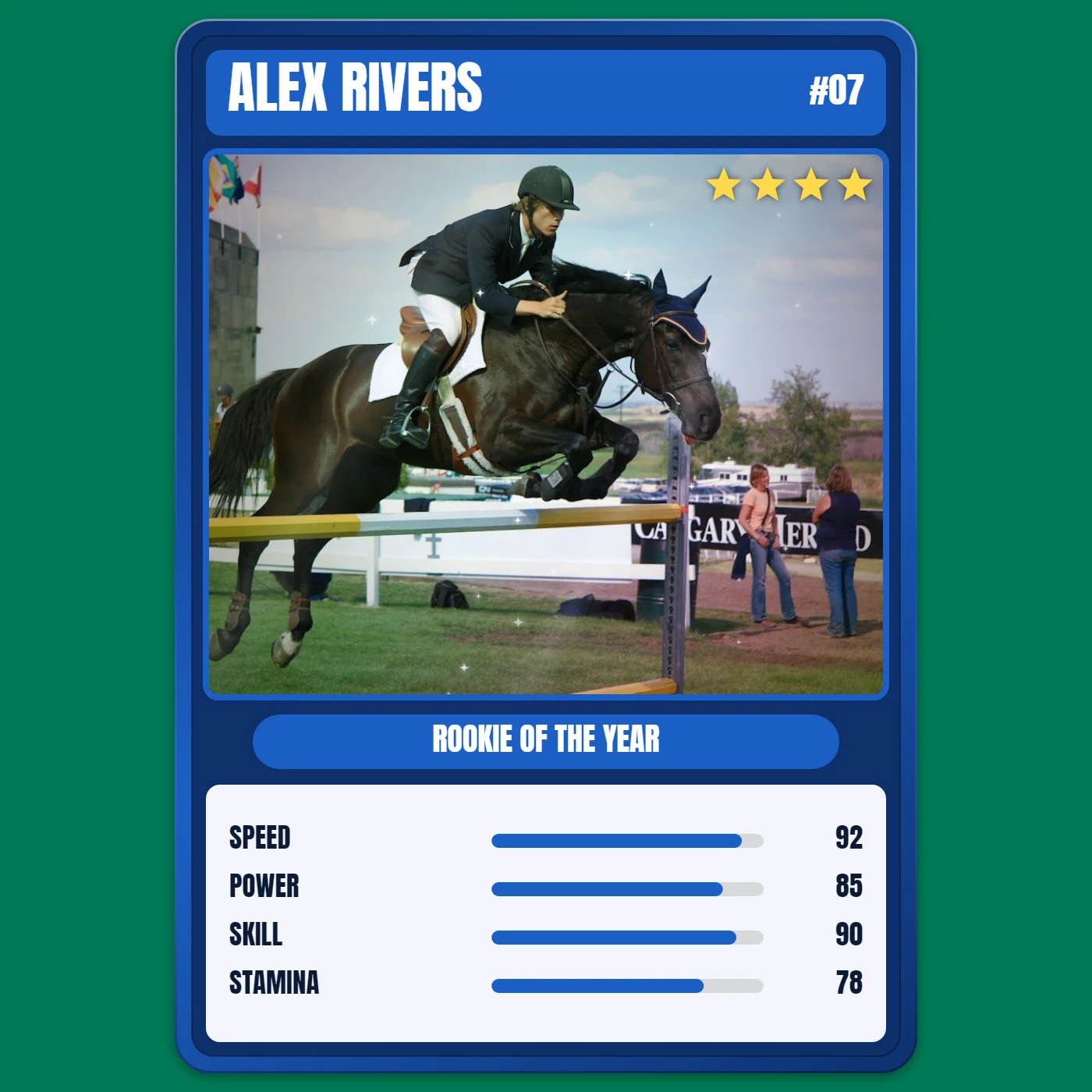
Trading card maker
Make a trading card online: your photo in a sports or fantasy frame with a name, card number, stats bars, rarity stars and a holo foil. Save as PNG.

Vintage postcard maker
Make a retro 'Greetings from' postcard online: your photo inside big 3D letters of any place name, retro backdrops and an optional postcard back. Save as PNG.
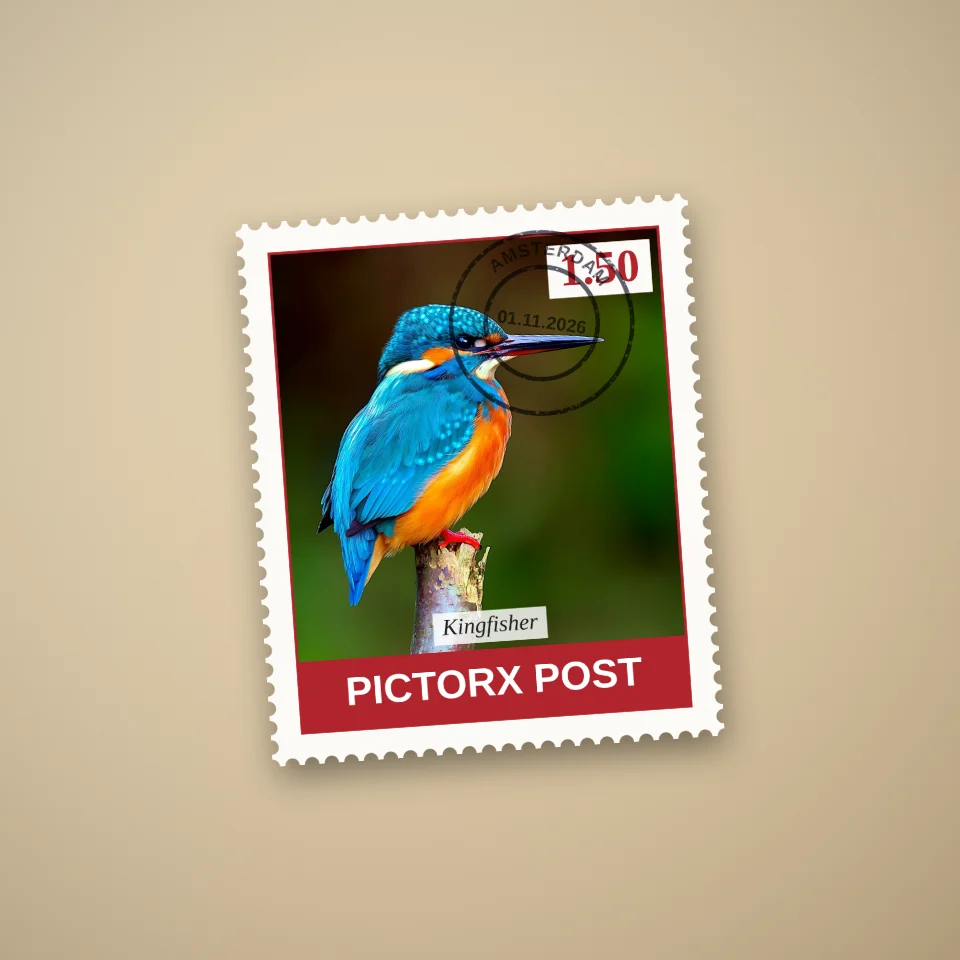
Stamp maker
Make a postage stamp from your photo online: perforated edges, value, country, caption and postmark. Single stamps or sheets, saved as PNG.
Ready to try it?
Open PictorX in your browser — no install, no credit card required to start.
Go to Editor