
Menger sponge in 3D
Take a cube, cut it into 27 smaller cubes and take out the one in the middle and the six in the middle of the faces. Do the same with each of the 20 cubes that are left, and again, and again. After four rounds 160,000 tiny cubes remain, riddled with tunnels of every size, and the solid you started with has almost no volume left but an enormous surface. Turn the sponge with your finger, drill the next level, slice it open to find carpets and six-pointed stars inside, and compare it with four other fractals built from cubes and tetrahedra. Pick a shape and a level and turn it by dragging across the picture; the wheel or two fingers zoom and a double click puts it back. Turn spins it on its own, Add a level drills the next holes with an animation, and Reset goes back to the plain cube. Slice cuts the shape with a plane, straight across or diagonally, and shows the cross-section beside it; slide Position to move the cut. By depth of the hole gives every tunnel the colour of the level that drilled it. The tiles give the number of pieces, the volume that is left, the surface and the fractal dimension.
How it works
- Pick the Menger sponge, the Jerusalem cube, the Sierpiński tetrahedron, the Mosely snowflake or Cantor dust, and a level from 0 to 4 (6 for the tetrahedron).
- Drag across the picture to turn the shape, zoom with the wheel or two fingers, and press Play to let it spin on its own.
- Press Step to drill the next level and watch the middles shrink away, or Reset to start again from the plain cube.
- Choose 3D and slice to cut the shape with a plane, straight across or diagonally, and slide Position to move the cut.
- Read the pieces, the volume, the surface and the fractal dimension in the tiles; colour the holes by the level that drilled them.
Twenty cubes out of twenty-seven
Cut a cube into 3 × 3 × 3 smaller cubes and keep the 20 that have at most one coordinate in the middle: the 8 corners and the 12 edge cubes. The centre and the six face centres go, which drills a tunnel straight through each face. Repeat on every remaining cube and level n has 20ⁿ cubes, 160,000 at level 4. Each level keeps 20/27 of the volume, so after n levels (20/27)ⁿ is left: 30% at level 4, and nothing in the limit. The surface does the opposite: 2·(20/9)ⁿ + 4·(8/9)ⁿ times the area of one face, which grows without limit.
Between a surface and a solid
The sponge is made of 20 copies of itself at a third of the size. A solid would need 27 copies and a surface 9, which is 3³ and 3²; for the sponge 3ᵈ = 20, so its fractal dimension is d = log 20 / log 3 ≈ 2.727. The Mosely snowflake keeps 18 cells instead (the edges and the face centres), with dimension log 18 / log 3 ≈ 2.631, and Cantor dust keeps only the 8 corners: log 8 / log 3 ≈ 1.893, less than a surface, a cloud of separate points. The Sierpiński tetrahedron has dimension exactly 2: four half-size copies whose surface stays the same at every level.
Slices: carpets and stars
Cut the sponge straight across just inside a face and the cross-section is the Sierpiński carpet, the sponge's two-dimensional cousin; move the cut towards the middle and the carpet thins out into a sparser pattern of squares. Cut it diagonally, perpendicular to the line from one corner to the opposite one, through the centre, and the cross-section is a hexagon full of six-pointed stars of every size, a surprise that has made it a favourite of mathematical sculptors. Slide the cut and the pattern changes continuously, from a small triangle near a corner to the hexagon in the middle.
Frequently asked questions
What is a Menger sponge?
A fractal cube. Cut a cube into 27 smaller cubes, remove the centre one and the six in the middle of the faces, and repeat on each of the 20 cubes that remain, without end. Karl Menger described it in 1926. Its volume shrinks to zero while its surface grows without limit, and its fractal dimension is log 20 / log 3 ≈ 2.727.
Why does the Menger sponge have no volume but an infinite surface?
Each level keeps 20 of 27 cubes, so the volume is multiplied by 20/27 every time and tends to zero. Each level also opens new tunnels whose walls add surface: the area becomes 2·(20/9)ⁿ + 4·(8/9)ⁿ times a face of the cube, and 20/9 is more than 1, so the surface grows without bound. The Volume and Surface tiles show both numbers for the level you see.
What is the Jerusalem cube?
A cube fractal built with two sizes of cubes: 8 corner cubes with side √2 − 1 and 12 smaller edge cubes with side (√2 − 1)², chosen so that the pieces fit exactly, because 2(√2 − 1) + (√2 − 1)² = 1. It was found by Eric Baird in 2011, and its cross-shaped holes remind people of the Jerusalem cross. Its fractal dimension is about 2.529.
What does a slice through the Menger sponge look like?
Straight across, just inside a face, you see the Sierpiński carpet, and towards the middle a sparser pattern of squares. Diagonally through the centre, at right angles to a long diagonal of the cube, you see a hexagon filled with six-pointed stars of every size. Choose 3D and slice and set Cut to Diagonal to see it, and slide Position to watch the pattern change.
What is the fractal dimension of the Sierpiński tetrahedron?
Exactly 2. It consists of four copies of itself at half the size, and 2ᵈ = 4 gives d = 2. Its four copies touch only along edges, so its total surface stays the same at every level while its volume halves each time. It is a three-dimensional object with the dimension of a surface.
Can I use the sponge in a design?
Yes. Save gives a PNG at the size you choose, and the pencil opens the picture in the PictorX photo editor with the background, the shadow, the sponge, the edges and the slice on layers of their own. In the editor itself it is under Apps ▸ Fractals ▸ Menger Sponge, with the shape, level, rotation and colours as settings. Everything is drawn in your browser.
Menger Sponge: how do I record a video?
Press the red Record button in the playback bar: it films what the stage shows. Press it again to stop, and the video is saved to your device. Recording is free; you only need to sign in. Without a subscription the video carries a small PictorX logo in a corner. The button beside Record opens the video options: the shape (as shown, square, story 9:16 or wide 16:9), the length (until you stop, or 5, 10, 15 or 30 seconds for social media) and the file: MP4, WebM or an animated GIF. You can add one of three music tracks: calm, bright or beat.
Related tools
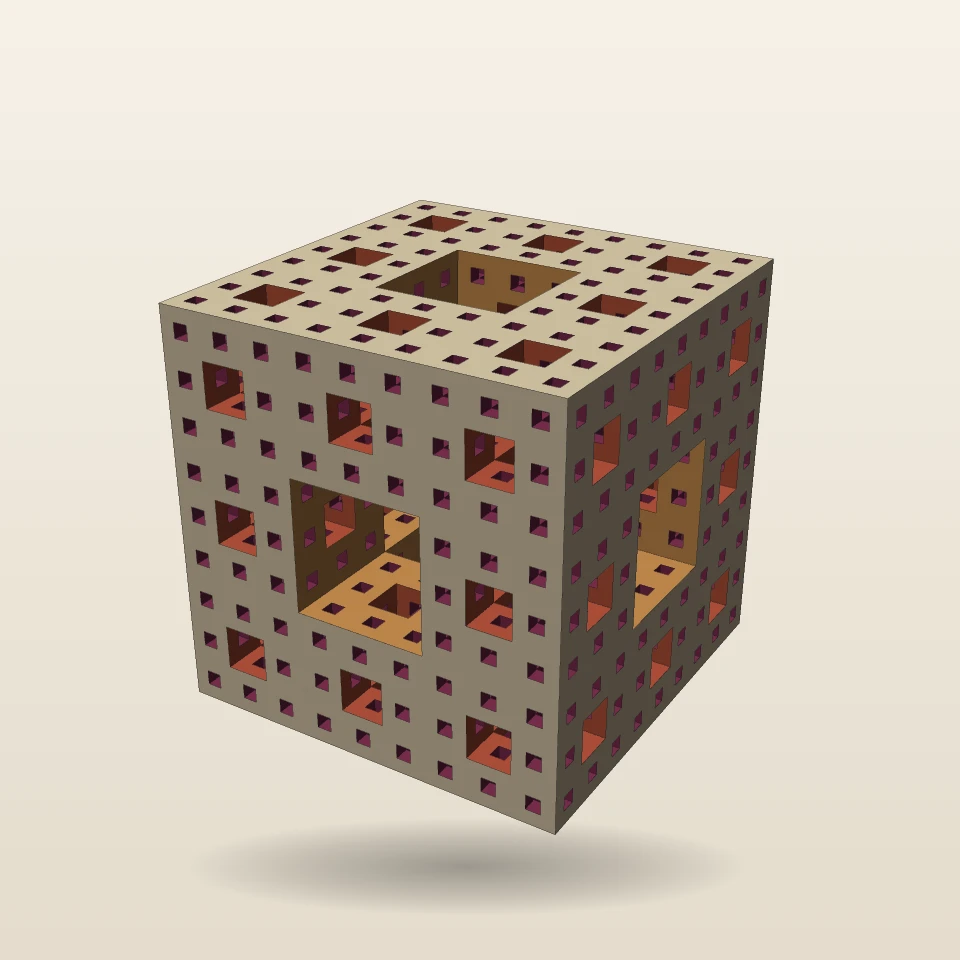
The Menger sponge explained
How the Menger sponge is drilled from a cube, why its volume vanishes while its surface grows without limit, why its dimension is log 20 / log 3, what its slices look like, and how the Jerusalem cube, the Sierpiński tetrahedron, the Mosely snowflake and Cantor dust compare.
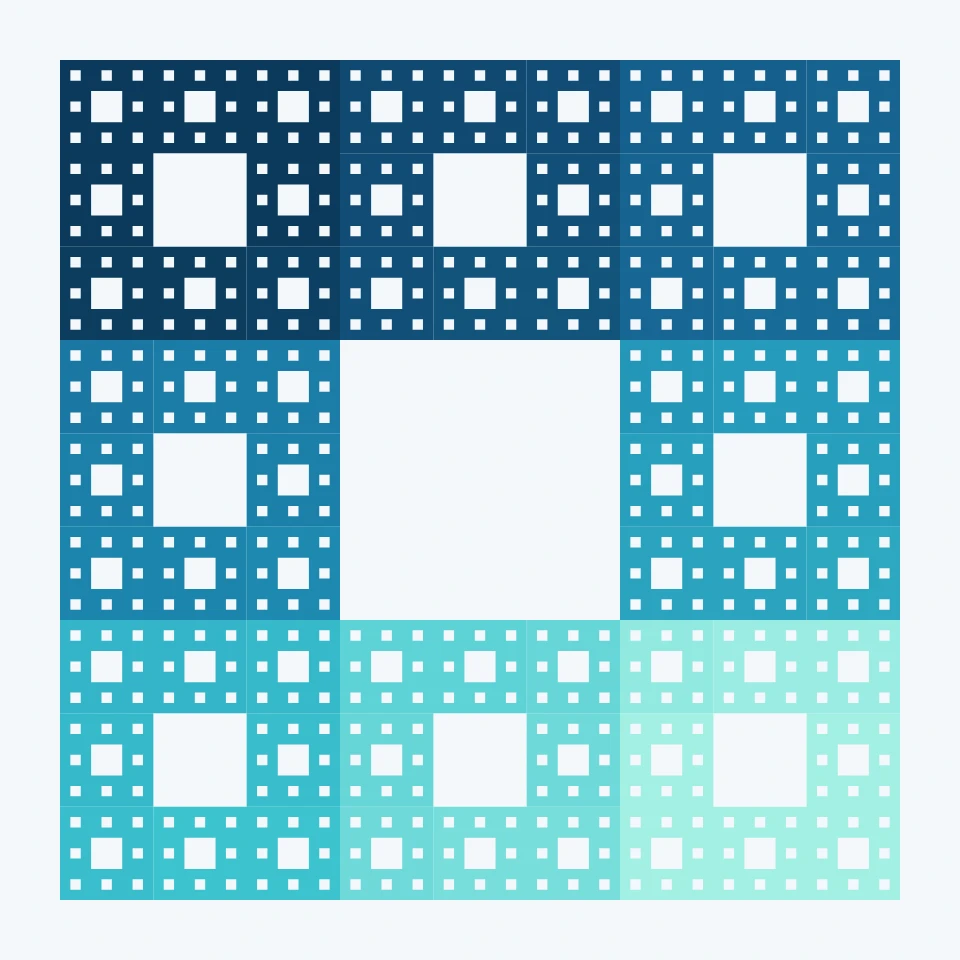
Flake fractal builder
Build the Sierpiński carpet, the Vicsek fractal, Cantor dust, the hexaflake, the pentaflake and the T-square level by level, or tick the cells of a grid to invent your own fractal and read its dimension at once.
Sierpiński triangle builder
Build the Sierpiński triangle by removing middles, by the chaos game or from Pascal's triangle mod 2. Try other corners, jumps and rules, and see area, triangles and the fractal dimension 1.585.
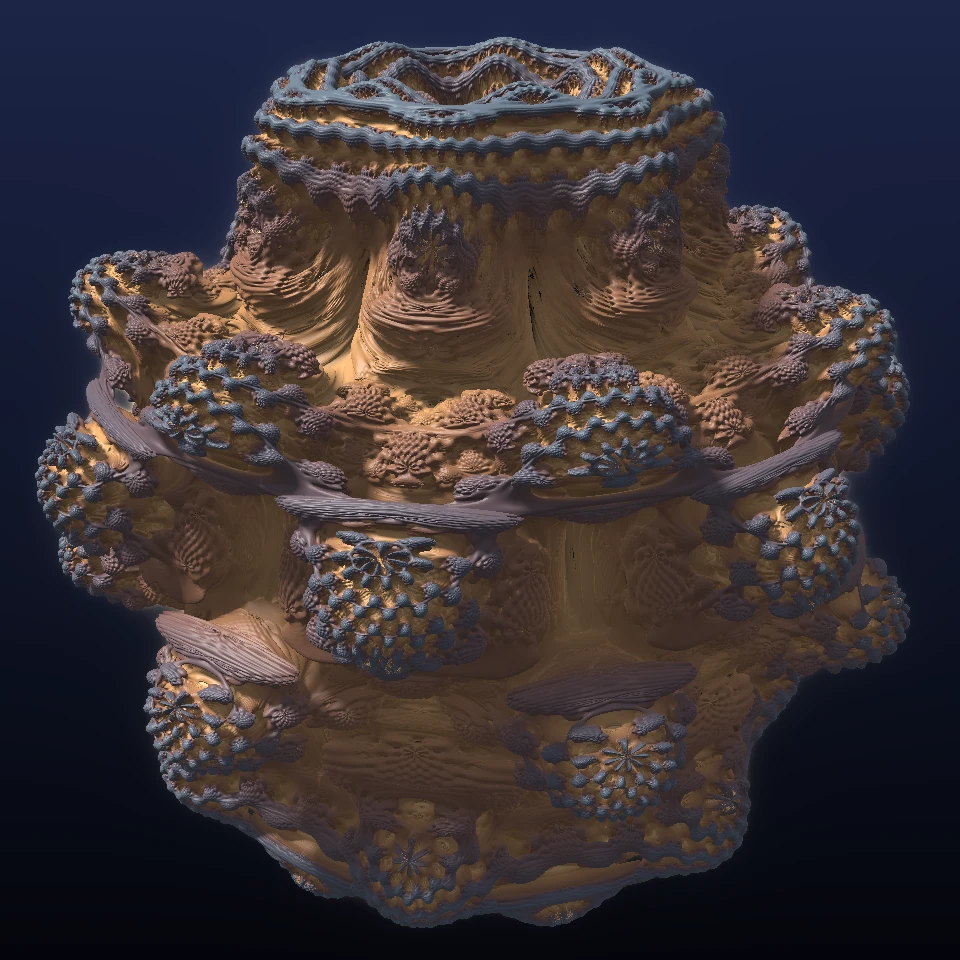
Mandelbulb 3D explorer
Fly around the Mandelbulb, the Mandelbox and quaternion Julia sets, ray-marched live by your graphics card. Turn them, change the power, light and colour them, and zoom into their folds.
Koch snowflake generator
Grow the Koch snowflake level by level and see its perimeter grow by 4/3 each time while the area settles at 8/5. Try the anti-snowflake, Cesàro angles, square bumps and the Minkowski sausage.
Fractals
What is a fractal? How the Mandelbrot set, Julia sets, Newton fractals (including Newton⁴) and Nova fractals are made, and why zooming never runs out of detail.
Ready to try it?
Open PictorX in your browser — no install, no credit card required to start.
Go to Editor