
Lost in the Universe - could you find your way home?
You are somewhere in the universe and you have to find your way back to Earth. Start at the cosmic web, billions of galaxies strung along giant threads, and zoom in one scale at a time: Laniakea, the Virgo Cluster, the Local Group, the Milky Way, the Orion Spur, the Sun and its third planet. Each scene gives a clue; the scanner tells you what you are looking at. A wrong jump costs fuel. You are somewhere in the universe and must find your way back to Earth, one scale at a time. Read the clue at the top, point at the objects to scan them, and click the one the clue describes (on a phone, tap it and tap again) to zoom in. A wrong jump costs 20% fuel; out of fuel, you stay lost. Keys: the arrow keys or 1 to 9 select an object, Enter or Space flies there, H shows a hint, P pauses.
How it works
- Read the clue at the top of the scene. Point at an object and the scanner at the bottom shows what it is: its size, its galaxies, its stars or its planets.
- Click the object the clue describes (on a phone, tap it and tap again) and the ship zooms in to the next scale. A wrong jump costs 20% fuel and tells you what you found instead.
- Seven jumps take you home: Laniakea, Virgo, the Local Group, the Milky Way, the Orion Spur, the Sun and Earth. Run out of fuel and you stay lost in the universe.
From the cosmic web to the Milky Way
On the largest scale, galaxies are not scattered evenly: they lie along threads and sheets around huge empty voids, the cosmic web. Our galaxy belongs to Laniakea, a supercluster about 520 million light-years across whose galaxies all stream towards one region, the Great Attractor. Inside it is the Virgo Cluster, more than 1,000 galaxies. Our own small group, the Local Group, lies on its outskirts, about 50 million light-years away, with two large spirals: Andromeda and the smaller Milky Way.
From the Milky Way to Earth
The Milky Way is a barred spiral about 100,000 light-years across. The Sun sits on the Orion Spur, a short arm of stars between the Sagittarius and Perseus arms, about 26,000 light-years from the centre. It is one of hundreds of billions of stars: a single, middle-aged yellow-white star of class G2. Count its planets, Mercury, Venus, then the third one, and there is the pale blue dot, 150 million kilometres from the Sun.
Cadet, Navigator or Explorer
As a Cadet the scanner names every object and a tip under the clue tells you what to look for. As a Navigator the scanner gives only the measurements: galaxy counts, sizes, spectral classes, temperatures and moons, so you have to work out which one fits the clue. As an Explorer there is no scanner at all: only the clue and what you see. A hint marks the right object for 10% fuel, and Player Computer flies home by itself.
Frequently asked questions
Are the places in the game real?
Yes. Every object is real: the superclusters, the galaxy clusters and groups, the galaxies, the arms of the Milky Way, the nearby stars and the planets, and the scanner shows their real sizes, counts, temperatures and distances. The pictures are not to scale: the real distances are far too large to show on one screen.
Why does the Milky Way count as the smaller of the two large spirals?
Andromeda's disc is one and a half to two times as wide as the Milky Way's (estimates run from about 150,000 to 220,000 light-years, against about 100,000), and it has more stars. Their masses are similar, because most of a galaxy's mass is dark matter, which nobody can see.
Is Pluto the ninth planet?
No. Since 2006 Pluto is counted as a dwarf planet, because it has not cleared its orbit of other objects. In the Solar System scene it is shown on a dashed orbit beyond Neptune, and choosing it costs fuel like any other wrong jump.
What do Cadet, Navigator and Explorer change?
How much the scanner tells you. A Cadet sees the names and a tip, a Navigator only the measurements, and an Explorer has no scanner and must go by the clue and the pictures alone. Each keeps its own best time in this browser.
Can I play with the keyboard?
Yes. The arrow keys move between the objects of the scene, from left to right, and Enter or Space flies to the one selected. The keys 1 to 9 select an object directly, H shows a hint and P or Escape pauses.
Lost in the Universe: how do I record a video?
Press the red Record button in the playback bar: it films what the stage shows. Press it again to stop, and the video is saved to your device. Recording is free; you only need to sign in. Without a subscription the video carries a small PictorX logo in a corner. The button beside Record opens the video options: the shape (as shown, square, story 9:16 or wide 16:9), the length (until you stop, or 5, 10, 15 or 30 seconds for social media) and the file: MP4, WebM or an animated GIF. For the sound, choose the app's own sounds or one of three music tracks: calm, bright or beat.
Related tools
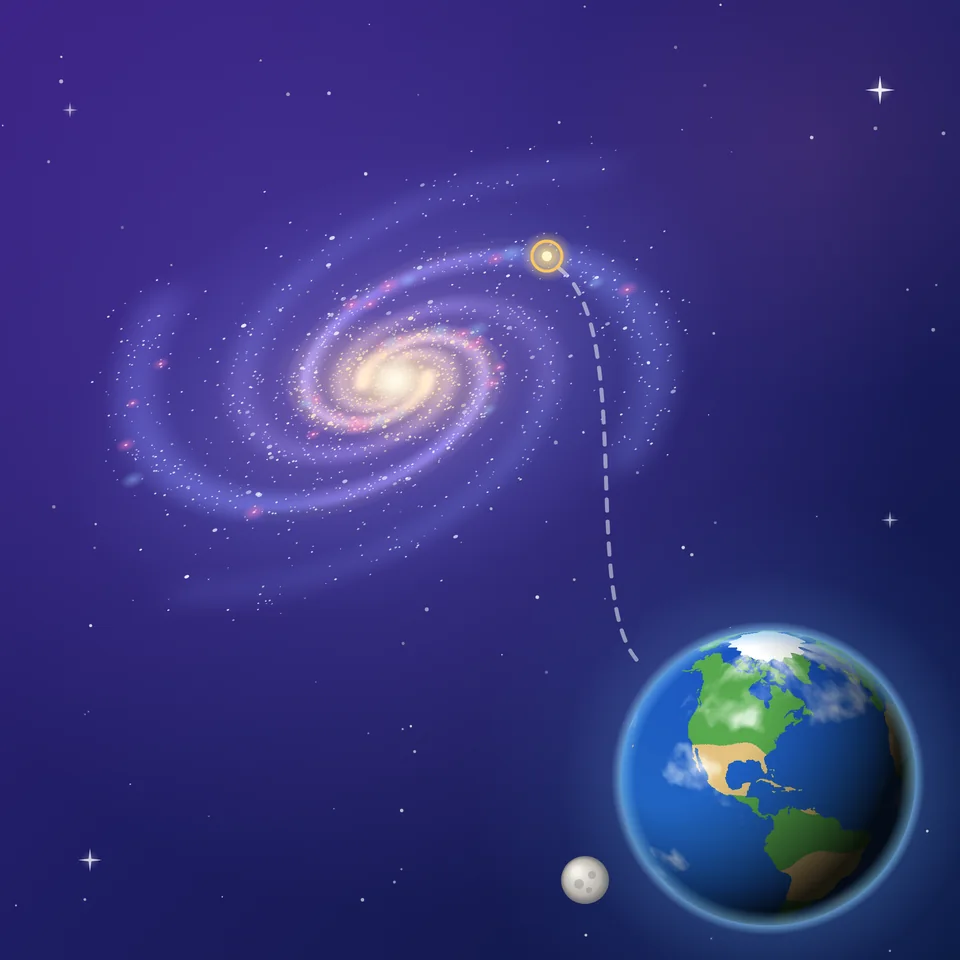
About Lost in the Universe - our cosmic address
Where is Earth in the universe? The cosmic web, Laniakea, the Virgo Cluster, the Local Group, the Milky Way, the Orion Spur and the Sun: our address, scale by scale.
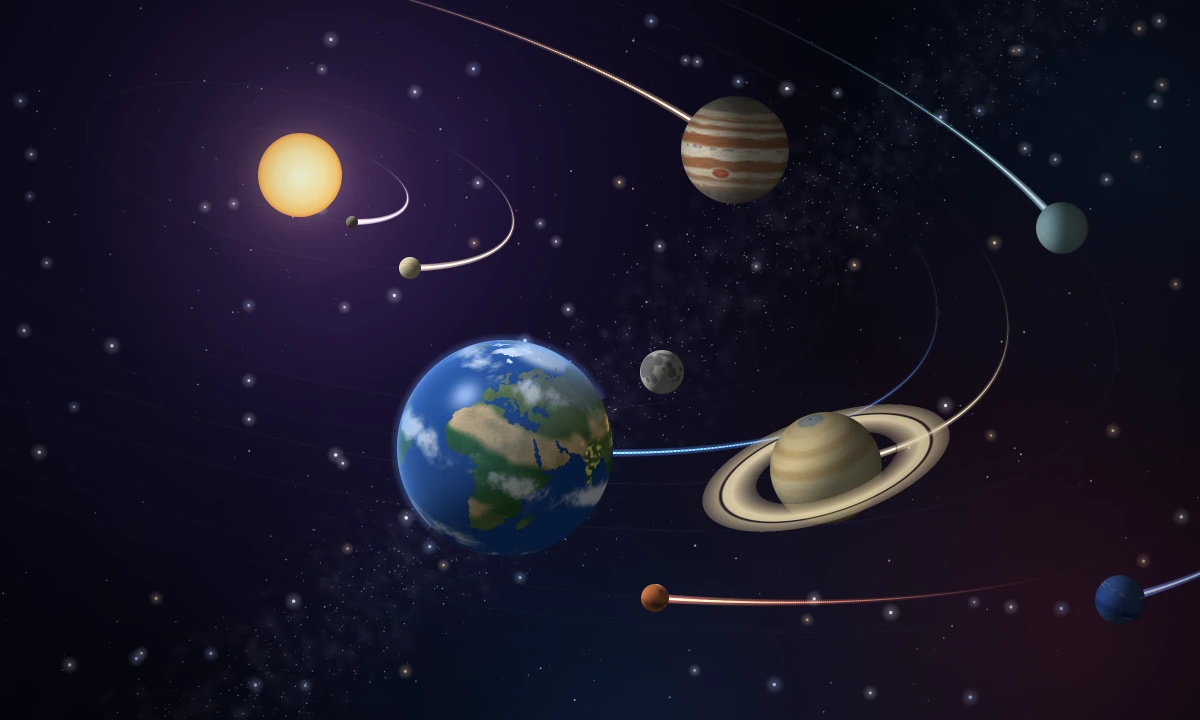
Solar System
Fly through the solar system in 3D in your browser. The sun, eight planets, their largest moons, the dwarf planets, and the Kuiper belt move on their real, tilted orbits under Newton's gravity.
N-Body System
Watch Newton's gravity move stars, planets, and moons in 3D in your browser. Turn the view, and see stable orbits, resonances, slingshots, Trojans, and a chaotic cluster.
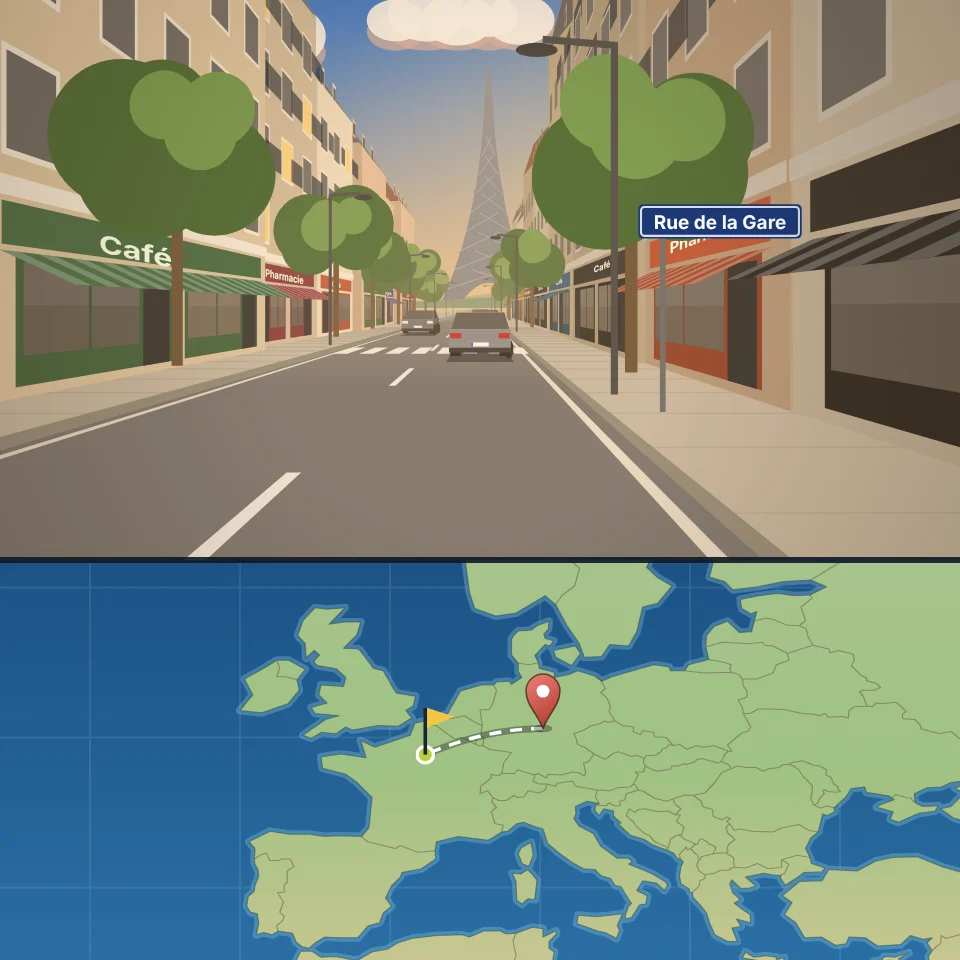
Atlas Pin
Play Atlas Pin, a free geography game in your browser: read a drawn street, drop a pin on the world map, and score by how close you are. Five places, with a daily set.
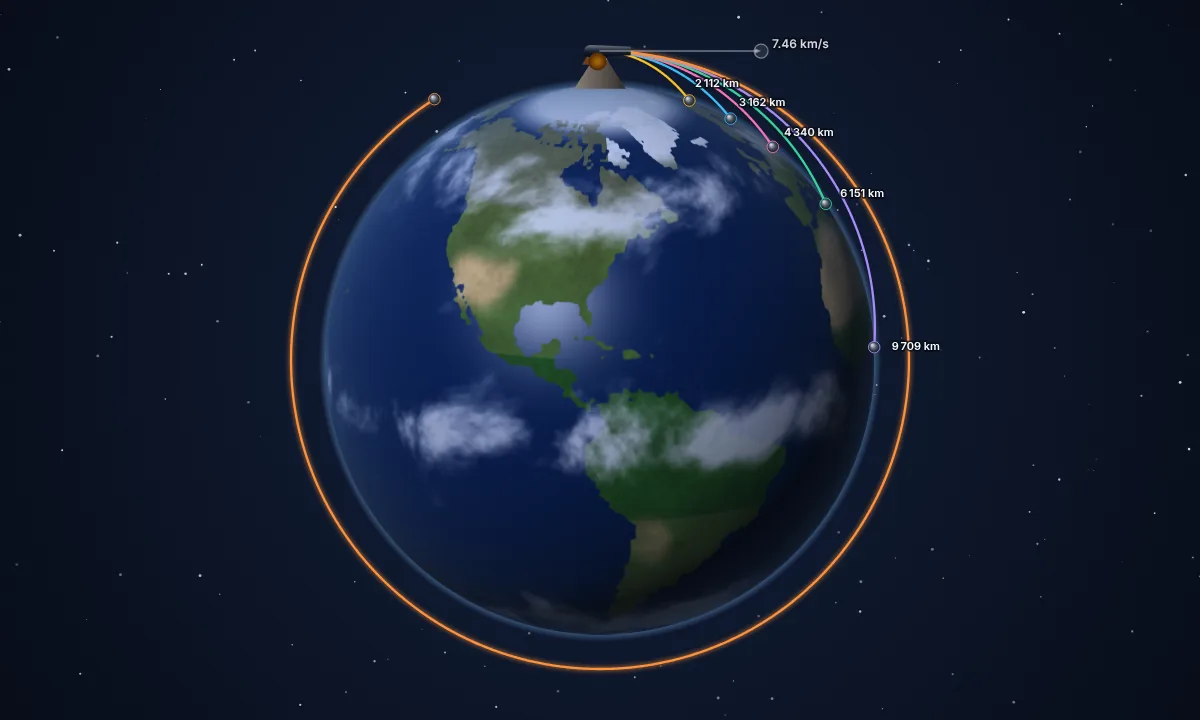
Newton's Cannon & Orbital Speed
Fire a cannonball from Newton's mountain and watch it fall back, land further away, fall all the way around the Earth, or escape. See circular and escape speed, ellipses and Kepler's equal areas.
Ready to try it?
Open PictorX in your browser — no install, no credit card required to start.
Go to Editor