
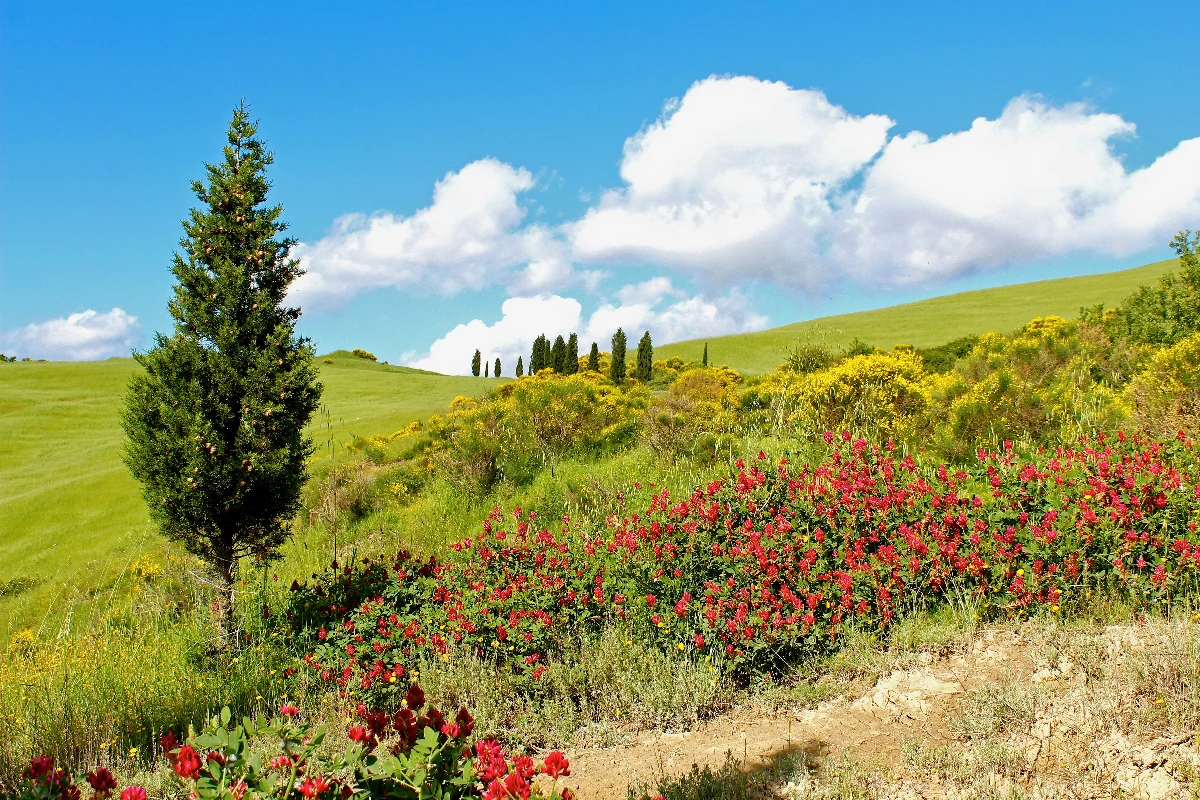
Перетворіть фото на абстракцію Кандинського з кіл, ліній і кольору — виберіть «Стиль» і «Палітру», а потім налаштуйте «Елементи».
Фотофільтр у стилі Кандинського — кола, лінії й колір
Kandinsky built pictures from point, line and plane. This filter reads your photo the same way: its strongest light and dark blobs become circles, its strongest edges become straight lines, and its broad colour areas become washes and fields, all pulled into Kandinsky's palettes. Every photo gives a different composition. All processed on-device. Перетворіть фото на абстракцію Кандинського з кіл, ліній і кольору — виберіть «Стиль» і «Палітру», а потім налаштуйте «Елементи».
Як це працює
- Open PictorX in your browser and load a photo — landscapes, portraits and street scenes all give different compositions.
- Choose Kandinsky, then pick a Style (Composition, Concentric Circles, Several Circles or Improvisation) and a Palette, and adjust Element Size, Elements, Line Work, Color Intensity and Canvas Texture.
- Export the abstraction, or keep editing with layers and other effects in the same workspace.
Point, line and plane — from your photo
In his Bauhaus book Point and Line to Plane (1926), Kandinsky described pictures as built from three elements. The filter takes them from the photo: blobs of strong contrast become circles sized by their importance, the strongest edges become thin straight lines along their own direction, and the broad colour areas become pale washes and translucent planes. The composition therefore follows your photo, even though nothing is traced.
Four styles and six palettes
Composition gathers circles with halos, fans of lines, arcs, triangles and small checkerboards on a light ground, after Composition VIII (1923). Concentric Circles fills a grid of squares with hand-painted rings, after his 1913 colour study. Several Circles (1926) floats translucent discs in a dark space, and Improvisation turns the photo into free colour patches with black calligraphic lines, like his paintings before 1914. Palettes: Photo, Composition VIII, Several Circles, Bauhaus, Blue Rider and Murnau.
Privacy and keep editing
Processing stays in your browser—photos are not uploaded to PictorX servers for this filter. After Kandinsky, continue with layers, text, Paul Klee, Picasso and Cubism, Pointillism, or export.
Поширені запитання
Що робить фільтр «Кандинський»?
Він перетворює фотографію на абстрактну композицію в манері Василя Кандинського — кола, лінії, кільця й кольорові поля, взяті з власних форм і кольорів фотографії, — а не на копію музейної картини. «Стиль», «Палітра», «Розмір елементів», «Елементи», «Лінії» та «Інтенсивність кольору» формують вигляд.
Чи це справжня картина Кандинського?
Ні. Це цифрова данина для ваших власних фотографій. Справжні роботи Кандинського зберігаються в музеях, як-от Центр Помпіду в Парижі, Ленбаххаус у Мюнхені та Музей Ґуґґенгайма в Нью-Йорку.
Які фотографії підходять найкраще?
Фотографії з кількома чіткими формами й сильним контрастом дають найсміливіші композиції; пейзажі підходять для стилів «Композиція» та «Концентричні кола», нічні чи темні фотографії — для «Кількох кіл», а портрети — для «Імпровізації».
Чи можна продовжити редагування після застосування «Кандинського»?
Так. Продовжуйте працювати із шарами, текстом, іншими художніми образами або експортуйте результат із того самого робочого простору PictorX.
Схожі інструменти
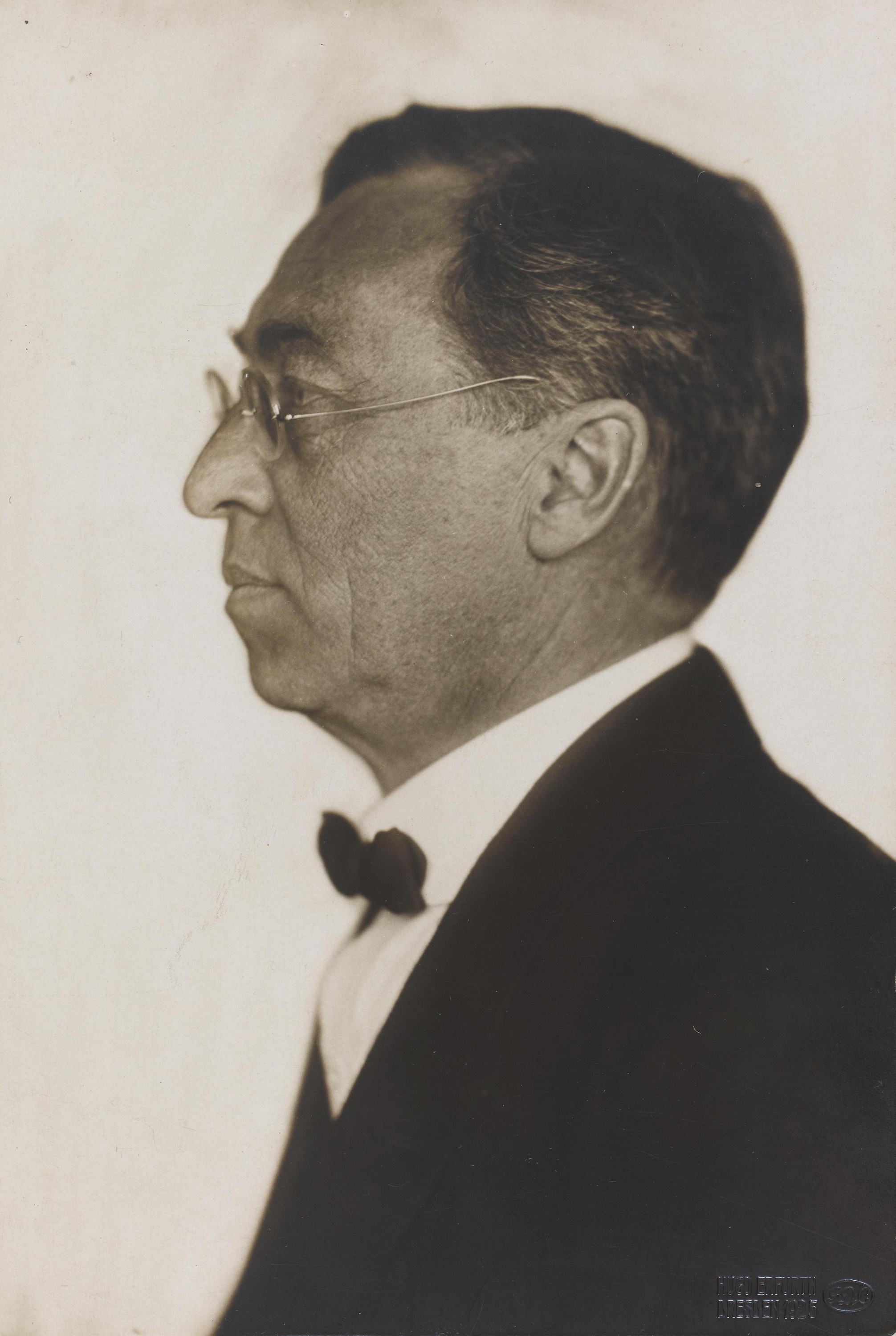
Василь Кандинський
Хто такий Василь Кандинський? Піонер абстрактного мистецтва: «Синій вершник», колір як музика, «Квадрати з концентричними колами», «Композиція VIII» і «Кілька кіл».
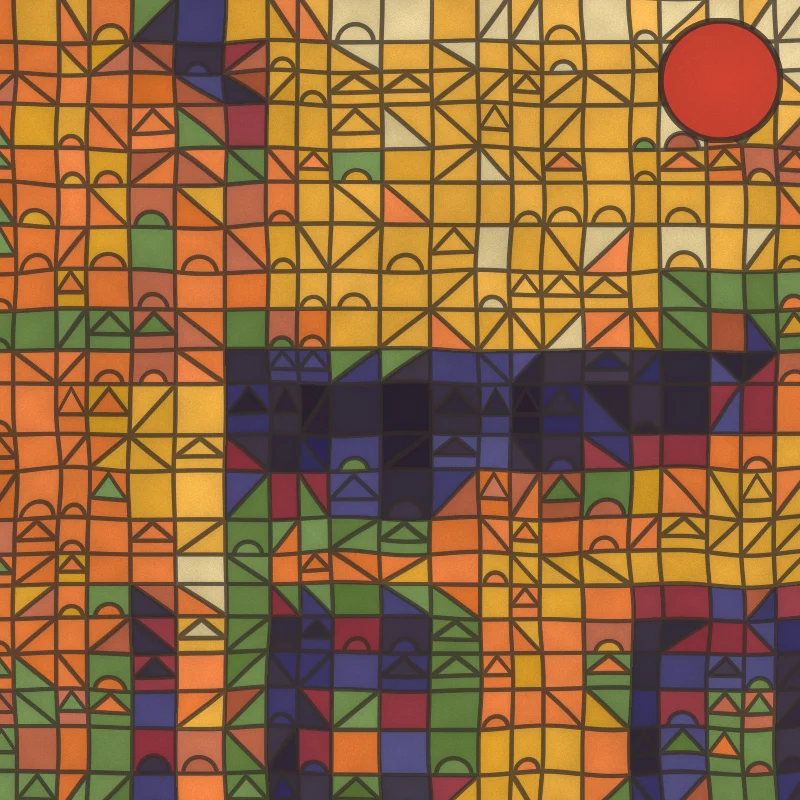
Фотофільтр у стилі Пауля Клеє — магічні квадрати, замки й лінії
Перетворіть фото на картину в стилі Пауля Клеє просто в браузері: магічні квадрати кольору, плитки «Замок і сонце», крапки «Ad Parnassum», лінія, що вийшла на прогулянку, або туніські акварелі.
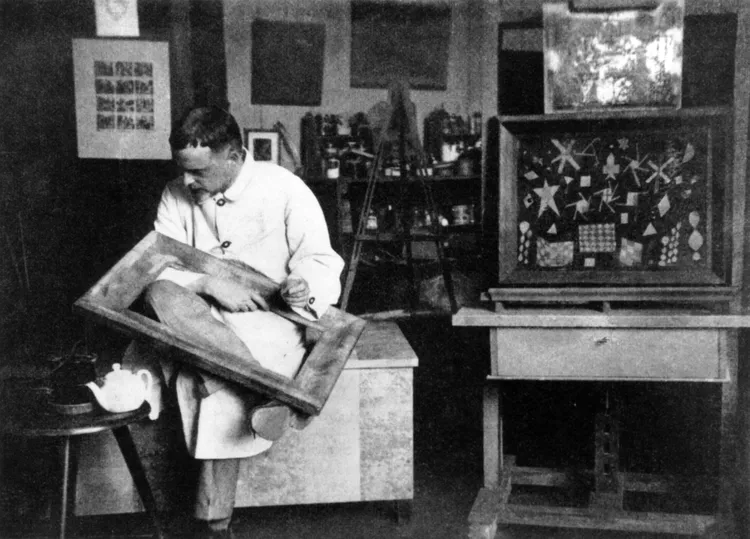
Пауль Клее
Ким був Пауль Клее? Від Берна до «Синього вершника», подорож до Тунісу 1914 року, магічні квадрати кольору, лінія на прогулянці, роки в Баугаузі та «Ad Parnassum».
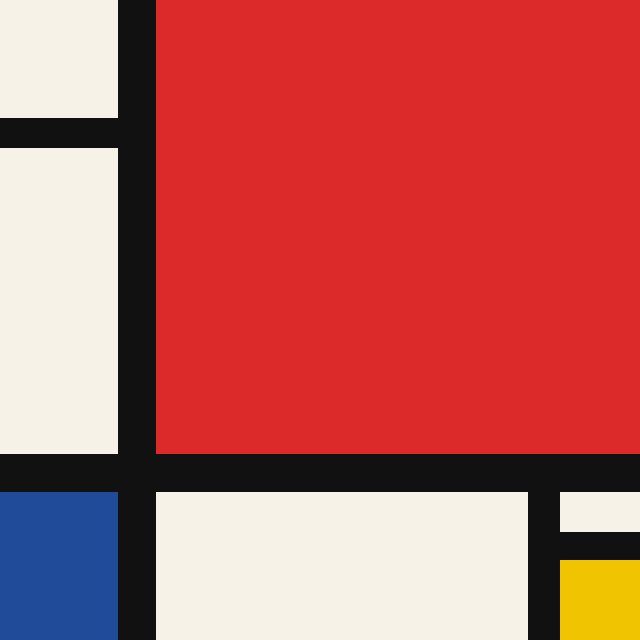
Мондріан
Створюйте класичні сітки в стилі Мондріана та «Де Стейл» просто в браузері. Налаштовуйте складність, товщину ліній і заповнення кольором — клацайте клітинки, щоб перефарбувати їх, а потім зберігайте PNG.
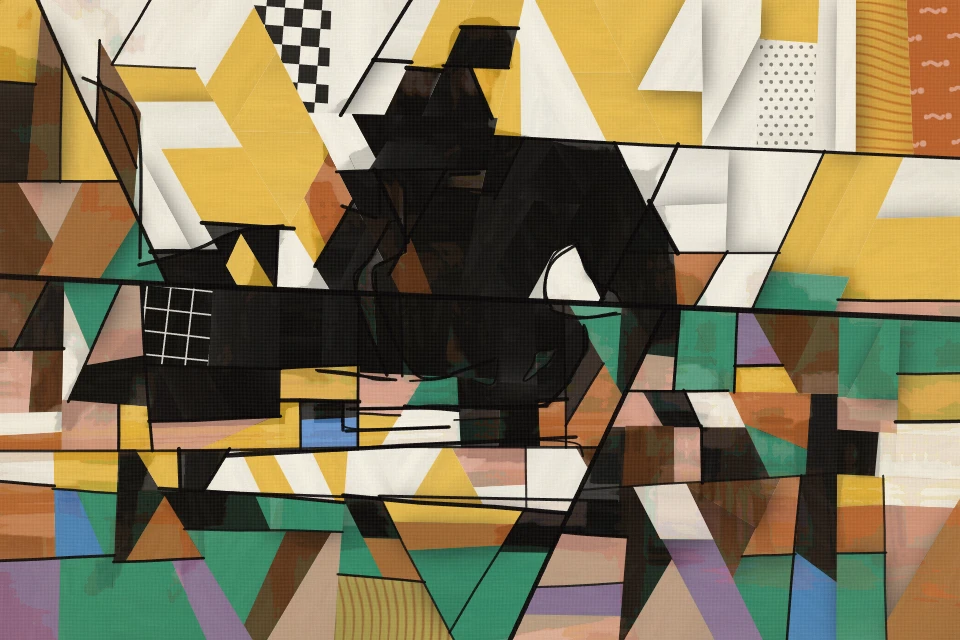
Пабло Пікассо і кубізм
Перетворіть фото на твір у дусі Пабло Пікассо й кубізму просто в браузері: блакитний і рожевий періоди, аналітичний або синтетичний кубізм, кубістичний портрет, пап'є-колле, кристалічний кубізм, розколоті портрети «Жінки, що плаче» або чорно-білі уламки «Герніки».
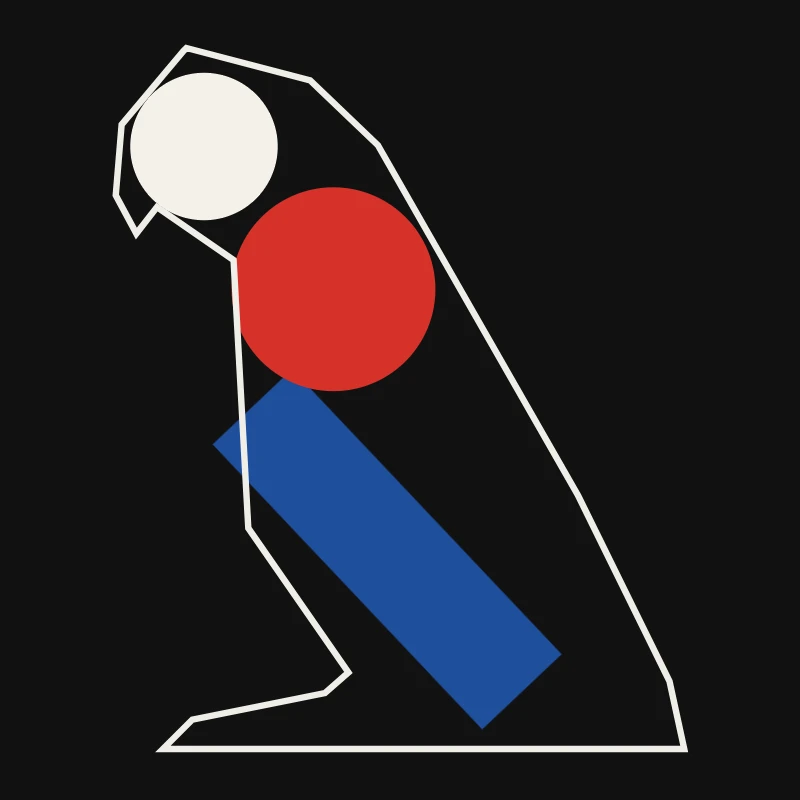
Мінімалізм
Перетворіть фото на мінімалістичне мистецтво просто в браузері: пласкі форми з чіткими краями, силует, одна лінія, кольорові поля або блоки — усе взято з вашого фото.
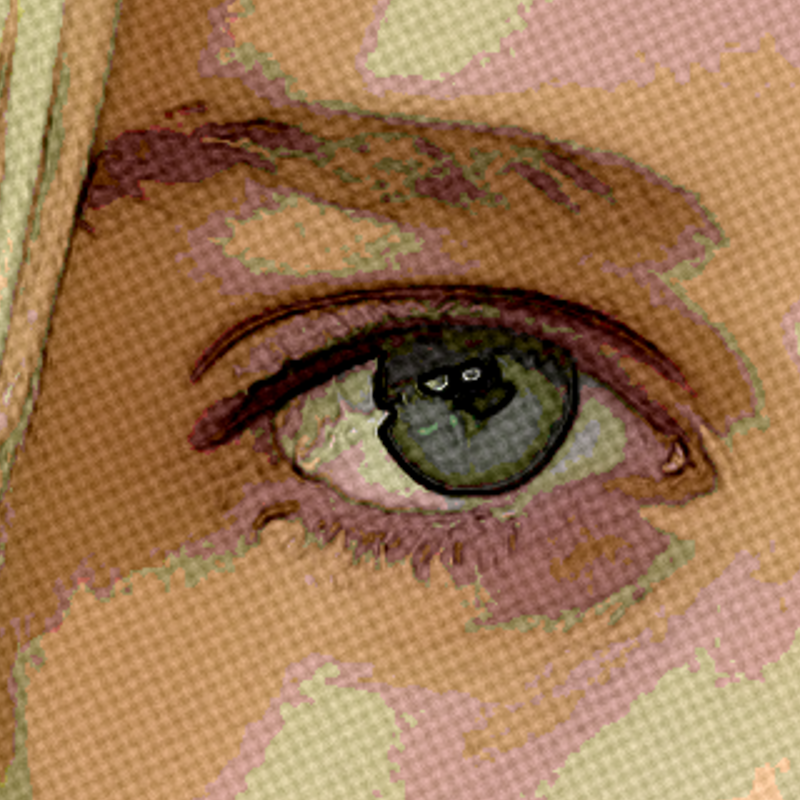
Художні ефекти
Перетворюйте фото на студійні художні роботи: олійний живопис, акварель, олівець, туш у стилі коміксу, пастель, паперова аплікація та інші стилі.
Готові спробувати?
Відкрийте PictorX у браузері — без встановлення і без кредитної картки.
Перейти до редактора