
Jigsaw Puzzle
Pick a picture or open one of your own photos and it is cut into classic interlocking pieces. Drag them onto the board: neighbours that fit click together, and every piece in the right spot locks into place. Drag the pieces onto the board; matching neighbours click together and pieces in the right spot lock in place. Space picks a piece, the arrow keys move it and Enter drops it. E shows edge pieces only, P the preview.
How it works
- Choose a picture, or press Open photo to use your own.
- Set the number of pieces, from a quick 12 to a challenging 300.
- Drag the pieces onto the board, or use Space, the arrow keys and Enter.
Real jigsaw shapes
Every piece has curved tabs and blanks, and no two cuts are the same. Pieces that belong together snap when they are close, so you can build small sections anywhere on the table and move them as one.
Your own photos
Open any photo from your device and it becomes a puzzle at once. The picture stays in your browser and is never uploaded, which makes it a nice way to turn holiday snaps into a game.
Edges first and a peek at the box
Edges hides every piece without a straight side, so you can build the frame first. Preview shows the finished picture faintly on the board whenever you need a clue.
Frequently asked questions
How many pieces can I choose?
12, 24, 48, 96, 150 or 300. The exact number can shift slightly so that the pieces stay close to square for your picture's shape.
Can I play on a phone or tablet?
Yes. Drag pieces with a finger; on a tall screen the board sits at the top with the loose pieces below.
Is my best time saved?
Yes. The quickest time for each piece count is kept on this device.
Is it free?
Yes. The jigsaw is free, runs in your browser and needs no account.
Related tools
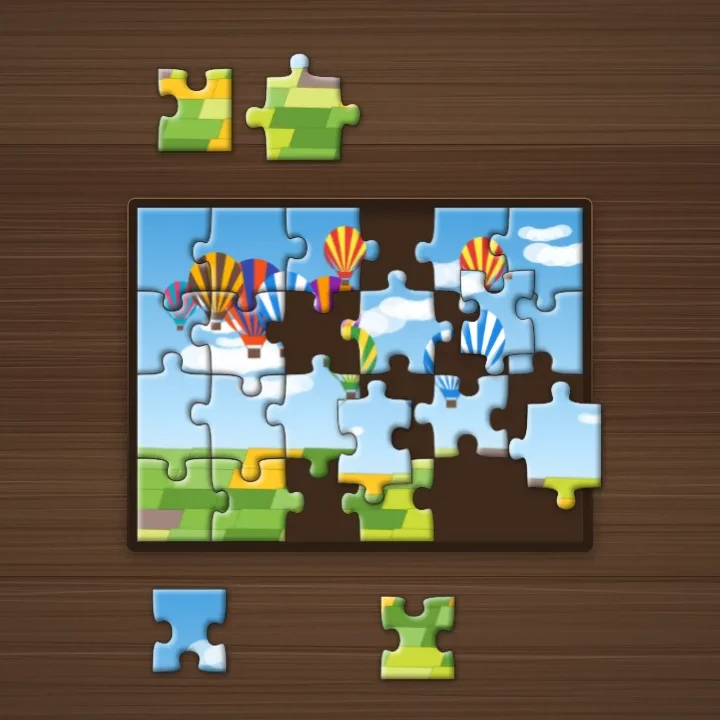
About jigsaw puzzles - history, cutting and strategy
What are jigsaw puzzles? How they began as teaching aids made from maps, how the classic piece shape works, and strategies to finish big puzzles faster.
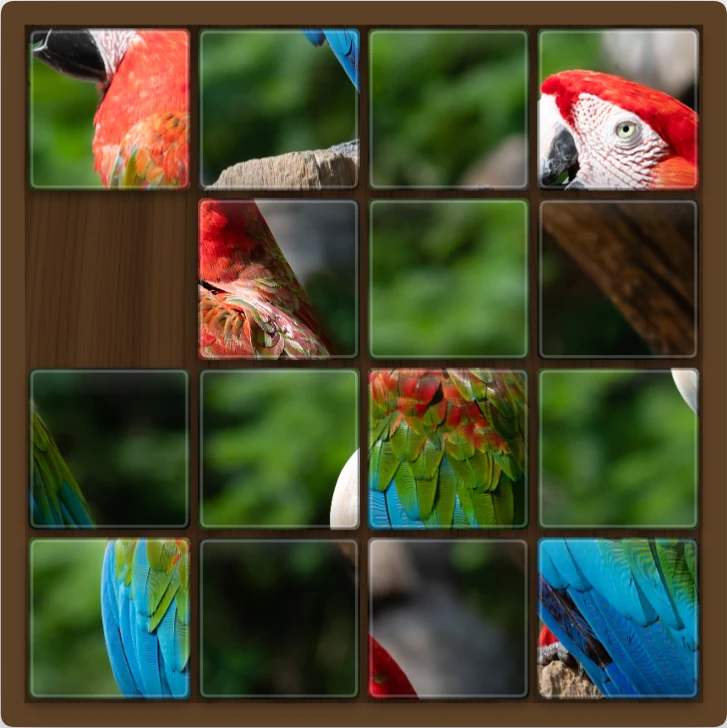
Sliding Photo Puzzle
Turn any photo into a sliding tile puzzle in your browser. Open your own picture or pick an example, choose 3×3, 4×4, 5×5, or 6×6 tiles, and slide them until the photo is whole again, or watch Solve do it.
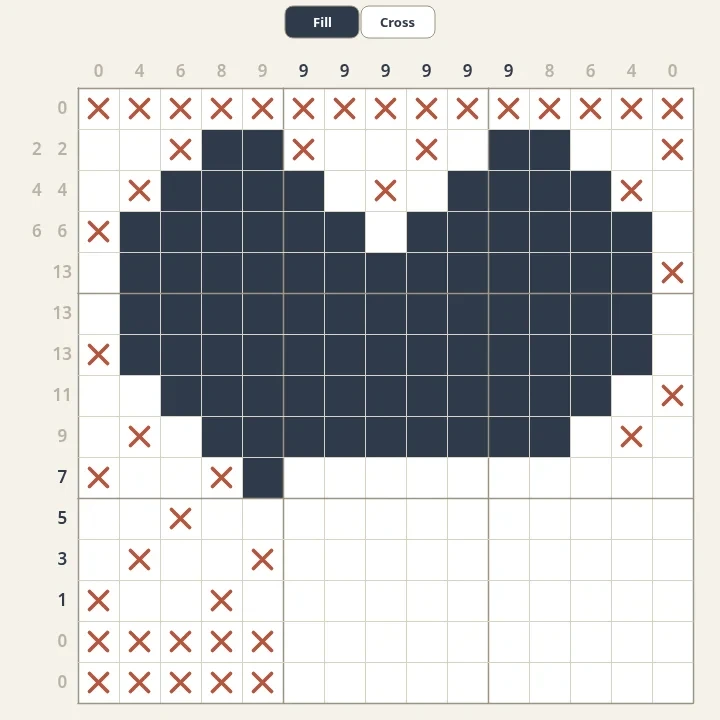
Nonograms
Solve free nonograms in your browser. Every puzzle is generated, has one logical solution and reveals a pixel picture. Choose sizes from 5x5 to 20x20 and mark empty cells with crosses.
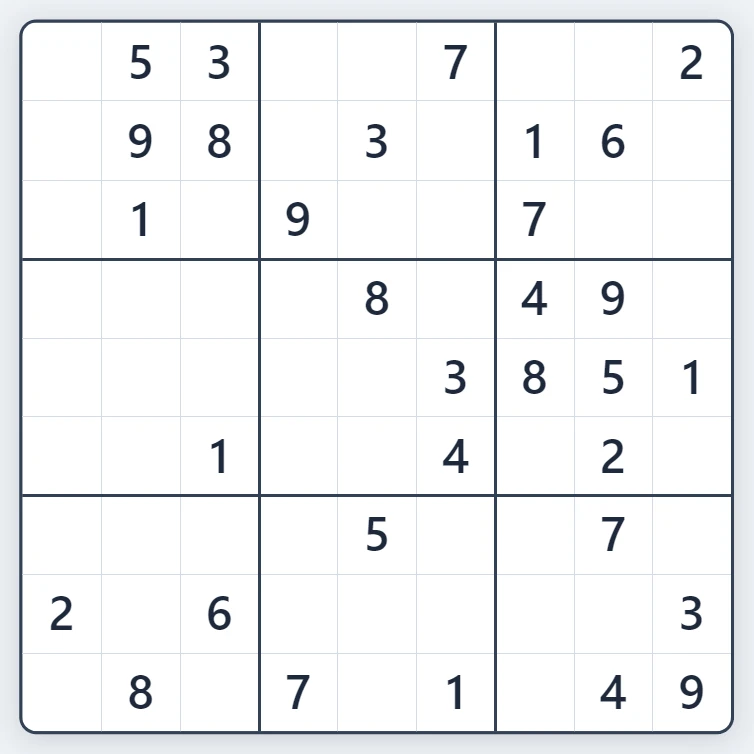
Sudoku
Play Sudoku free in your browser. Fresh puzzles with exactly one solution, four levels from Easy to Expert, pencil notes, hints, mistake highlighting and undo.
Ready to try it?
Open PictorX in your browser — no install, no credit card required to start.
Go to Editor