
Documents
From
Bill to
Line items
Senders and clients
Numbering and defaults
Invoice & quote maker
Write an invoice or a quote on a page that looks like the document you will send. Add lines with quantity, price, discount and VAT, pick a currency, and keep a list of senders and clients. A running total stays in view. Write invoices and quotes with line items, VAT, discounts and a currency. Keep a list of senders and clients, and number each document. Everything is saved here; nothing is sent to a server.
How it works
- Create an invoice or a quote, then add lines with quantity, unit price, discount and a VAT rate.
- Fill in sender and client details, or pick them from a saved list, and number each document.
- Switch type or convert a quote to an invoice, and save JSON, PDF or an image.
A document you can send
The paper preview is the invoice or quote: parties at the top, a table of lines, VAT grouped by rate, and a total. A document discount comes off the net subtotal. Export a PDF or an image when you are ready to share it.
Private and portable
Your documents stay in this browser only and are saved as you work. Save as JSON to back them up or open them on another device. Undo and redo cover every change.
Frequently asked questions
Is the invoice and quote maker free?
Yes. It is free, needs no account and works in any modern browser.
Where are my documents stored?
In the local storage of this browser. Invoices, quotes, senders and clients are saved as you work. Nothing is uploaded. Use Save as JSON to make a backup and Open JSON to restore it.
Can I turn a quote into an invoice?
Yes. Convert a quote to a new invoice. The lines and the parties are kept, and the new document gets the next invoice number.
What should an invoice include?
A unique invoice number, the invoice date and due date, your details and the client's, a description, quantity and price for each line, the VAT rate and amount, and the total. Many countries also require your VAT number. The maker has a field for each, plus Notes and Terms for payment details.
Related tools
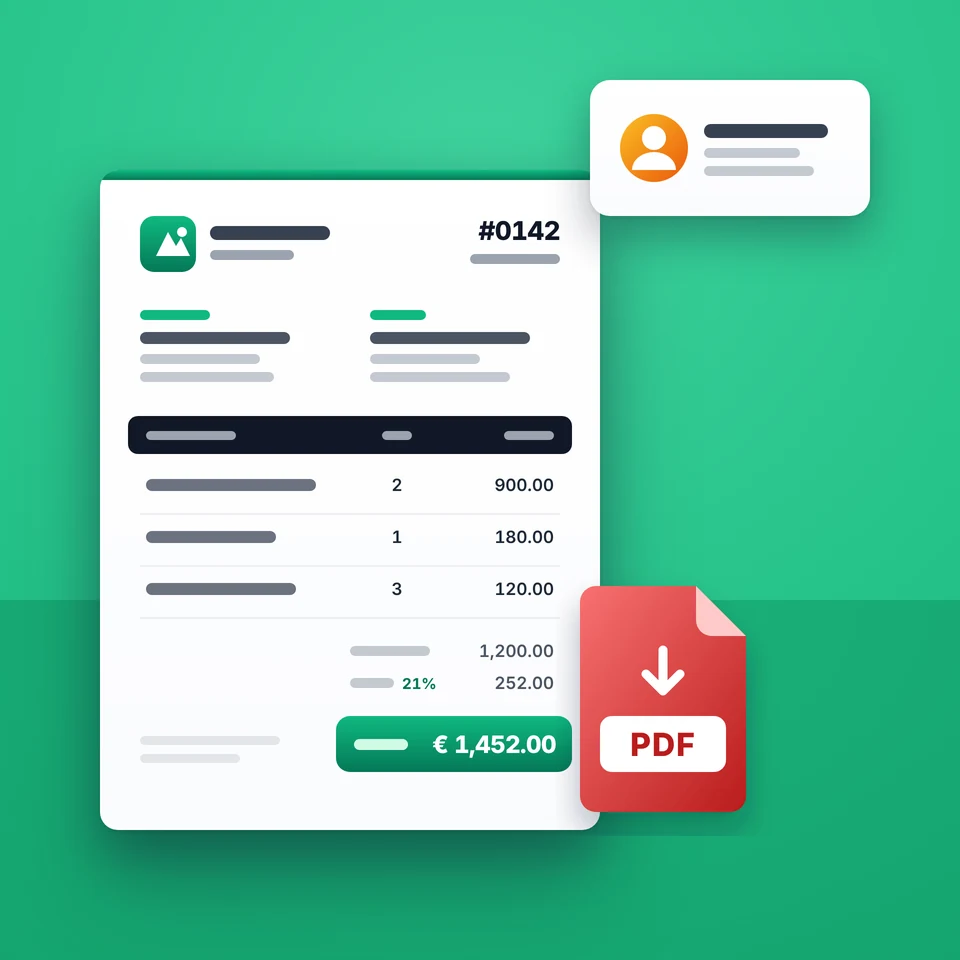
The story of the invoice and the quote
Where invoices and quotes come from: bills of sale, a formal offer before work begins, VAT on each line, and why a document you can number and reuse still matters, kept in this browser.
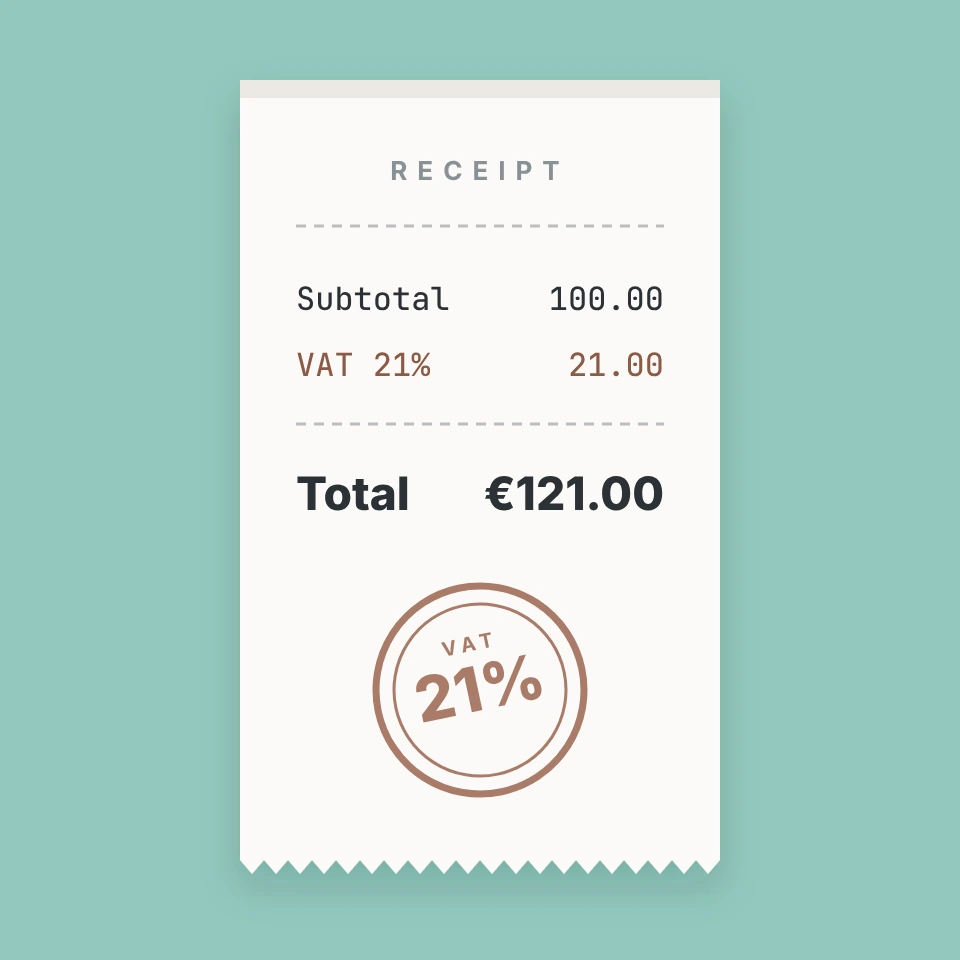
VAT calculator
A free online VAT calculator: add or remove VAT with rates for the Netherlands, Belgium, Germany, France, the UK and more, and print a simple invoice overview.

Goal and OKR tracker
A free online goal and OKR tracker: set objectives with deadlines and colours, add numeric or checkbox key results, check in with notes, and watch weighted progress and status. Saved in your browser.
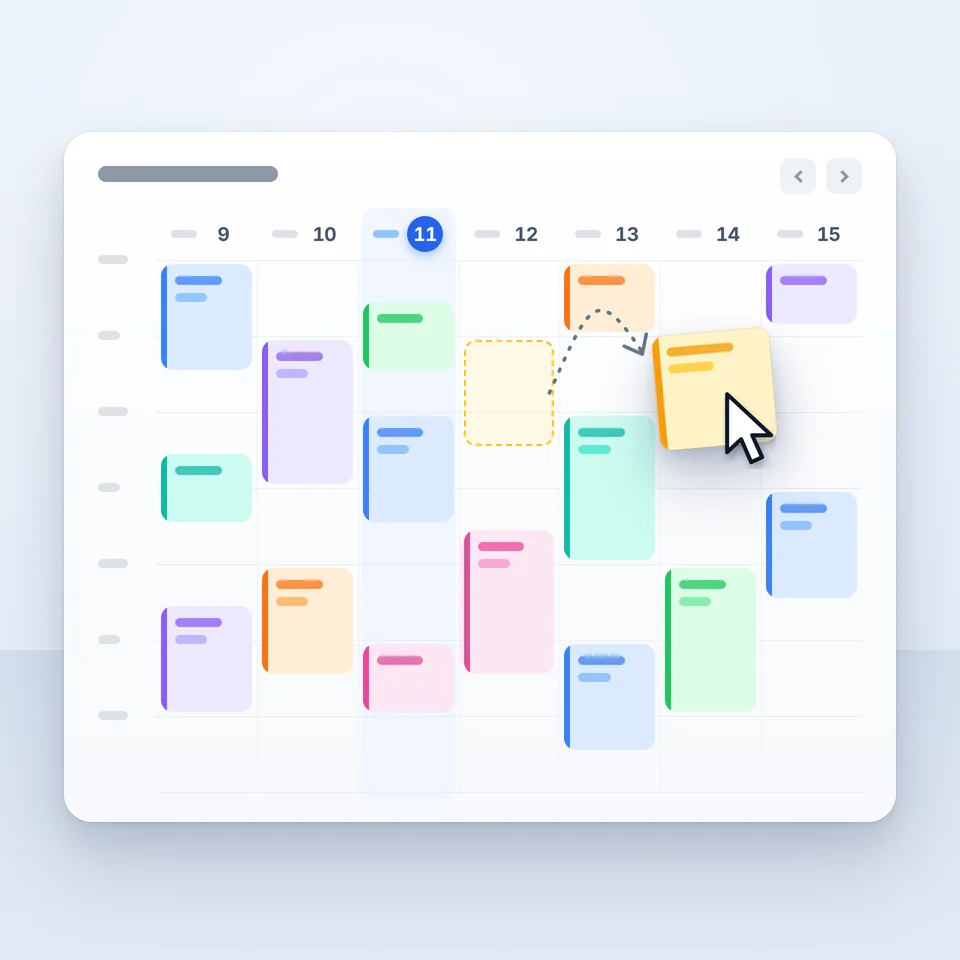
Weekly planner
A free online weekly planner: drag time blocks onto a Mon-Sun grid, drop unscheduled tasks from the inbox, repeat weekly blocks, and read hours by category. Saved in your browser.
Ready to try it?
Open PictorX in your browser — no install, no credit card required to start.
Go to Editor